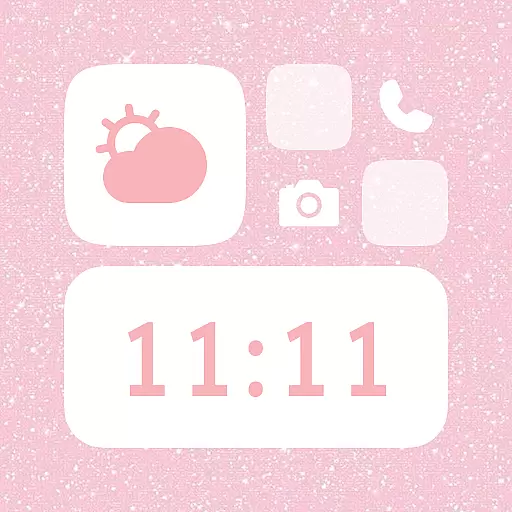
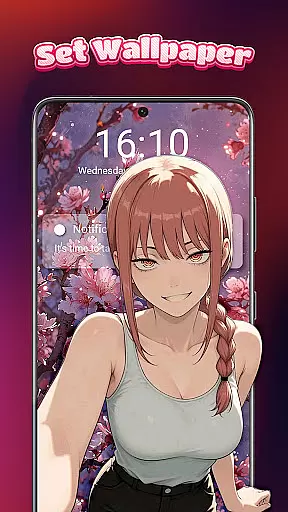
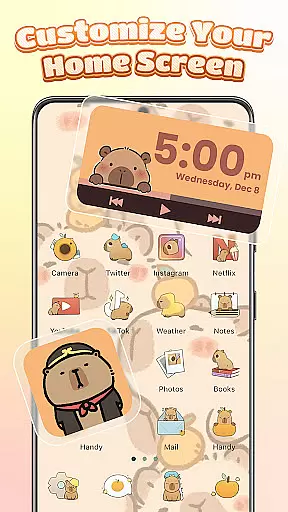
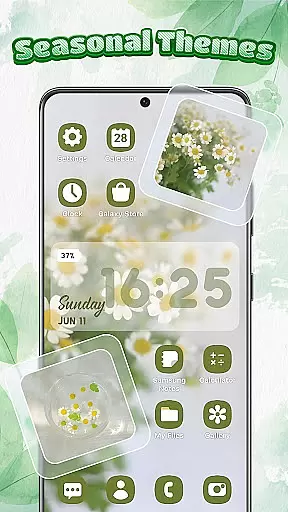
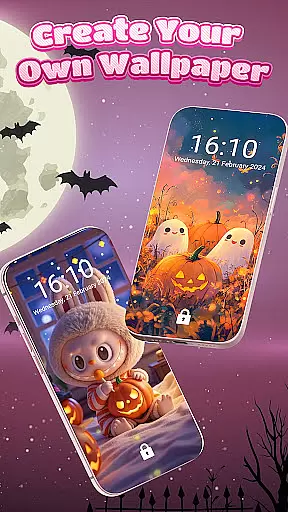
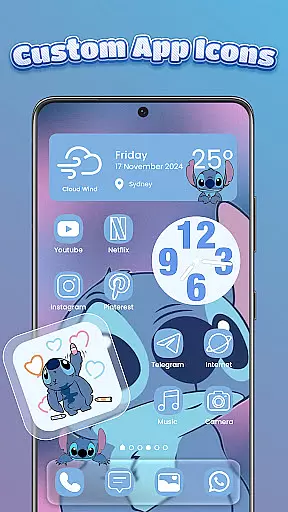
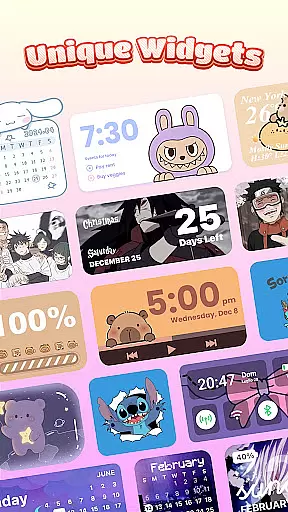
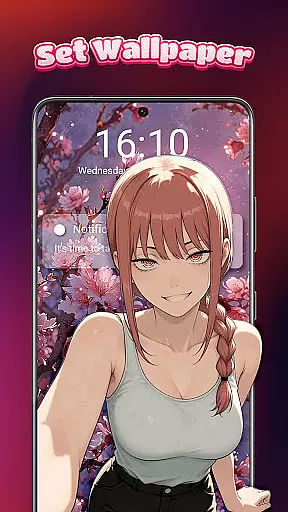
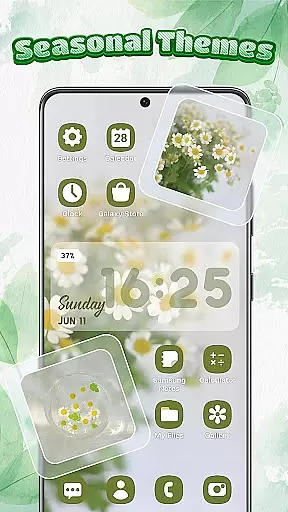
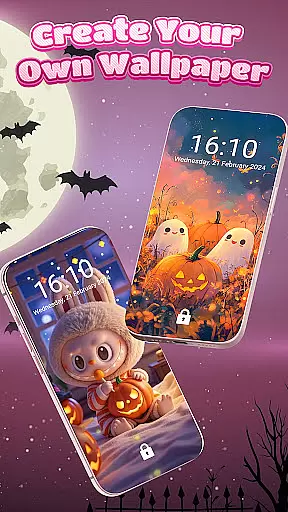
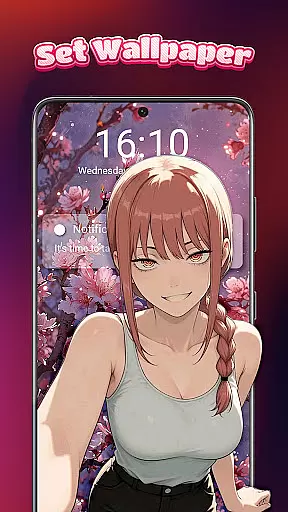
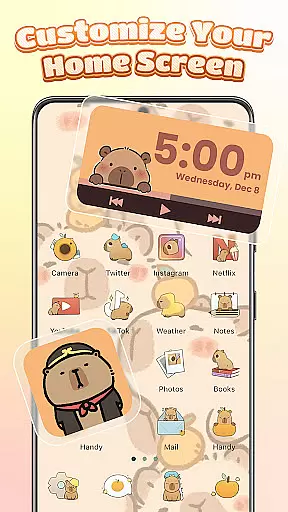
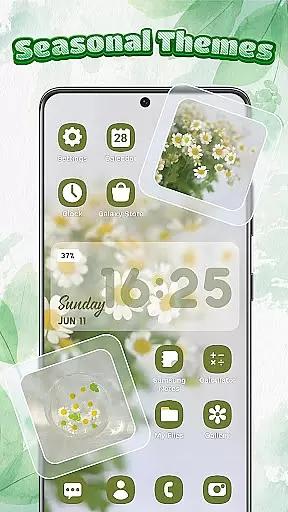
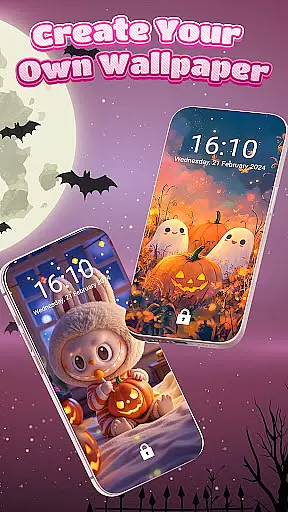
Themebox is a comprehensive personalization app that allows users to fully customize their smartphone's appearance. With over 1000 beautifully designed themes, the app offers an extensive range of aesthetic options including wallpapers, color widgets, and custom icons. Whether you prefer pastel tones, dark mode elegance, or anime-inspired minimalism, Themebox caters to diverse style preferences.
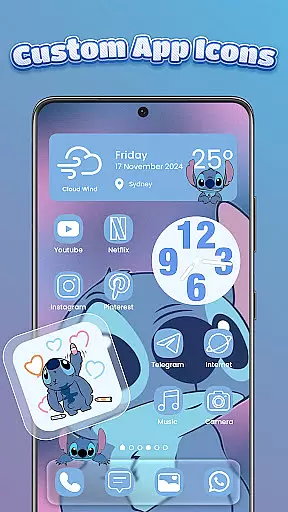
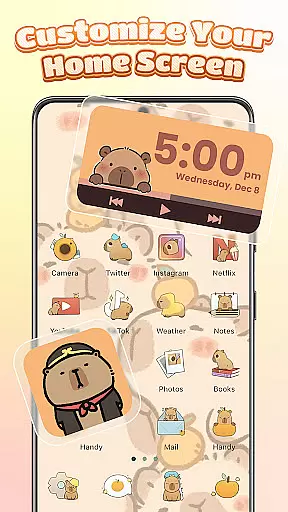
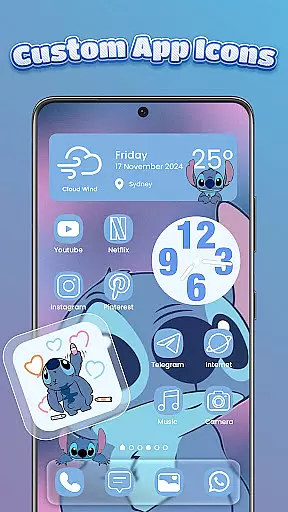
The app's standout feature is its powerful icon changer functionality. Users can easily modify app icons with various styles, fonts, colors, and transparency settings. The intuitive interface enables creative freedom in designing personalized home screens. Additionally, the built-in smart control center provides quick access to essential system settings through a stylish floating panel.
Themebox is particularly valuable for Android users seeking to create unique, aesthetically pleasing home screen designs. Its combination of functional widgets and artistic customization tools makes it an ideal solution for those who want both beauty and practicality in their mobile experience.
Themebox distinguishes itself through its comprehensive suite of customization features. The app's icon changer supports extensive modifications, allowing users to adjust not just the visual appearance but also icon names, background transparency, and font styles. This level of granular control enables precise personalization that matches individual preferences.
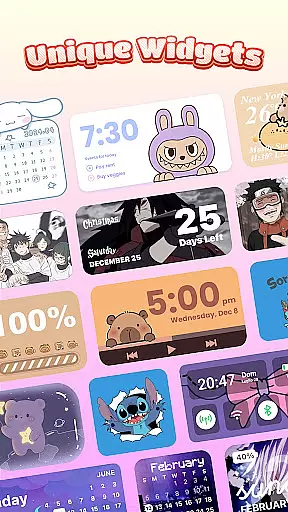
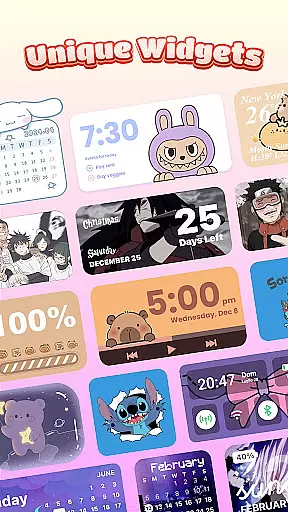
The color widget collection represents another key strength, offering interactive elements for battery status, weather updates, calendar information, and image displays. These widgets aren't merely decorative; they provide real-time information while maintaining aesthetic consistency with chosen themes. The smart control center further enhances usability by providing one-touch access to frequently used system functions.
What sets Themebox apart is its regular content updates and diverse theme library. With daily additions and exclusive releases spanning various styles from neon to vintage, users can continually refresh their device's look. The app's lightweight architecture ensures smooth performance despite its feature-rich nature, making it suitable for devices with varying specifications.
Themebox stands out in the personalisation category by offering an extensive range of customization options that cater to every user's unique style and preferences. With over 1000 beautifully designed themes, users can transform their home screens into personalized works of art.
The app icon changer feature provides a vast selection of icon packs, allowing users to give their apps a fresh new look. Whether you prefer cute and colorful or sleek and modern styles, Themebox lets you mix and match with ease. You have control over fonts, colors, transparency, and backgrounds, ensuring your home screen is a true reflection of your personality.
In addition to icons, Themebox offers color widgets that add both functionality and aesthetics to your device. These include battery status, calendar, weather, and smart control panel widgets, all customizable to blend seamlessly with your chosen theme. This level of detail ensures that every element on your screen contributes to a cohesive visual experience.
Themebox excels in theme compatibility, ensuring that all customizations work harmoniously across different devices and screen sizes. The app supports a wide array of Android devices, making it accessible for users regardless of their hardware.
Each theme, wallpaper, and widget is designed to maintain its quality and appearance, whether you're using an older model or the latest smartphone. This commitment to compatibility means that users can enjoy consistent aesthetics without worrying about distorted images or misaligned elements.
Moreover, Themebox regularly updates its library with new themes and styles, including anime, neon, minimalist, pastel, and vintage options. These updates guarantee that your device's look remains fresh and up-to-date while maintaining perfect compatibility with existing features like color widgets and icon packs.
User-friendly interface
Extensive customization options
Regular theme updates
Lightweight performance
Versatile widget collection
Limited iOS compatibility
Advanced features may require learning
Some themes need premium access
Occasional update frequency
Device-specific limitations

Unique Android Launcher
 4.60
4.60
Turn text & photos into stunning AI videos, art, and creative visual stories.
4.50
Adorable pets roam and play right on your phone screen!
3.30
300+ widgets inspired by Material You and Material 3 expressive design.
4.60
Struggling to find apps? Use this app to locate and open any app on your phone!
2.20
Create unique, fun emojis with Funny Emoji Maker! Unlimited creativity!
4.00
Enjoy a variety of amazing live wallpapers and colorful EDGE lighting borders!
4.80
Emoji Maker app - Design custom emojis and effortlessly blend them with Mixer
3.80
Customize phone with anime themes, 3D icons, aesthetic widgets & wallpapers
4.80
Winter's Journey: digital watch face for Galaxy Watch & Wear OS
4.80
Classic analogue watch face. For wear os devices.
4.60
Glass style colourful icons with a One UI look and feel
4.60
Bring adorable pets to life on your screen. Playful, interactive and full of fun
4.60
Embrace the Night. Unleash the power of darkness with Raven Dark Icon Pack
4.60
Vibrant Adaptive Icons with Material You and Enhanced Monet Colors.
4.50
Your home screen, just the way you like it.
4.30
Adult video chat, dating, making friends, random matching
4.20
Realistic animated snow on your wrist, with 10 images landscapes to choose from
4.00
Design your screen with unique, vibrant clocks
3.80


User Reviews