
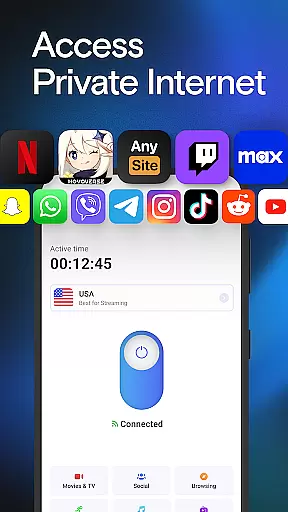
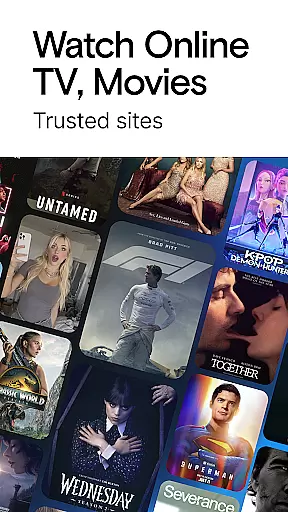
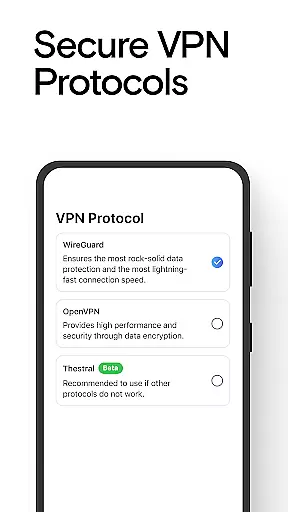
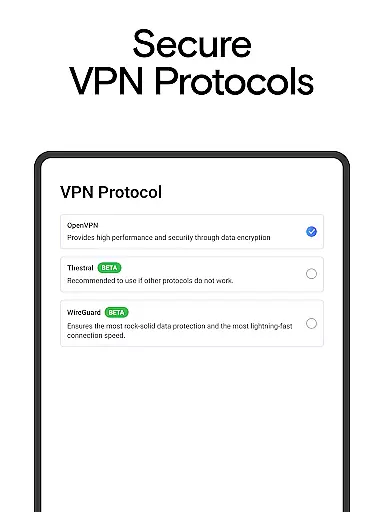
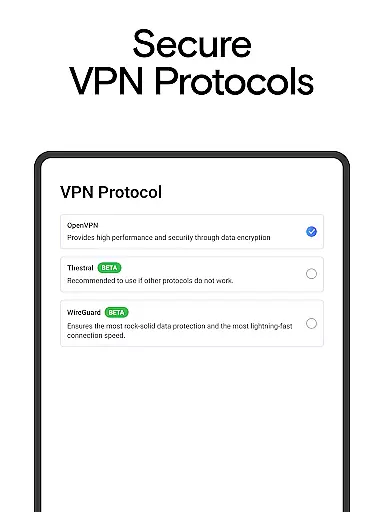
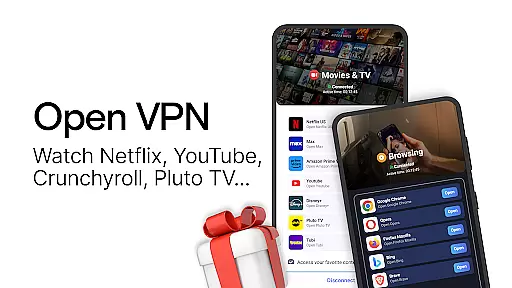
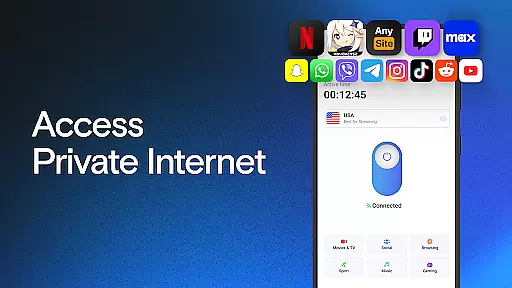

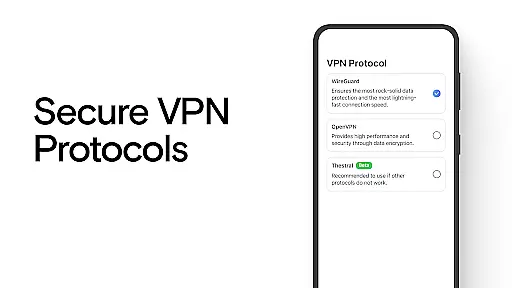
VPN Lumos is a premier virtual private network (VPN) application designed to provide users with secure and private internet access. The app offers an extensive global server network spanning multiple continents, ensuring fast and reliable connections for users worldwide. With just one tap, users can activate military-grade encryption protocols that safeguard their personal data and online activities from cyber threats and privacy breaches.
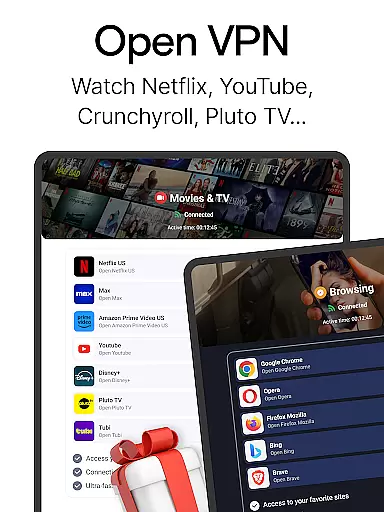
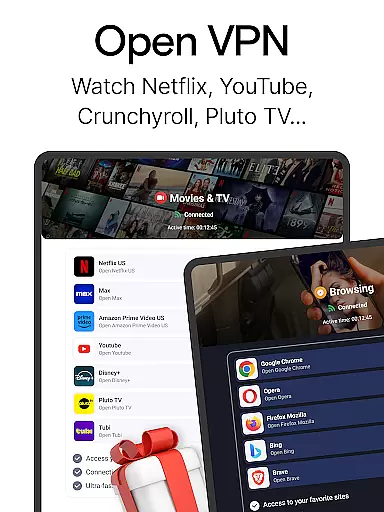
In addition to its robust security features, VPN Lumos supports advanced technologies like SOCKS5 and SOCKS4 proxies, enhancing user protection while browsing the web or using public Wi-Fi networks. The app also allows seamless access to geo-restricted content, enabling users to stream videos, play games, and engage on social media platforms without limitations. Its user-friendly interface makes it easy for anyone to connect securely, while affordable subscription plans offer flexibility for all types of users.
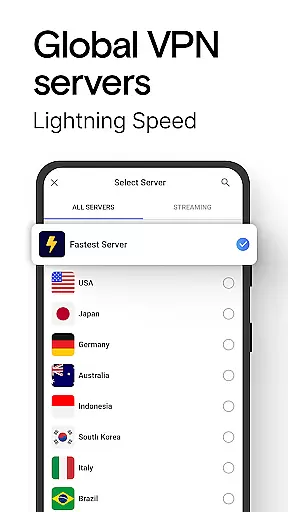
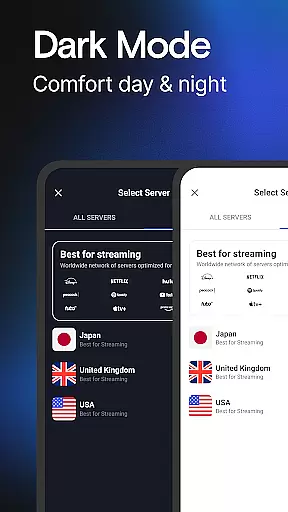
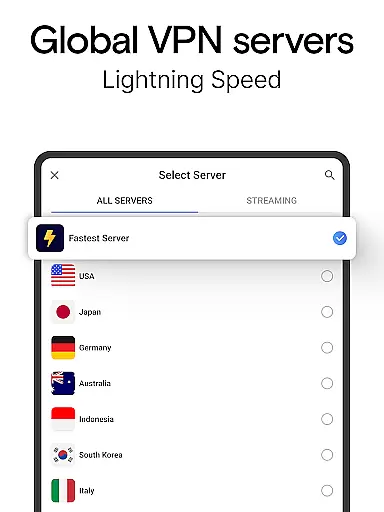
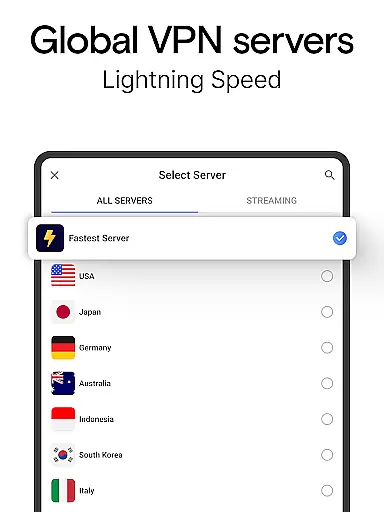
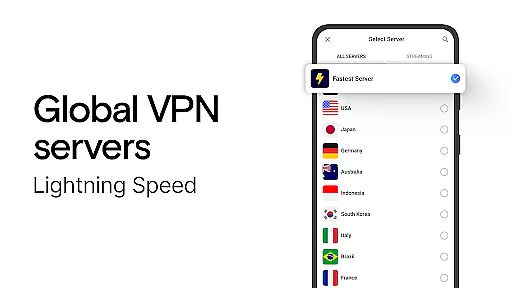
One of the standout features of VPN Lumos is its expansive server network, which includes locations in key regions such as the USA, Indonesia, Malaysia, Australia, and many others. This ensures optimal connection speeds and minimal latency regardless of the user's location. Additionally, the app employs state-of-the-art encryption standards to protect sensitive information, shielding users from potential hacking attempts and unauthorized surveillance.
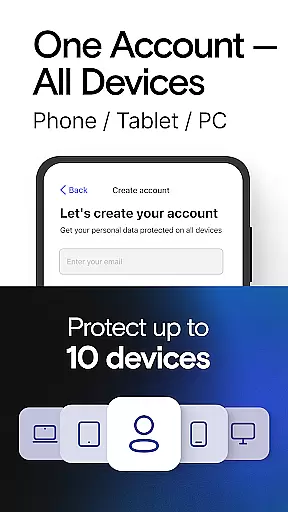
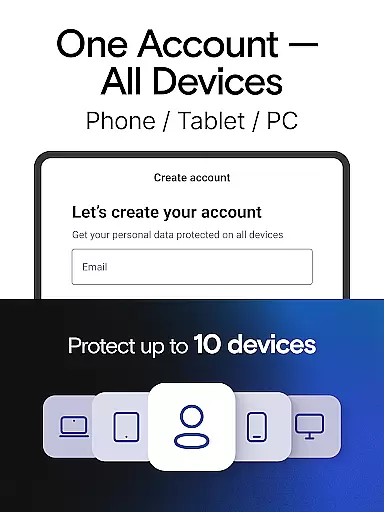
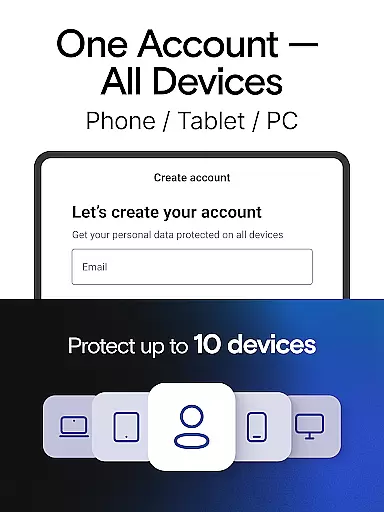
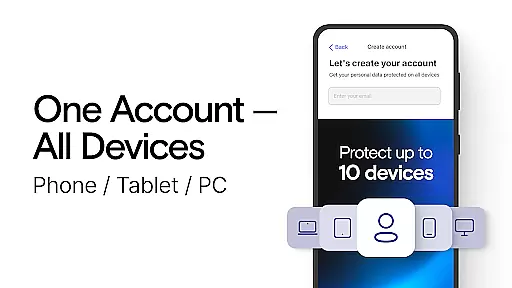
Another notable feature is its compatibility across multiple devices, allowing users to maintain a consistent and secure connection whether they're on a smartphone, tablet, or computer. The app also provides a free trial period, giving users the opportunity to test its capabilities before committing to a subscription plan. Furthermore, the built-in proxy server functionality enables anonymous browsing by routing traffic through remote servers, making it nearly impossible for third parties to track online activity.
As a tool-based application, the core functionality of VPN Lumos lies in its ability to provide secure and private internet access. This is achieved through advanced encryption protocols that protect users' personal data and online activities from potential cyber threats.
The app operates a global network of fast VPN servers located across various continents, including USA, Europe, Asia, and the Middle East. This extensive server infrastructure ensures reliable connection speeds while maintaining optimal privacy standards. Users can browse confidently knowing their digital footprint remains untraceable.
What sets VPN Lumos apart is its implementation of industry-leading security features. The integration of SOCKS5 and SOCKS4 proxy standards creates an additional layer of protection against online vulnerabilities. These technologies work together to safeguard users' internet connections, especially when accessing public Wi-Fi networks.
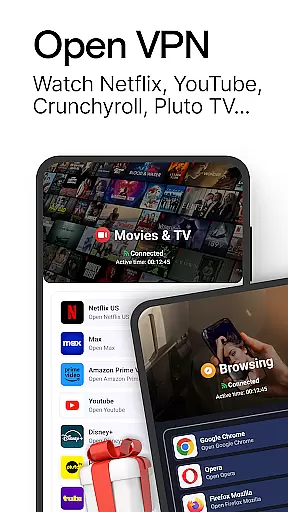
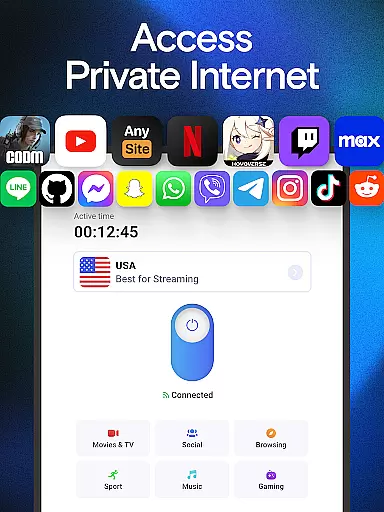
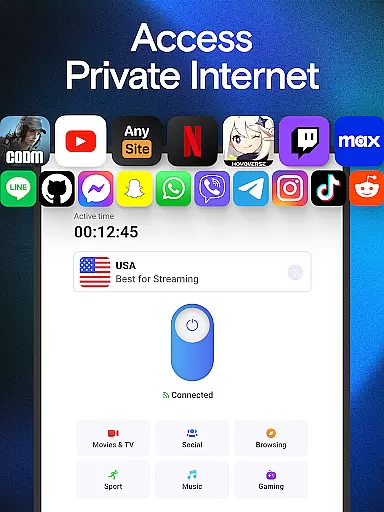
The practical value for users is significant - they can securely access geo-restricted content, stream media without privacy concerns, and conduct sensitive transactions with peace of mind. The application's effectiveness is further enhanced by its one-tap connection feature, making robust cybersecurity accessible even to non-technical users.
VPN Lumos demonstrates exceptional attention to user experience through its thoughtfully designed interface. The developers have successfully eliminated complex configuration settings that often overwhelm users in similar applications. Instead, they've implemented an intuitive one-tap connection system that simplifies the entire VPN activation process.
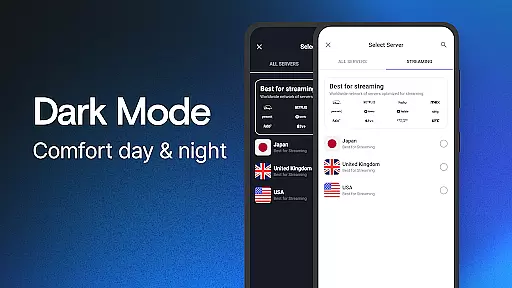
The application's dashboard presents essential information in a clear and organized manner. Users can easily monitor their connection status, select server locations, and manage security settings without navigating through complicated menus. This streamlined approach significantly reduces the learning curve typically associated with cybersecurity tools.
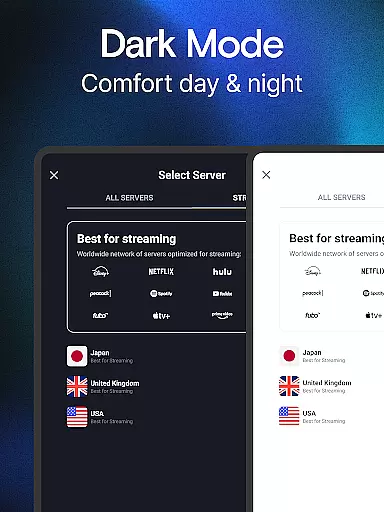
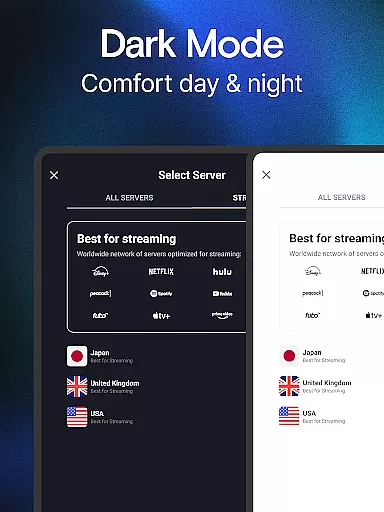
Additional features are logically integrated into the interface, maintaining a perfect balance between functionality and simplicity. For instance, the server selection process is straightforward, allowing users to switch between global locations with minimal effort. The inclusion of a free trial period further enhances the user-friendly nature of the application.
This focus on interface simplicity doesn't compromise functionality but rather enhances it. Users can maintain their online privacy without needing technical expertise, making robust cybersecurity solutions accessible to a broader audience while ensuring consistent usage patterns.
Fast global server network
Advanced encryption protocols
User-friendly interface
Free trial available
Multi-device compatibility
Limited advanced settings
No lifetime subscription option
Premium features require payment
Occasional server outages
Ads in free version

 4.50
4.50
Family Locator, Share location, StayConnect with your family in real time
3.90
Safely recover deleted photos, videos, and files with a single easy tap.
3.70
card-reader app
2.20
ADB support Android 4.X-Android 13(Support wireless pair mode).No root required!
4.70
Excellent scientific calculator with symbolic algebra, integrals, derivatives
4.80
Monitor car performance in real time and troubleshoot malfunctions.
4.80
Powerful collection of electronics tools and reference.A must for any enthusiast
4.90
Clean up large files and similar photos, fast and easy to use
4.40
Navigate with Ease and Style
4.90
Bedrock Together: Join any bedrock server on Xbox/PS
4.80
App to pay for FUTO Keyboard
4.60
Play your X-Box games remotely in 1080p with any controller and zero latency
4.60 4.50
4.50
Just one-tap to easy translate in any language after calls within seconds.
4.20
Quickly & easily calculate the spacing of handrail balusters
4.20
Signal Strength, Mobile, Wifi, Speed Test, Bad Signals, Cellular, 5G, LTE, 4G
4.20 4.10
4.10
Fun lie-detection pranks for friends and parties.
3.80


User Reviews