
Calming & relaxing sounds for sleeping and stress relief. Stay focused all day!
 4.20
4.20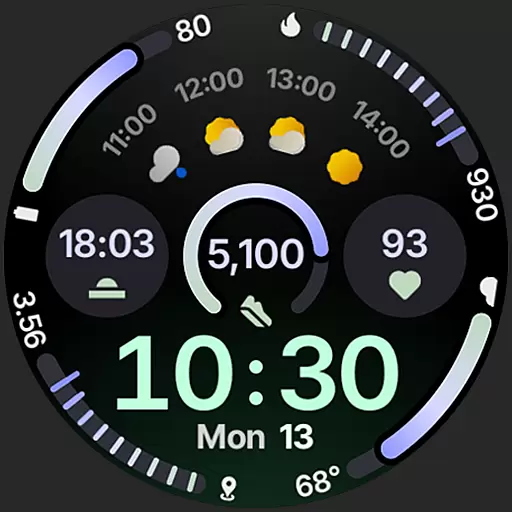
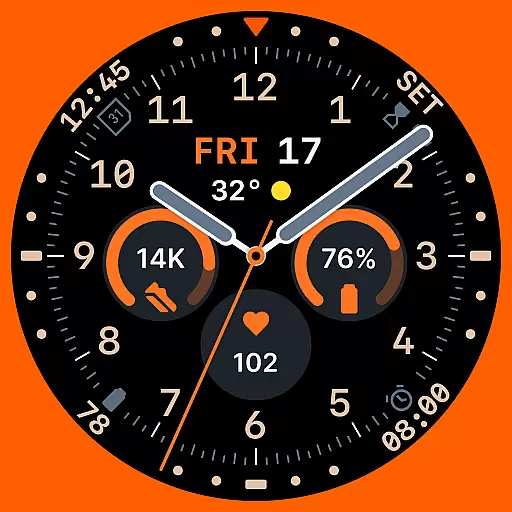
Sleek, highly customizable watch face inspired by Galaxy Watch Circle Dashboard.
4.2
Find EV charging stations
4.30
Locate your family members by GPS phone location tracker everywhere and anytime
4.30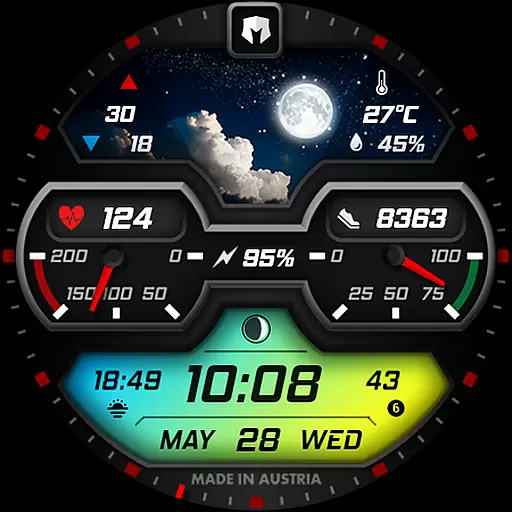
Stylish, Energizing and Modern Watch Face crafted by Dominus Mathias.
4.50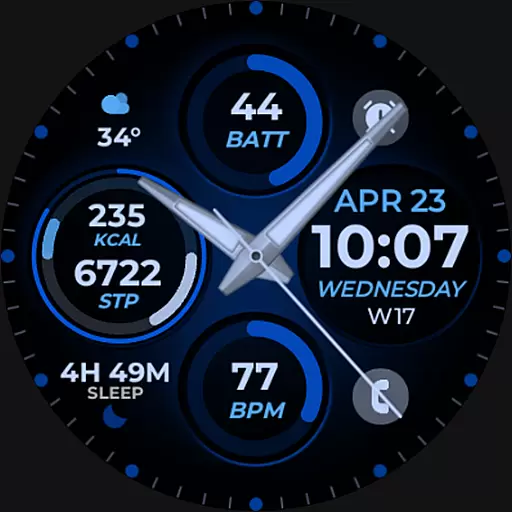
Hybrid Vibrant Health Watch Face for Wear OS
4.2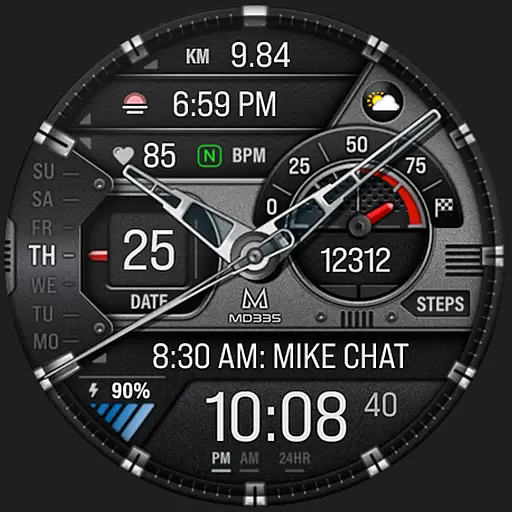
Premium hybrid watch face with many customizations for Wear OS devices.
4.40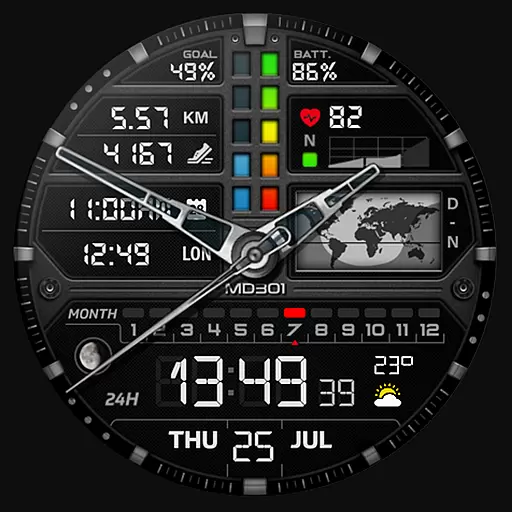
Hybrid watch face for Wear OS with customizable complications by Matteo Dini MD
4.70
Want to take charge of your health? Let Google Fit help you reach your goals.
3.50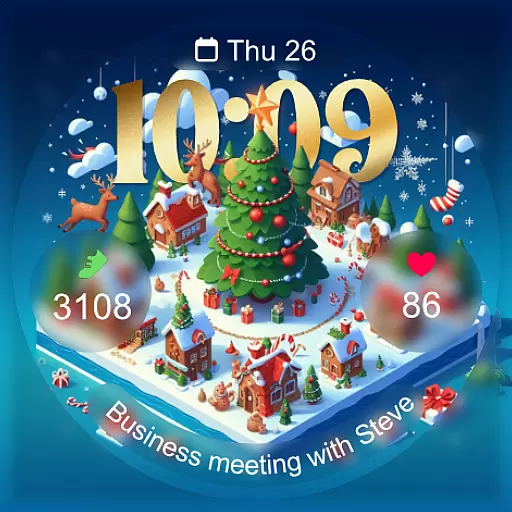
Christmas - Festive - Christmas Village - Winter - Christmas lights
5.00
Period, ovulation & pregnancy tracker. Fertility insights & menstrual calendar.
4.90
Real-time weather radar with temperatures, warnings, hurricanes, and widgets
4.80
Gym & home workout plans with strength training, exercise tracking, HIIT & more.
4.60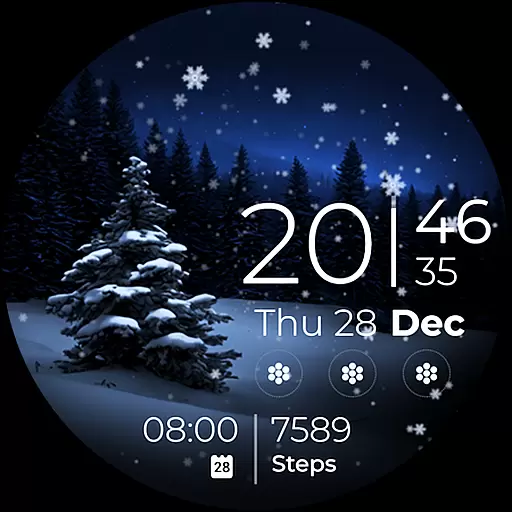
Beautiful artistic animated digital watch face, with a customizable layout!
4.40
The ultimate destination for kids ages 3-8 to explore the Marvel Universe!
4.30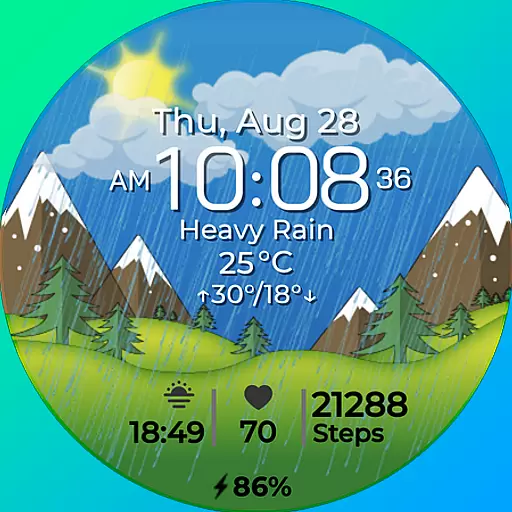
Watch face for Wear OS.
4.20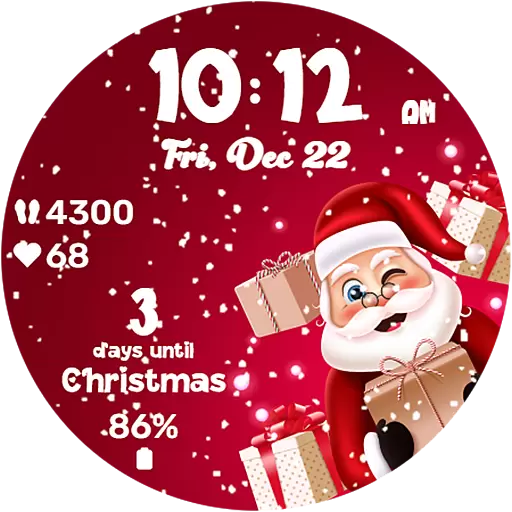
Embrace the festive spirit with our Christmas Countdown watchface for Wear OS
4.10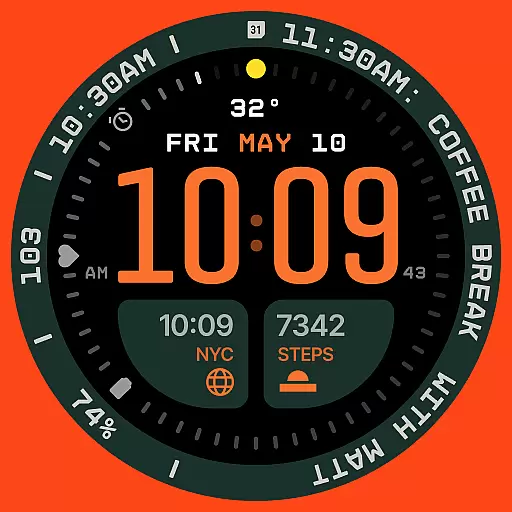
Structured watch face with seven complications and modular UI elements
3.90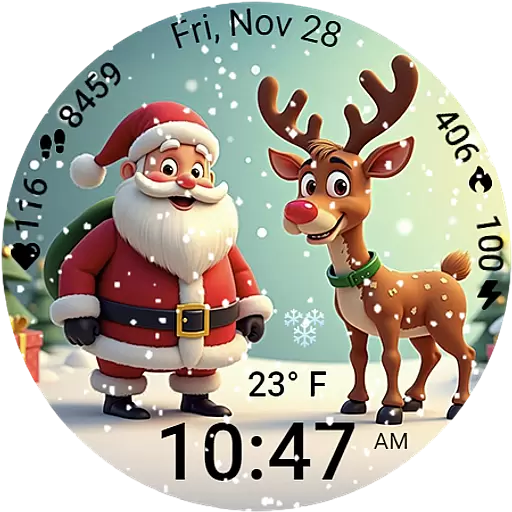
A heartwarming Christmas scene featuring a cute image of Santa and Rudolf
4.3


