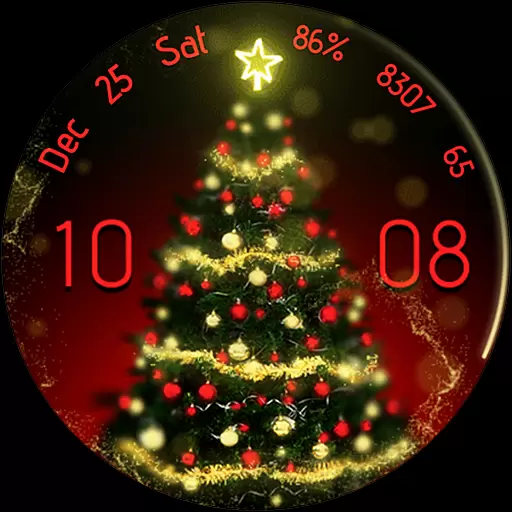
Embrace the holiday spirit with this magical animated watch face!
 4.40
4.40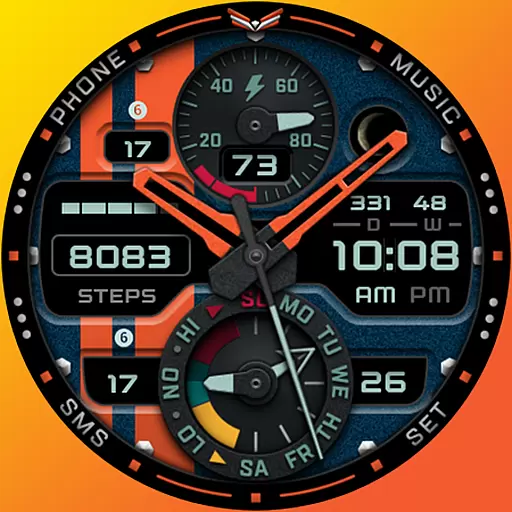
A modern premium sporty hybrid watch face for Wear OS by Ballozi
4.70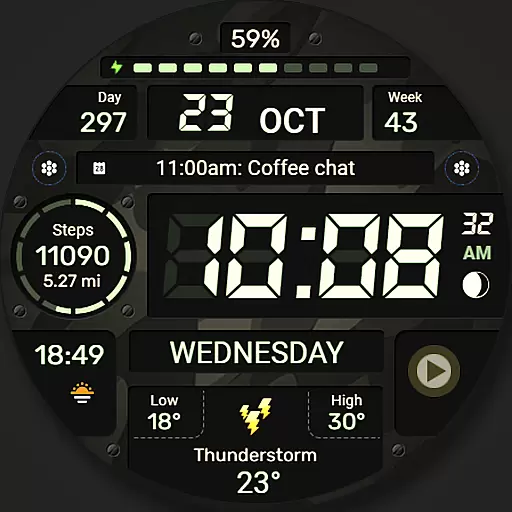
Digital watch face. For Wear OS devices.
4.40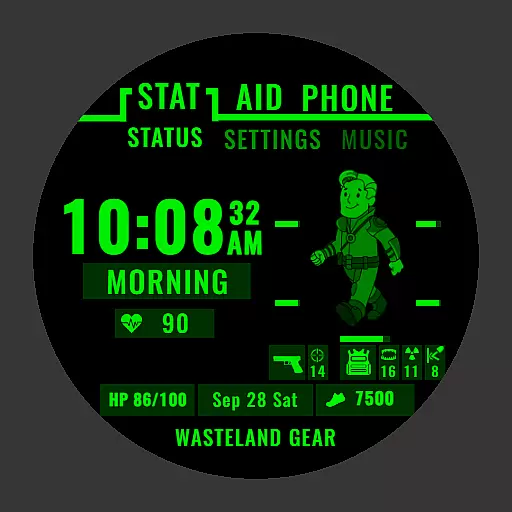
Ideal for surviving in the wasteland left after nuclear fallout
4.50
Find EV charging stations
4.30
Get helpful reminders, take progress photos and find answers to your questions.
3.90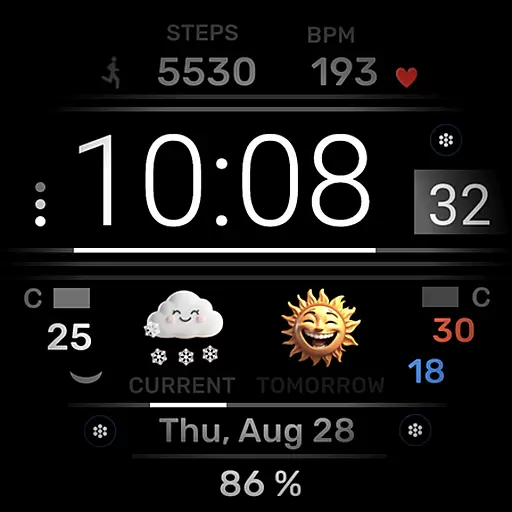
Minimalistic design modern digital watch face.
4.2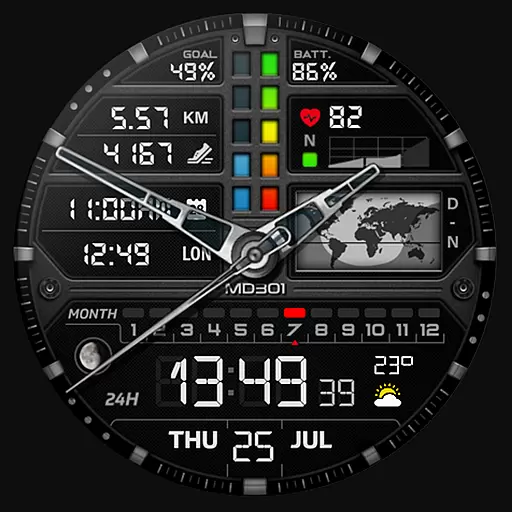
Hybrid watch face for Wear OS with customizable complications by Matteo Dini MD
4.70
Toyota app currently supports 2010 or newer vehicles (2018 or newer for Hawaii).
4.50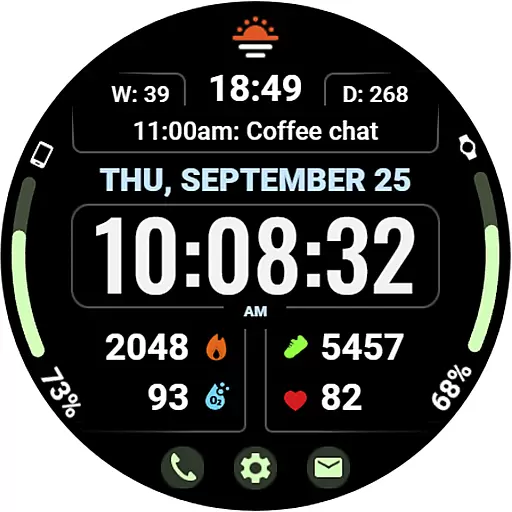
Beautiful, colorful and practical watch face. For Wear OS devices.
5.00
Walking app for weight loss: walk & step tracker, pedometer, indoor treadmill
4.60
Nutrition, Macro tracker: Food, fitness & healthy diet tracking for weight loss
4.60
To-Do List: daily schedule planner, task organizer, to do reminder app, calendar
4.60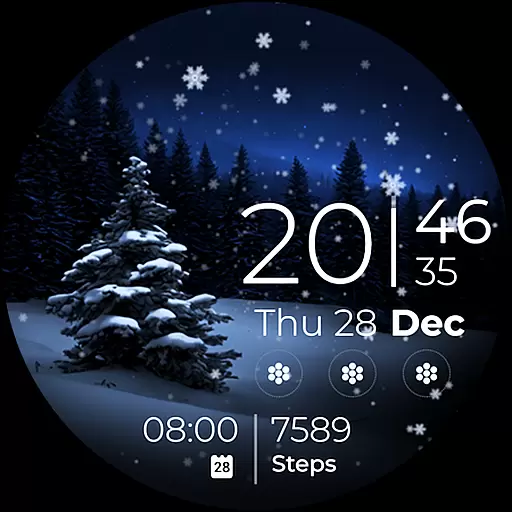
Beautiful artistic animated digital watch face, with a customizable layout!
4.40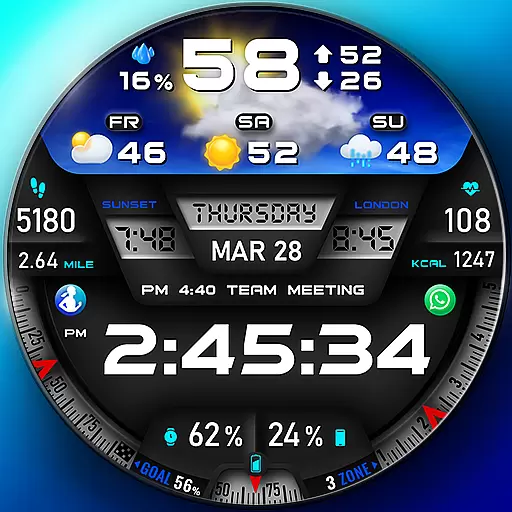
"PER27 Galaxy Digital" is a digital Wear OS watch face designed by PERSONA
4.10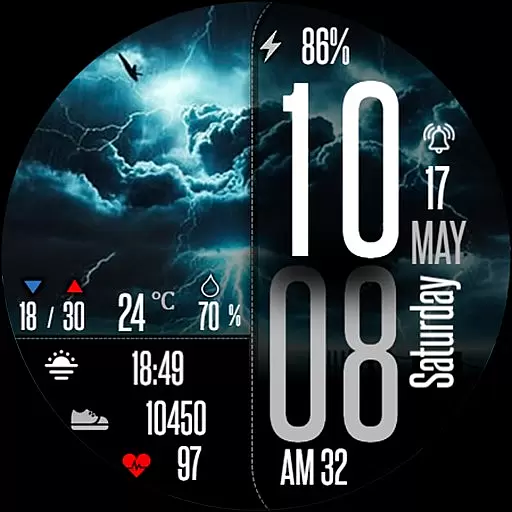
Daily Weather forecast with 15 weather images for Day & Night plus Big Bold time
4.10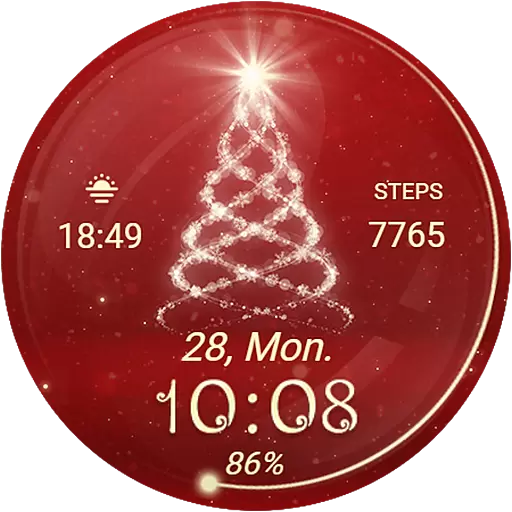
Animated Watch Face and Customizable with 24 Backgrounds. Perfect for Christmas!
3.90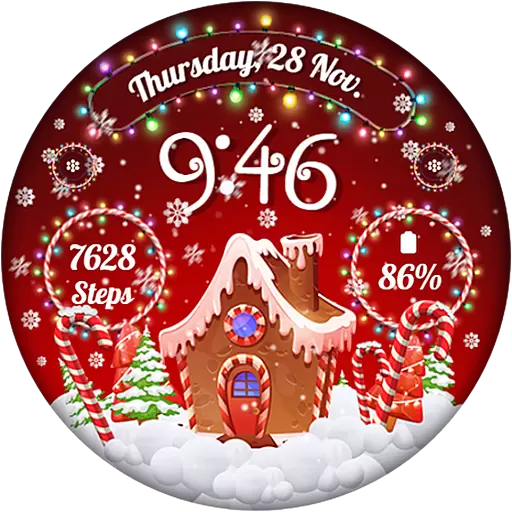
Wear Os Watch Face - Animated Snow - Sesonal for Christmas & Winter
4.4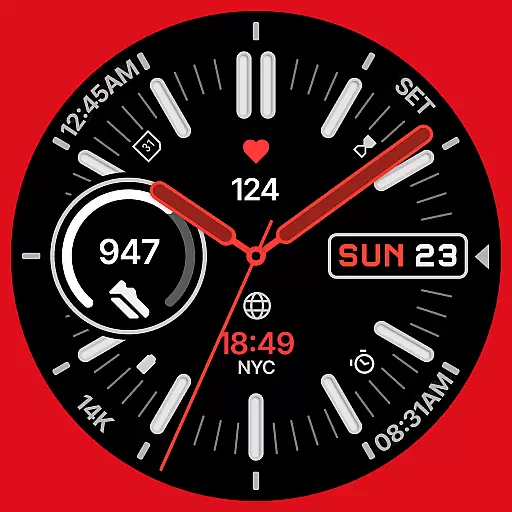
A watch face that fuses motorsport precision with contemporary smartwatch design
4.5


