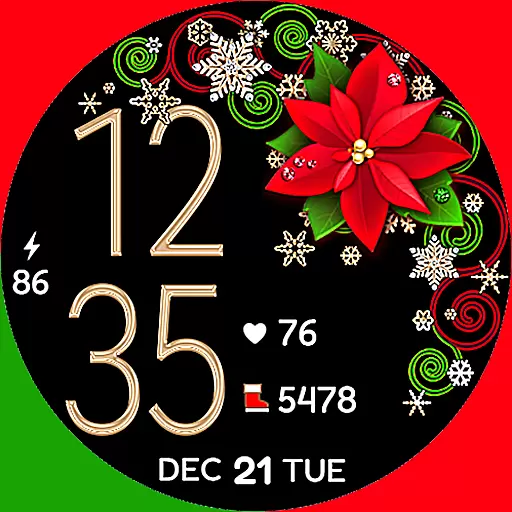
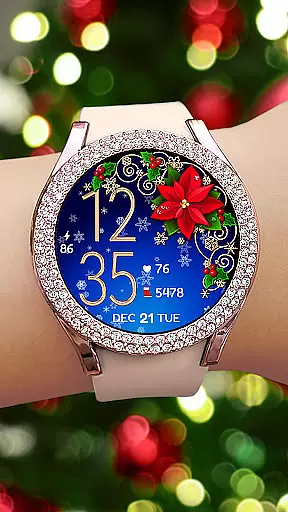
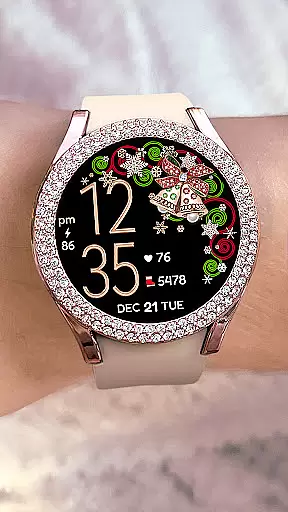
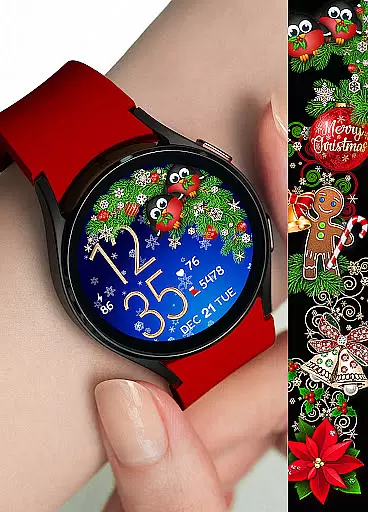
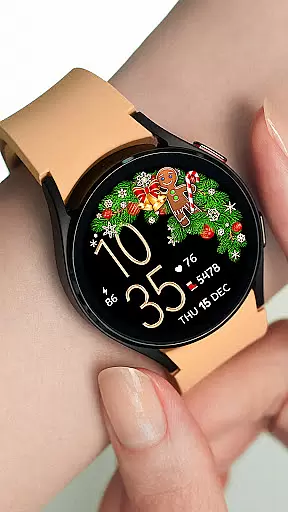

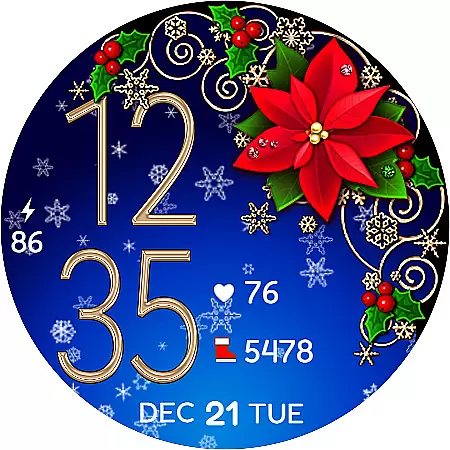
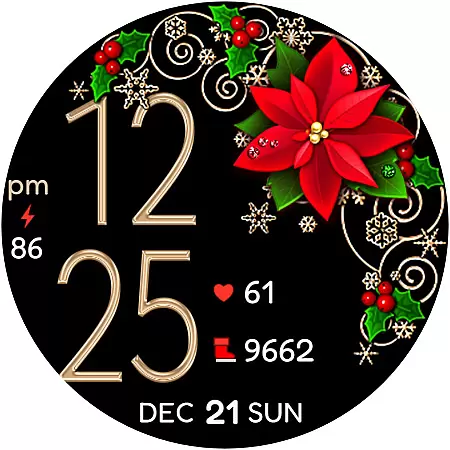
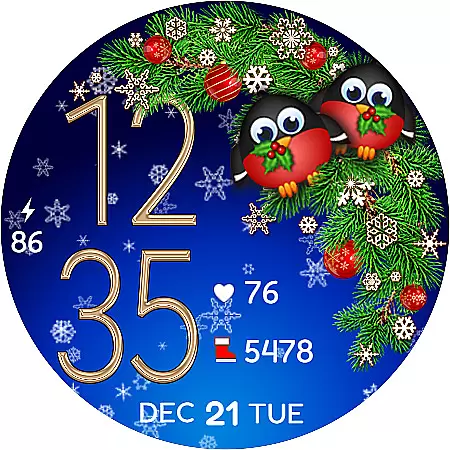
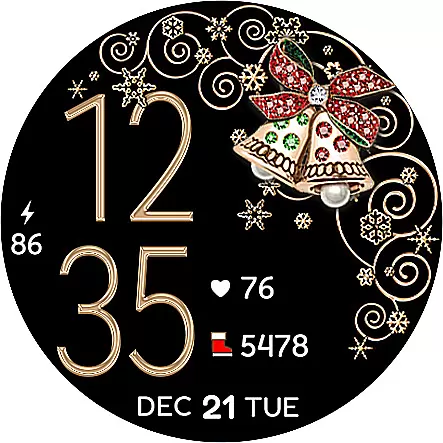
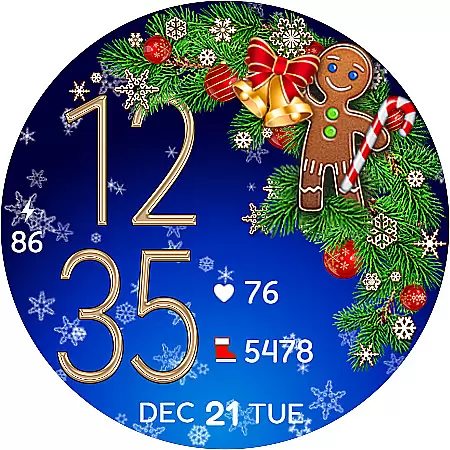
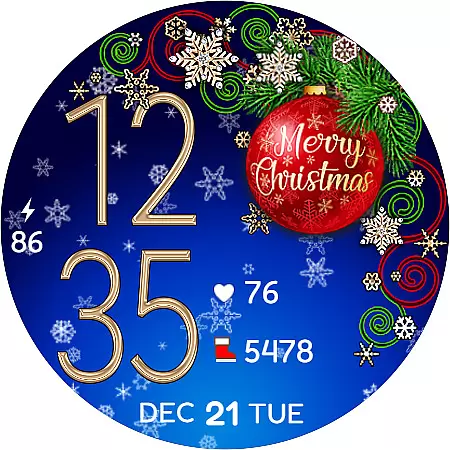
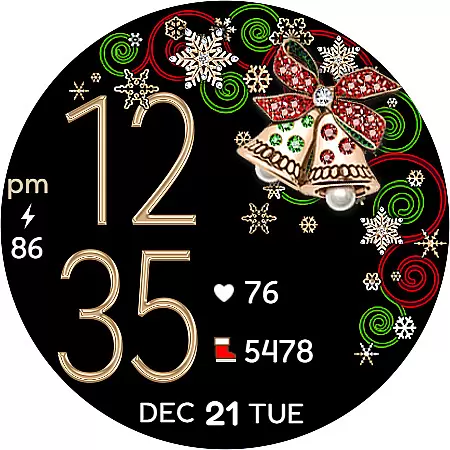
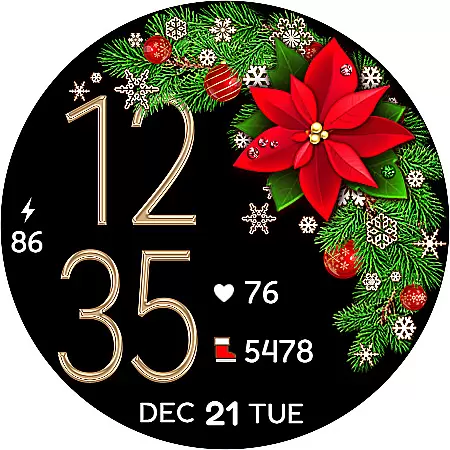
Christmas Snow On/Off Watch is a charming Wear OS watch face that brings festive cheer to your smartwatch. This digital timepiece offers both 12 and 24-hour formats, automatically syncing with your phone's time settings. Unique features include the ability to toggle background snow animation on or off for battery efficiency, making it both visually appealing and practical.
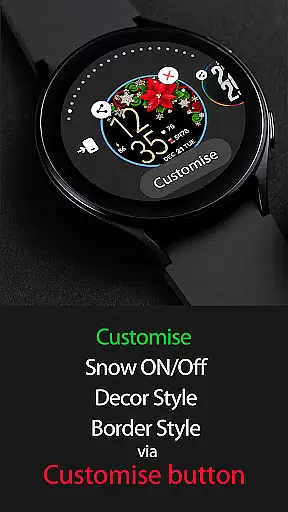
The watch face provides extensive customization options with over 30 combinations available through different decor styles, border designs, and background choices. Users can personalize their experience using the 'Customize' feature. Additionally, it displays essential information such as date, battery percentage, step count, and even heart rate monitoring with corresponding shortcuts, ensuring both style and functionality are at your fingertips.
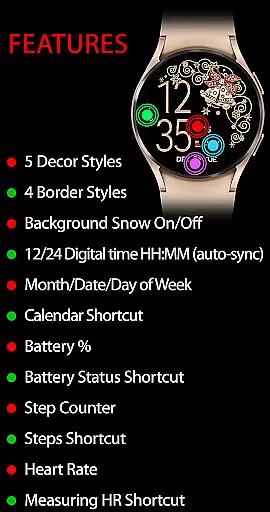
This Christmas-themed watch face stands out with its array of active mode features designed to enhance user interaction. You can enable or disable the background snow animation, choose from five decor styles and four border styles, and view the day, date, and month alongside the time. Practical shortcuts include access to your calendar, battery status, step counter, and Samsung Health steps.
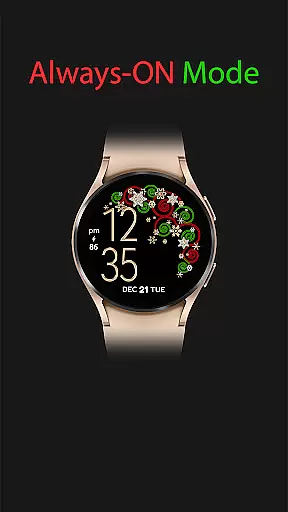
For health enthusiasts, the watch face includes a heart rate display with a shortcut to measure your heart rate directly from the watch interface. In always-on mode, you'll have continuous access to the time, day, date, and battery percentage, ensuring vital information is available at a glance without unnecessary battery drain.
Installation is straightforward, but if the new watch face doesn't appear immediately, allow some time for synchronization or manually search by long-pressing the watch screen and navigating to the additional watch faces menu.
For the Christmas Snow On/Off Watch, companion app integration is crucial for a seamless wearable experience. This Wear OS watch face automatically syncs with your phone's time settings, ensuring accurate timekeeping without manual adjustments.
The synchronization extends beyond just time. Users can customize their watch face through a dedicated companion app. The 'Customize' button allows you to create unique combinations from 5 Decor Styles, 4 Border Styles, and background options, making your wearable truly personal.
This integration enables essential features like battery percentage display, step counter, and even heart rate monitoring. These functions work in tandem with your phone, providing comprehensive health and convenience tracking on your wrist.
By maintaining strong companion app integration, this Christmas-themed watch face delivers both aesthetic appeal and practical functionality, demonstrating how Wear OS applications should bridge mobile and wearable devices.
The Christmas Snow On/Off Watch demonstrates excellent Wear OS and device compatibility. Designed specifically for Wear OS, it supports various smartwatch models while maintaining optimal performance across different screen sizes and resolutions.
This compatibility extends to its feature set. The watch face maintains full functionality whether your device runs in active mode or always-on display. In both states, users can access essential information like digital time, date, and battery percentage without compatibility issues.
Device compatibility is further enhanced through support for various shortcuts. These include calendar access, battery status checks, and Samsung Health integration, all functioning smoothly across supported Wear OS devices.
Such comprehensive compatibility ensures that users can enjoy their Christmas-themed watch face while retaining access to vital smartwatch functions, regardless of their specific Wear OS device model.
Highly customizable
Battery efficient
Festive design
Health tracking
Auto time sync
Limited to Wear OS
No leading zero option
Premium purchase required
Synchronization delay
Complex navigation

"PER27 Galaxy Digital" is a digital Wear OS watch face designed by PERSONA
 4.10
4.10
Deck out your Wear OS Watch face with a beautifully decorated pine wreath!
4.50
Authentic military-tactical design with ZULU time! Realistic and functional!
3.80
Connect to your Bluelink equipped Hyundai vehicle from your smartphone.
4.50
Real-time results, stats, schedules and player profiles for all leagues
4.60
Professional weather radar and more
3.90
Connect, create, and collaborate with Gmail, part of Google Workspace.
4.10
Fast and smart typing with Emojis, GIFs, and more
4.50
Start and succeed with PAP
4.10
A modern premium sporty hybrid watch face for Wear OS by Ballozi
4.70
Hybrid watch face for Wear OS with customizable complications by Matteo Dini MD
4.70
Monitor health with the stress test and pulse checker in the heart rate app.
4.60
Beautiful artistic animated digital watch face, with a customizable layout!
4.40
Digital watch face. For Wear OS devices.
4.40
Christmas watch face. For Wear OS devices.
4.30
Animated video-game inspired “secret agent” simulation, right on your wrist!
4.20
Structured watch face with seven complications and modular UI elements
3.90
an Analog Watch Face for winter season with freeze winter background for Wear OS
4.3
A watch face that fuses motorsport precision with contemporary smartwatch design
4.1


User Reviews