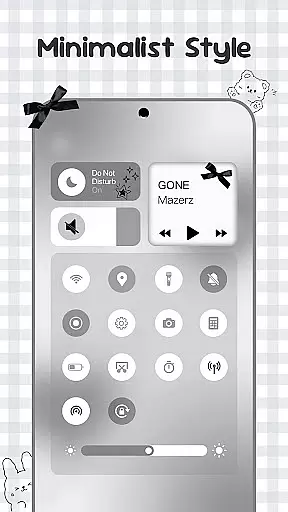
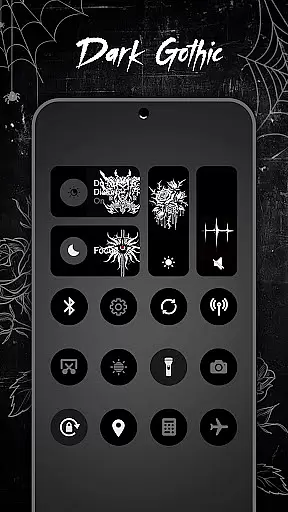
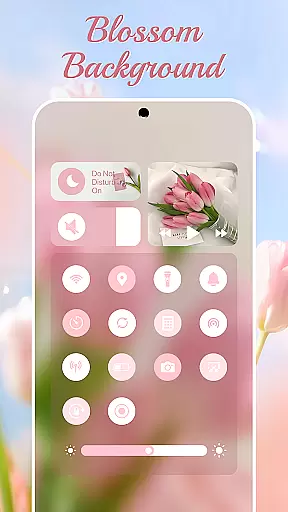
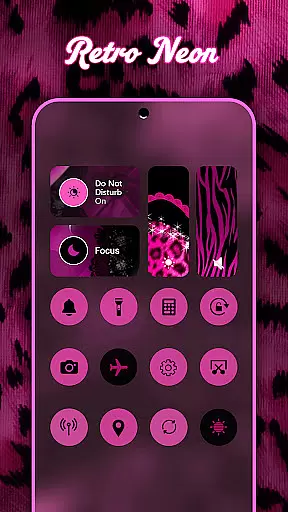
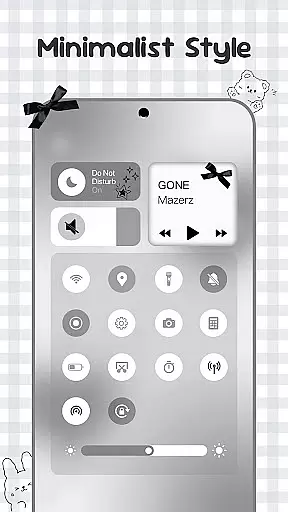
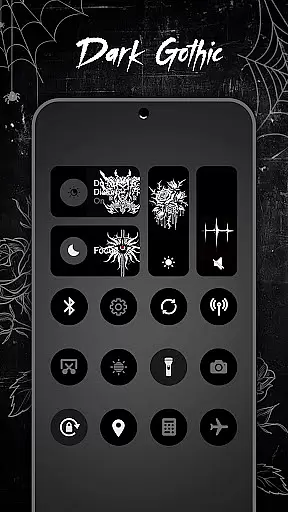
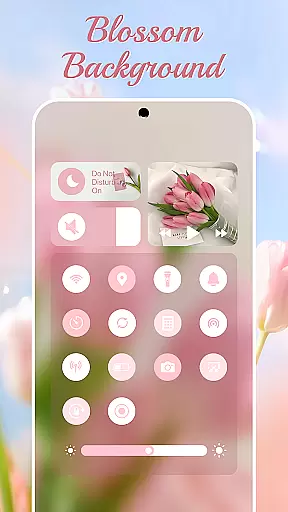
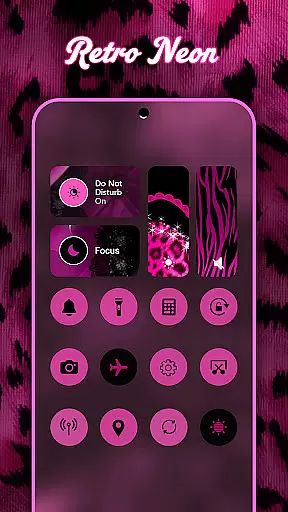
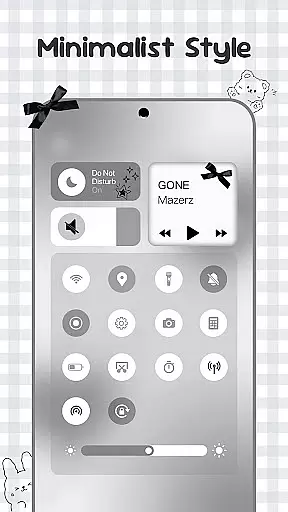
Control Widget is a highly customizable quick settings panel for Android devices, offering users both functional control and aesthetic personalization. The app allows you to manage essential device functions such as Wi-Fi, Bluetooth, brightness, volume, and more through beautifully designed interfaces.
What sets Control Widget apart is its extensive theme library, featuring thousands of design options including anime, K-pop, neon gradients, minimalism, and more. Users can switch themes effortlessly to match their mood or home screen setup. With one-tap functionality, the entire control panel transforms instantly, providing both convenience and style.
This app is perfect for users who want to enhance their Android experience by combining practical tools with visually appealing designs. Whether you're looking to streamline your daily tasks or express your personal style, Control Widget offers a seamless solution that elevates your device's usability and appearance.
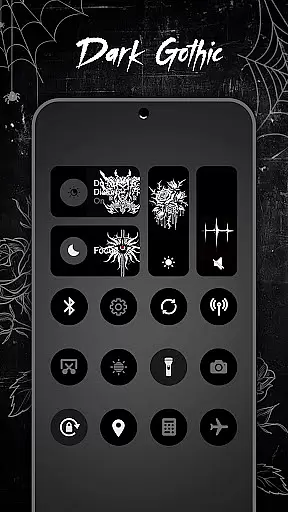
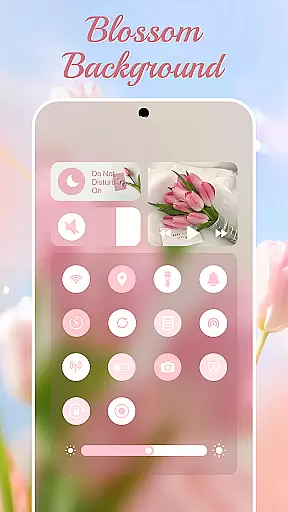
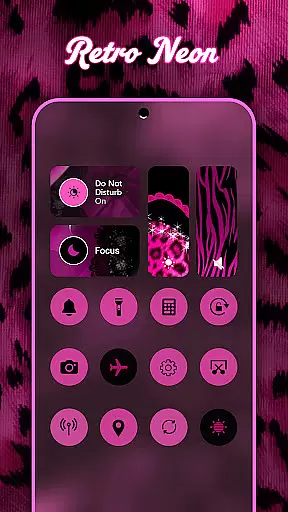
Control Widget stands out with its rich feature set that blends utility with personalization. One of the key highlights is the ability to customize the control panel with thousands of aesthetic themes, ranging from popular genres like anime and K-pop to modern styles such as neon gradients and minimalism. This ensures that your device not only functions well but also reflects your unique taste.
The app provides essential tools like smooth sliders for adjusting brightness and volume, instant access to Wi-Fi, Bluetooth, and Airplane Mode controls, and convenient features such as Do Not Disturb, screenshot capture, screen recording, and flashlight activation. These tools are thoughtfully integrated into sleek layouts that complement any wallpaper or icon pack.
Additionally, Control Widget supports live style updates, allowing users to change their control panel theme anytime they wish. For those seeking even more customization, the app offers the option to request custom themes, making it a truly personalized experience. By merging smart functionality with stunning design, Control Widget redefines how users interact with their Android devices.
Customization options variety refers to the range and flexibility of personalization features available in an application, allowing users to tailor their experience to match their preferences. Control Widget excels in this area by offering a themed control panel that merges elegant control with unlimited personalization.
The app provides thousands of aesthetic options including Anime, K-pop, neon gradients, minimalism, soft coquette, sports, festivals, and TV/film themes. These live style updates enable users to switch panels anytime to match their mood and home screen aesthetics, ensuring a dynamic and personalized user interface.
With one-tap magic, users can instantly transform the entire control panel, making customization not only extensive but also effortless. This feature empowers users to express their creativity and personalize their Android device's quick-settings panel, enhancing both functionality and visual appeal.
Theme compatibility is the ability of an application to seamlessly integrate with various design themes, ensuring visual consistency across different interfaces and devices. Control Widget achieves this by transforming your Android device into a canvas for creativity, putting stylish, one-tap access at your fingertips.
The app offers smart tools that meet stunning design standards, such as smooth sliders for brightness and volume adjustments, and quick access to Wi-Fi, Bluetooth, Airplane Mode, Do Not Disturb, and more. These features are presented within a sleek and sync-ready interface that perfectly complements any wallpaper, icon pack, or widget.
By providing an all-in-one access point for various controls like Wi-Fi, sound, music, brightness, and even custom theme requests, Control Widget ensures that users can enjoy a personalized yet cohesive experience. This makes it an ultimate customization companion, elevating the overall aesthetic and usability of the Android quick-settings panel.
Highly customizable
Stylish design options
One-tap transformations
Comprehensive toolset
User-driven themes
Requires Accessibility Services
Limited iOS compatibility
Premium themes cost extra
Occasional performance lags
Complex initial setup

Gun Chase - Let the chase begin.
 4.80
4.80
AI-powered Copilot. Personalized keyboard with gifs, stickers & themes
4.40
Ultimate widget creator. Design custom widgets for a truly unique home screen!
3.90
Romantic Kiss Stickers App. Start romantic messaging now!
4.30
Turn text & photos into stunning AI videos, art, and creative visual stories.
4.50 4.50
4.50
Struggling to find apps? Use this app to locate and open any app on your phone!
2.20
Transform your phone with stunning video wallpapers and a unique, personal touch
3.80
Create stunning widgets with Widget 2026: Aesthetic Widgets for Android!
4.60
Ultra realistic high quality analog watch face for Wear OS.
4.60
Choose your keyboard with RGB colors effect, themes, fonts, emojis.
4.60
Customizable screen pets that play, climb, and keep you company.
4.50 4.50
4.50
Your home screen, just the way you like it.
4.30
Wear Os Watch Face - Seasonal - Animated Snow Effect - 9 Animals
4.20
Unleash Your Creativity and Connect with Loved Ones with Lockscreen Drawing!
4.20
Crystal-clear, square icon provides a sleek and sophisticated visual upgrade
4.00
Your go to Weather App & Home Screen. Get your weather at a swipe of a finger!
3.80
Capture moments that pass like a storm, second by second.
4.4


User Reviews