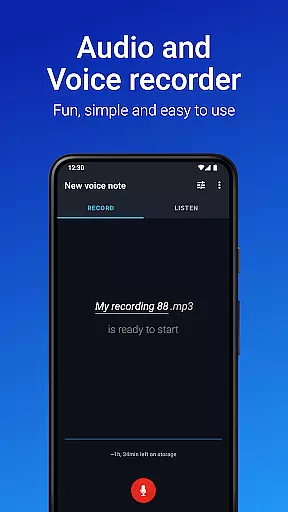
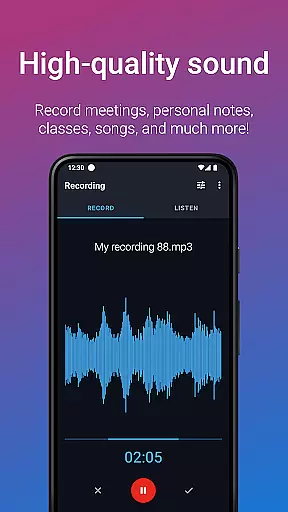
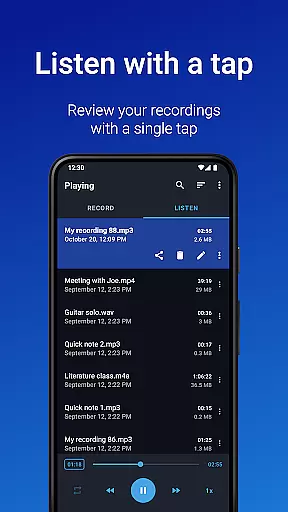
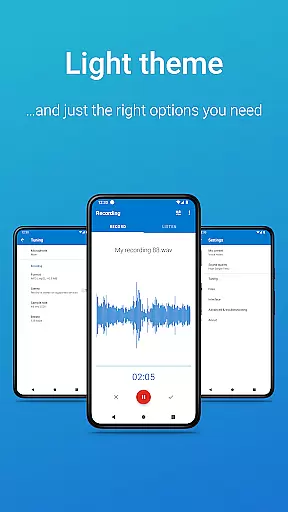
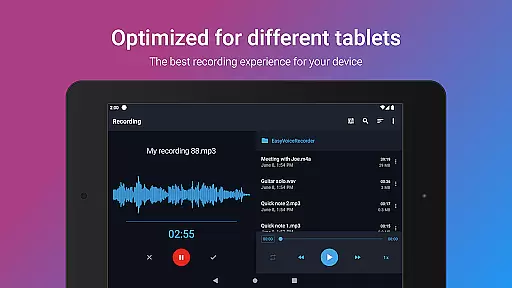
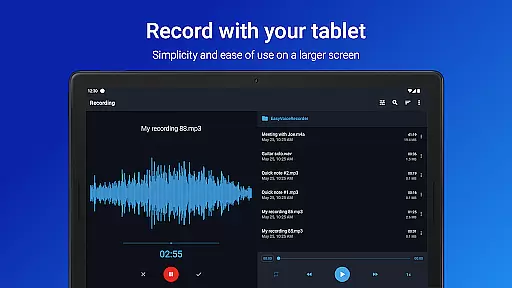
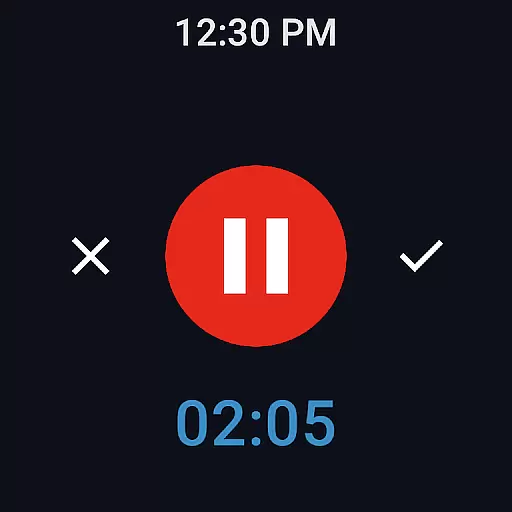
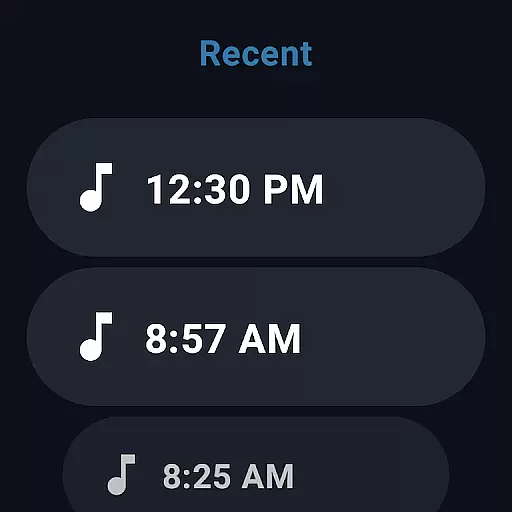
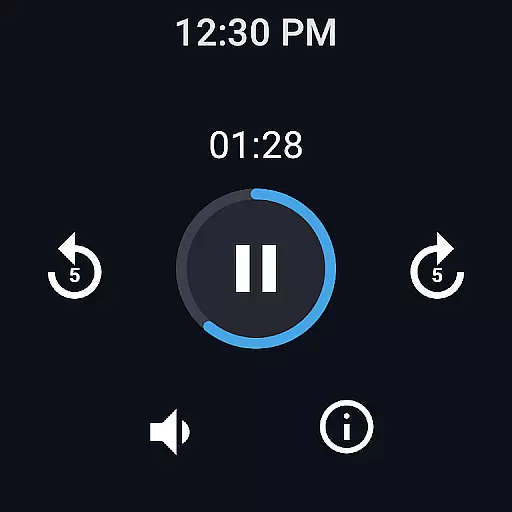
Easy Voice Recorder Pro is a versatile audio recording application designed for Android devices, including smartwatches. This app allows users to capture high-quality recordings of meetings, classes, music rehearsals, and more without any time restrictions or advertisements. With its user-friendly interface, it caters to various user groups such as students, business professionals, and musicians.
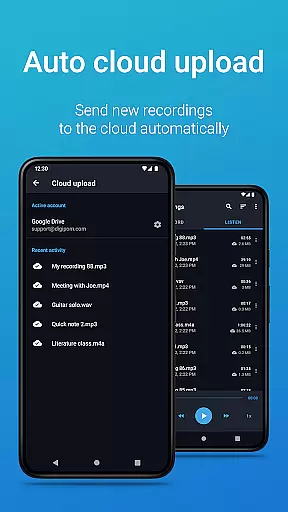
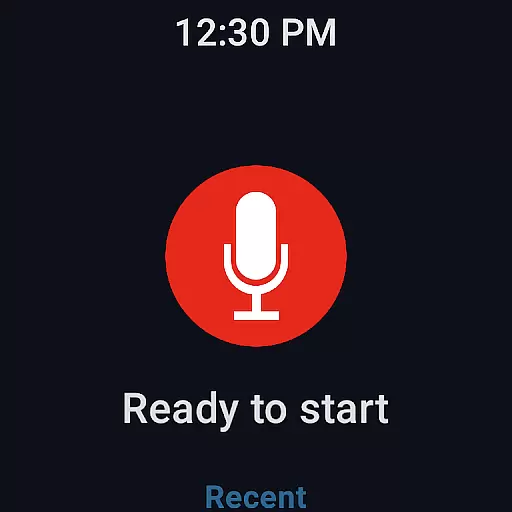
The app offers exclusive Pro features like automatic cloud uploads to Google Drive or Dropbox, multiple recording formats including MP3 and FLAC, and the ability to use Bluetooth microphones. It also provides powerful editing tools, folder organization, and control through the notifications bar. Additionally, Easy Voice Recorder Pro supports Wear OS, enabling convenient voice notes directly from your smartwatch.
Whether you're commuting, attending lectures, or brainstorming musical ideas, this app ensures that you never miss an important moment. Its adaptability to different scenarios makes it an essential tool for anyone who needs reliable and flexible audio recording capabilities on their mobile device.
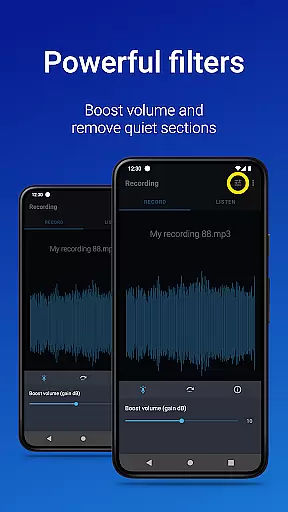
Easy Voice Recorder Pro stands out with its comprehensive feature set tailored to meet diverse recording needs. One of its key strengths is the ability to record in various formats such as PCM, MP4, AMR, MP3, FLAC, and AAC. This flexibility allows users to choose the best format based on their storage capacity and quality requirements. The app also includes advanced options like stereo recording, custom bitrates, and volume boosting, which are particularly beneficial for musicians and audio enthusiasts.
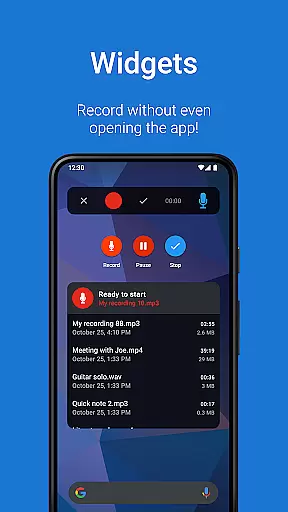
Another notable feature is the seamless integration with cloud services. Users can automatically upload new recordings to Google Drive or Dropbox, ensuring their files are safely stored and easily accessible across devices. The app's support for Bluetooth microphones enhances mobility and convenience, especially during interviews or meetings. Moreover, the inclusion of widgets and shortcuts facilitates quick access and background recording, making it ideal for capturing spontaneous moments.
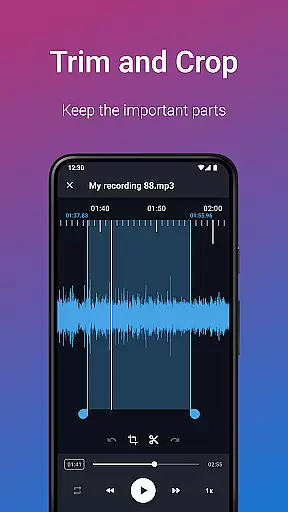
For those seeking enhanced productivity, Easy Voice Recorder Pro offers practical tools such as trimming unwanted sections in Edit mode and organizing recordings into folders. These features streamline the management of large audio libraries, providing a clutter-free experience. Overall, the combination of professional-grade recording options, cloud integration, and smartwatch compatibility positions this app as a top choice for both casual and professional users.
Easy Voice Recorder Pro offers seamless companion app integration, ensuring that your recordings are effortlessly synchronized across all your devices. This feature is particularly beneficial for users who rely on multiple devices throughout their day.
The application supports Wear OS, allowing you to record directly from your smartwatch and sync these recordings with your phone or tablet. This synchronization ensures that whether you're commuting, in a meeting, or capturing a lecture, your recordings are always up-to-date and accessible wherever you need them.
Furthermore, the app provides powerful widgets and shortcuts that enhance the recording experience. You can start a new recording right from the home screen of your smartphone or tablet, streamlining your workflow and ensuring you never miss an important moment.
This level of integration not only simplifies the recording process but also enhances productivity by making your recordings readily available across all your devices, thus enabling efficient multitasking and reliable access to your audio notes.
Compatibility with Wear OS and various devices is a standout feature of Easy Voice Recorder Pro, offering users flexibility and convenience. The app's support for smartwatches means you can start recording with just a tap on your watch, making it ideal for situations where using a phone might be inconvenient.
In addition to smartwatches, the app works seamlessly across phones and tablets, providing a consistent user experience regardless of the device you choose to use. This cross-device functionality ensures that you can switch between devices without losing any functionality or ease of use.
Moreover, the app includes exclusive Pro features such as automatic cloud uploads to Google Drive or Dropbox, which further enhance its compatibility and utility. These features ensure that your recordings are not only captured but also securely stored and easily accessible from any device with internet access.
By supporting a wide range of devices and operating systems, Easy Voice Recorder Pro caters to diverse user needs, making it a versatile tool for anyone looking to capture high-quality audio recordings in any setting.
User-friendly interface
Multiple recording formats
Cloud upload functionality
Bluetooth microphone support
Wear OS compatibility
No call recording capability
Premium version required
Limited free features
Storage permissions needed
Occasional bugs reported

Snowflake Rose Gold Watch Face - Digital, modern, & sleek with GYRO effect.
 4.10
4.10
Digital, flexibly customizable watch face. For Wear OS 5.0, API 34+ and later.
5.00
3 Complications. All shadow on/off. 30 Themes color palette...
4.1
Stylish digital watch face for Wear OS devices with customizable features
4.2
Structured watch face with seven complications and modular UI elements
3.90
The Chevron App allows you to pay for fuel from the comfort of your car!
4.80
Your local weather forecast, storm tracker, radar maps & live weather news
3.40
Simple, helpful messaging by Google
4.60
Spam call blocker and caller ID for automatic call protection!
4.40
Period, ovulation & pregnancy tracker. Fertility insights & menstrual calendar.
4.90
A modern hybrid informative watch face for Wear OS designed by BALLOZI
4.80
Your second brain for organizing your life: to-do, calendar, reminder.
4.70
Gym & home workout plans with strength training, exercise tracking, HIIT & more.
4.60
Deck out your Wear OS Watch face with a beautifully decorated pine wreath!
4.50
Beautiful artistic animated digital watch face, with a customizable layout!
4.40
Christmas watch face. For Wear OS devices.
4.30
A customizable Christmas watch face for Wear OS with a countdown.
4.20
A full-featured Amazon Alexa voice assistant that can show you things.
3.70
an Analog Watch Face for winter season with freeze winter background for Wear OS
4.0


User Reviews