
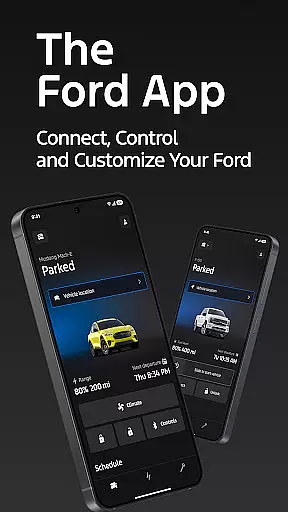
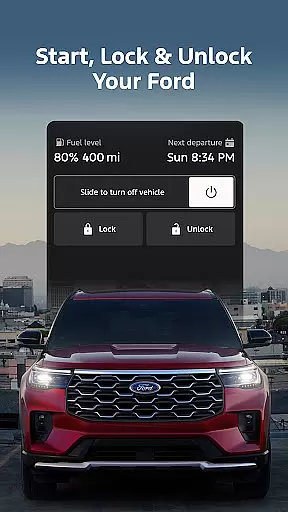
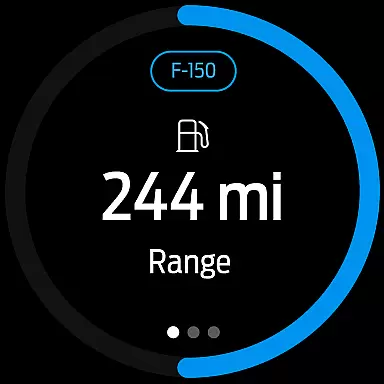
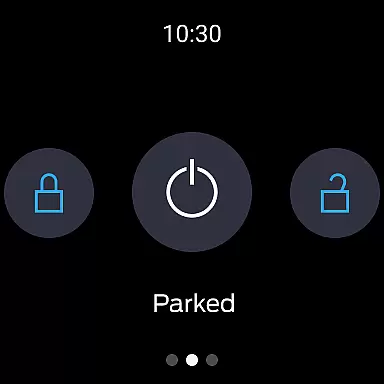
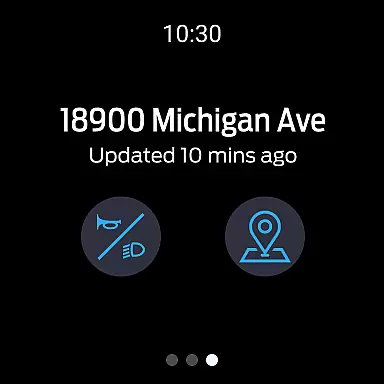
The Ford app is a comprehensive mobile solution designed to enhance the ownership experience for Ford vehicle owners. This all-in-one application provides essential remote features such as engine start, lock/unlock capabilities, and real-time vehicle monitoring at no additional cost. Users can conveniently manage their vehicles through their smartphones or Wear OS devices.
Key functionalities include vehicle management tools that display fuel levels, battery status, and maintenance alerts. The app also supports advanced features for electric vehicles and enables GPS tracking for peace of mind. With regular updates and integration with connected services like BlueCruise, the Ford app ensures users have access to the latest automotive technologies.
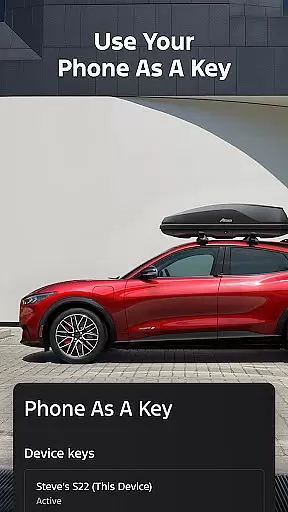
This application is particularly valuable for busy professionals who need to monitor their vehicle's status remotely or schedule maintenance appointments on the go. The ability to use your phone as a key and receive important vehicle notifications makes this app an indispensable tool for modern Ford owners.
The Ford app distinguishes itself through its extensive feature set tailored for both traditional and electric vehicles. Remote control functions allow users to start their engine, lock/unlock doors, and even precondition their vehicle's climate control system directly from their smartphone or Wear OS device.
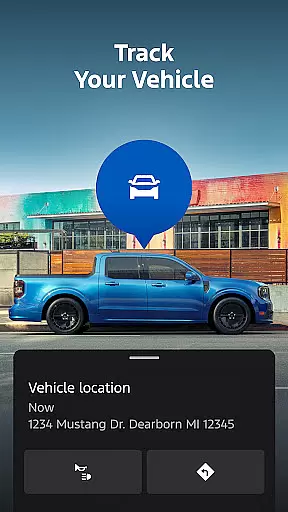
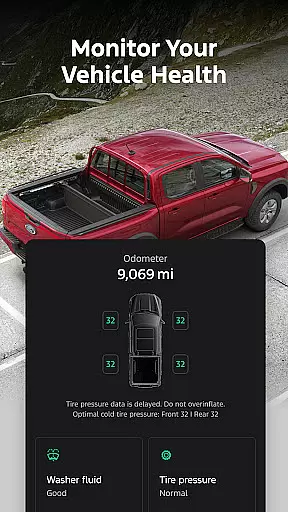
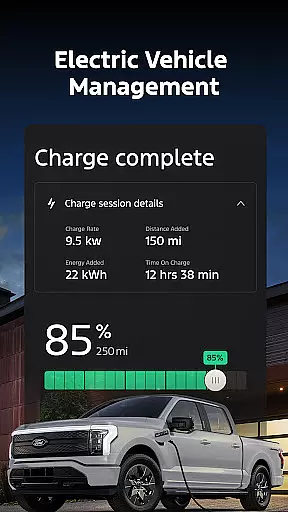
For vehicle maintenance, the app provides detailed statistics about fuel consumption, battery range, and service history. Users can schedule dealer appointments and track their vehicle's location through integrated GPS functionality. Electric vehicle owners benefit from dedicated features showing charge levels and nearby public charging stations.
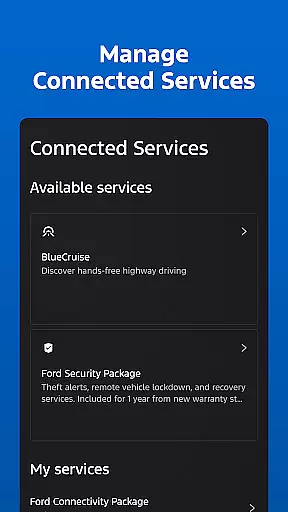
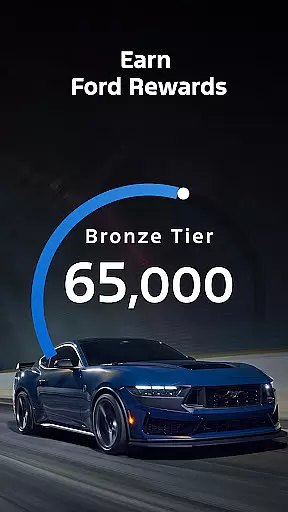
Advanced connectivity options include over-the-air software update scheduling and management of subscription-based services like BlueCruise. The app also supports Ford Rewards program integration, enabling users to earn and redeem points for services and accessories. Regular updates ensure the application maintains compatibility with evolving vehicle technologies.
Companion app integration is essential for users who want seamless connectivity between their smartphones and wearable devices. The Ford app excels in this area by offering a comprehensive suite of features that sync effortlessly with Wear OS smartwatches.
Through the Ford app, users can send commands and check their vehicle status directly from their wrists. This includes remote start, lock and unlock features, and real-time vehicle stats. Such integration ensures that you are always connected to your vehicle, no matter where you are.
The benefits of this integration are numerous. Users can enjoy the convenience of managing their Ford vehicles without needing to take out their phones. Whether it's checking fuel levels or locating the car via GPS tracking, all these functions are accessible on your smartwatch.
This level of companion app integration highlights Ford's commitment to providing a user-friendly and technologically advanced experience. By ensuring that their app works harmoniously with Wear OS, Ford enhances both functionality and accessibility for its users.
Wear OS/device compatibility is crucial for ensuring that your smartwatch can fully utilize the features offered by companion apps like the Ford app. With extensive support for Wear OS, the Ford app provides a smooth and reliable connection between your vehicle and smartwatch.
The Ford app supports a range of functionalities on Wear OS devices, including remote start, lock and unlock, and vehicle status checks. This compatibility allows users to interact with their vehicles using just their smartwatches, making daily tasks more convenient.
By focusing on broad device compatibility, Ford ensures that users with different Wear OS devices can benefit from the app's features. This inclusivity enhances user satisfaction and expands the potential user base for the Ford app.
Ultimately, the robust compatibility with Wear OS devices underscores Ford's dedication to innovation and customer-centric design. Users can trust that they will have a consistent and reliable experience, regardless of their specific Wear OS device.
User-friendly interface
Comprehensive vehicle control
Regular feature updates
Electric vehicle support
Wear OS integration
Limited vehicle compatibility
Requires active subscription
Dependent on cellular networks
Potential connectivity issues
Varied feature availability

Embrace the festive spirit with our Christmas Countdown watchface for Wear OS
 4.10
4.10
Contemporary digital watch face with five complications
4.3
Digital, flexibly customizable watch face. For Wear OS 5.0, API 34+ and later.
5.00
Bold, Modern Hybrid Watch Face for Wear OS. 10 Colors, Rich Info Display.
4.30
Structured watch face with seven complications and modular UI elements
3.90
Kia Access makes getting your vehicle information easier than ever
4.60
Stay in touch with your friends and family using LINE!
3.40
Hybrid watch face for Wear OS with customizable complications by Matteo Dini MD
4.70
Your music, your playlists, and more—offline and unlimited.
4.20
The most customizable minimal watch face. For Wear OS 5.0, API 34+ and later
4.70
Gym & home workout plans with strength training, exercise tracking, HIIT & more.
4.60
Digital watch face. For Wear OS devices.
4.40
A white realistic classic analog watch face with many customization options.
4.40
Calming & relaxing sounds for sleeping and stress relief. Stay focused all day!
4.20
Elegant animated Christmas tree with multiple customization options
4.20
Hyper-Realistic Airplane Dashboard Watch Face With 10 Skins and Custom AOD
4.00
Wear Os Watch Face - Animated Snow Effect & Christmas Lights
4.4
A watch face that fuses motorsport precision with contemporary smartwatch design
4.3
Stunning modern digital watch face with 7 complications and strong contrast
4.3


User Reviews