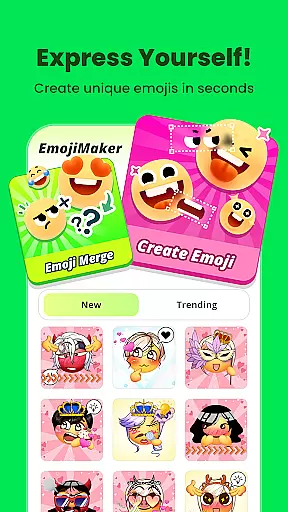
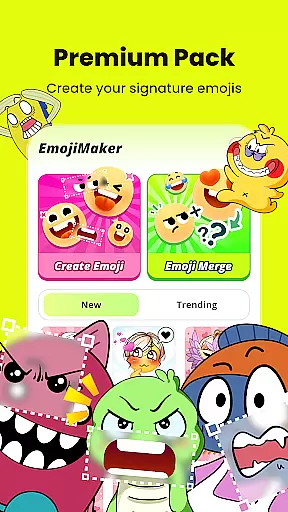
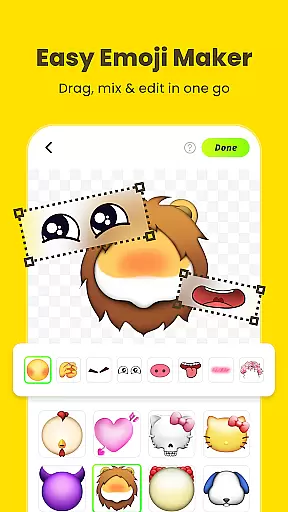
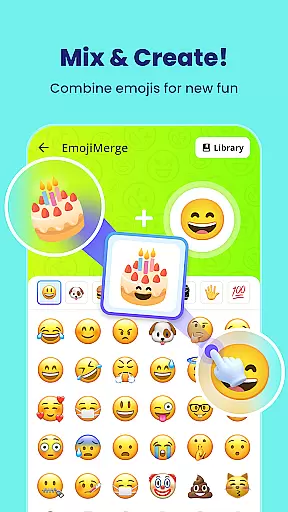
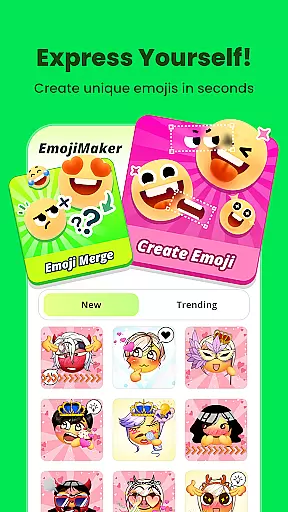
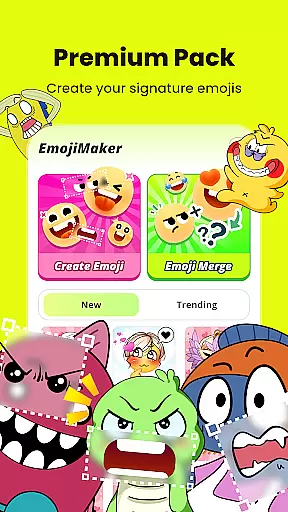
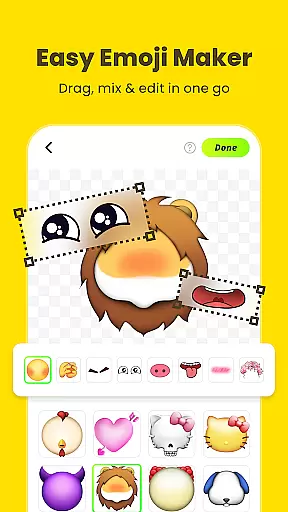
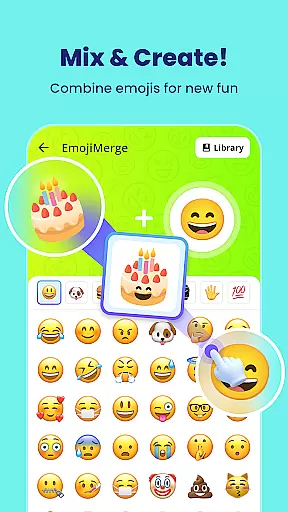
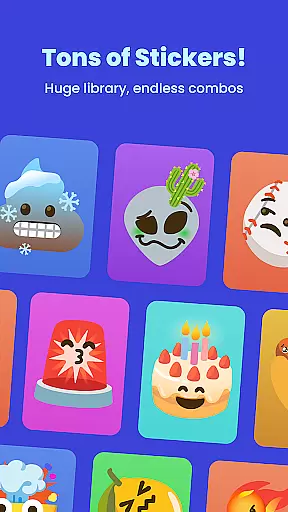
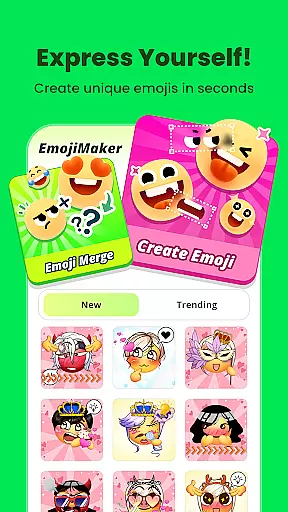
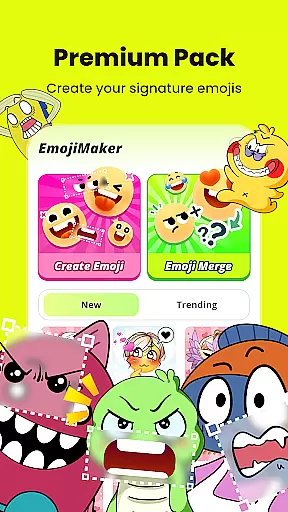
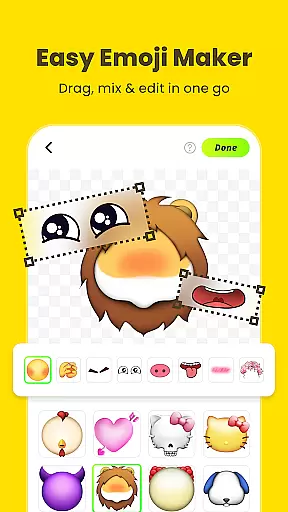
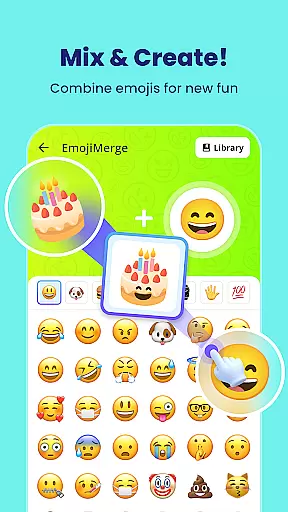
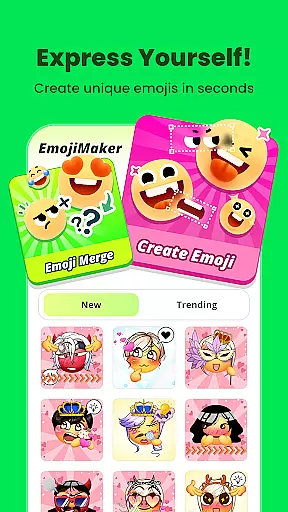
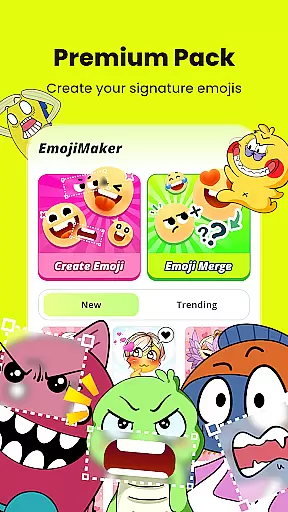
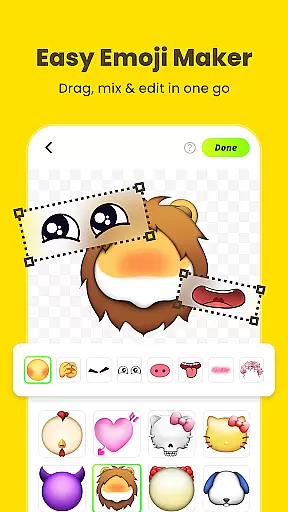
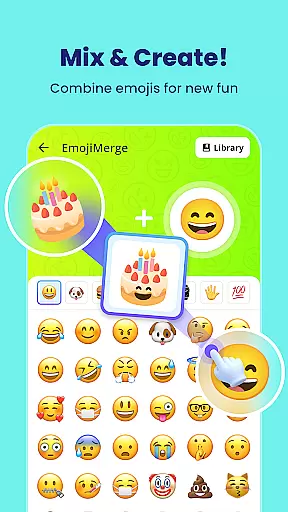
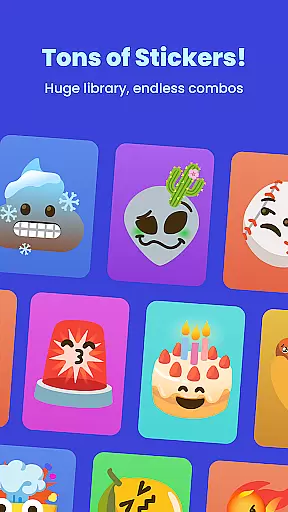
Gemoji is a creative emoji maker app that allows users to design personalized emojis and stickers. With an extensive library of components including eyes, mouths, accessories, and more, the app offers limitless customization options. Users can mix and match elements, apply vibrant colors, and create unique emojis for various occasions.
The app stands out with its real-time editing feature, enabling users to see their changes instantly while layering different elements. Gemoji also supports exporting creations as messaging stickers, making it versatile for social media and chat applications. Whether you're crafting emojis for fun or practical communication purposes, Gemoji provides an engaging platform to express individuality through custom designs.
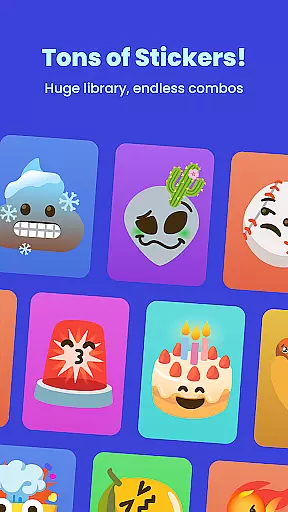
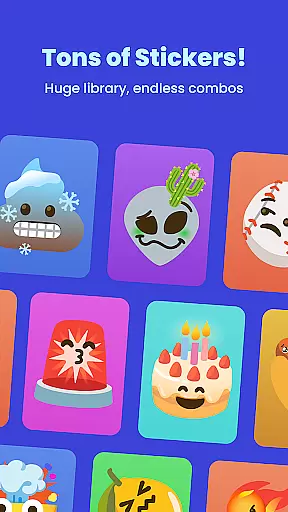
Gemoji offers a rich set of features designed to enhance emoji creation. The app includes a vast selection of professionally-designed components such as facial features, decorations, and seasonal items, ensuring users can create detailed and expressive emojis. Its intuitive interface allows users to easily customize shapes, colors, and layers in real time.
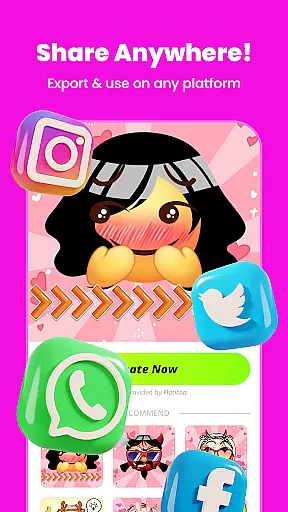
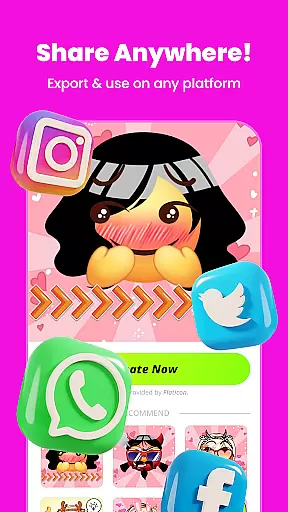
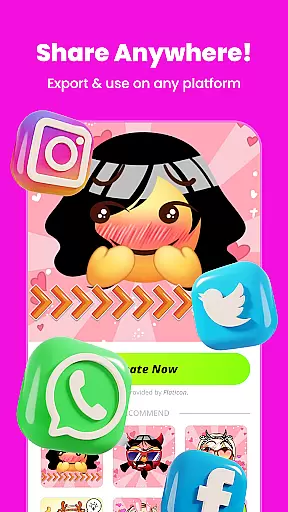
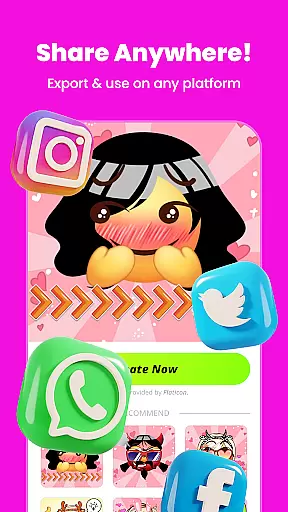
One notable feature is the ability to transform custom emojis into messaging stickers. This functionality enables seamless sharing across platforms like messaging apps and social media. Additionally, frequent updates introduce new design elements and themes, keeping the content fresh and inspiring. These capabilities make Gemoji not just an emoji maker but a comprehensive tool for creative expression.
Customization is at the heart of Gemoji, allowing users to express their unique style and creativity through emojis. With a vast array of components including eyes, mouths, accessories, and more, users can mix and match elements to create truly personalized emojis. The app offers an extensive selection of colors and design elements, ensuring that your emojis can capture every mood, season, or special occasion.
Gemoji stands out by providing not just simple emoji creation but a rich experience where each element can be easily layered and manipulated in real-time. This means you can see your changes instantly, making the process intuitive and engaging. Whether you're designing cute characters, quirky faces, or unique stickers, the possibilities are endless.
The value of such diverse customization options lies in the ability to craft emojis that are genuinely one-of-a-kind. Users can stay unique in their chats with emojis no one else has seen, enhancing personal communication. This feature ensures that Gemoji is not just another emoji app but a comprehensive platform for expressing individuality and creativity.
Theme compatibility in Gemoji ensures that all custom-created emojis blend seamlessly with various messaging platforms and apps. By transforming DIY emojis into fun stickers, Gemoji allows users to download and share their creations effortlessly across different mediums. This compatibility extends to popular messaging apps, enabling users to enhance their digital conversations with personalized stickers.
The app's design emphasizes visual consistency, ensuring that whether youu2019re using your emojis on social media, messaging apps, or even in emails, they maintain their vibrant and playful essence. This seamless integration is crucial for maintaining the intended emotional impact and aesthetic appeal of your custom emojis.
Ultimately, theme compatibility enhances user engagement by making it easy to incorporate custom emojis into everyday digital interactions. It bridges the gap between creativity and practicality, allowing users to communicate, connect, and share joy in new and innovative ways. With Gemoji, your personalized emojis become more than just images; they become tools for meaningful expression.
User-friendly interface
Extensive customization options
Vibrant color choices
Real-time editing
Frequent content updates
Limited advanced tools
Occasional performance lags
In-app purchases required
Learning curve for beginners
Export quality could improve

A light in the dark, a unique style and an andless cutomization!
 4.30
4.30
Glass style colourful icons with a One UI look and feel
4.60
100+ Stylish Fonts, Emojis, Symbols keyboard for Instagram & TikTok!
4.80
Customize glowing edges, wallpapers, and caller screen with EdgeAura.
3.50 4.50
4.50
Nothing Icon pack with more than 3750+ highly crafted icons.
4.70
Embrace the Night. Unleash the power of darkness with Raven Dark Icon Pack
4.60
HappyLighting is a Bluetooth lamp control software.
3.40
Unleash Your Creativity and Connect with Loved Ones with Lockscreen Drawing!
4.20
Sparkle your screen with Glitter Wallpapers For Girls and Cute Backgrounds!
4.80
A minimalist productivity launcher. One-hand-friendly. Zero ads.
4.70
A retro cartoon style watch face and a punch right in the face of the copyright
4.60
300+ widgets inspired by Material You and Material 3 expressive design.
4.60
AI-powered Copilot. Personalized keyboard with gifs, stickers & themes
4.40
Themes - Widget & Wallpaper: Customize home screen, icon changer w unique themes
4.30
Your home screen, just the way you like it.
4.30
Run multiple accounts of the same app on a single device
4.10
Crystal-clear, square icon provides a sleek and sophisticated visual upgrade
4.00
Ultimate widget creator. Design custom widgets for a truly unique home screen!
3.90


User Reviews