A Colorful and Minimal icon pack in an Outline Style - Over 13,600 icons!
 4.70
4.70
Make your phone look simple & luxury, like iDevice
4.60
Bring adorable pets to life on your screen. Playful, interactive and full of fun
4.60
Customize glowing edges, wallpapers, and caller screen with EdgeAura.
3.50 4.50
4.50
Yandex Browser — stylish and secure, with voice search and data compression
4.40
Adorable pets roam and play right on your phone screen!
3.30
One 8 icons glass color version
4.80
300+ Stunning and well-designed widgets inspired by NOTHING.
4.70
Sparkle your screen with Glitter Wallpapers For Girls and Cute Backgrounds!
4.80
Gun Chase - Let the chase begin.
4.80
Customizable Glass widgets. Over 360+ stunning widgets and more!
4.70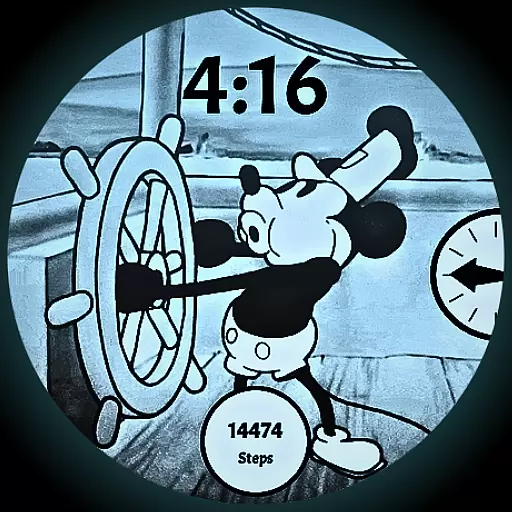
A retro cartoon style watch face and a punch right in the face of the copyright
4.60
Over 28,000 high quality icons to bring color & homogeneity to your phone.
4.60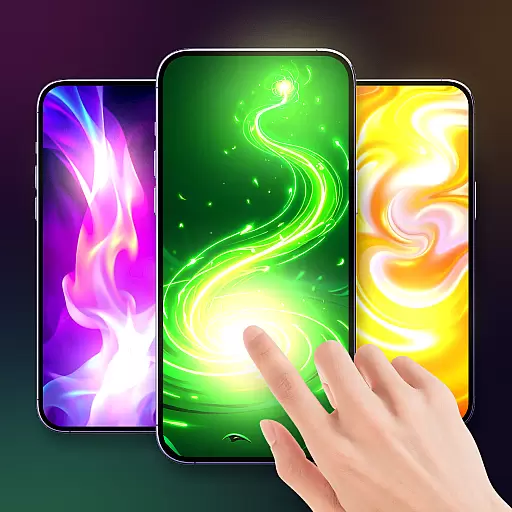
Magic fluids wallpaper 4D: Relax with stunning fluid simulation wallpaper app
4.20
Run multiple accounts of the same app on a single device
4.10
Crystal-clear, square icon provides a sleek and sophisticated visual upgrade
4.00
Interactive Miniature Painting Catalogue
3.30
Modern Glass Icon Pack with glossy icons, clean minimal theme & aesthetic style
4.2


