
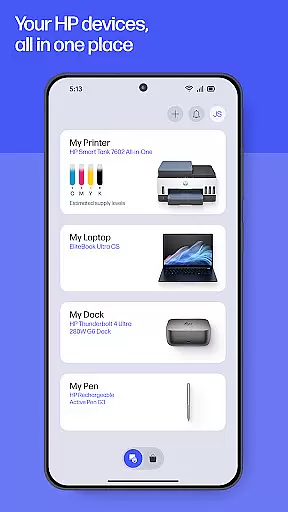
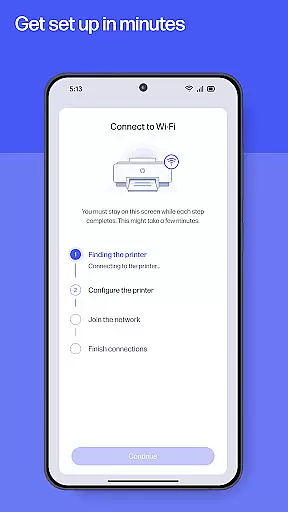
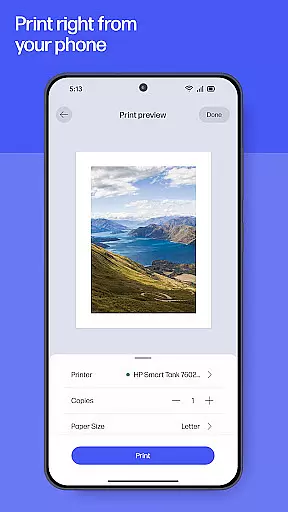
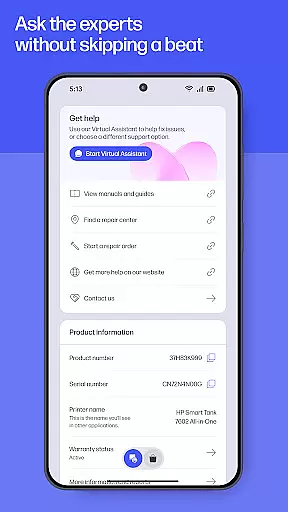
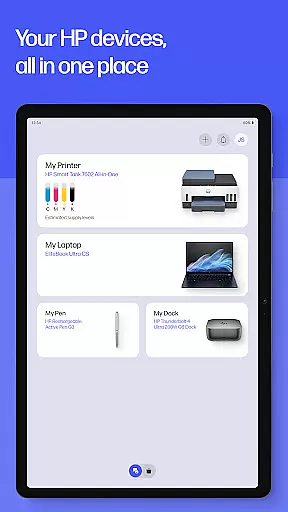
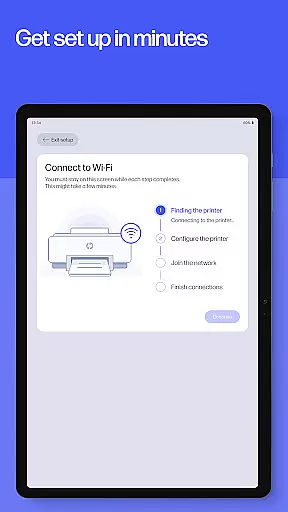
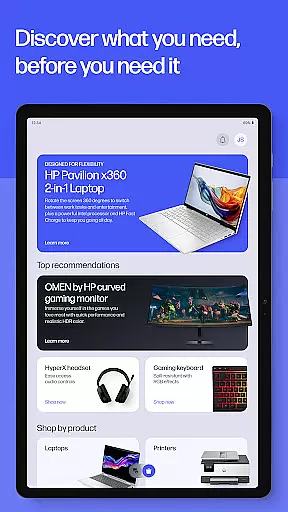
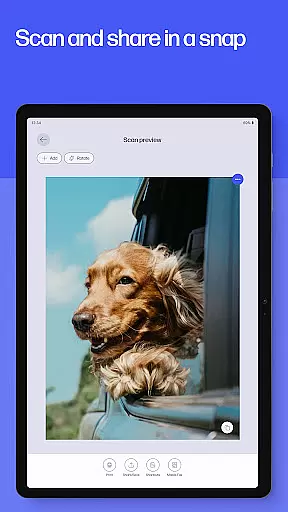
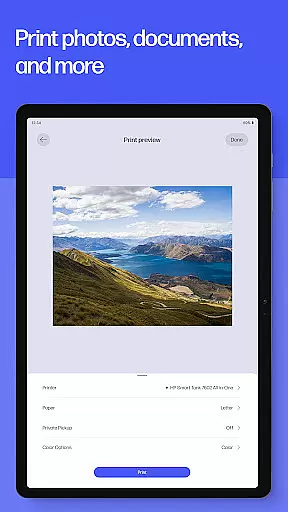
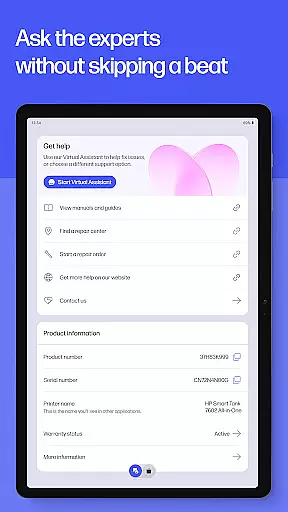
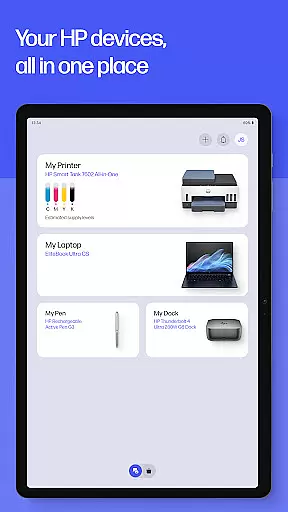
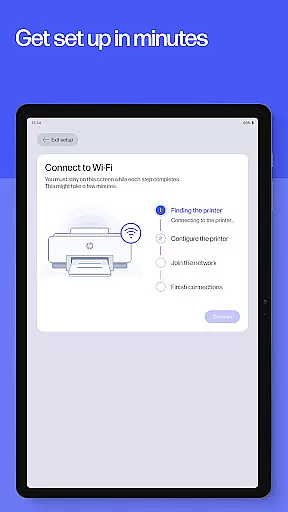
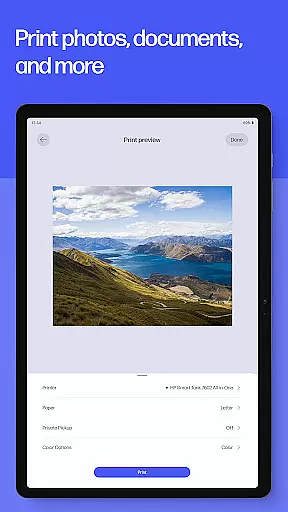
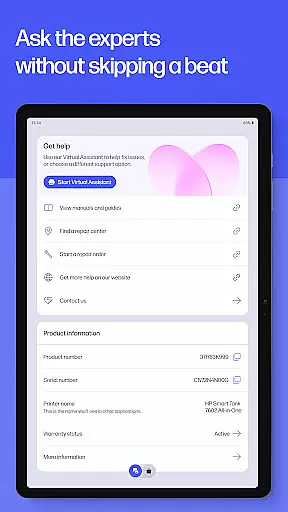
HP is a comprehensive productivity app designed to maximize the functionality of your HP devices. This all-in-one solution allows users to set up new printers, customize device settings, and manage printing and scanning tasks with ease. Whether you're at home or in the office, the app provides instant access to support and essential features like ink level checks.
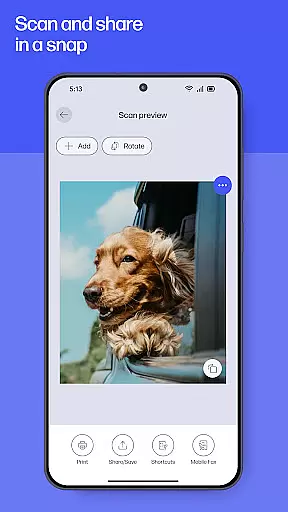
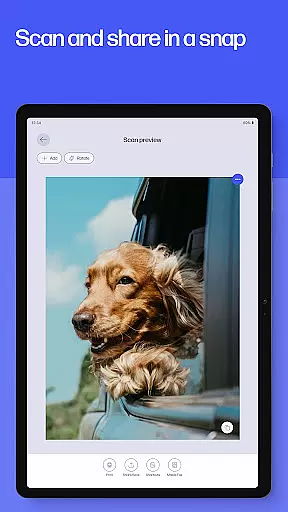
The app offers advanced capabilities such as HP Printables for creative projects, photo printing, document scanning, and fax services. With print shortcuts and supply notifications, it streamlines repetitive tasks while ensuring uninterrupted productivity. The intuitive interface and guided setup make device management accessible to users of all technical levels.
Particularly beneficial for professionals and families, HP's app enhances workflow efficiency and simplifies daily printing needs. The application's continuous updates and expanding feature set ensure users always have access to the latest HP technology and support services.
The HP app distinguishes itself through an impressive array of productivity-boosting features. Its guided setup process simplifies initial device configuration, while advanced print management allows users to create custom shortcuts for frequently used print jobs. The app's scan and edit functionality enables precise document preparation before printing.
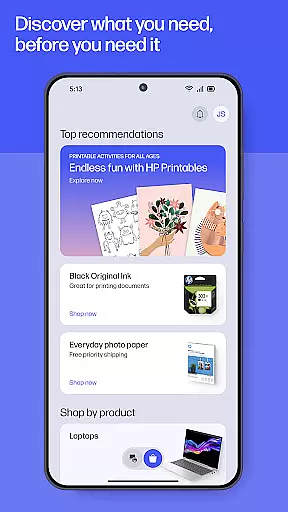
Unique to this app is the HP Printables feature, offering a vast library of printable content including educational materials and creative projects. Professional users will appreciate the integrated fax capabilities and high-quality photo printing options. The app also monitors printer supplies, automatically notifying users when ink or paper is running low.
Customer support integration sets HP apart from competitors, providing multiple contact channels including live chat and phone support. The app's ability to manage both printers and computers from a single interface creates a unified device management experience. These features collectively enhance user productivity while maintaining operational efficiency.
Task management is a cornerstone of productivity, and the HP app excels in this area by offering users an intuitive platform to handle their printing, scanning, and device management tasks efficiently. The app provides a guided setup for new devices, ensuring that users can quickly get their HP printers and computers operational with minimal hassle.
The HP app goes beyond basic task management by enabling users to check ink levels, manage print jobs, and even order supplies directly through the app when they're running low. This proactive approach ensures uninterrupted productivity and helps users stay on top of their essential tasks without missing a beat.
Moreover, the app offers custom print shortcuts for frequently used tasks, streamlining the workflow further. With these capabilities, users can personalize their experience and make their tech work exactly how they want it, enhancing overall efficiency and convenience.
Cross-device synchronization is vital for users who operate in multi-device environments, and the HP app delivers reliable performance in this aspect. Whether at home or in the office, users can seamlessly manage their HP devices, ensuring that all their print and scan tasks are synchronized across their smartphone, tablet, or computer.
The app's design focuses on maintaining consistency and reliability, allowing users to start a print job on one device and finish it on another without any hiccups. This cross-device capability ensures that users have the flexibility to work from anywhere while keeping their tasks up-to-date and in sync.
In addition to its synchronization features, the HP app also supports auto-updates, ensuring that users always have access to the latest improvements and features. By turning on auto-updates, users can rest assured that their app is always current, providing them with a dependable tool for managing their HP devices across different platforms.
User-friendly interface
Comprehensive device management
Advanced print capabilities
Integrated support services
Regular feature updates
Limited device compatibility
English language dominance
Premium feature charges
Internet dependency
Account requirement

Planet Free VPN - The best Fast Unlimited and Secure VPN Without Logs
 4.50
4.50
Easily read and manage all your PDF files
4.10
Activate Two Factor Authentication (2FA or Multi OTP), Password manager and more
4.10
Subscribe to Webcal & .ics calendars and keep them up-to-date!
4.50
Code on-the-go with VScode for Android. Edit,debug and collaborate from mobile!!
3.10
Best Tool for the professionals Electrician, Electrical contractors, etc.
4.90
Use powerful, industry-leading AI tools to generate visual charts from any data
4.80
Lightweight PDF, Word, Excel reader.
4.60
AT&T Internet customers can use this app to personalize their Wi-Fi network.
4.40
Native client for Forgejo and Gitea
5.00
The long-awaited modern gallery app for your Nextcloud server
4.70
aCalendar+ makes your day, week and month
4.70
Scan paperwork into PDF/JPG, generate your own e-signature and send fax or email
4.70
App Lock with fingerprint, password: Lock apps & hide photos with lock screens
4.60
Professional calendar app for Google Calendar, MS Outlook & Exchange
4.20
Font maker keyboard with your own handwriting
4.10
Intelligent AI Assistant
4.10
Take control of your clipboard with Clipper!
3.90
A comprehensive suite of tools designed specifically for Lactation Consultants
4.0


User Reviews