
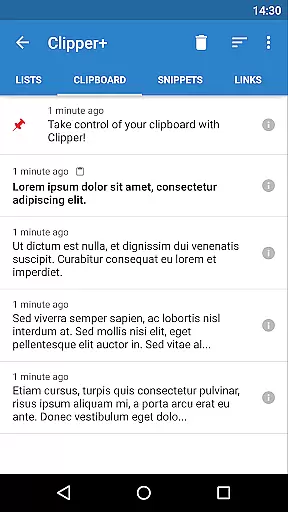
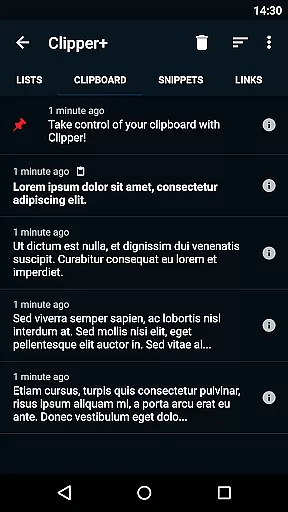
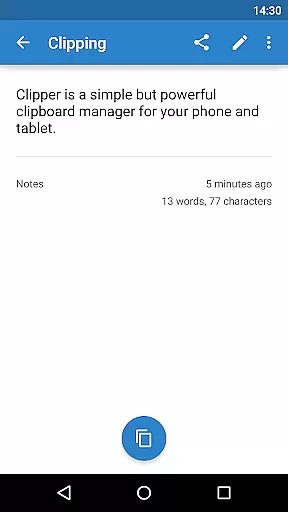
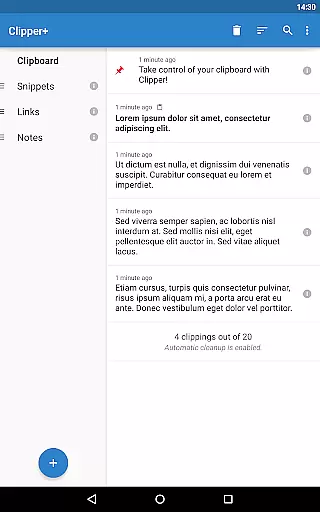
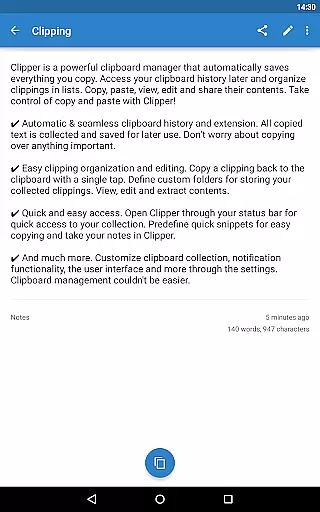
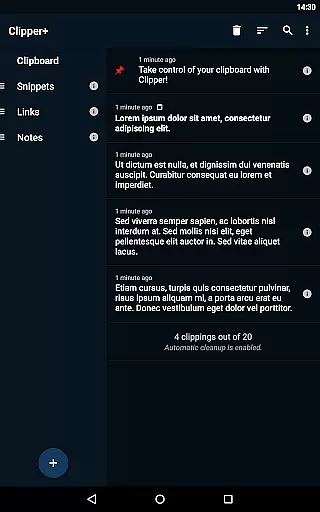
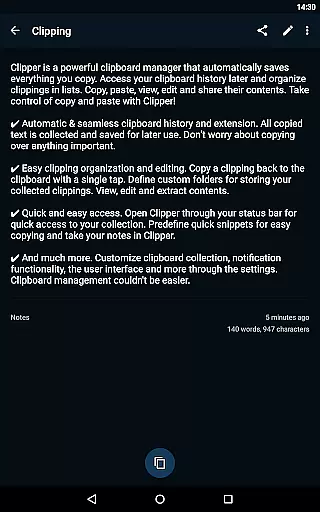
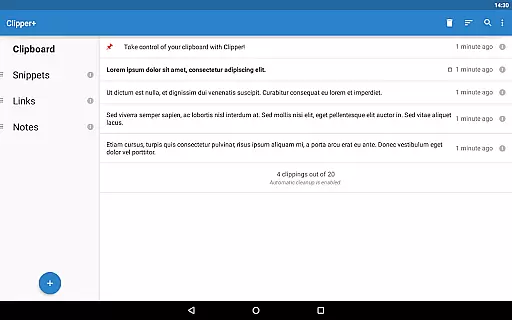
Clipper+: Clipboard Manager is a robust productivity tool designed to enhance your device's clipboard functionality. This app automatically saves everything you copy, allowing you to access, organize, and manage your clippings effortlessly. With features like unlimited clipping storage, dynamic values for custom snippets, and powerful search capabilities, Clipper+ ensures you never lose important copied content. The app also supports organizing clippings into lists, editing their contents, and sharing them as needed.
Whether you're managing repetitive text pieces or need quick access to frequently used information, Clipper+ streamlines the process. Its seamless integration with your device’s status bar provides instant access to your clipboard history. Additionally, the app offers customization options, enabling users to tailor the experience to their specific needs. Clipper+ represents a significant upgrade from traditional copy-paste functions, making it an essential tool for anyone looking to boost their productivity.
Clipper+ boasts an array of features that set it apart from standard clipboard managers. One standout feature is its ability to store unlimited clippings, ensuring that users can keep more than just the latest entries. This is complemented by dynamic value insertion, which allows users to include current dates and times in their custom snippets, adding a layer of automation to repetitive tasks.
The app also includes advanced organizational tools. Users can create custom folders to categorize their clippings, making retrieval straightforward and efficient. The built-in search function enables quick location of specific clippings, while easy editing options allow for modifications on the fly. Furthermore, Clipper+ offers seamless integration with the device’s status bar, providing rapid access to clipboard contents. These features collectively ensure that Clipper+ not only meets but exceeds the expectations of power users seeking enhanced clipboard management.
Clipper+: Clipboard Manager excels in core task management by offering users an intuitive way to handle their clipboard history. This app automatically saves everything you copy, allowing for seamless organization and access to your collected clippings.
With features like unlimited collected clippings and easy clipping organization, Clipper+ ensures that users never lose important information. The ability to edit and store repetitive pieces of text makes it a reliable tool for managing daily tasks efficiently.
Moreover, the app provides dynamic values and new settings, empowering users to customize their experience. Whether it's choosing how clippings are collected or placing the current date and time in snippets, Clipper+ delivers a personalized approach to task management.
Cross-device synchronization is a critical feature for users who operate across multiple platforms, and Clipper+: Clipboard Manager rises to the occasion. Although primarily designed as a clipboard manager, its robust backup functionality supports reliable data transfer between devices.
The app allows import and export of backups to internal storage or SD card, which facilitates cross-device synchronization. Users can easily migrate their data when upgrading from Clipper Free, ensuring continuity and reliability in their workflow.
Furthermore, with quick and easy access through the status bar, Clipper+ enhances productivity by providing consistent access to clippings regardless of the device in use. This steadfast reliability in maintaining clipboard content accessibility underscores Clipper+'s commitment to user-centric design.
User-friendly interface
Unlimited clipping storage
Dynamic snippet customization
Powerful search functionality
Ad-free experience
Paid application
Separate installation
Limited design flexibility
No cloud sync
Manual data migration

QuickBooks Workforce lets teams view pay info and track time in one place.
 4.70
4.70
The long-awaited modern gallery app for your Nextcloud server
4.70
Wake up & get tasks done! Add alarms & reminders on the Clock Launcher.
4.00
Absolutely the best CNC machinist speed and feed calculator around. fswizard.com
4.60
ID.me Authenticator is a simple and free Two Factor Authentication solution
3.50
Docker, Kubernetes management over Portainer Mobile
4.40
The ultimate file manager for rooted devices. The original and still the best.
4.00
Access your phone's notifications, calls, apps, photos & texts on your PC
3.90
Note taking, handwriting, record audio, PDF annotation, planner & journal
4.20
Seamlessly integrate data and reports to build your presentation to impress
4.80
A lightweight JSON & XML files creator, editor and viewer (Premium Version)
4.40
CalenGoo is a very flexible and feature-rich calendar app
4.40
Secure your apps with lock screens, use custom themes and different features.
4.40
Professional calendar app for Google Calendar, MS Outlook & Exchange
4.20
Pwnagotchi companion app
4.20
All in One PDF Reader: Manage, Read and Edit your Documents
4.20
Unlock AutoNotification
4.00
Remotely view listen control and record cameras.
3.70
Find and delete junk files & block unwanted notifications & manage files
3.70


User Reviews