
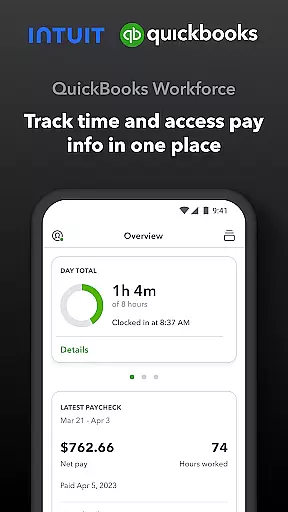
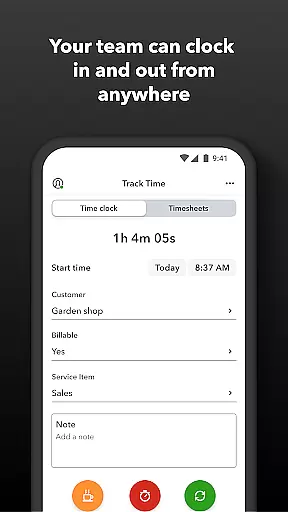
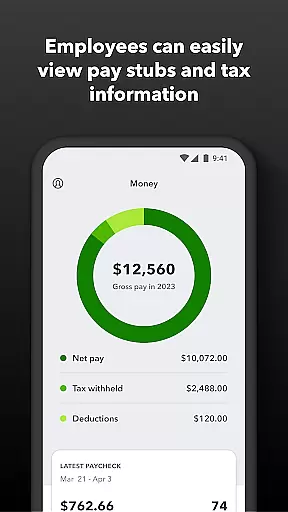
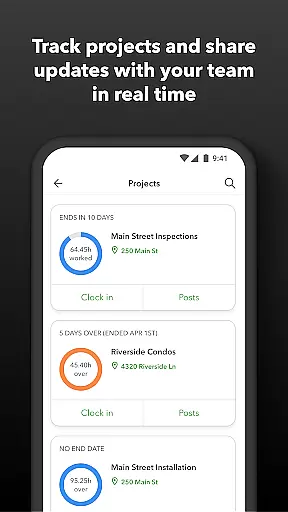
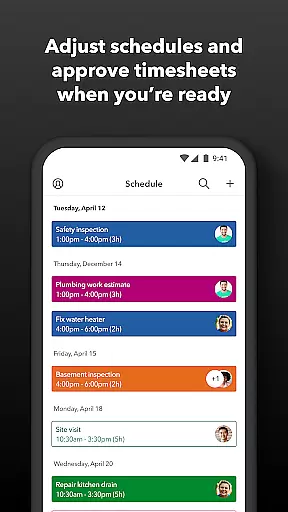
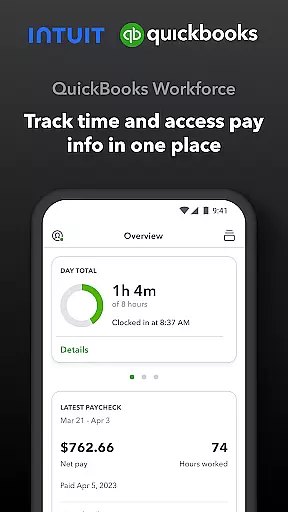
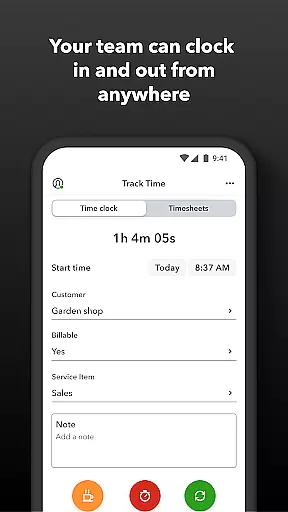
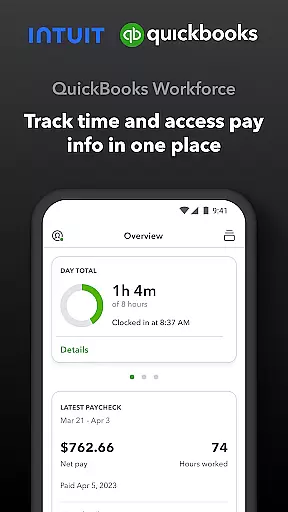
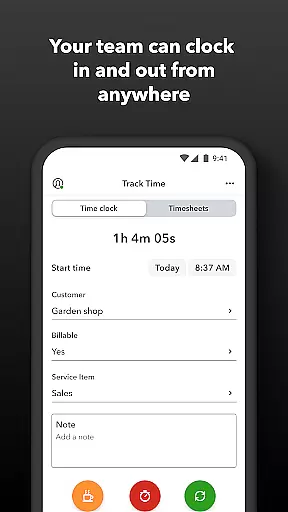
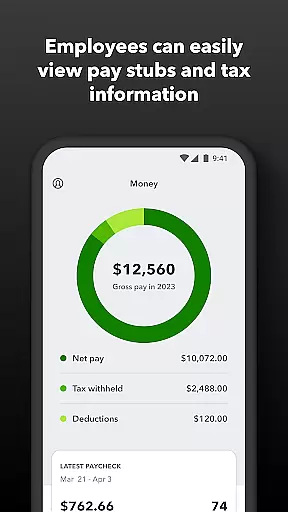
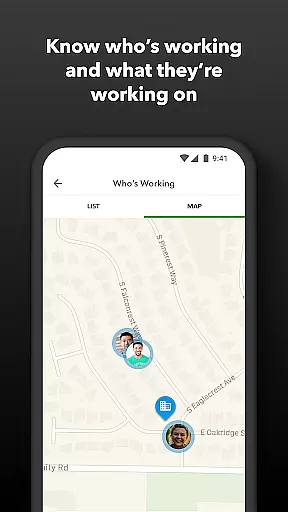
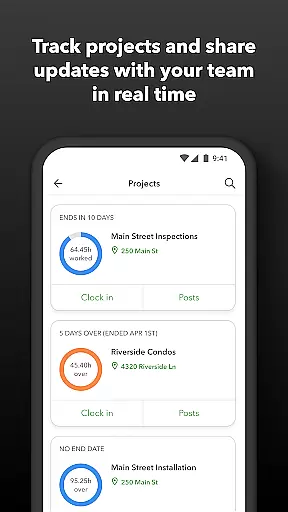
QuickBooks Workforce is a comprehensive productivity app designed to streamline payroll and time tracking for businesses using QuickBooks Payroll and QuickBooks Time. The app serves as a centralized platform where employees can access crucial pay information and track their working hours efficiently.
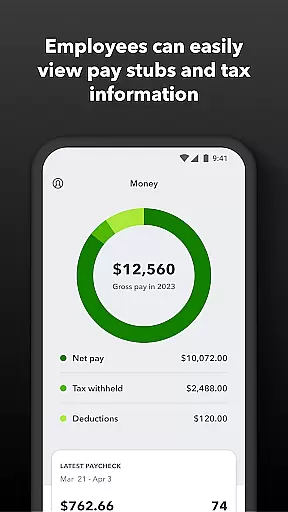
Key features include the ability to view pay stubs, W-2s, and other payment details anytime and anywhere. It also supports offline functionality, allowing users to clock in and out even without Wi-Fi or cellular service. Additionally, the app offers GPS-based time tracking, timesheet management, and job scheduling capabilities, making it an indispensable tool for both employers and employees.
This app is particularly beneficial for businesses that need real-time visibility into employee work patterns and require seamless integration with existing payroll and accounting systems. By automating these processes, QuickBooks Workforce helps reduce manual data entry errors and enhances overall operational efficiency.
QuickBooks Workforce stands out due to its robust feature set tailored for both employees and administrators. For employees, the app provides essential functionalities such as accessing pay stubs and W-2 forms, submitting requests for paid time off, and managing timesheets. These features ensure that employees have all necessary financial and scheduling information at their fingertips.
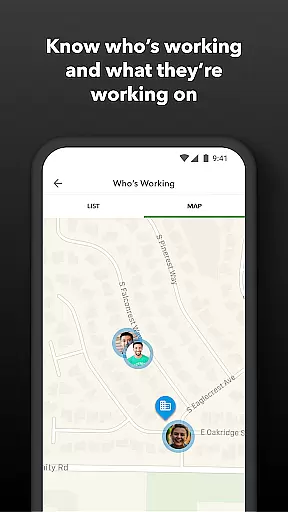
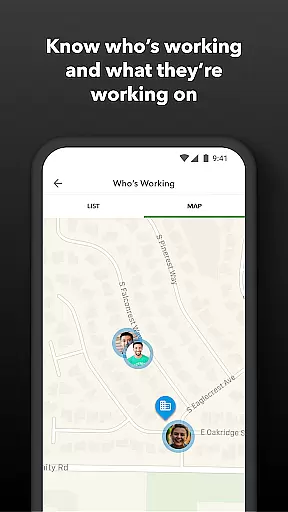
For employers and admins, the app offers advanced tools like real-time tracking of who is working and where, geofencing capabilities to remind employees to clock in or out, and automated alerts for unscheduled clock-ins or potential overtime. Moreover, the app supports detailed reporting and integrates seamlessly with QuickBooks Online and Desktop Payroll, enhancing data accuracy and saving on payroll costs.
The app's open API further extends its utility by enabling custom integrations with other payroll, accounting, and invoicing software. This flexibility ensures that businesses can tailor the app to meet their specific needs while maintaining compliance with labor regulations and audit requirements.
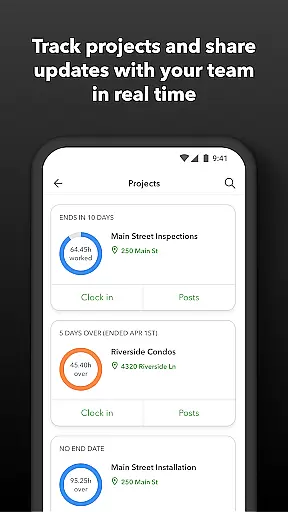
Task management is a cornerstone of productivity applications, and QuickBooks Workforce excels in this area by offering comprehensive tools for both employees and employers. The app allows team members to clock in and out, edit timesheets, and manage job schedules seamlessly. These features ensure that time tracking is accurate and efficient, eliminating the need for manual entry and reducing errors.
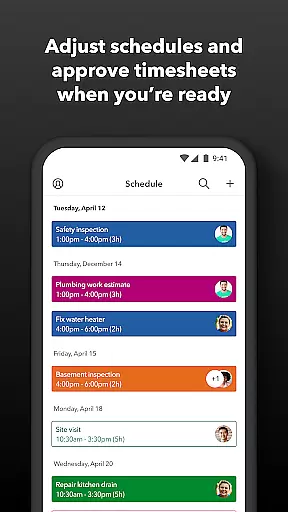
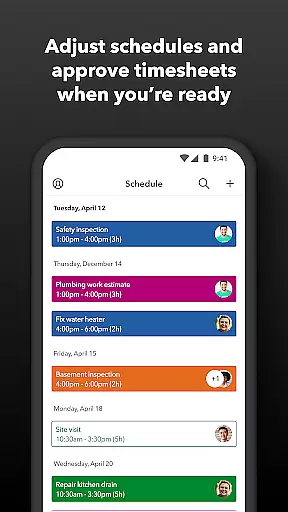
For employers and administrators, QuickBooks Workforce provides advanced capabilities such as approving, editing, or deleting timesheets, scheduling by job or shift, and creating or modifying schedules. This functionality supports better workforce management by giving managers real-time insights into who is working and where, which enhances decision-making and operational efficiency.
The application also includes alerts triggered via push notifications, texts, and emails if employees don't clock in as scheduled or approach overtime. This ensures timely interventions and helps maintain optimal staffing levels. Additionally, features like tracking vacation, sick, or holiday accruals allow businesses to manage employee benefits effectively, contributing to overall satisfaction and retention.
Cross-device synchronization is vital for ensuring that all team members have access to the most up-to-date information regardless of the device they use. QuickBooks Workforce offers reliable synchronization across multiple platforms, allowing users to access pay stubs, W-2s, and other pay information anytime, anywhere. This flexibility is crucial for teams that require remote access and real-time updates.
The app's ability to function without Wi-Fi or service further underscores its robust synchronization capabilities. Employees can clock in and out, submit and track paid time off, and manage their schedules even when offline. Once connectivity is restored, all data is synced automatically, ensuring consistency and accuracy across devices.
Moreover, QuickBooks Workforce integrates seamlessly with QuickBooks Online and QuickBooks Desktop Payroll, as well as other payroll, accounting, and invoicing software. This integration facilitates smooth data flow and eliminates redundancies, saving businesses time and reducing costs associated with manual data entry. With real-time reports available in various formats, including PDF, CSV, online, and HTML, users can make informed decisions based on the latest data.
User-friendly interface
Comprehensive payroll features
Real-time tracking capabilities
Seamless QuickBooks integration
Offline functionality
Limited free features
Premium features come at a cost
Geofencing requires Elite subscription
Occasional sync issues reported
Steep learning curve for new users

AI Video AI Image Private LLM AI Browser Llama Gemma Ollama Connect LLM Studio
 4.2
4.2
A customizable calendar for your Wear OS watch
4.20
8 custom complications. Custom Time Fonts. Beautiful color schemes. A++ Design.
5.00
Simple and reliable communication between inmates, friends and family
3.20
Tally and goal counter for Wear OS & mobile
4.50
Docker, Kubernetes management over Portainer Mobile
4.40
Experience and share your SolidWorks designs on your Android® phone and tablet.
2.50
Ultimate Virtual AI Character for immersive Roleplay Chat. Perfect Companion
3.90
2026 USPS Alpha/Color coded calendar Sunday/Rotating day off schedules
4.1
We're working to become the best machining app on the market! www.cncdirt.com
4.80
Client for Nextcloud Deck
4.60
A simple Whisper AI keyboard for reliable speech transcription and rewording
4.60
Planet Free VPN - The best Fast Unlimited and Secure VPN Without Logs
4.50
CalenGoo is a very flexible and feature-rich calendar app
4.40
Total remote control for your Android device, PC and cloud services (IFTTT)!
4.20
Pwnagotchi companion app
4.20
All in One PDF Reader: Manage, Read and Edit your Documents
4.20
Make apps & sites with natural language prompts
4.10
⏰ Finally a timer app which can run multiple timers simultaneously on your watch
3.90


User Reviews