
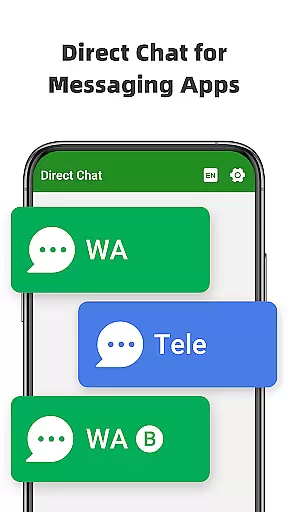
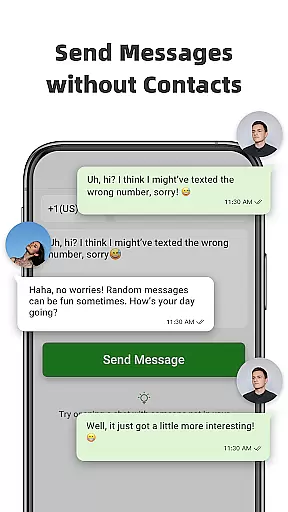
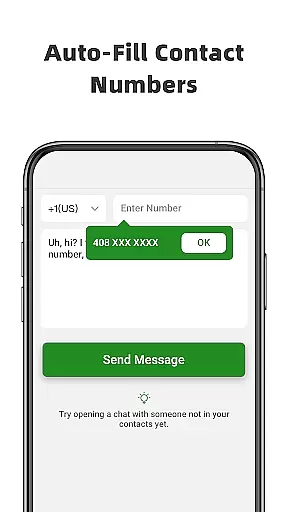
Direct Chat & Messaging is a productivity-focused application designed to streamline your communication process. This app allows users to send messages directly without the need to save contacts, making it ideal for quick business interactions or casual conversations. With support for multiple messaging platforms including WA, WA Business, and Tele Chatting App, it ensures maximum compatibility and convenience.
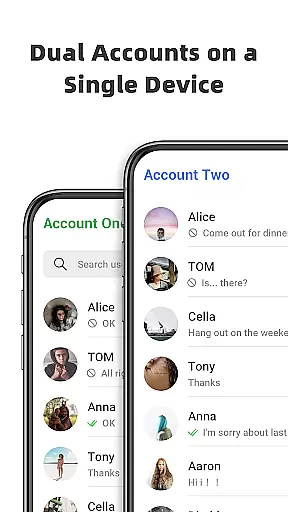
The app also features Dual App functionality, enabling users to manage two WA accounts on a single device or access the same account across multiple devices. Additionally, its Message Recovery feature provides peace of mind by allowing users to retrieve deleted messages and media. Whether you're handling professional tasks or personal chats, Direct Chat & Messaging offers a seamless experience that enhances your messaging efficiency while maintaining privacy and security.
Direct Chat & Messaging stands out with its innovative features tailored for enhanced productivity. The Direct Chat functionality lets users initiate conversations instantly without saving phone numbers, which is particularly useful for one-time interactions or when managing temporary contacts. This feature supports major messaging apps like WA, WA Business, and Tele Chatting App, providing flexibility in communication.
The Dual App - Web Scan feature revolutionizes multi-device management by allowing users to operate the same WA account on different devices or handle two separate accounts on one phone. It ensures smooth synchronization of messages and efficient management of files from cloned accounts. Moreover, the Recover Deleted Messages function adds an extra layer of security by enabling users to retrieve lost messages and media privately. These robust features collectively make Direct Chat & Messaging an indispensable tool for anyone seeking to optimize their messaging workflow.
Direct Chat & Messaging excels in core task management by offering features that streamline communication processes. The app allows users to send messages without saving contacts, manage dual accounts, and recover deleted messages. This functionality is crucial for productivity as it eliminates unnecessary steps and organizes essential messaging tasks efficiently.
The Direct Chat feature enables users to initiate conversations with any contact without permanently saving their number. This simplifies the process of communicating for business or one-time tasks, ensuring that your phonebook remains clutter-free while still allowing for effective communication.
In addition to direct messaging, the Dual App - Web Scan feature enhances task management by allowing access to multiple WA accounts from a single device. This means professionals can seamlessly switch between personal and work accounts, keeping their communications organized and accessible at all times.
Cross-device synchronization is a vital component of modern productivity apps, and Direct Chat & Messaging delivers reliable performance in this area. By enabling users to access the same WA account on multiple devices, the app ensures that all communications are synced and up-to-date across different platforms.
The Dual App feature provides stable connections and prevents unexpected logouts, which is essential for maintaining workflow continuity. Users can read and reply to messages anytime, ensuring that no important communication is missed due to device limitations or connectivity issues.
Moreover, the app efficiently manages downloaded files from cloned WA accounts, making sure that documents, images, and other media are accessible regardless of the device being used. This level of synchronization reliability empowers users to stay productive and connected, whether they're using a smartphone, tablet, or computer.
User-friendly interface
Multi-platform support
Efficient message recovery
Seamless dual app functionality
Enhanced privacy controls
Limited to specific platforms
Requires notification access
Potential battery drain
Occasional sync issues
No cloud backup option

Easily read and manage all your PDF files
 4.10
4.10
Simple and reliable communication between inmates, friends and family
3.20
Access, manage and transfer files on Android, PC, Mac, NAS and cloud storages.
4.30
A comprehensive suite of tools designed specifically for Lactation Consultants
4.2
Use powerful, industry-leading AI tools to generate visual charts from any data
4.80
Lightweight PDF, Word, Excel reader.
4.60
Set up, print, and get support—in one place
4.20
Put a lock on your cloud: Take the security of your data into your own hands
3.70
2026 USPS Alpha/Color coded calendar Sunday/Rotating day off schedules
4.4
Native client for Forgejo and Gitea
5.00
Great calculator for Android named one of USA TODAY's "25 Essential Apps".
4.90
The long-awaited modern gallery app for your Nextcloud server
4.70
aCalendar+ makes your day, week and month
4.70
App Lock with fingerprint, password: Lock apps & hide photos with lock screens
4.60
Device's storage information in a simple and clear graphical form (infographics)
4.10
Cloud storage, automatic phone backup, and more.
4.10
Activate Two Factor Authentication (2FA or Multi OTP), Password manager and more
4.10
Customizable calendar widget for seamless event sync, planning & scheduling.
4.00
⏰ Finally a timer app which can run multiple timers simultaneously on your watch
3.90


User Reviews