
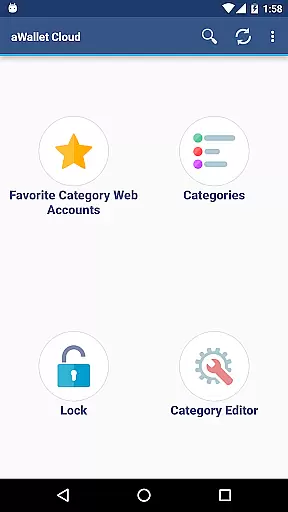
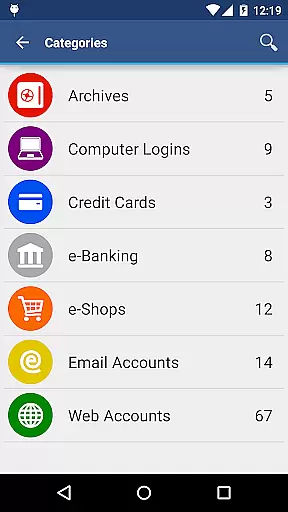
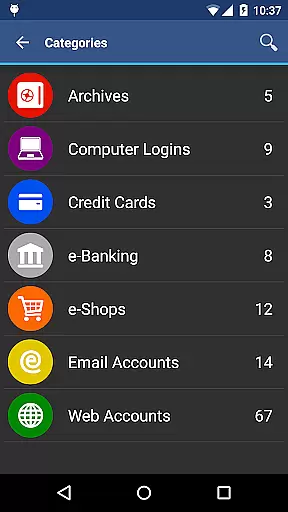
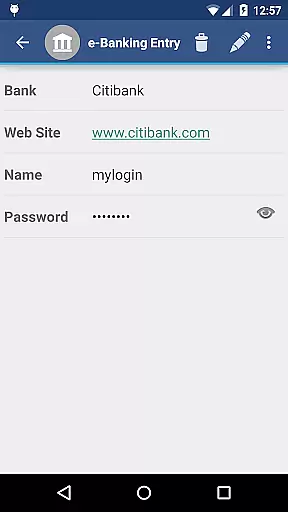
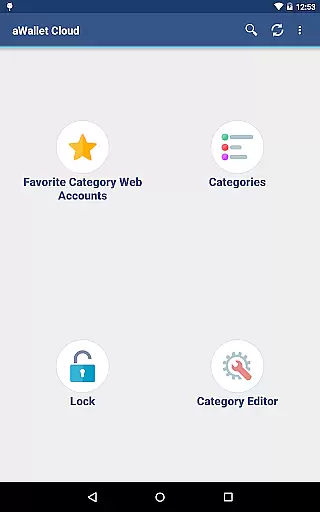
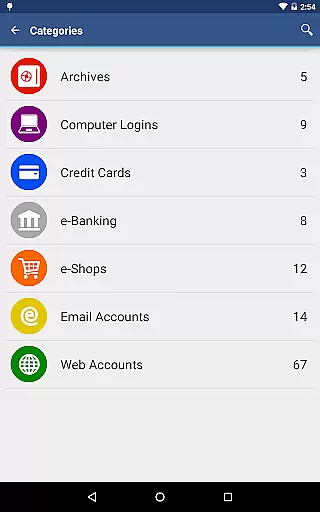
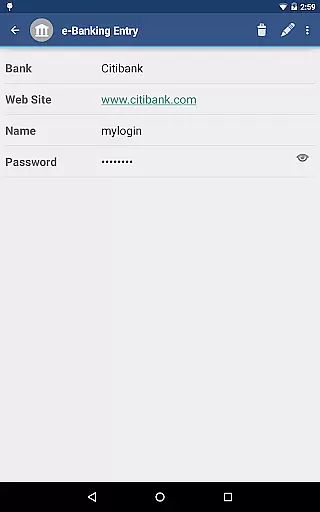
aWallet Cloud Password Manager is a robust productivity application designed to securely store sensitive information such as passwords, credit card details, and e-banking credentials. The app ensures top-notch security by encrypting all stored data using advanced algorithms like AES or Blowfish with key sizes up to 256 bits.
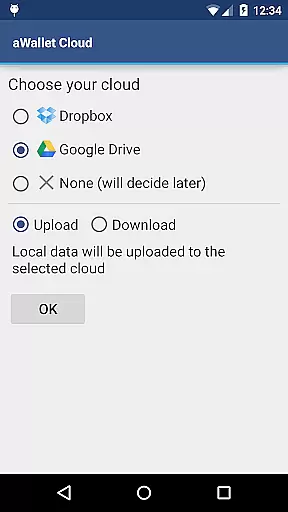
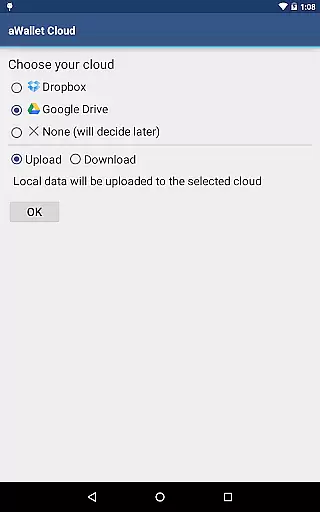
One of the standout features is its ability to synchronize encrypted data with your personal cloud accounts like Dropbox or Google Drive, ensuring that your information is accessible yet secure across multiple devices. Additionally, it offers pro features such as fingerprint and facial recognition unlock, making it both convenient and secure for users who require quick access to their data.
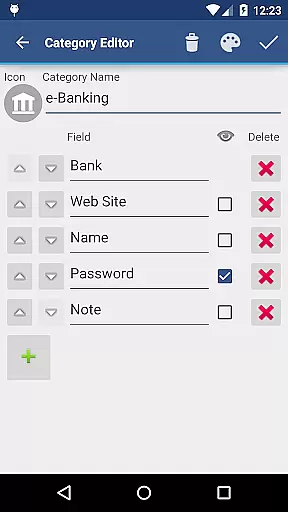
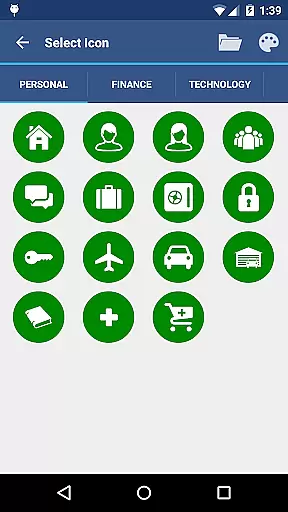
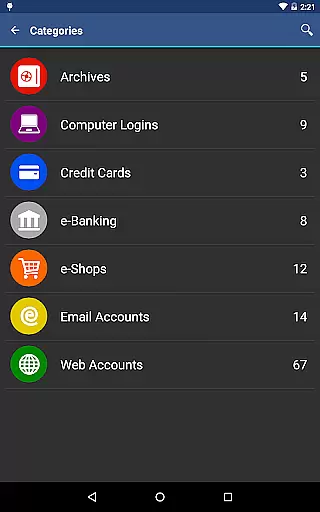
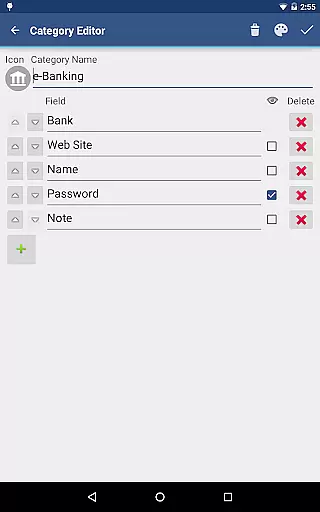
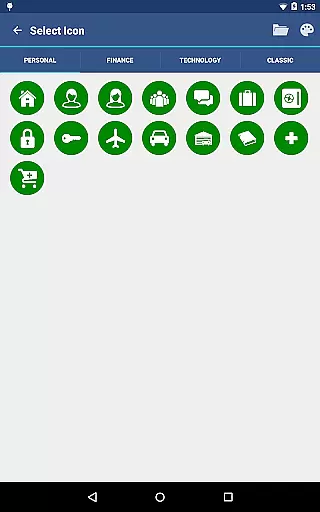
The app boasts an array of features tailored for optimal user experience and security. It includes a built-in editor allowing users to customize data categories with unique icons, enhancing organization and ease of access. Users can also search within fields, export unencrypted data in CSV format, and utilize an auto-lock feature that can be preconfigured for added security.
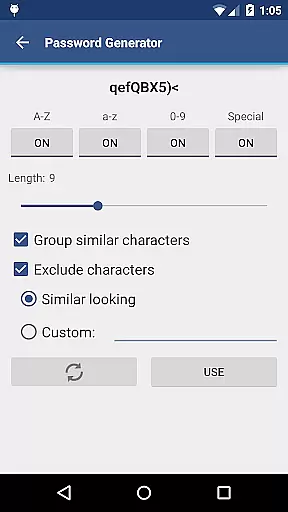
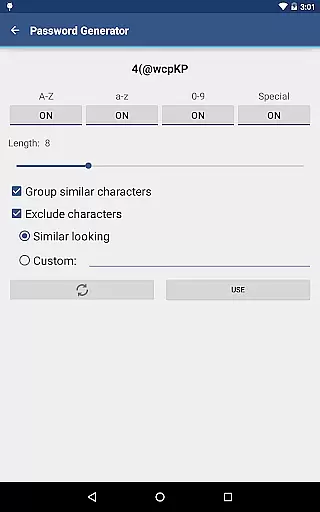
For those seeking additional functionality, the app offers pro features like a password generator and CSV import capabilities. Security remains a top priority with measures such as repetitive hashing of the master password combined with a randomly generated salt, thwarting brute force and off-line dictionary attacks effectively.
aWallet Cloud Password Manager excels in core task management by offering a comprehensive suite of features designed to securely handle sensitive information.
The app allows users to store various types of data, including passwords, credit card details, and e-banking credentials, all within a structured and organized environment. Its synchronization capabilities with cloud services like Dropbox or Google Drive ensure that your data is accessible wherever you go.
With the built-in Editor, users can customize categories and icons, tailoring the experience to their specific needs. The inclusion of an Auto lock feature adds another layer of security, automatically protecting your data after a period of inactivity.
Cross-device synchronization is a critical feature for any productivity tool, and aWallet Cloud Password Manager delivers reliable performance in this area.
By leveraging trusted cloud storage solutions such as Dropbox and Google Drive, the app ensures that your encrypted data is consistently updated across all your devices. This means you can access your vital information whether you're on your phone, tablet, or computer.
The reliability of this synchronization process provides peace of mind, knowing that your most recent data updates are seamlessly mirrored everywhere. This level of integration enhances both accessibility and data integrity, making sure that your information is not only secure but also up-to-date across different platforms.
Highly secure encryption
User-friendly interface
Cloud synchronization
Pro features included
No advertisements
Complex for beginners
Limited free features
Requires cloud account
Occasional sync issues
Device compatibility

Client for Nextcloud Deck
 4.60
4.60
Experience Reading - Night Mode for Documents
4.40
Create study competitions, track your hours, and stay consistent with friends
4.0
Easily read and manage all your PDF files
4.10
Mind Map and brainstorm, note taking and idea collection
4.80
* block pre-roll ads, pop-up and forced redirect ads * Samsung certification app
4.00
Intelligent AI Assistant
4.10
Use powerful, industry-leading AI tools to generate visual charts from any data
4.80
Seamlessly read, manage, and organize all your PDF files solution in one place
4.40
8 custom complications. Custom Time Fonts. Beautiful color schemes. A++ Design.
5.00
Simple notepad & memo. Take notes, to-do list, shopping list with reminders.
4.80
Stay on top of your to-dos with Google Tasks, part of Google Workspace.
4.60
To do list widget with a notebook organizer, checklist, simple shopping list
4.60
Translate text/voice/photos in 150+ languages. Offline & fast translator app.
4.50
Docker, Kubernetes management over Portainer Mobile
4.40
Professional calendar app for Google Calendar, MS Outlook & Exchange
4.20
Cloud storage, automatic phone backup, and more.
4.10
Make your handwriting beautiful, even more than pen on paper.
3.60
Code on-the-go with VScode for Android. Edit,debug and collaborate from mobile!!
3.10


User Reviews