
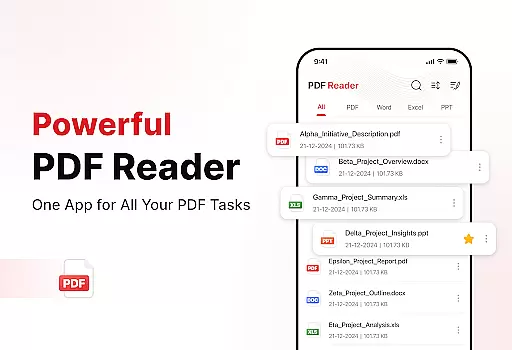
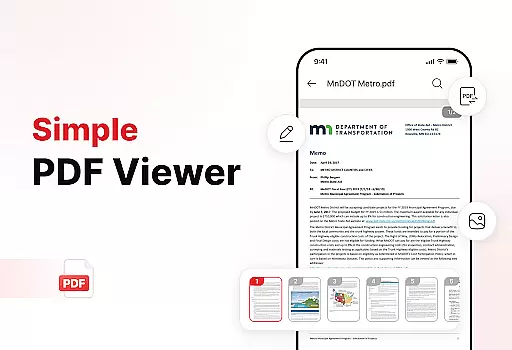
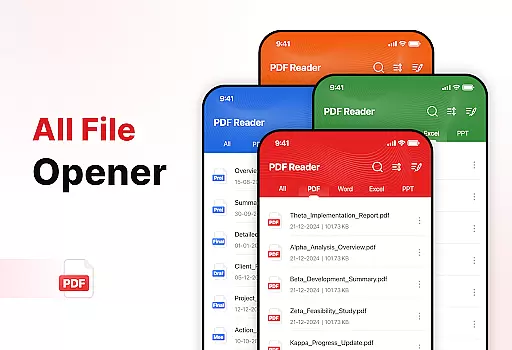
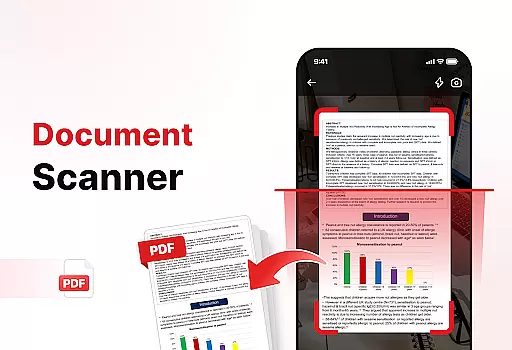
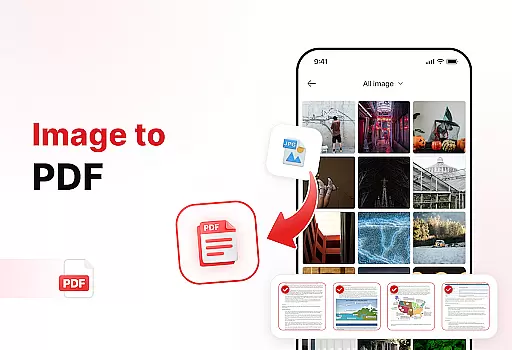
PDF Reader - Edit & View is a comprehensive document management solution designed to simplify how you handle, organize, and convert files. This productivity app allows users to seamlessly read PDFs of any size with smooth navigation and zoom functionality. It supports multiple formats including XLS, DOCX, and PPT, making it versatile for various document types.
The app features powerful conversion tools, enabling users to scan documents and images into high-quality PDFs. With enhanced productivity tools like file sorting, bookmarking, and effortless sharing, users can efficiently manage their documents. The ability to add signatures digitally further streamlines document handling, making this app essential for students, professionals, and anyone who frequently works with documents.
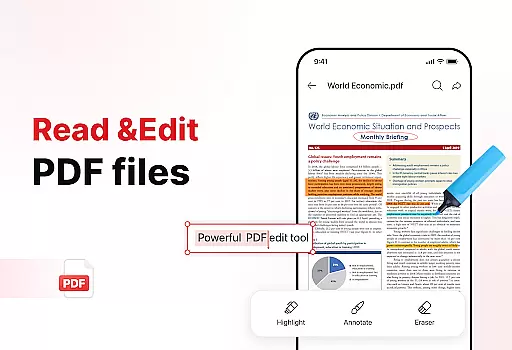
PDF Reader - Edit & View offers an array of robust features tailored for efficient document management. Its primary strength lies in its versatile PDF reader that allows users to open, read, and navigate through large PDFs without lag. The zoom feature provides detailed views while the highlight tool helps mark critical information, ensuring an optimal reading experience.
Beyond viewing, the app excels in document conversion. Users can scan physical documents and convert them into digital PDFs or transform images and screenshots into professional PDF files effortlessly. Additionally, the app includes advanced organizational tools such as file sorting by name, date, or size, and quick access via bookmarks. Sharing documents is made easy with instant sharing options, and the digital signature feature adds convenience for signing important documents on the go.
In the realm of productivity, effective task management is crucial for maintaining an organized workflow. PDF Reader - Edit & View excels in this area by offering a comprehensive suite of tools designed to streamline document handling.
This app allows users to manage and organize their files with ease. It provides features such as bookmarks for quick access, file sorting options that include sorting by name, date, or size, and the ability to delete unnecessary documents, ensuring that your storage remains clean and clutter-free.
Furthermore, the app enhances productivity by enabling effortless sharing of PDFs and files with colleagues, friends, or family. This means that collaboration and communication are made simple, allowing users to focus on the tasks that matter most.
By integrating these powerful document management features, PDF Reader - Edit & View ensures that users can efficiently handle their documents, thus boosting overall productivity and saving valuable time.
Cross-device synchronization is a pivotal feature for users who operate across multiple platforms. PDF Reader - Edit & View addresses this need by providing reliable and real-time updates, ensuring that users have access to their documents whenever and wherever they need them.
The app supports a seamless experience where users can start working on a document on one device and continue on another without missing a beat. This is particularly beneficial for professionals and students who require flexibility and continuity in their workflow.
Moreover, the synchronization process is designed to be smooth and efficient, maintaining the integrity of the document's format and content across all devices. This reliability instills confidence in users, knowing that their work is securely saved and up-to-date.
With PDF Reader - Edit & View, users can take control of their documents with the assurance that their productivity will not be hindered by device limitations, making it an indispensable tool for modern document management.
User-friendly interface
Multi-format support
Powerful conversion tools
Efficient file management
Instant sharing capabilities
Limited free features
Occasional performance lags
In-app purchases required
Ads in free version
Complexity for beginners

The long-awaited modern gallery app for your Nextcloud server
 4.70
4.70
Professional calendar app for Google Calendar, MS Outlook & Exchange
4.20
Automates browsing any website and notifies you of important changes or events
4.30
Absolutely the best CNC machinist speed and feed calculator around. fswizard.com
4.60
IP Camera Viewer - Android TV : RTSP Surveillance camera viewer for Android TV
4.1
Customizable calendar widget for seamless event sync, planning & scheduling.
4.00
Understand anything with a personalized AI research assistant
4.80
Browse and view your photos and videos from the phone with photo & video hide.
4.10
2026 USPS Alpha/Color coded calendar Sunday/Rotating day off schedules
4.3
Native client for Forgejo and Gitea
5.00
Protect and view your important info on your phone and tablet with eWallet®
4.80
Easily read and manage all your PDF files
4.10
Font maker keyboard with your own handwriting
4.10
⏰ Finally a timer app which can run multiple timers simultaneously on your watch
3.90
A Revolutionary All-in-One Artificial Intelligence Tools
3.80
All in one sketching tool. Technical and General drawing. Online Maps support.
3.70
Find and delete junk files & block unwanted notifications & manage files
3.70
Simple and reliable communication between inmates, friends and family
3.20
Code on-the-go with VScode for Android. Edit,debug and collaborate from mobile!!
3.10


User Reviews