
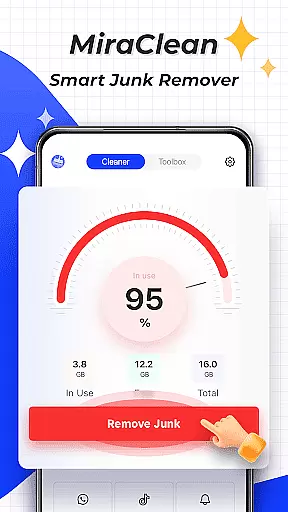
MiraClean is a productivity-focused app designed to help Android users efficiently manage their device storage and optimize performance. The app provides essential tools for scanning and removing unnecessary files, including temporary caches and residual data that accumulate over time.
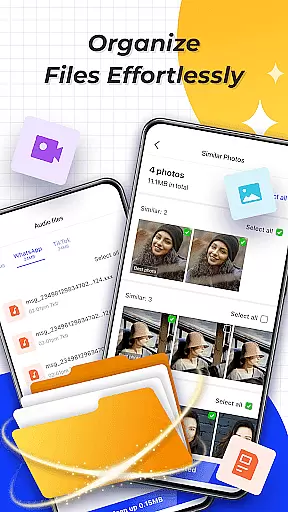
One of the standout features is its ability to organize files by type and size, making it easier for users to identify and clean up space-consuming content. Additionally, MiraClean offers network monitoring capabilities, such as data usage statistics and speed tests, which are crucial for maintaining optimal connectivity without exceeding data limits.
This app is particularly useful for individuals who want a lightweight solution that respects user privacy while offering practical utilities to keep their devices running smoothly.
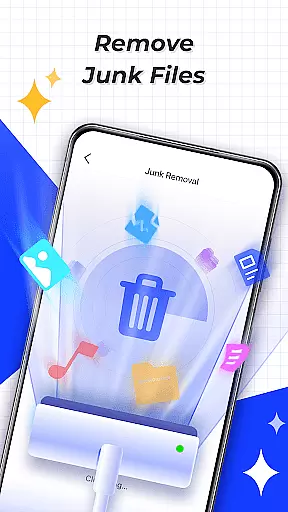
MiraClean stands out with its comprehensive set of features tailored for device optimization. First, the app performs detailed scans to detect junk files, such as temporary files, app caches, and leftover data from uninstalled apps. This ensures your device remains clutter-free without manual intervention.
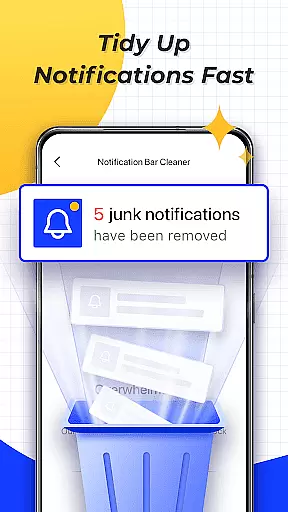
Another notable feature is the notification management tool, which allows users to clear unwanted notifications directly from the app interface. This helps declutter the notification bar and maintain focus on important alerts. Furthermore, the file management system lets you sort files by type and size, providing an intuitive way to manage large or unnecessary files.
The app also includes network monitoring tools like data usage tracking and network speed testing. These features enable users to monitor mobile and Wi-Fi data consumption and measure their internet connection speeds, ensuring they stay within data caps and enjoy reliable connectivity.
At the heart of MiraClean lies its ability to manage essential device maintenance tasks with precision and ease. This app allows users to scan and delete unnecessary junk files that accumulate over time, such as temporary files, app caches, and residual data.
In addition to file management, MiraClean offers the functionality to clear unwanted notifications from the notification bar, ensuring a clutter-free experience. The app also excels in organizing files by type and size, which simplifies the process of managing storage space on your Android device.
By providing these core task management features, MiraClean empowers users to maintain their devices efficiently, leading to improved performance and a more organized digital environment.
While MiraClean focuses primarily on single-device productivity, it lays the groundwork for reliable cross-device synchronization through its systematic approach to file and storage management. By offering network data usage statistics, the app gives insights into how much mobile or Wi-Fi data each app consumes, which is crucial when managing multiple devices.
The inclusion of a network speed test feature further enhances the user's ability to monitor and optimize their connectivity across different platforms. These features ensure that users can maintain consistent performance levels regardless of the device they are using.
Although direct cross-device sync isn't its main feature, MiraClean's comprehensive toolkit indirectly supports synchronization reliability by keeping the device's storage and settings optimized, thus facilitating smoother transitions and interactions between the user's various devices.
Lightweight design
Privacy-focused
Easy-to-use interface
Comprehensive file scanning
Network speed testing
Limited advanced tools
No cloud backup option
Basic UI design
Few customization settings
Occasional scan slowdowns

Auto-shutoff Alarm with Sunrise, Sunset & Fixed Options.
 3.50
3.50
Easily read and manage all your PDF files
4.10
Android Wallet Password Manager
4.80
We're working to become the best machining app on the market! www.cncdirt.com
4.80
Easiest event planning, volunteer signups & parent teacher conference scheduling
2.20
App lock - lock apps with fingerprint, password, pin or pattern, protect privacy
4.70
Calendar 2023 widget for Android. Appointment scheduler, planner, and reminder
4.60
Understand anything with a personalized AI research assistant
4.80
Discover Acode - a sleek, powerful IDE and code editor for Android.
4.30
Seamlessly integrate data and reports to build your presentation to impress
4.80
Scan paperwork into PDF/JPG, generate your own e-signature and send fax or email
4.70
The AI assistant that thinks with you - write, code, and solve complex tasks
4.60
Translate text/voice/photos in 150+ languages. Offline & fast translator app.
4.50
A lightweight JSON & XML files creator, editor and viewer (Premium Version)
4.40
A customizable calendar for your Wear OS watch
4.20
All in One PDF Reader: Manage, Read and Edit your Documents
4.20
Make apps & sites with natural language prompts
4.10
Unlock AutoNotification
4.00
Create and edit presentations with Google Slides, part of Google Workspace.
4.00


User Reviews