
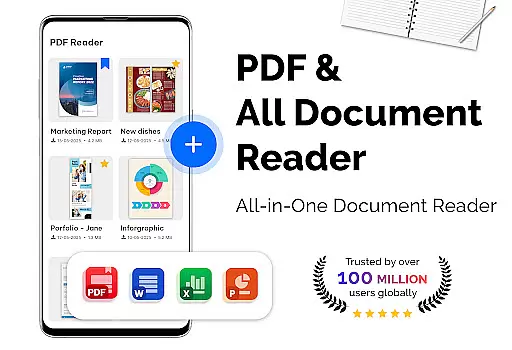
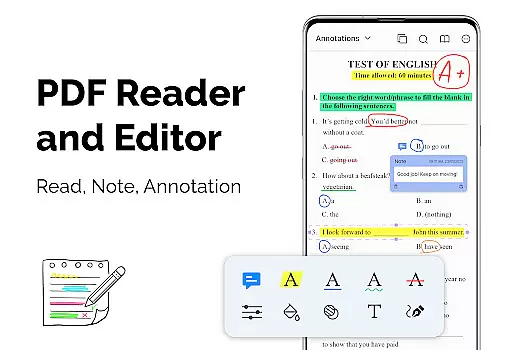
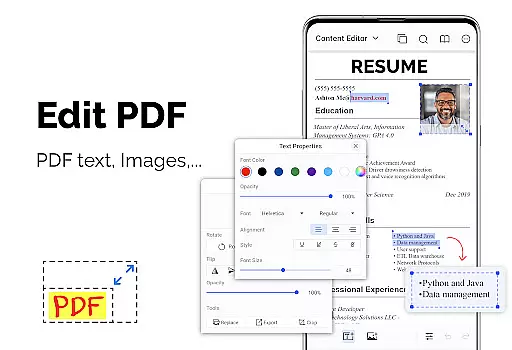
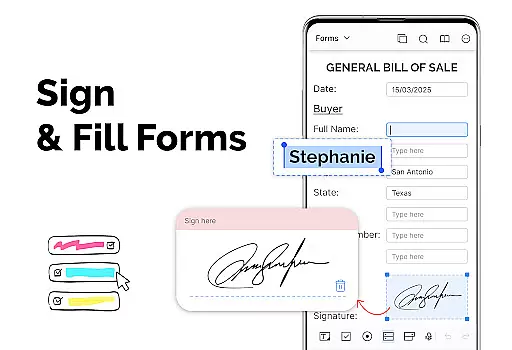

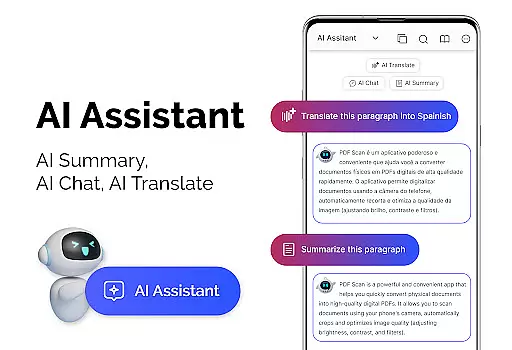
PDF Reader - PDF Viewer is a versatile productivity app designed for seamless document management. This application allows users to read and manage PDF files stored locally on their devices, including password-protected documents. With its advanced technology, the app ensures quick loading of even large PDF files, providing an efficient reading experience.
The app offers multiple display modes such as single page, two-page, book mode, and full-screen reading, along with customizable orientation settings. Users can easily navigate through PDFs using bookmarks and quick page-moving features. Additionally, it provides essential tools like theme customization and supports converting images to PDFs and vice versa, making it a comprehensive solution for all PDF-related tasks.
Whether you're a student managing lecture notes or a professional handling extensive reports, this app's ability to handle files over 300MB ensures smooth performance. Its intuitive interface and robust feature set make it an ideal choice for anyone seeking a reliable PDF management tool.
PDF Reader - PDF Viewer stands out with its rich feature set tailored for productivity enthusiasts. The app employs cutting-edge technology to ensure rapid display of PDF files, regardless of their size. This makes it particularly useful when dealing with large documents that typically cause slower performance in other apps.
One of the key highlights is the variety of viewing options available. Users can choose between single-page, two-page, book mode, or full-screen display, allowing personalized reading experiences. The app also supports both vertical and horizontal orientations, catering to user preferences. Navigation is made easy with features like quick page movement, bookmarks, and direct page number access.
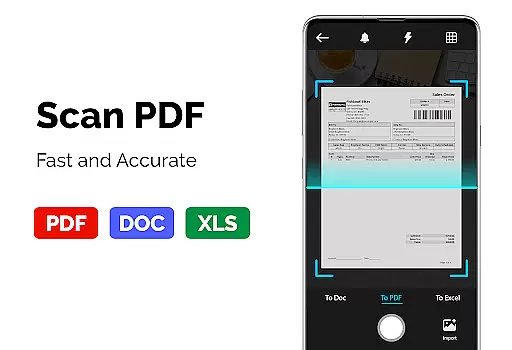
Beyond viewing, the app serves as a capable PDF converter and scanner. It can transform images into PDFs and convert PDFs into JPGs, facilitating better sharing and storage. The inclusion of a PDF creator that combines multiple image formats into one PDF file adds another layer of utility. These features collectively enhance document management efficiency, making the app indispensable for users who frequently work with PDFs.
In the realm of productivity, managing tasks efficiently is paramount. PDF Reader u2013 PDF Viewer excels in organizing and handling PDF documents, which are often critical in task management. The app's ability to swiftly open large files ensures that users can manage their document-based tasks without delay.
The application supports a variety of features that enhance task management. With options like bookmarks and multiple display modes, users can navigate through complex documents with ease. This functionality is crucial for professionals who need to quickly find information within reports or research papers, thus streamlining their workflow.
Moreover, the customization available within the PDF Reader u2013 PDF Viewer allows users to tailor their experience to fit their task management style. Whether it's through choosing a dark or light theme, or arranging pages in a book-like format, these personal touches help maintain focus and improve efficiency when dealing with numerous documents.
For any productivity tool, reliable cross-device synchronization is key to maintaining workflow continuity. While the description of PDF Reader u2013 PDF Viewer does not explicitly mention cloud services or syncing capabilities, its robust local file handling suggests a stable foundation for potential synchronization features.
Users benefit from consistent access to their documents regardless of location or device. Although the current feature set focuses on local storage, the speed and reliability of accessing large PDFs imply that future updates could seamlessly integrate cross-device functionality. This would enable users to pick up where they left off, whether at home, in the office, or on the go.
Furthermore, as work environments increasingly demand flexibility, having a PDF reader that can adapt to various devices while providing a uniform experience is invaluable. The anticipation of such features in PDF Reader u2013 PDF Viewer positions it as a forward-thinking solution in productivity, potentially enhancing user engagement by ensuring that important documents are always at hand.
User-friendly interface
Fast PDF loading
Multiple display modes
Advanced bookmarking
Comprehensive PDF tools
Limited cloud integration
No collaborative features
Basic annotation tools
Occasional ads in free version
Some features require purchase

A customizable calendar for your Wear OS watch
 4.20
4.20
Seamlessly integrate data and reports to build your presentation to impress
4.80
Take control of your clipboard with Clipper!
3.90
We're working to become the best machining app on the market! www.cncdirt.com
4.80
aCalendar+ makes your day, week and month
4.70
CalenGoo is a very flexible and feature-rich calendar app
4.40
Best Tool for the professionals Electrician, Electrical contractors, etc.
4.90
Intelligent AI Assistant
4.10
Browse and view your photos and videos from the phone with photo & video hide.
4.10
Understand anything with a personalized AI research assistant
4.80
Simple notepad & memo. Take notes, to-do list, shopping list with reminders.
4.80
A beautiful digital clock with autostart and many other functions
4.70
A simple Whisper AI keyboard for reliable speech transcription and rewording
4.60
A Pixel Art watchface inspired by other iconic 90s designs for Wear OS devices!
4.40
Find and delete junk files & block unwanted notifications & manage files
3.70
Create study competitions, track your hours, and stay consistent with friends
4.0
The upgraded version of Name Wheel with AI and the power to add your own wheels.
4.4
IP Camera Viewer - Android TV : RTSP Surveillance camera viewer for Android TV
4.1
A comprehensive suite of tools designed specifically for Lactation Consultants
4.5


User Reviews