
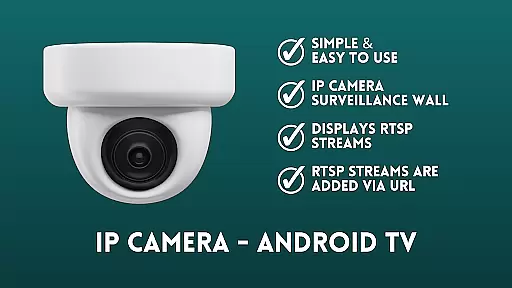
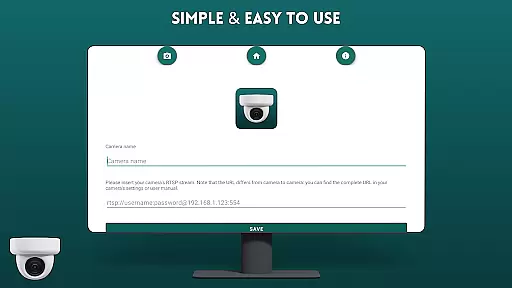
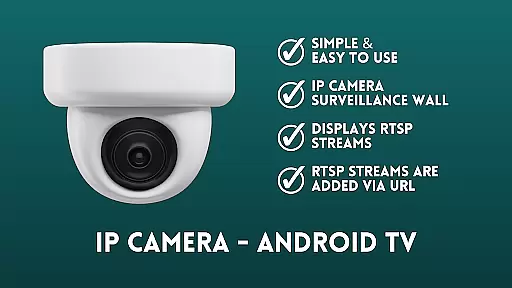
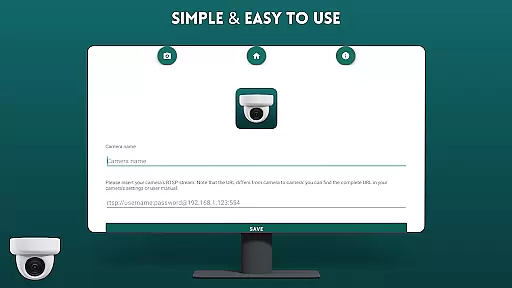
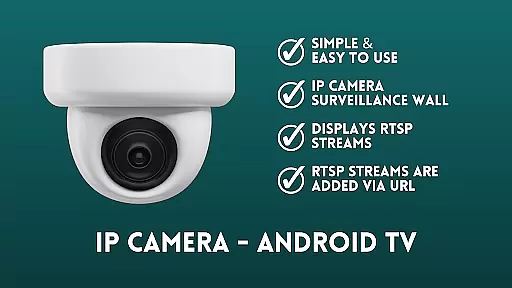
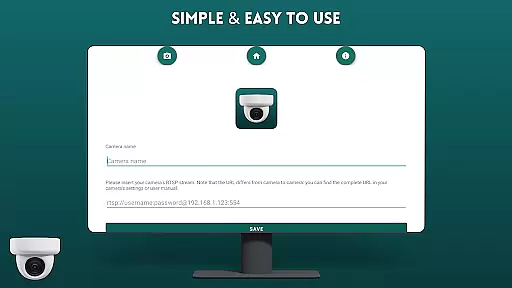
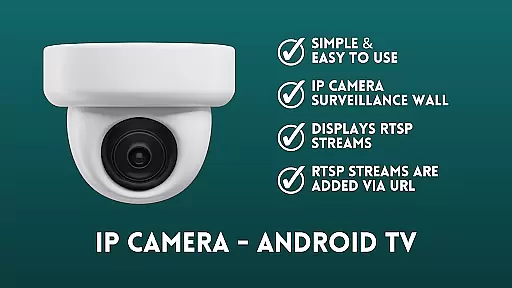
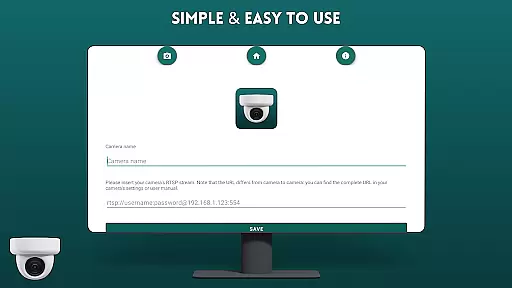
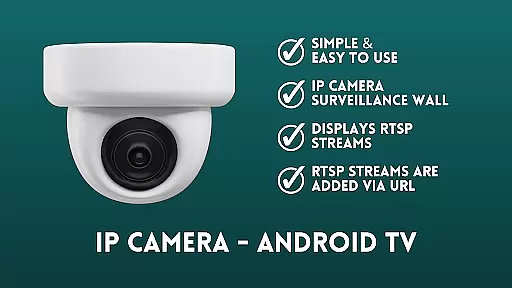
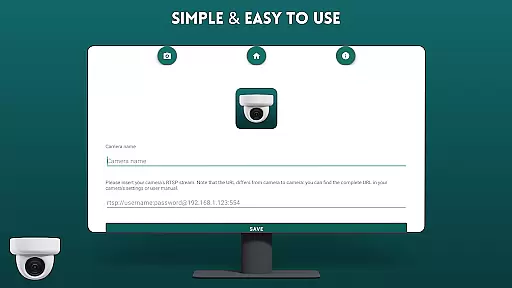
IP Camera Viewer - Android TV is a specialized productivity app designed for effortless IP camera monitoring on Android TV and Google TV platforms. The application supports RTSP streams, allowing users to add camera feeds via URL in a classic tile layout.
This app stands out with its user-friendly interface and fast performance, making it easier than ever to manage multiple camera views. Whether for home security or business surveillance, this app provides an efficient way to monitor live feeds directly on your TV screen.
The intuitive navigation system and seamless RTSP integration ensure a smooth viewing experience. With its simple setup process and reliable streaming capabilities, IP Camera Viewer - Android TV becomes an essential tool for anyone needing real-time video monitoring in their smart TV environment.
IP Camera Viewer - Android TV offers several notable features that enhance the camera viewing experience. First, the app's RTSP support allows users to connect to various IP cameras through their stream URLs, creating a customizable surveillance wall tailored to individual needs.
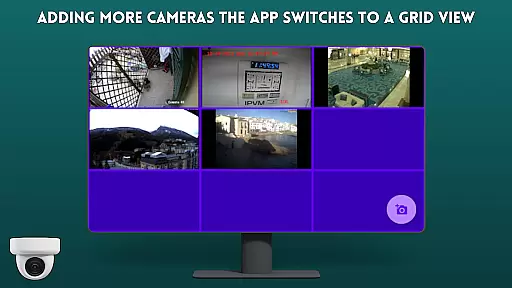
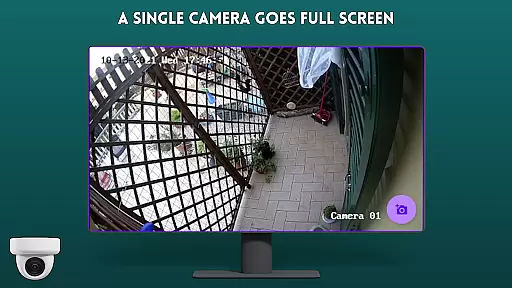
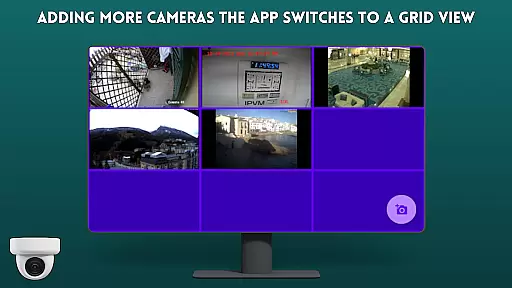
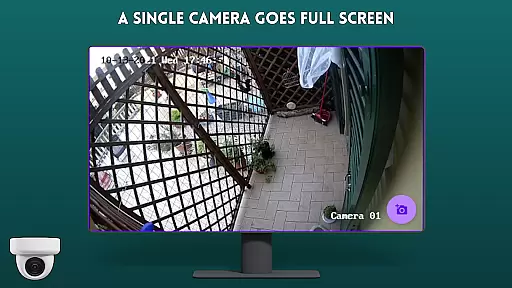
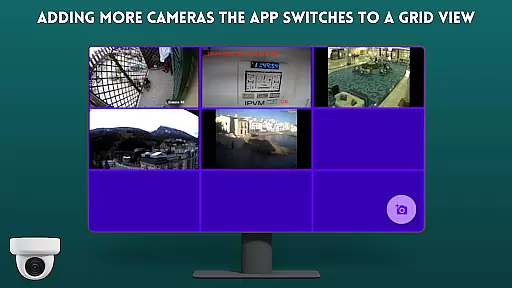
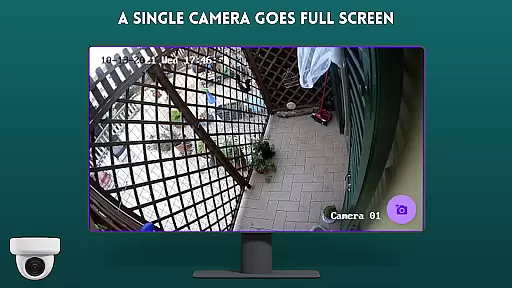
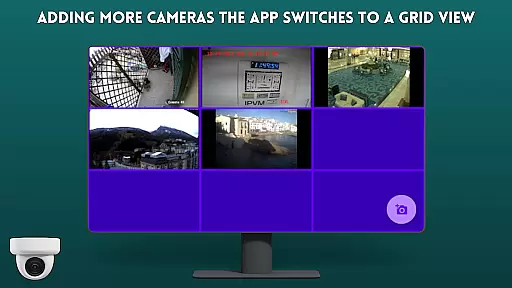
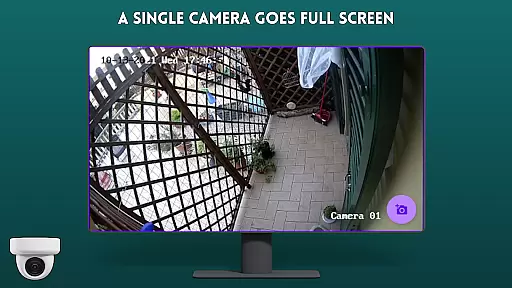
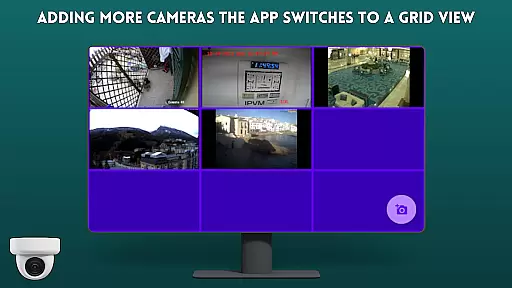
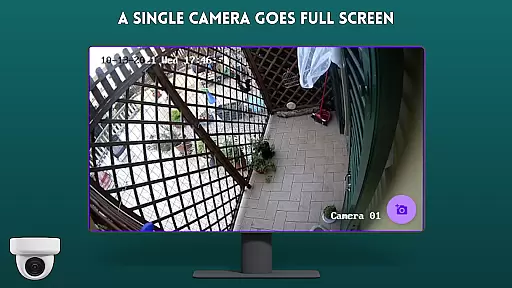
The application's strength lies in its simplicity and ease of use. The classic tile configuration enables users to view multiple camera feeds simultaneously, while the straightforward interface ensures quick access to all essential functions. This makes it particularly useful for both novice users and experienced professionals.
Additional features include easy navigation controls optimized for TV remotes, stable streaming performance, and compatibility with different camera models. These characteristics make IP Camera Viewer - Android TV a reliable solution for maintaining effective security monitoring systems within smart TV environments.
IP Camera Viewer - Android TV excels in core task management by providing a streamlined interface for organizing and monitoring multiple IP camera feeds. The app's tile-based layout allows users to efficiently manage their surveillance tasks without clutter or confusion.
The application supports RTSP streams, which are essential for real-time video monitoring. By adding camera streams via URL, users can quickly set up a comprehensive surveillance system tailored to their specific needs. This systematic approach to task management ensures that all critical areas are covered.
With its user-friendly design, the app makes it simple to add, remove, or reconfigure camera views. This flexibility is crucial for effective task management, allowing users to adapt their surveillance setup as requirements change. The intuitive controls ensure that even complex configurations can be managed with ease.
The app's focus on productivity is evident in its ability to maintain stable connections with multiple cameras simultaneously. This reliability, combined with fast loading times and minimal latency, ensures that users can efficiently monitor their spaces without technical interruptions affecting their workflow.
Cross-device synchronization is a key feature of IP Camera Viewer - Android TV, enabling seamless integration between different devices in your surveillance network. The application maintains consistent connectivity across all connected cameras, ensuring reliable performance regardless of the number of devices in use.
The app's robust architecture supports simultaneous connections with multiple IP cameras, maintaining synchronization even during network fluctuations. This reliability is crucial for security applications where continuous monitoring is essential. Users can trust that their surveillance system will remain operational and up-to-date across all devices.
Real-time updates are pushed to all connected devices, ensuring that every display shows the most current footage. This synchronization capability extends to both Android TV and Google TV platforms, providing a unified viewing experience regardless of the device being used.
Furthermore, the application's efficient data handling ensures minimal bandwidth usage while maintaining high-quality video streams. This optimization contributes to more stable synchronization, making it an ideal solution for users who need to monitor multiple locations from different devices without compromising performance or reliability.
User-friendly interface
Fast RTSP streaming
Easy camera setup
Multiple view support
Optimized for TV
Limited advanced features
No cloud storage
Basic UI design
TV-only usage
Requires technical knowledge

Android Wallet Password Manager
 4.80
4.80
Device's storage information in a simple and clear graphical form (infographics)
4.10
Pwnagotchi companion app
4.20
aCalendar+ makes your day, week and month
4.70
Stay on top of your to-dos with Google Tasks, part of Google Workspace.
4.60
Secure, open-source, SPICE and SSH Remote Desktop for QEMU KVM virtual machines
4.00
Calendar 2023 widget for Android. Appointment scheduler, planner, and reminder
4.60
A simple Whisper AI keyboard for reliable speech transcription and rewording
4.60
QuickEdit is a fast, stable and full featured text and code editor.
4.20
Simple notepad & memo. Take notes, to-do list, shopping list with reminders.
4.80
A beautiful digital clock with autostart and many other functions
4.70
Okta MFA
4.70
Planet Free VPN - The best Fast Unlimited and Secure VPN Without Logs
4.50
Subscribe to Webcal & .ics calendars and keep them up-to-date!
4.50
A Pixel Art watchface inspired by other iconic 90s designs for Wear OS devices!
4.40
Secure your apps with lock screens, use custom themes and different features.
4.40
Todo reminder
4.10
Smart PDF reader & editor to view, organize and manage PDF documents easily.
3.70
Ads Free App! Editor, Hide File, Copy, Move, Delete and Rename.. all facility av
1.70


User Reviews