
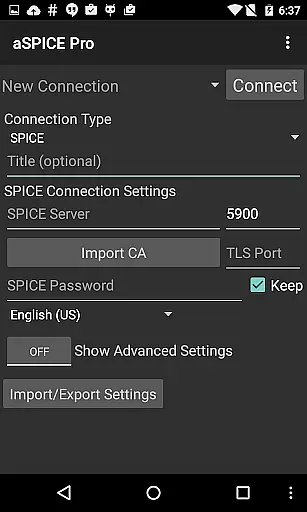
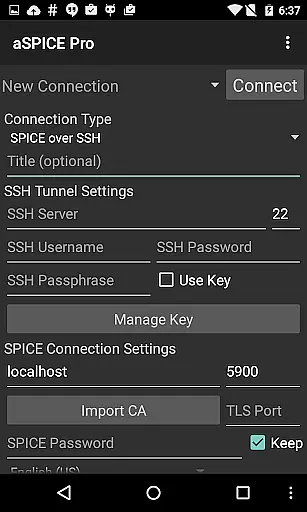
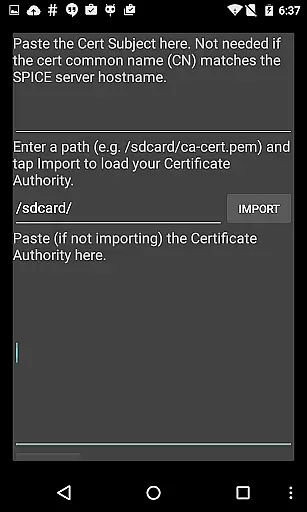
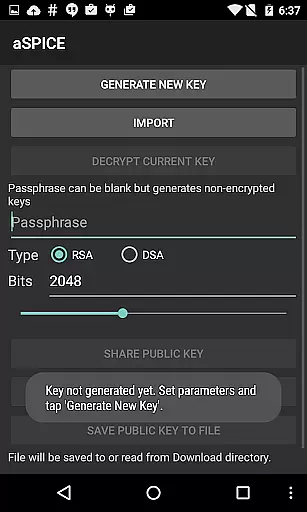
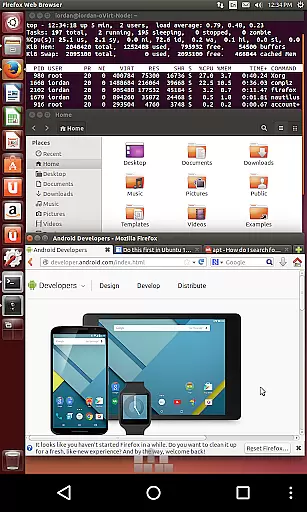
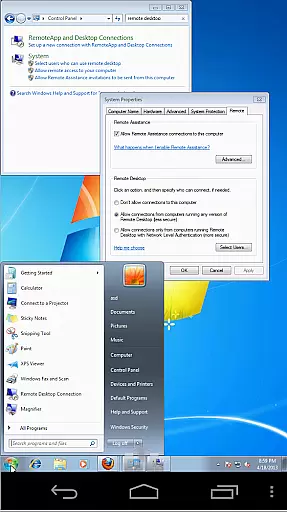
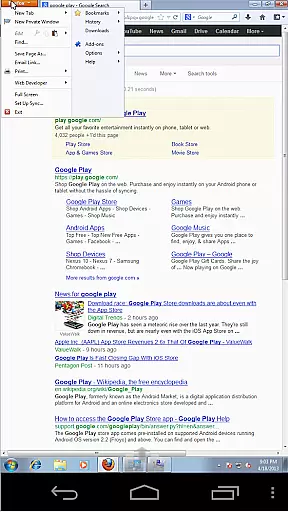
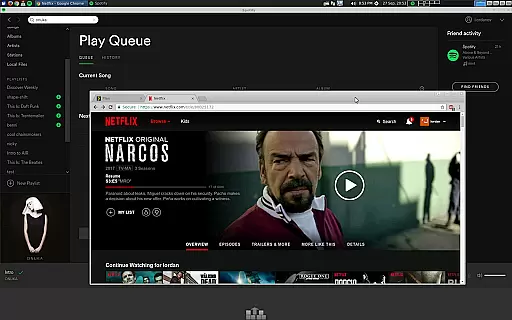
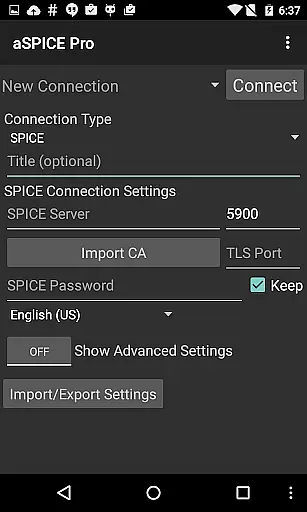
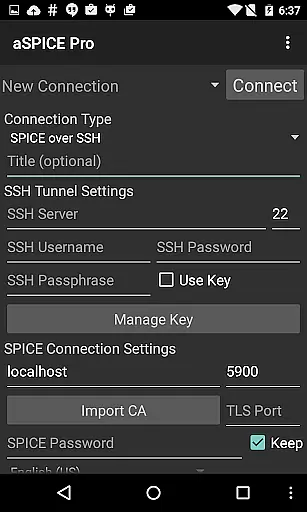
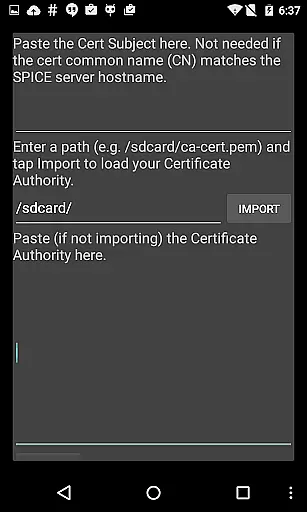
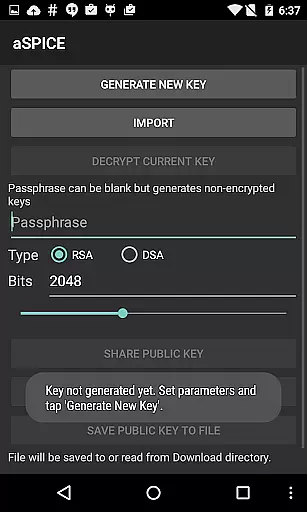
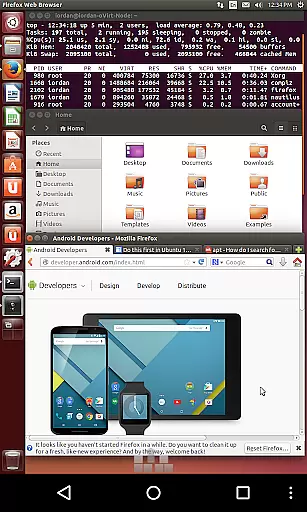
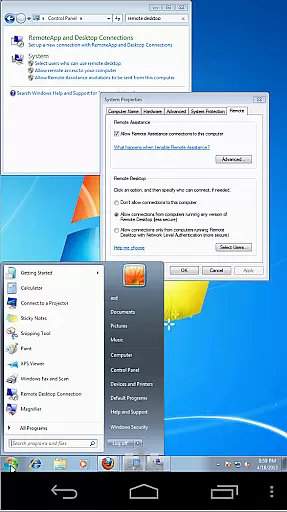
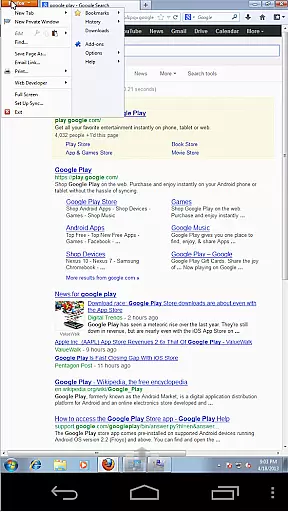
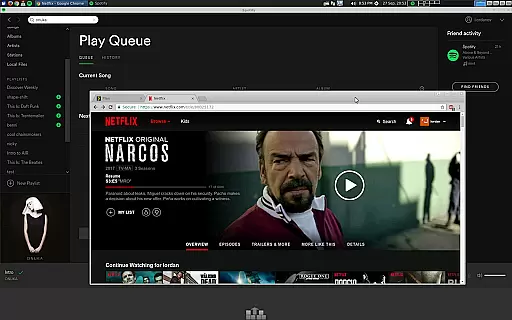
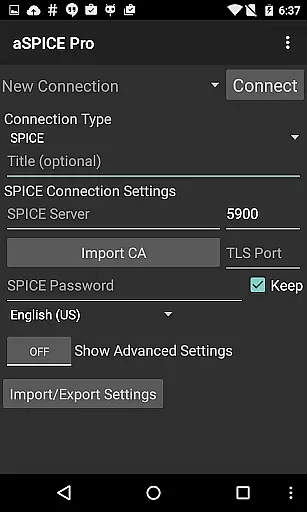
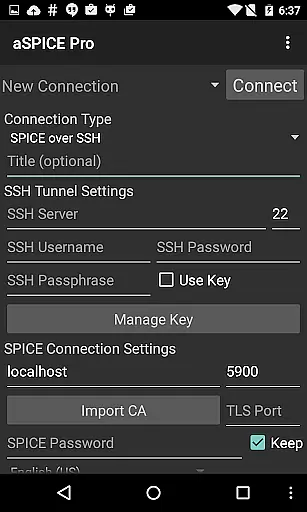
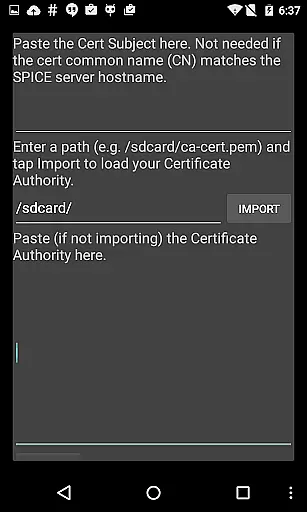
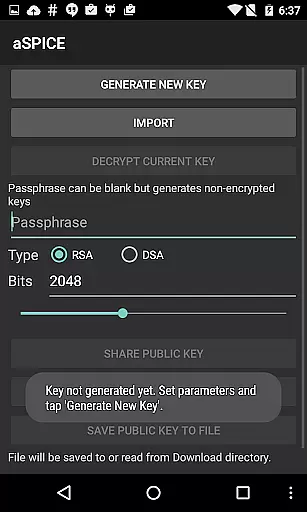
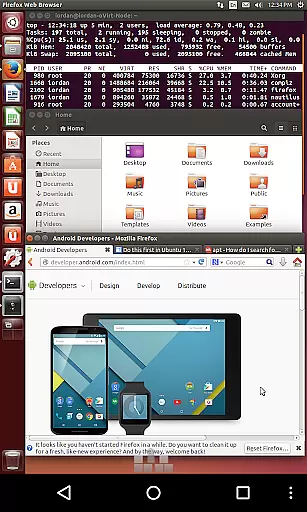
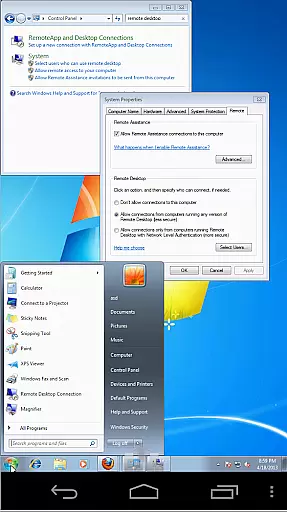
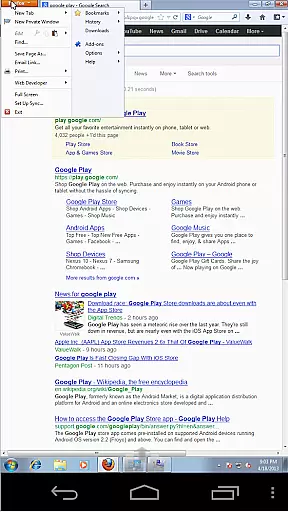
aSPICE Pro Secure SPICE Client is a powerful productivity tool designed for users who need secure and reliable remote access to virtual machines. This application supports the SPICE protocol, making it possible to control any SPICE-enabled QEMU virtual machine regardless of the guest operating system. With features like Master password support, MFA/2FA SSH authentication, and USB redirection, aSPICE ensures both security and functionality.
The app provides an extensive set of capabilities including multi-touch control over the remote mouse, sound support, dynamic resolution changes, and full rotation support. These features make it versatile for different types of users, whether on a smartphone or tablet. Additionally, the SSH tunneling feature adds an extra layer of security, allowing users to connect to machines behind firewalls safely. Its comprehensive feature set makes aSPICE Pro ideal for IT professionals and tech-savvy users who require robust remote desktop solutions.
aSPICE Pro stands out with its rich feature set tailored for productivity and security. One of the key highlights is its support for multi-factor authentication (MFA/2FA) through SSH, ensuring that your connections are secure from unauthorized access. The app also offers USB redirection and audio support, which are crucial for users who need to interact with peripheral devices or require sound transmission during their remote sessions.
Another significant feature is the multi-touch control, enabling intuitive gestures such as pinch-zooming, scrolling with two-finger drag, and various tap combinations for mouse clicks. This makes navigation smooth and efficient. Furthermore, the app supports dynamic resolution changes and full rotation, providing flexibility in how you view and interact with your remote desktop. These functionalities ensure that users can maintain productivity regardless of their device's orientation or screen size.
aSPICE Pro Secure SPICE Client excels in core task management by offering users comprehensive control over SPICE-enabled virtual machines. This functionality is crucial for productivity apps as it ensures seamless interaction with virtual environments.
The application provides multiple input modes, including Direct, Simulated Touchpad, and Single-handed modes, allowing users to efficiently manage tasks within their virtual machines. These input methods are designed to accommodate different user preferences and device types, ensuring optimal performance.
Users benefit from features like multi-touch control, which enables intuitive mouse operations through tap gestures. The app also supports dynamic resolution changes, making it possible to reconfigure desktop environments on-the-fly while maintaining full visibility and control.
Additionally, aSPICE's SSH tunneling capability enhances task management by providing secure connections, even to machines behind firewalls. This feature is particularly valuable for professionals who need to access and manage remote systems without compromising security.
Cross-device synchronization is a vital aspect of modern productivity tools, and aSPICE Pro demonstrates excellent reliability in this area. For users who work across multiple devices, maintaining consistent settings and connection sessions is essential for uninterrupted workflow.
The application achieves this through its automatic connection session saving feature, which ensures that users can pick up where they left off, regardless of the device they're using. This functionality eliminates the need for manual configuration each time a user switches devices.
aSPICE Pro also supports importing and exporting settings, allowing users to easily transfer their preferences between devices. This feature guarantees that personalized configurations, such as master password settings and input mode preferences, remain consistent across all platforms.
Furthermore, the app's compatibility with various screen sizes and its Samsung multi-window support enhance cross-device experiences. Users can expect optimized UI elements whether they're working on tablets or smartphones, ensuring reliable performance and familiar interface layouts on any device.
Secure SSH connections
Multi-touch gestures
Dynamic resolution
USB redirection
Comprehensive help
Complex setup
High system requirements
Limited OS support
No clipboard integration
Advanced features

Automates browsing any website and notifies you of important changes or events
 4.30
4.30
IP Camera Viewer - Android TV : RTSP Surveillance camera viewer for Android TV
4.2
Stay on top of your to-dos with Google Tasks, part of Google Workspace.
4.60
Cloud storage, automatic phone backup, and more.
4.10
Functional QR scanner and barcode reader that requires little storage space.
4.60
The AI assistant that thinks with you - write, code, and solve complex tasks
4.60
* block pre-roll ads, pop-up and forced redirect ads * Samsung certification app
4.00
A simple Whisper AI keyboard for reliable speech transcription and rewording
4.60
2026 USPS Alpha/Color coded calendar Sunday/Rotating day off schedules
4.3
Great calculator for Android named one of USA TODAY's "25 Essential Apps".
4.90
Secure, fast, open-source, VNC and SSH Remote Desktop for Windows, Linux and Mac
4.70
The long-awaited modern gallery app for your Nextcloud server
4.70
aCalendar+ makes your day, week and month
4.70
Calendar 2023 widget for Android. Appointment scheduler, planner, and reminder
4.60
CalenGoo is a very flexible and feature-rich calendar app
4.40
Remotely view listen control and record cameras.
3.70
Find and delete junk files & block unwanted notifications & manage files
3.70
Make your handwriting beautiful, even more than pen on paper.
3.60
A comprehensive suite of tools designed specifically for Lactation Consultants
4.3


User Reviews