
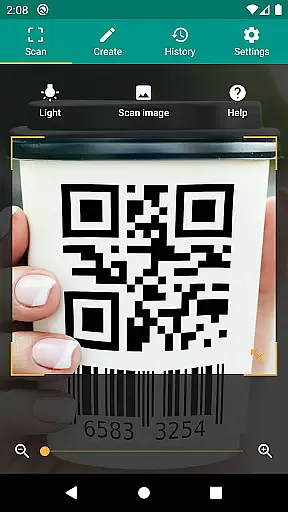
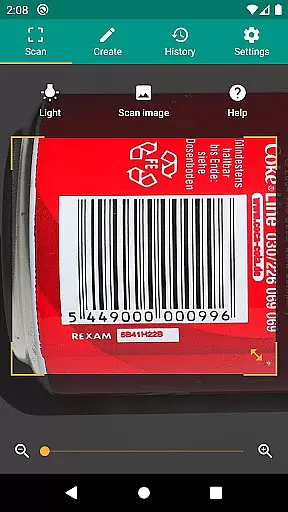
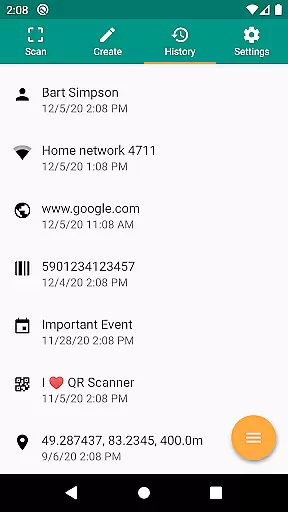
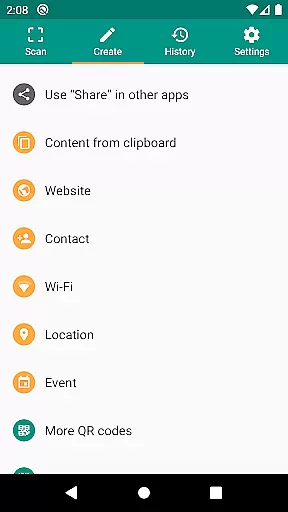
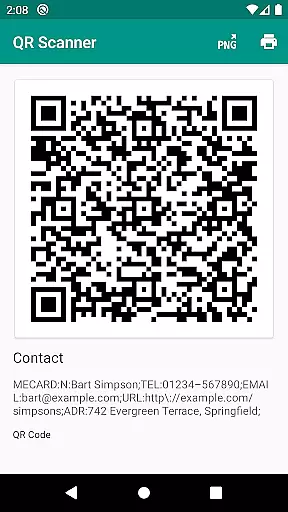
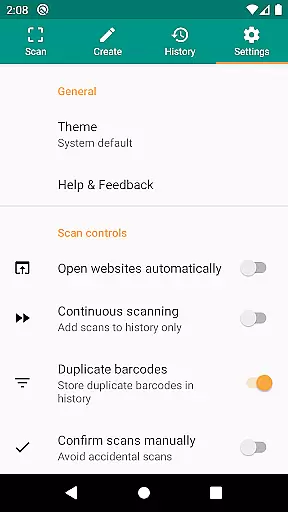
QR & Barcode Scanner is a versatile productivity tool designed to streamline your daily tasks through advanced scanning technology. This application allows users to effortlessly scan QR codes and barcodes, extracting valuable information from various sources such as Amazon, eBay, and Google. With support for all common barcode formats including QR, Data Matrix, Aztec, UPC, EAN, and Code 39, it ensures compatibility across multiple use cases.
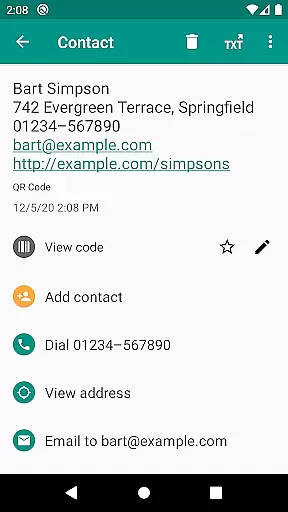
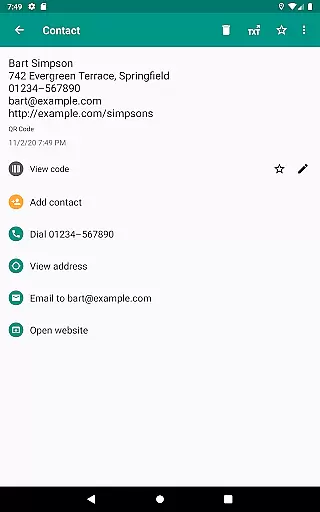
Beyond basic scanning, the app provides relevant actions based on the scanned content. Users can open URLs, connect to WiFi hotspots, add calendar events, read VCards, and find product details with ease. The built-in security features powered by Chrome Custom Tabs and Google Safe Browsing protect users from malicious links while ensuring fast loading times. Its minimal permission requirements make it a secure choice, allowing code scanning without accessing device storage or personal data.
Whether you're managing inventory for a small business or simply organizing personal information, QR & Barcode Scanner offers practical solutions like CSV export, annotations, and custom search options. These features enable efficient data management and integration with cloud services like Google Drive. The app's intuitive interface and robust functionality make it an essential tool for both personal and professional productivity needs.
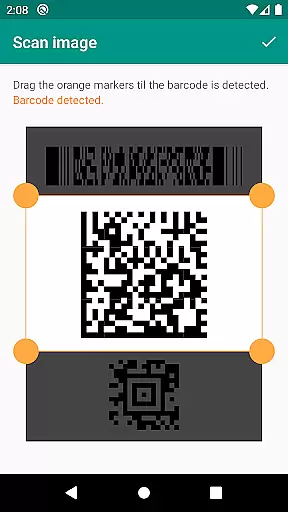
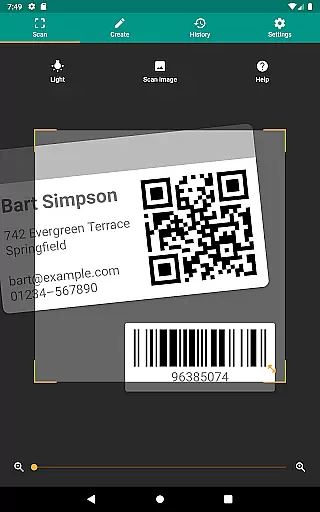
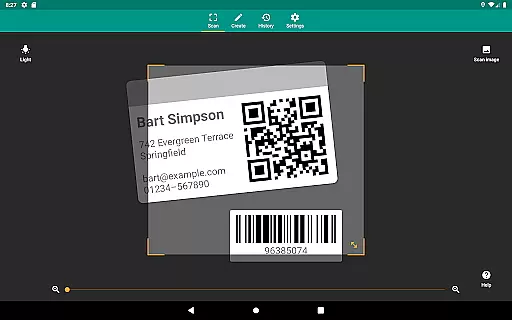
QR & Barcode Scanner stands out with its comprehensive feature set tailored for maximum productivity. One of its key strengths is the ability to scan from images, allowing users to detect codes within picture files or directly through the camera. This flexibility ensures reliable performance in diverse environments, whether you're capturing codes from printed materials or digital screens. Additionally, the built-in flashlight and pinch-to-zoom functionality enable accurate scans even in challenging lighting conditions or at a distance.
The app also includes a powerful QR code generator, letting users create and share arbitrary data such as website links. By displaying these codes on their screen, users can easily transfer information between devices without requiring internet connectivity. Custom search options further enhance usability by enabling specific queries through favorite websites, such as shopping platforms. This level of customization empowers users to tailor the app to their unique workflows.
For those managing large volumes of scanned data, the app offers unlimited history management along with CSV export capabilities. Users can annotate their scans, making it easier to track inventory, implement quality assurance processes, or maintain organized records. Integration with cloud storage services like Google Drive ensures seamless access to exported files across devices. Overall, these features combine to deliver a highly adaptable tool that meets both individual and business needs effectively.
QR & Barcode Scanner excels in core task management by offering a comprehensive suite of tools designed to handle various barcode and QR code-related tasks efficiently.
The app supports all common barcode formats, including QR, Data Matrix, Aztec, UPC, EAN, Code 39, and many more, ensuring that users can scan virtually any code they encounter. This versatility is crucial for managing different types of information, from product details to event data.
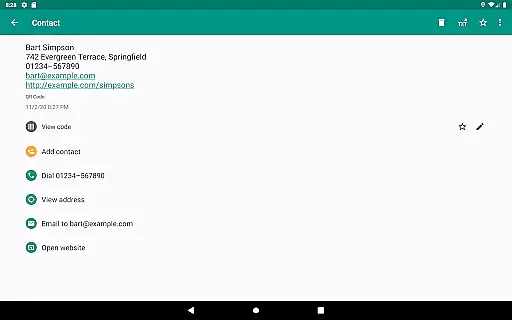
With features like opening URLs, connecting to WiFi hotspots, adding calendar events, and reading VCards, the app streamlines task execution. These relevant actions allow users to interact with their environment seamlessly, enhancing productivity by reducing the steps needed to complete various tasks.
Additionally, the CSV export and annotation capabilities enable users to manage unlimited scanning history effectively. By exporting data to Excel or cloud storage services like Google Drive, users can maintain organized records, making QR & Barcode Scanner an invaluable tool for small business inventory management and quality assurance processes.
Cross-device synchronization is a vital feature for users who operate multiple devices and need consistent access to their scanned data. QR & Barcode Scanner addresses this need by providing reliable synchronization options that ensure data integrity and availability across different platforms.
The app allows users to share arbitrary data such as website links using the built-in QR code generator. By displaying these codes on one device's screen and scanning them with another, users can effortlessly transfer information between devices without requiring direct connectivity or complex setup procedures.
Moreover, minimal permissions enhance synchronization reliability by safeguarding user data. The ability to scan images without accessing device storage and sharing contact data as QR codes without address book access ensures that personal information remains secure while still enabling efficient cross-device operations.
By integrating custom search options and supporting popular online services like Amazon, eBay, and Google, QR & Barcode Scanner further enriches its cross-device functionality. Users benefit from tailored information retrieval and enhanced productivity, knowing their data is synchronized reliably regardless of the device they use.
User-friendly interface
Fast scanning capability
Comprehensive format support
Secure browsing protection
Versatile data management
Limited offline functionality
No batch scanning option
Occasional ads in free version
Advanced features require learning
Zoom may lag on older devices

AI Video AI Image Private LLM AI Browser Llama Gemma Ollama Connect LLM Studio
 4.5
4.5
aCalendar+ makes your day, week and month
4.70
Activate Two Factor Authentication (2FA or Multi OTP), Password manager and more
4.10
The ultimate file manager for rooted devices. The original and still the best.
4.00
Experience and share your SolidWorks designs on your Android® phone and tablet.
2.50
Scientific calculator for Android - looks and operates like the real thing!
4.90
Access your phone's notifications, calls, apps, photos & texts on your PC
3.90
Understand anything with a personalized AI research assistant
4.80
Discover Acode - a sleek, powerful IDE and code editor for Android.
4.30
AI Chatbot and AI writing assistant powered by ChatGPT.
4.60
A Pixel Art watchface inspired by other iconic 90s designs for Wear OS devices!
4.40
A lightweight JSON & XML files creator, editor and viewer (Premium Version)
4.40
Enjoy classic gameplay with customizable features and retro-style graphics.
4.30
Total remote control for your Android device, PC and cloud services (IFTTT)!
4.20
All in One PDF Reader: Manage, Read and Edit your Documents
4.20
Experience real multitasking on your Android!
4.00
* block pre-roll ads, pop-up and forced redirect ads * Samsung certification app
4.00
A Revolutionary All-in-One Artificial Intelligence Tools
3.80
A comprehensive suite of tools designed specifically for Lactation Consultants
4.5


User Reviews