
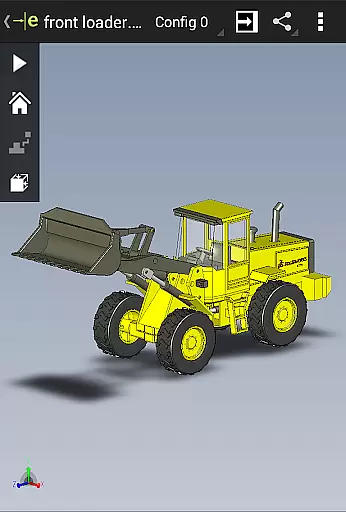
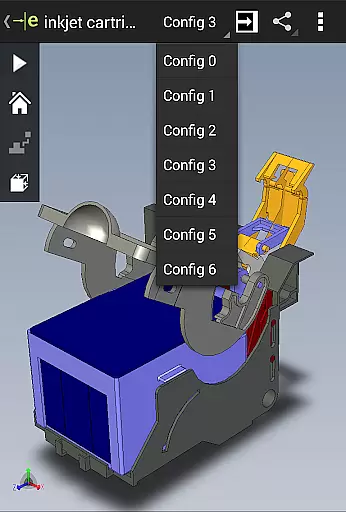
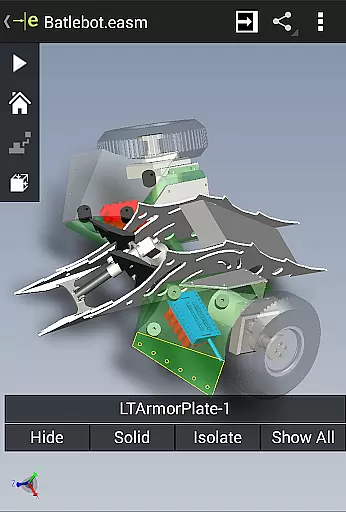
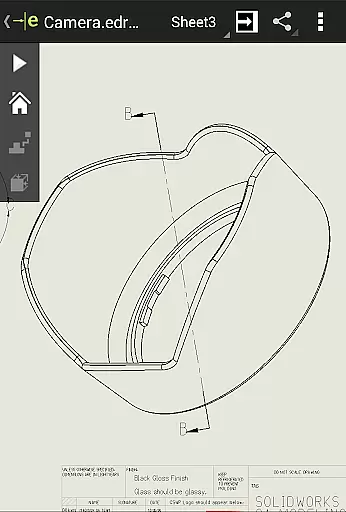
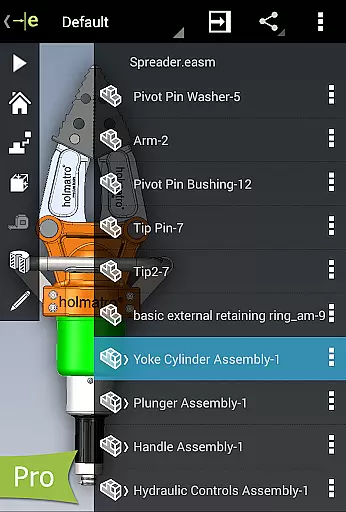
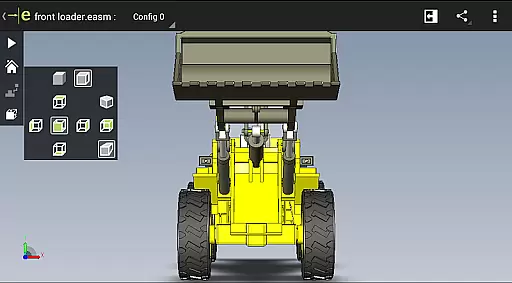
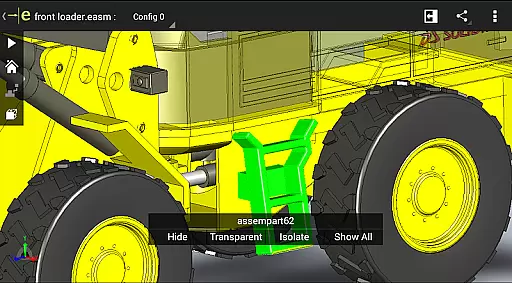
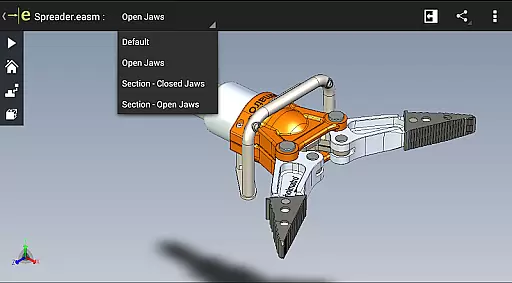
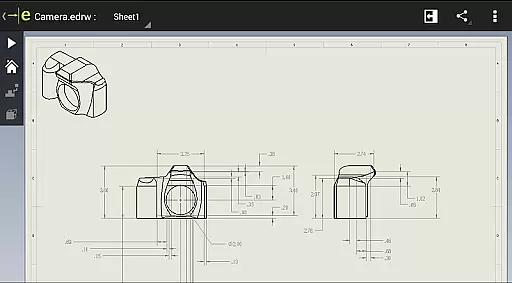
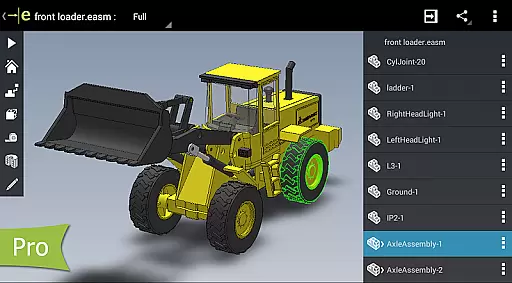
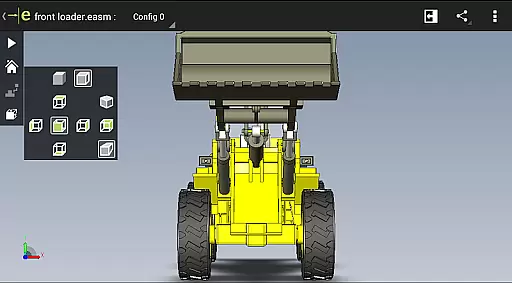
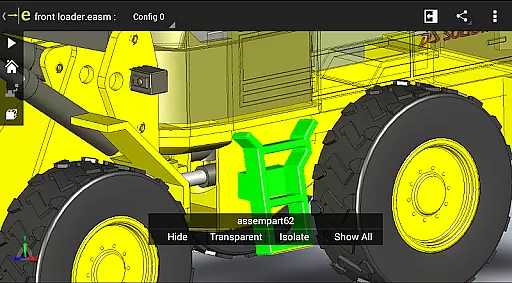
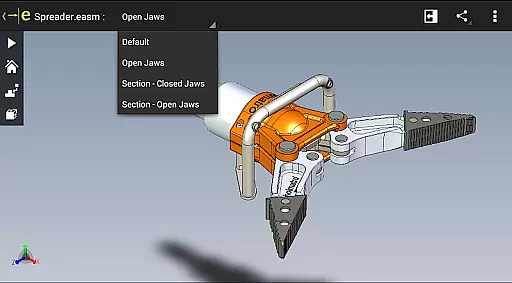
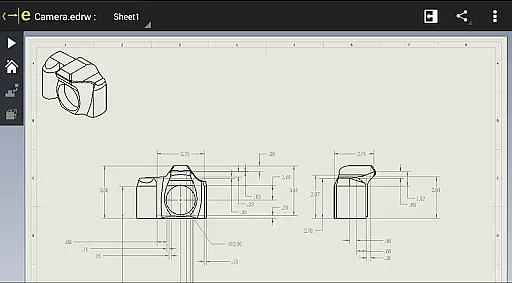
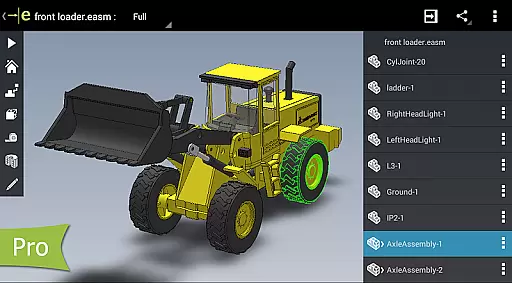
eDrawings is a powerful CAD viewer designed specifically for Android devices, enabling users to view native eDrawings files as well as SolidWorks parts, assemblies, and drawings. This app revolutionizes the way product design information is shared by allowing users to easily load and send files via email, making collaboration seamless even with non-CAD users.
With multi-touch gestures, users can effortlessly pan, zoom, and rotate models. The app supports drawing sheets and exploded views from SolidWorks, providing an intuitive experience for interpreting 2D and 3D designs. Its capabilities make it an essential tool for anyone involved in product development.
eDrawings offers a comprehensive set of features that enhance the user's ability to interact with CAD data. Users can open various 3D and 2D file formats including EASM, EPRT, IGES, STEP, DWG, and DXF from multiple sources such as email attachments and cloud storage services. The app allows for smooth navigation through multi-touch controls, enabling users to animate standard views and browse drawing sheets.
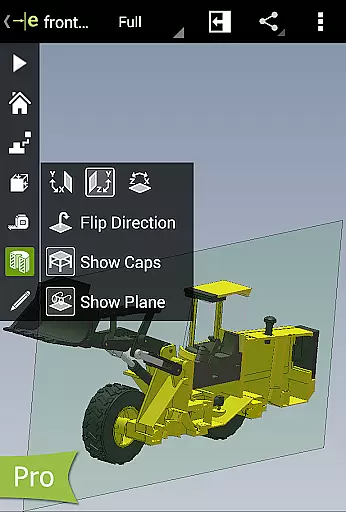
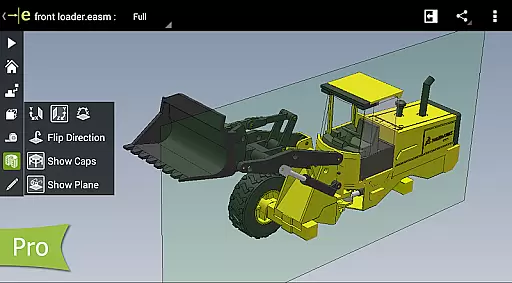
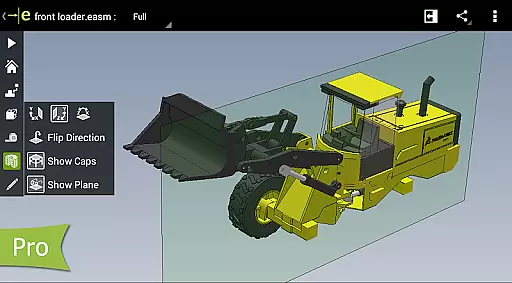
For advanced functionality, users can upgrade to eDrawings Pro via in-app purchase. This unlocks measurement tools, dynamic cross-section viewing, and markup capabilities. These features facilitate better communication and feedback during the design review process, ensuring all stakeholders can effectively contribute to product development.
Task management is a critical aspect of productivity applications, ensuring users can efficiently organize and prioritize their work. eDrawings excels in this area by providing intuitive tools for handling complex CAD data.
The application allows users to open and manage both 2D and 3D CAD files effortlessly. With support for various formats such as EASM, EPRT, and SLDPRT, it simplifies the process of working with different types of design files. This versatility ensures that users can focus on their tasks without worrying about compatibility issues.
eDrawings also enhances task management through its multi-touch gestures, enabling users to pan, zoom, and rotate models easily. These features contribute to a seamless user experience, allowing designers and engineers to review their work more effectively.
By upgrading to eDrawings Pro, users gain access to advanced capabilities like measurement tools and dynamic cross-section views. These features further streamline task management, empowering users to complete their projects with greater precision and efficiency.
Cross-device synchronization is essential for maintaining workflow continuity across multiple devices. eDrawings addresses this need by offering reliable synchronization options that ensure users can access their files wherever they are.
The app supports integration with cloud storage services such as Dropboxu2122, SkyDriveu00ae, and Google Drive. This connectivity allows users to load and send files via email or share them through cloud platforms, facilitating collaboration among team members regardless of location.
With its ability to handle large CAD files, eDrawings ensures that all synchronized data remains intact and accessible. Users can confidently share their designs with colleagues, knowing that the integrity of their work is preserved during transfers.
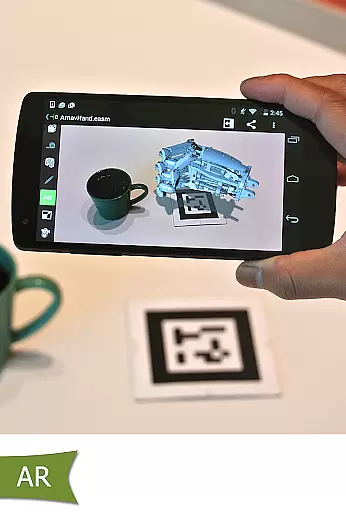
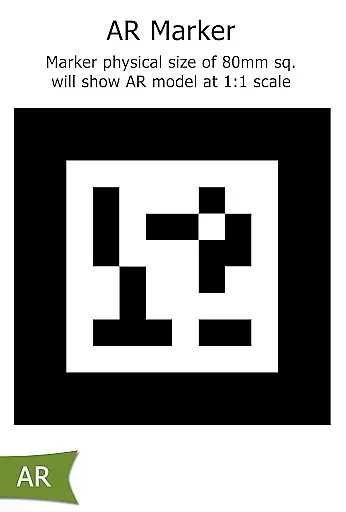
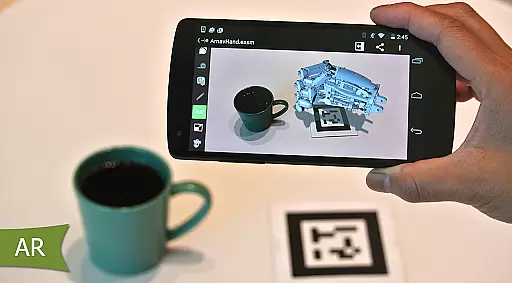
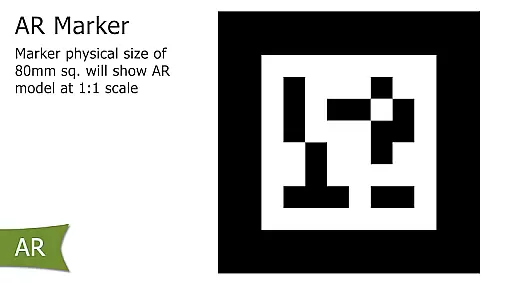
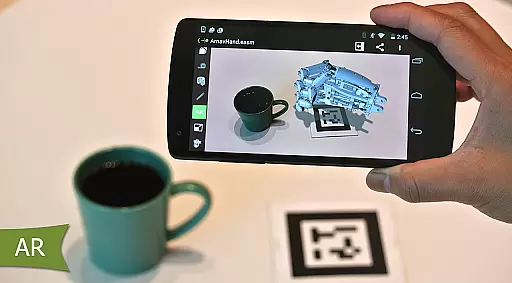
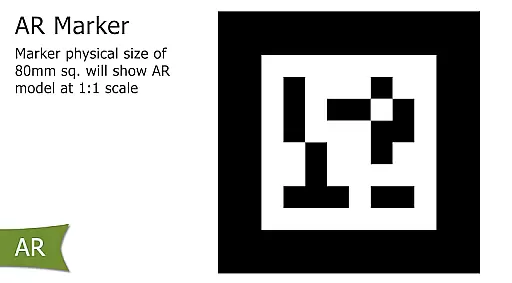
Furthermore, the inclusion of augmented reality features enhances the cross-device experience. By addressing known issues, such as accessibility of buttons in AR mode, eDrawings demonstrates its commitment to providing a robust and reliable synchronization solution for all users.
User-friendly interface
Wide file format support
Effective collaboration tools
Advanced measurement options
Comprehensive markup features
Limited free version
In-app purchases required
Occasional AR issues
Performance may vary
Complex for beginners

Android Wallet Password Manager
 4.80
4.80
PDF scanner & converter for files, photos, lottery, QR codes. One swipe away!
4.50
Simple and reliable communication between inmates, friends and family
3.20
Multilingual translator for text, voice, and image translation!
4.90
Translate text/voice/photos in 150+ languages. Offline & fast translator app.
4.50
A beautiful digital clock with autostart and many other functions
4.70
A Pixel Art watchface inspired by other iconic 90s designs for Wear OS devices!
4.40
AT&T Internet customers can use this app to personalize their Wi-Fi network.
4.40
Seamlessly read, manage, and organize all your PDF files solution in one place
4.40
Simple notepad & memo. Take notes, to-do list, shopping list with reminders.
4.80
The Pro Version of Android's tiniest Notepad app. Just 0.3MB but feature-packed!
4.60
Lightweight PDF, Word, Excel reader.
4.60
AI Chatbot and AI writing assistant powered by ChatGPT.
4.60
Share files & memories safely. Keep your photos and videos secure.
4.40
Automates browsing any website and notifies you of important changes or events
4.30
Make apps & sites with natural language prompts
4.10
⏰ Finally a timer app which can run multiple timers simultaneously on your watch
3.90
A Revolutionary All-in-One Artificial Intelligence Tools
3.80
AI Video AI Image Private LLM AI Browser Llama Gemma Ollama Connect LLM Studio
4.5


User Reviews