
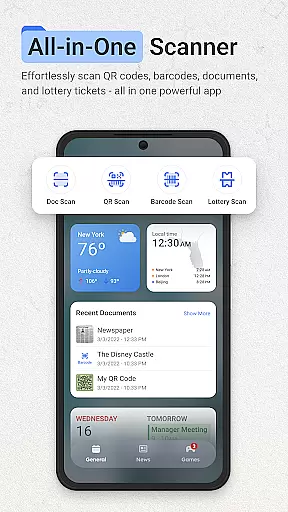
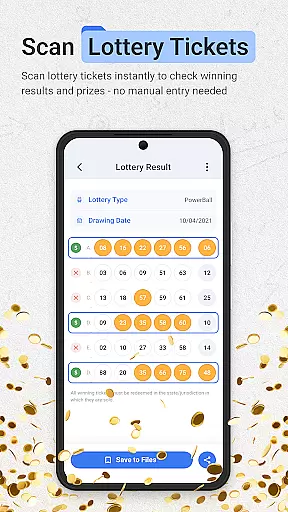
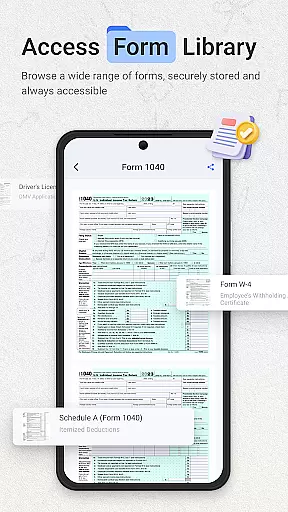
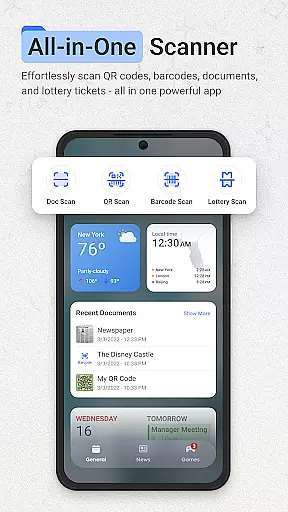
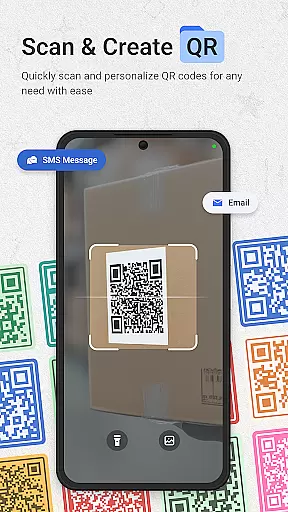
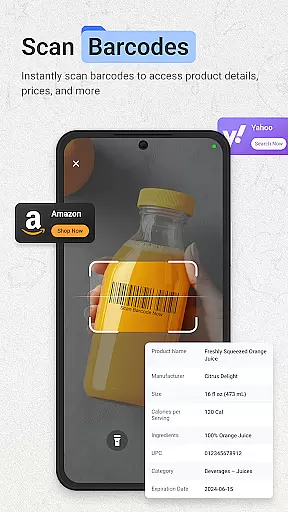
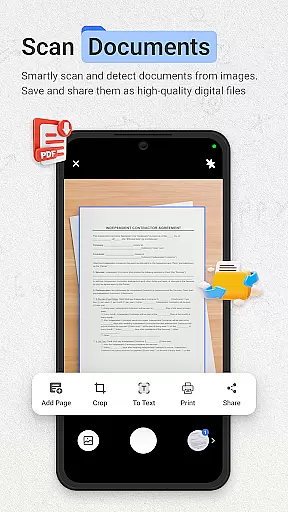
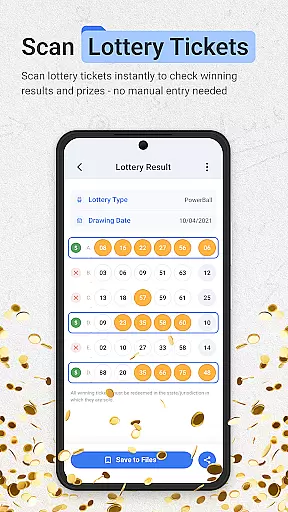
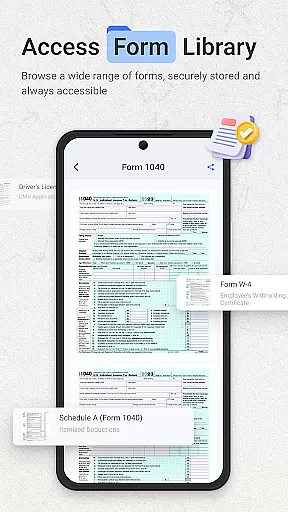
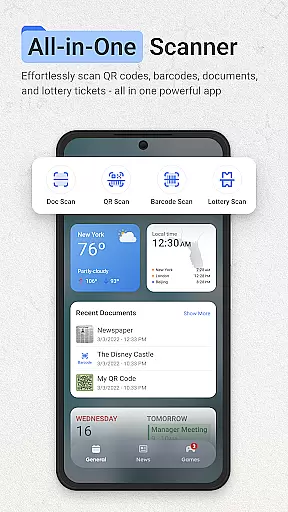
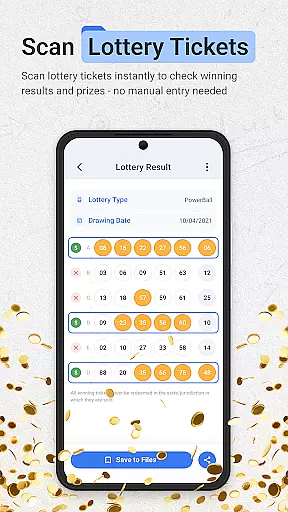
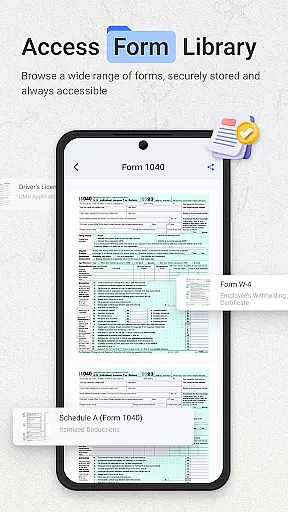
ScanNow Home revolutionizes productivity by integrating advanced scanning tools directly into your home screen experience. This innovative launcher combines essential document, barcode, and lottery ticket scanning with a clean, customizable interface. Users can instantly access powerful scanning features while enjoying the benefits of a modern Android launcher.
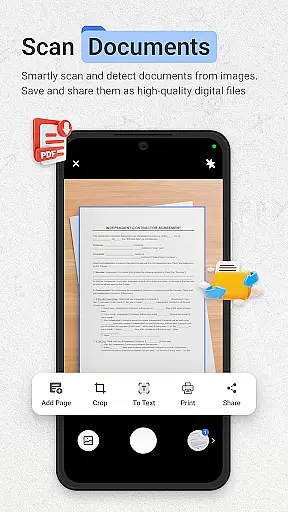
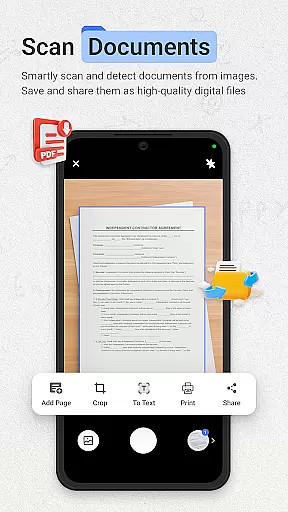
The application's standout feature is its seamless integration of multiple scanning tools. The document scanner offers auto-edge detection, perspective correction, and multi-page support, while the barcode scanner provides instant price comparisons and scan history. Additionally, the lottery validator helps users track their playing history and receive winning notifications. These capabilities make ScanNow Home an indispensable tool for both personal and professional use.
Ideal for busy professionals and organized individuals alike, ScanNow Home streamlines daily tasks by keeping essential tools within easy reach. Whether you're digitizing important documents or checking lottery results, this app ensures you can work more efficiently without cluttering your device with multiple single-purpose applications.
ScanNow Home distinguishes itself through its comprehensive feature set that combines productivity tools with launcher functionality. The application's document scanner supports advanced image processing including auto-edge detection, perspective correction, and batch scanning capabilities. Users can export their scans in multiple formats and benefit from adaptive image enhancement for optimal clarity.
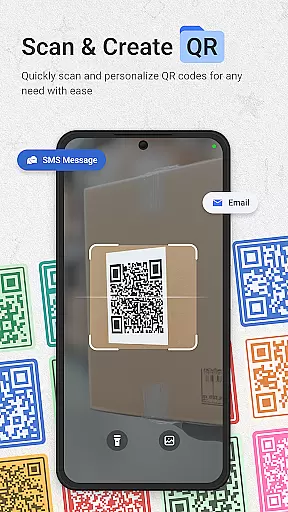
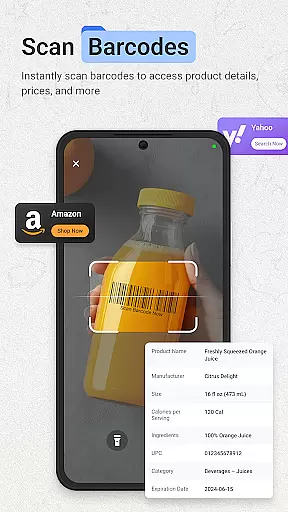
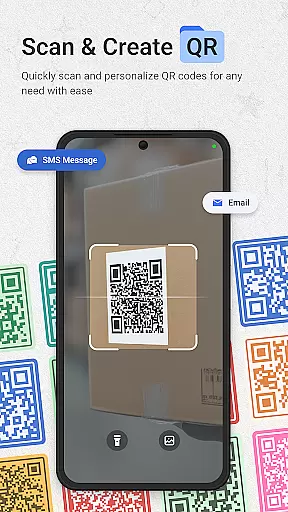
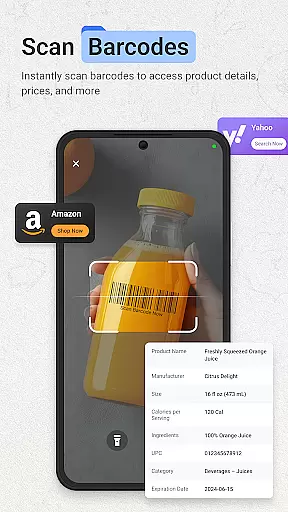
Beyond document management, the app incorporates a robust barcode and QR code scanner that recognizes all major formats. It goes beyond basic scanning by offering price comparison features and maintaining a searchable scan history. The integrated lottery ticket validator adds another layer of utility, supporting major games and providing automated result checking against latest drawings.
As a launcher, ScanNow Home delivers a clean material design interface with smart app categorization and adaptive icon support. The inclusion of dark mode and Yahoo search functionality enhances the overall user experience. With recent improvements in scanning accuracy and low-light performance, plus battery optimization features, the app demonstrates a commitment to both functionality and efficiency.
ScanNow Home revolutionizes productivity by integrating essential scanning tools directly into your home screen, making task management seamless and efficient. The app provides instant access to powerful features like document scanning, barcode reading, and lottery ticket validation without the need to navigate through multiple apps.
The document scanner allows users to capture and digitize important papers with auto-edge detection and perspective correction, ensuring professional-quality scans every time. With support for batch scanning and multi-page exports to PDF or JPG formats, managing large volumes of documents becomes significantly easier and more organized.
Barcode and QR code scanning capabilities further enhance productivity by enabling quick price comparisons and URL browsing. The app maintains a comprehensive scan history with search functionality, allowing users to effortlessly retrieve past scans when needed. This feature is particularly valuable for business professionals who frequently handle product information or digital content links.
One of ScanNow Home's standout features is its reliable cross-device synchronization, which ensures that all scanned documents, barcodes, and lottery tickets are securely backed up and accessible across multiple devices. This functionality is crucial for users who work from different locations or need to share information between their phone, tablet, and computer.
The app employs advanced cloud technology to maintain real-time updates of your data. Whether you're scanning receipts at the office or validating lottery tickets at home, all information is instantly synchronized and available wherever you go. This eliminates the risk of losing important data and provides peace of mind knowing your information is always up-to-date.
Additionally, ScanNow Home offers customizable settings for synchronization frequency and data types, giving users complete control over their information flow. The app also includes battery optimization features and improved low-light performance, ensuring reliable operation even in challenging conditions. These enhancements make cross-device synchronization not only convenient but also energy-efficient and adaptable to various environments.
Instant access to scanning tools
Multi-functional productivity suite
Clean customizable interface
Advanced document processing
Comprehensive barcode support
Some features require in-app purchases
Specific to Android 8.0+
Requires multiple permissions
May have learning curve
Search limited to Yahoo

QuickBooks Workforce lets teams view pay info and track time in one place.
 4.70
4.70
The Pro Version of Android's tiniest Notepad app. Just 0.3MB but feature-packed!
4.60
Pwnagotchi companion app
4.20
App Lock with fingerprint, password: Lock apps & hide photos with lock screens
4.60
A beautiful digital clock with autostart and many other functions
4.70
Ultimate Virtual AI Character for immersive Roleplay Chat. Perfect Companion
3.90
Lightweight PDF, Word, Excel reader.
4.60
Daily processing of PDF documents.
4.40
Browse and view your photos and videos from the phone with photo & video hide.
4.10
Multilingual translator for text, voice, and image translation!
4.90
The long-awaited modern gallery app for your Nextcloud server
4.70
Subscribe to Webcal & .ics calendars and keep them up-to-date!
4.50
CalenGoo is a very flexible and feature-rich calendar app
4.40
Professional calendar app for Google Calendar, MS Outlook & Exchange
4.20
Unlock AutoNotification
4.00
Secure, open-source, SPICE and SSH Remote Desktop for QEMU KVM virtual machines
4.00
Make your handwriting beautiful, even more than pen on paper.
3.60
Experience and share your SolidWorks designs on your Android® phone and tablet.
2.50
A simple, portable logger for POTA, SOTA, Field Day, and more
4.0


User Reviews