
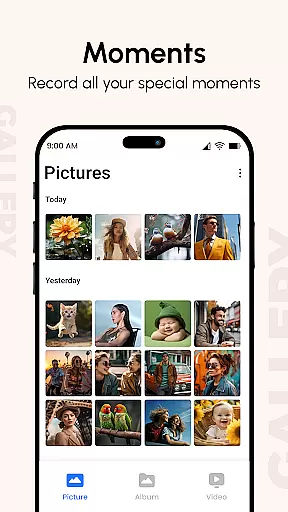
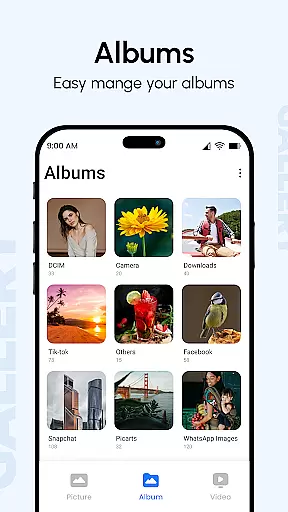
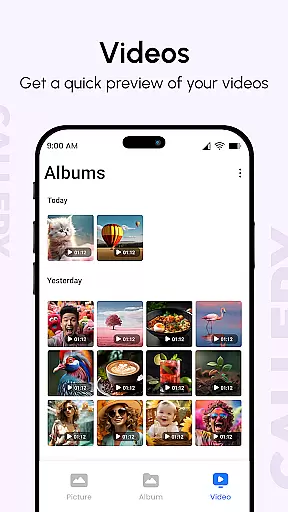
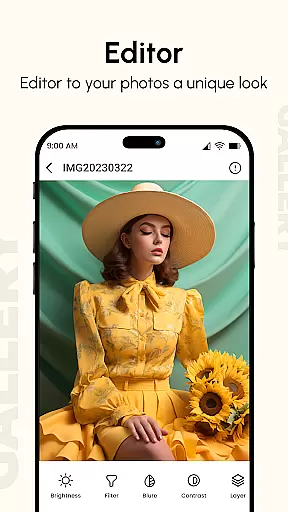
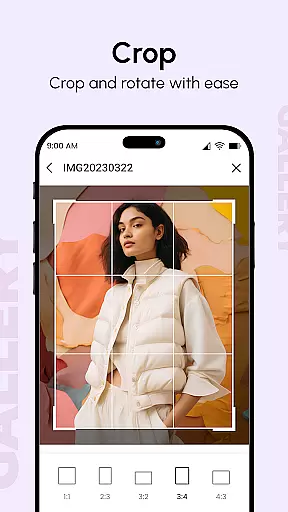
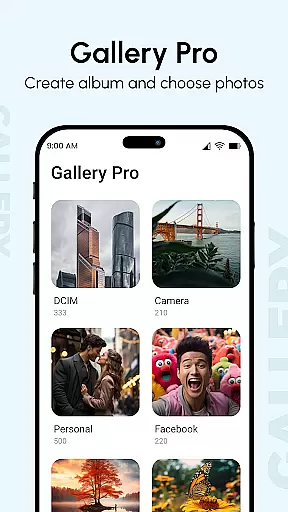
Gallery is a comprehensive photo and video management app designed to enhance productivity in organizing digital memories. The app consolidates media from all your devices, offering advanced features like metadata viewing, GIF support, and password protection. Its intuitive interface allows users to create beautiful albums, enjoy slideshows with customizable transitions, and even hide private content using a secret PIN code.
One of the standout features is its Smart Mode, which intelligently organizes photos based on folders, tags, and dates. This makes it easy to locate specific images or videos quickly. Additionally, Gallery Pro provides a secure vault for protecting sensitive media while maintaining a smooth user experience optimized for large screens and multi-touch gestures.
Whether you're a professional photographer or simply someone who wants to keep their digital memories organized, Gallery offers the tools needed to manage, enhance, and share your photos and videos efficiently.
Gallery stands out with its rich feature set tailored for efficient media management. The app supports all image types, GIFs, and video files, ensuring compatibility across various formats. Users can take advantage of metadata-based search functionality to quickly find specific photos based on EXIF, XMP, or IPTC data embedded within the files.
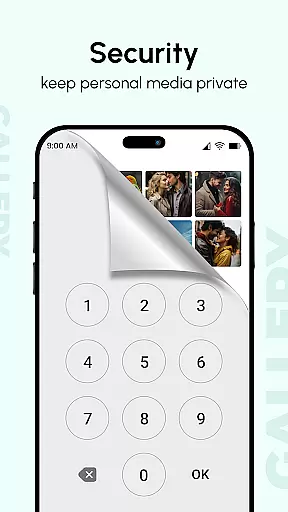
The Photo Slideshow feature is highly flexible, allowing users to configure every aspect of the presentation. With just a few taps, you can select photos and videos to generate an impressive slideshow gallery. Furthermore, the Hide it Pro functionality lets you conceal sensitive media from the main gallery, accessible only through a secret PIN code, thus safeguarding your privacy when sharing your device.
For those seeking advanced organization, Gallery's Smart Mode automatically categorizes your media, making it effortless to navigate through extensive collections. The app also includes a recovery method for lost files, ensuring that your precious memories remain safe even if technical issues arise.
Gallery offers a comprehensive solution for managing your digital memories, ensuring that all your photos and videos are organized efficiently. The app brings together media from all your devices, enhancing them to improve quality and organizing them into visually appealing albums.
One of the standout features is the ability to display additional information such as location, camera details, and the date taken directly in the Photo View. This functionality not only helps you keep track of when and where your memories were captured but also optimizes your media library for easy navigation.
The app's organizational prowess extends to its Hide Photos and Videos feature, allowing users to secure private content behind a PIN code. This ensures privacy while maintaining an accessible way to manage sensitive images without cluttering the main gallery space.
With its intuitive interface and powerful management capabilities, Gallery empowers users to handle large collections of media with ease, making it an essential tool for anyone looking to maintain a well-organized digital photo library.
Ensuring reliable cross-device synchronization is crucial for any productivity app, and Gallery excels in this area by seamlessly integrating photos and videos from various sources. Whether you're using a smartphone, tablet, or computer, Gallery provides consistent access to your media files, enhancing your ability to manage them across platforms.
The app supports a wide range of file types, including images, GIFs, and videos, and organizes them based on folders, tags, and dates. This systematic approach ensures that no matter which device you use, your media library remains coherent and up-to-date, reflecting changes made on any platform instantly.
Additionally, Gallery Pro includes features like metadata-based search and password protection, adding layers of functionality that enhance synchronization reliability. These tools ensure that your media is not only accessible but also secure and easily retrievable, regardless of the device you're using.
By prioritizing synchronization and offering robust features to support it, Gallery guarantees that users can trust their media management needs to the app, providing peace of mind and a seamless experience across all their devices.
User-friendly interface
Advanced privacy options
Comprehensive file support
Smart organization features
Customizable slideshow settings
Limited editing tools
Occasional bugs reported
Ads in free version
Requires account setup
Heavy on storage

When you Focus, so will your Bean in this cozy focus timer
 4.30
4.30
Secure, fast, open-source, Remote Desktop Client for Windows and Linux with SSH
4.60
IP Camera Viewer - Android TV : RTSP Surveillance camera viewer for Android TV
4.5
Font maker keyboard with your own handwriting
4.10
Enjoy classic gameplay with customizable features and retro-style graphics.
4.30
Access, manage and transfer files on Android, PC, Mac, NAS and cloud storages.
4.30
Best Tool for the professionals Electrician, Electrical contractors, etc.
4.90
To do list widget with a notebook organizer, checklist, simple shopping list
4.60
AT&T Internet customers can use this app to personalize their Wi-Fi network.
4.40
Client for Nextcloud Deck
4.60
The Pro Version of Android's tiniest Notepad app. Just 0.3MB but feature-packed!
4.60
App Lock with fingerprint, password: Lock apps & hide photos with lock screens
4.60
Calendar 2023 widget for Android. Appointment scheduler, planner, and reminder
4.60
A lightweight JSON & XML files creator, editor and viewer (Premium Version)
4.40
Secure your apps with lock screens, use custom themes and different features.
4.40
Share files & memories safely. Keep your photos and videos secure.
4.40
Todo reminder
4.10
Remotely view listen control and record cameras.
3.70
Simple and reliable communication between inmates, friends and family
3.20


User Reviews