
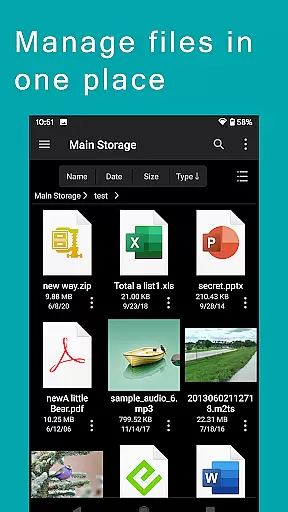
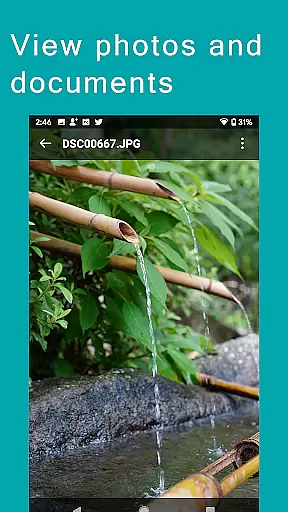
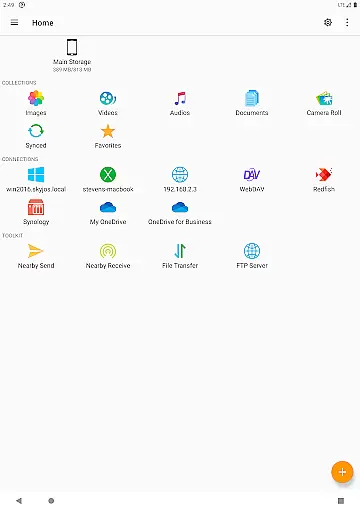
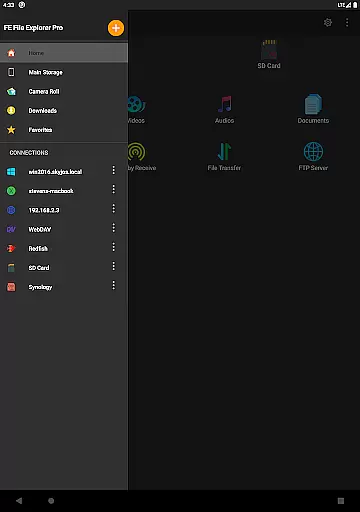
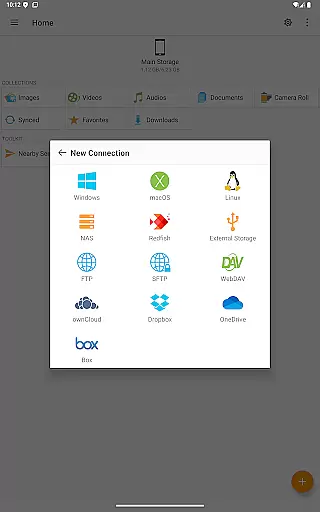
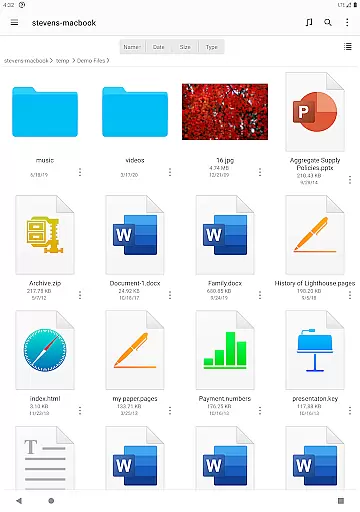

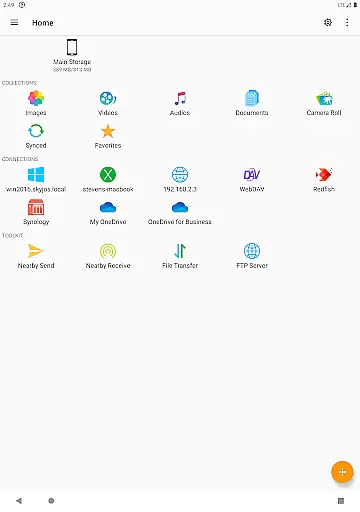
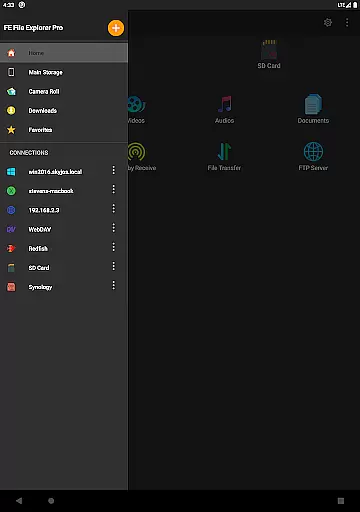
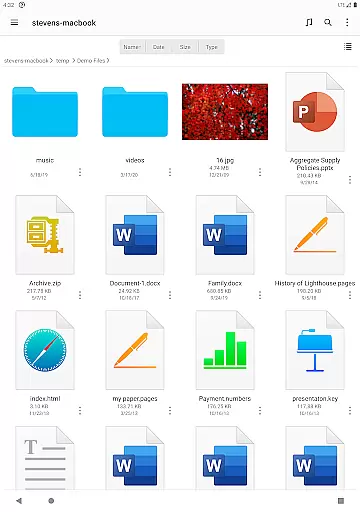
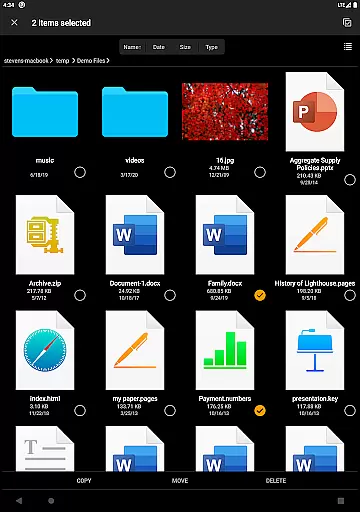
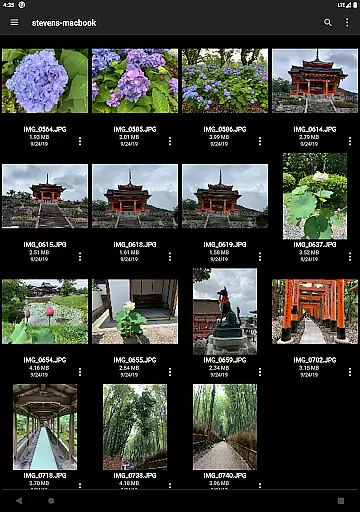

FE File Explorer Pro is a versatile file management solution for Android and iOS users, enabling seamless access to both local files and remote systems. The app supports connections to computers, NAS devices, and various cloud storage services through protocols like SMB/CIFS, WebDAV, FTP, and SFTP. With its robust functionality, users can transfer files across different locations, stream multimedia content, and manage documents without the need for downloading.
One of the standout features of FE File Explorer Pro is its ability to integrate with multiple cloud storage platforms such as Dropbox, OneDrive, and OwnCloud. This makes it an ideal tool for professionals who need to access and manage files stored in different environments from their mobile devices. Whether you're editing documents directly on a remote server or streaming media from your home computer, this app provides a unified interface that simplifies complex file operations.
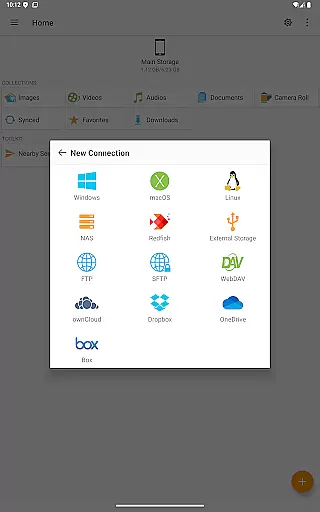
FE File Explorer Pro offers a comprehensive suite of features designed to enhance productivity. The app allows users to connect to network shares on macOS, Windows, Linux, and NAS via SMB/CIFS protocol, while also supporting WebDAV, FTP, and SFTP servers. It provides access to major cloud storage platforms including Dropbox, OneDrive, and OwnCloud, ensuring that all your files are accessible from one place.
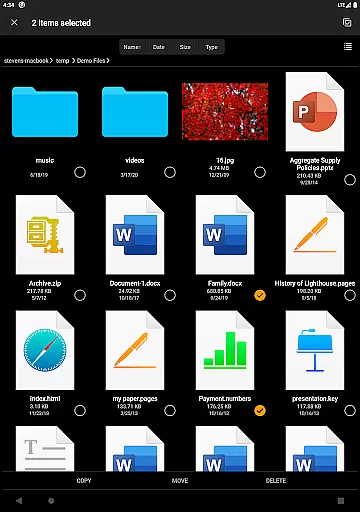
Advanced functionalities include automatic discovery of computers and NAS devices when setting up new connections, support for Windows Domain and Active Directory, and the ability to perform file operations like copy, move, rename, and delete directly on Android. Users can also edit documents located on remote storage using external apps, with changes saved automatically. Additionally, the app supports archiving and unarchiving of ZIP, RAR, and 7zip files, making it a complete solution for managing compressed files.
FE File Explorer Pro excels in core task management by providing users with a comprehensive suite of tools to handle files across multiple platforms. The app allows seamless access to local files, network shares on macOS, Windows, Linux, NAS via SMB/CIFS protocol, and various cloud storages such as OwnCloud, Dropbox, and OneDrive.
With this app, you can perform essential file operations like copying, moving, renaming, and deleting files directly from your Android device. It also supports advanced functionalities including the ability to edit documents located on remote storage using another app, which are then automatically saved back to the remote location.
The productivity value lies in its capability to manage files without the need for downloading them first. This saves time and storage space, allowing users to efficiently organize their digital assets. Additionally, features like automatic discovery of computers and NAS when setting up new connections make the process intuitive and hassle-free.
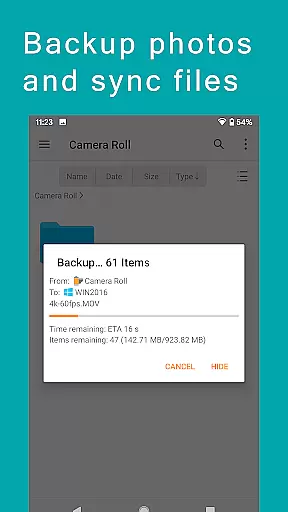
Cross-device synchronization is a standout feature of FE File Explorer Pro, ensuring reliable and efficient data management across different devices. Users can sync files between remote storage solutions and their Android devices, maintaining consistency and accessibility regardless of location.
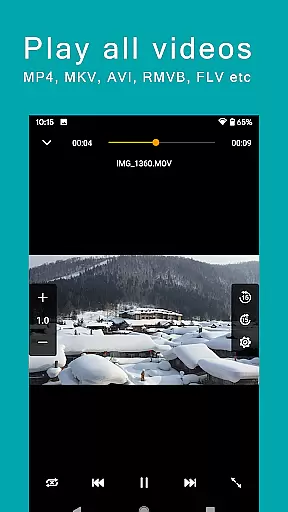
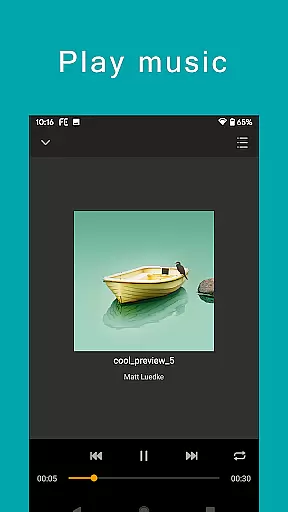
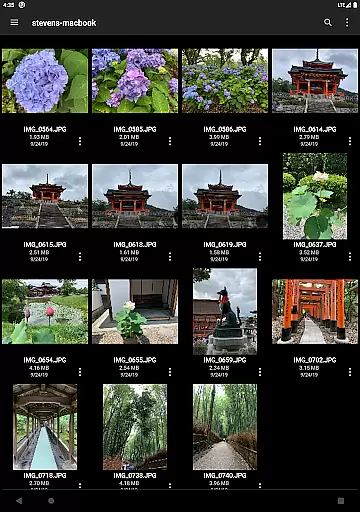
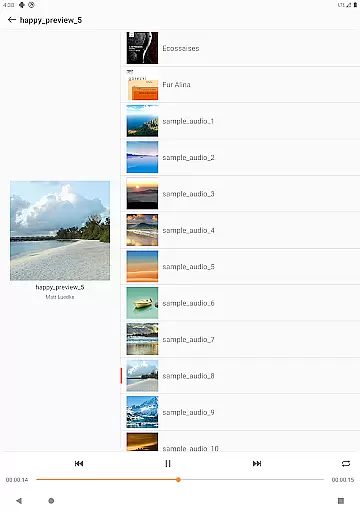
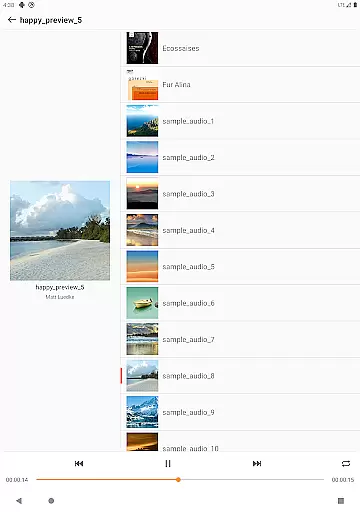
The app facilitates transferring files between various storage locations, whether it's from cloud services to local storage or vice versa. This flexibility extends to streaming movies and music directly from remote storages to Android devices, eliminating the need for large local storage.
Another significant advantage is the ability to backup camera photos to remote storage, safeguarding precious memories against loss. Furthermore, the nearby file transfer feature enables effortless sharing between Android and iOS devices, enhancing collaborative efforts and personal exchanges.
Powerful file management
Wide protocol support
Cloud storage integration
Remote editing capabilities
Multimedia streaming
Complex for beginners
Occasional sync issues
Limited free features
High cost for pro version
Interface not intuitive

Seamlessly integrate data and reports to build your presentation to impress
 4.80
4.80
We're working to become the best machining app on the market! www.cncdirt.com
4.80
Absolutely the best CNC machinist speed and feed calculator around. fswizard.com
4.60
Make apps & sites with natural language prompts
4.10
Cloud storage, automatic phone backup, and more.
4.10
ID.me Authenticator is a simple and free Two Factor Authentication solution
3.50
Best Tool for the professionals Electrician, Electrical contractors, etc.
4.90
A beautiful digital clock with autostart and many other functions
4.70
Discover Acode - a sleek, powerful IDE and code editor for Android.
4.30
Scientific calculator for Android - looks and operates like the real thing!
4.90
Secure, fast, open-source, VNC and SSH Remote Desktop for Windows, Linux and Mac
4.70
App Lock with fingerprint, password: Lock apps & hide photos with lock screens
4.60
Professional calendar app for Google Calendar, MS Outlook & Exchange
4.20
Pwnagotchi companion app
4.20
All in One PDF Reader: Manage, Read and Edit your Documents
4.20
Todo reminder
4.10
Access your phone's notifications, calls, apps, photos & texts on your PC
3.90
A Revolutionary All-in-One Artificial Intelligence Tools
3.80
Ads Free App! Editor, Hide File, Copy, Move, Delete and Rename.. all facility av
1.70


User Reviews