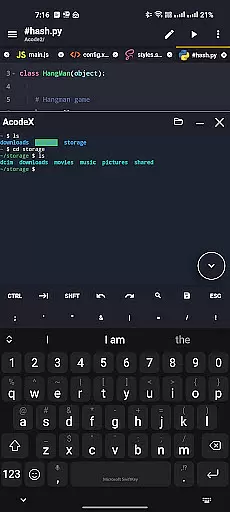
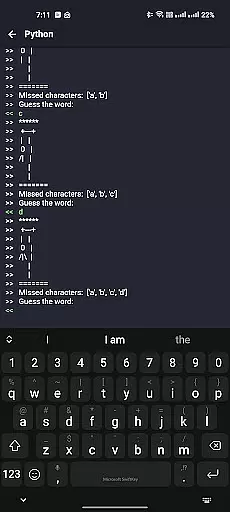
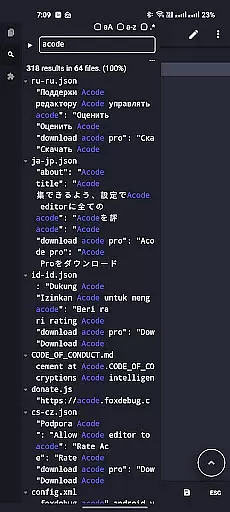
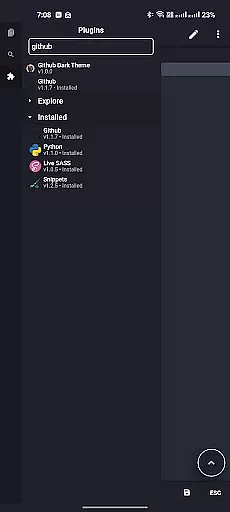
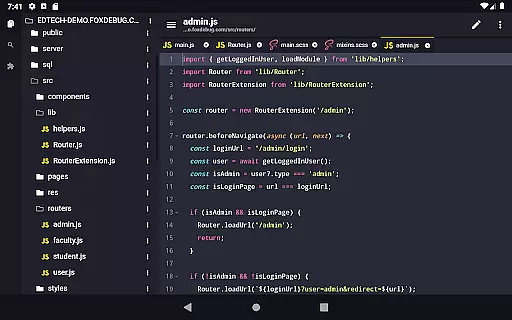
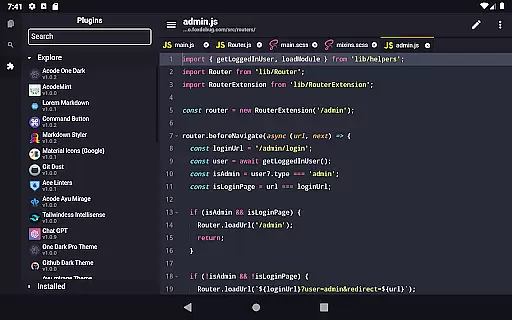
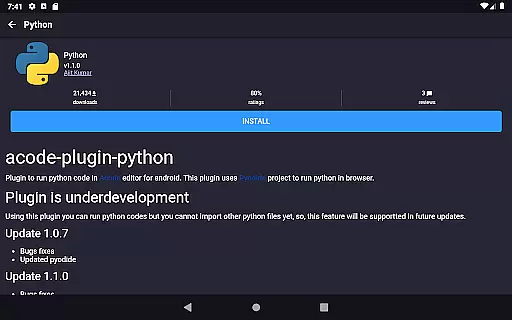
Acode is a powerful, lightweight code editor and web IDE for Android, designed to transform your coding experience. With its innovative Plugin System supporting over 30 plugins, it meets diverse development needs. The app includes an enhanced Ace Editor, search functionality across all files, customizable quick tools, and fast file listing.
Why choose Acode? It allows you to build and run websites directly in your browser, debug with the integrated console, and edit various source files including Python, CSS, Java, JavaScript, and Dart. Its key features include an ad-free experience, GitHub integration, FTP/SFTP support, extensive syntax highlighting for over 100 programming languages, personalized themes, and an interactive JavaScript console.
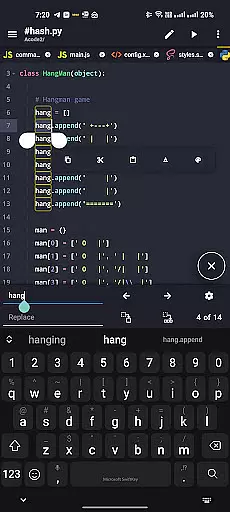
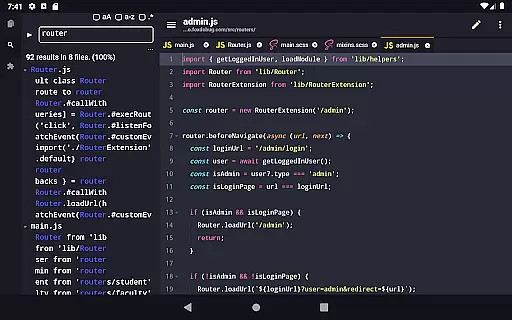
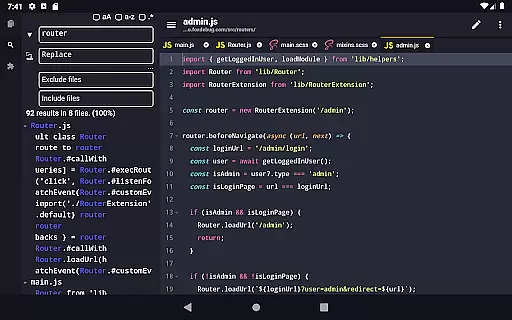
Acode stands out with its cutting-edge features tailored for developers. The Plugin System offers a wide range of plugins to boost functionality. The enhanced Ace Editor (version 1.22.0) ensures efficient editing, while the beta feature allows searching and replacing text in all files within opened projects.
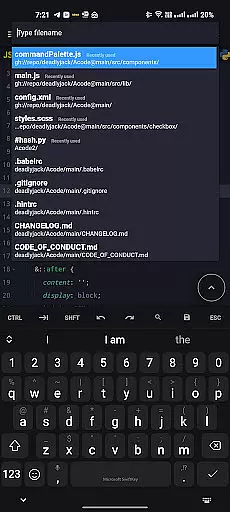
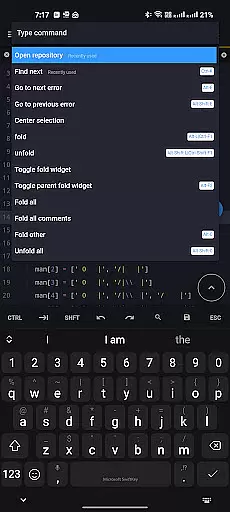
Customizable quick tools and fast file listing in Find Files (Ctrl + P) enhance workflow. Keyboard shortcuts like save (Ctrl+S) and open command palette (Ctrl+Shift+P) speed up tasks. Additionally, Acode provides an intuitive interface, in-app preview for HTML/MarkDown files, interactive JavaScript console, and reliable file recovery, ensuring a productive and smooth coding experience.
Task management is a cornerstone of productivity applications, and Acode excels in this area by offering developers an efficient way to handle coding projects. The app's ability to manage multiple files simultaneously allows users to work on different parts of their project without losing context or momentum.
Acode enhances task management through its customizable quick tools and keyboard shortcuts. These features enable coders to tailor the environment to their specific workflow, making repetitive tasks quicker and more intuitive. With the Ctrl key functionality, actions such as saving files (Ctrl+S) and opening command palettes (Ctrl+Shift+P) become seamless.
The recent update also brings enhancements like fast file listing in 'Find Files' (Ctrl + P), which loads and caches files at startup for rapid access. This ensures that users can swiftly navigate through their project structure, significantly improving the speed of task switching and overall productivity.
Cross-device synchronization is vital for users who work across multiple devices, ensuring that their work is always up-to-date and accessible wherever they are. Acode addresses this need by providing reliable GitHub integration, allowing developers to sync their projects with one of the world's leading code hosting platforms.
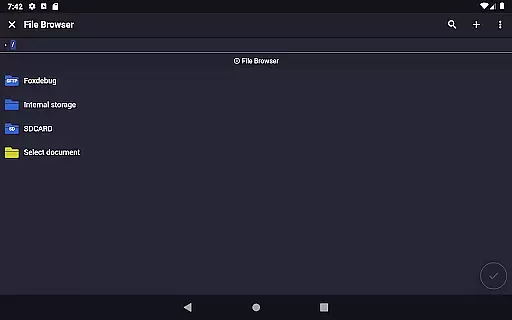
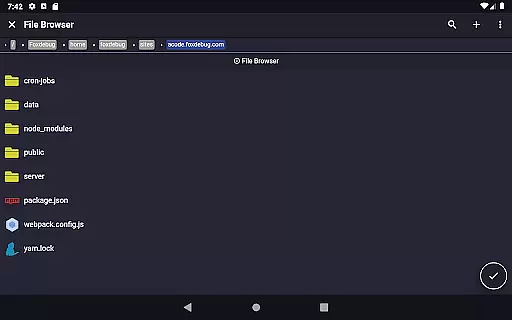
In addition to GitHub support, Acode offers FTP/SFTP functionality, which is crucial for managing web projects. This feature enables users to upload, download, and manage their files on remote servers, ensuring that all devices have access to the latest version of the project.
With Acode's high performance and support for large files, synchronization isn't just about transferring datau2014itu2019s about maintaining workflow continuity. Whether editing Python scripts or JavaScript files, users can be confident that their work will be accurately reflected across all their devices, thanks to Acode's robust synchronization capabilities.
Lightweight and powerful
Extensive plugin support
Enhanced editing efficiency
Integrated debugging console
Multi-file support
Limited to Android
Some features in beta
Requires learning curve
No iOS version
Advanced features need setup
The Pro Version of Android's tiniest Notepad app. Just 0.3MB but feature-packed!
 4.60
4.60
A lightweight JSON & XML files creator, editor and viewer (Premium Version)
4.40
Customizable calendar widget for seamless event sync, planning & scheduling.
4.00
aCalendar+ makes your day, week and month
4.70
Activate Two Factor Authentication (2FA or Multi OTP), Password manager and more
4.10
Quickly and easily keep track of your work shifts
4.70
This small app MUST BE INSTALLED after purchase, else license won't work
4.40
Share files & memories safely. Keep your photos and videos secure.
4.40
AT&T Internet customers can use this app to personalize their Wi-Fi network.
4.40
8 custom complications. Custom Time Fonts. Beautiful color schemes. A++ Design.
5.00
App Lock with fingerprint, password: Lock apps & hide photos with lock screens
4.60
A Pixel Art watchface inspired by other iconic 90s designs for Wear OS devices!
4.40
Create and edit presentations with Google Slides, part of Google Workspace.
4.00
Secure, open-source, SPICE and SSH Remote Desktop for QEMU KVM virtual machines
4.00
⏰ Finally a timer app which can run multiple timers simultaneously on your watch
3.90
Access your phone's notifications, calls, apps, photos & texts on your PC
3.90
ID.me Authenticator is a simple and free Two Factor Authentication solution
3.50
Simple and reliable communication between inmates, friends and family
3.20
Experience and share your SolidWorks designs on your Android® phone and tablet.
2.50


User Reviews