
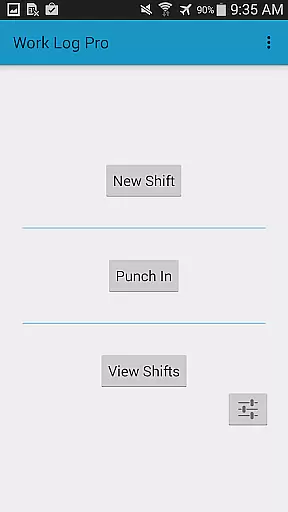
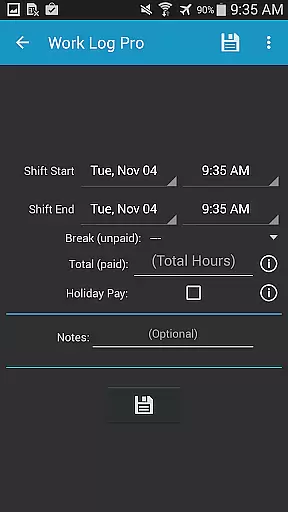
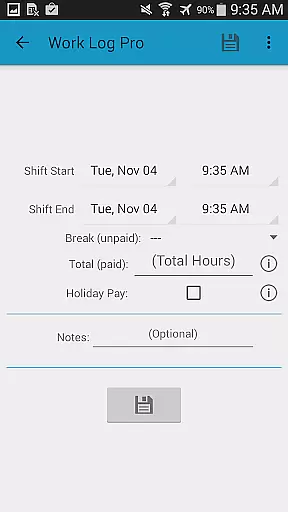
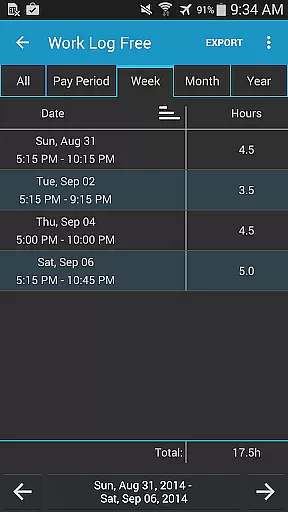
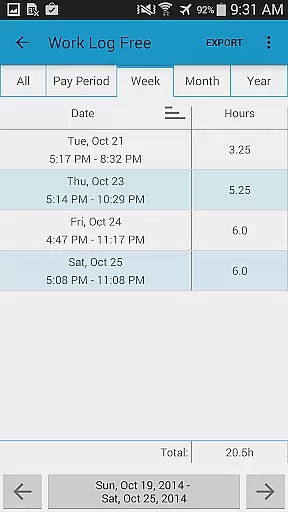
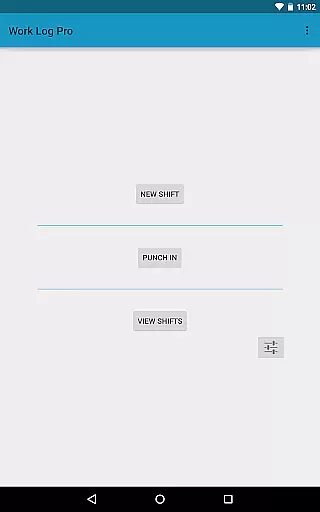
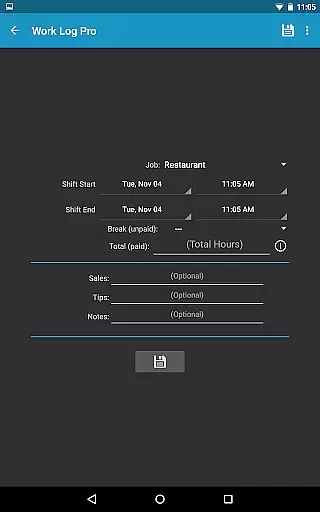
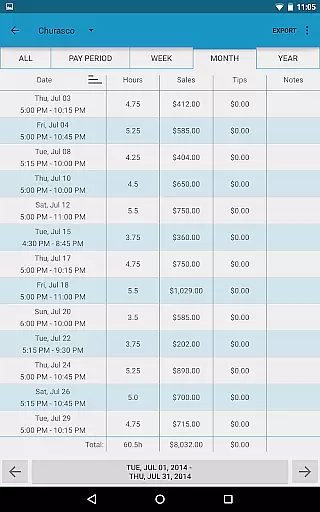
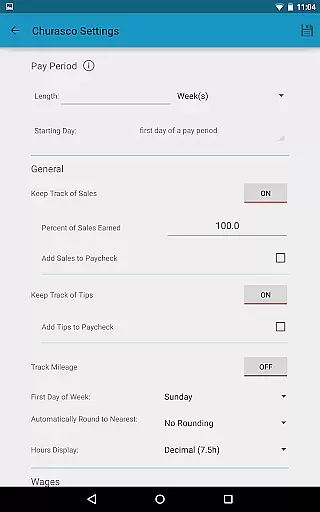
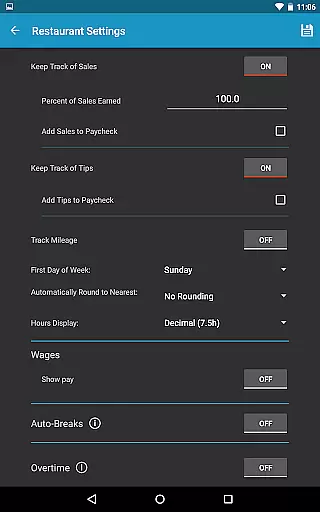
Work Log Pro is a comprehensive productivity tool designed for professionals who need to efficiently track their work hours and manage multiple jobs. The app offers an intuitive interface that allows users to punch in and out, manually enter shift details, and customize various settings to suit individual preferences. With features like automatic break deductions, pay period calculations, and overtime tracking, it ensures accurate wage computations.
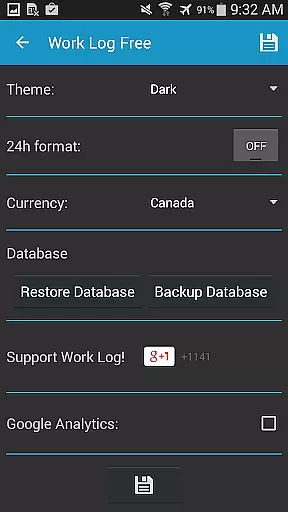
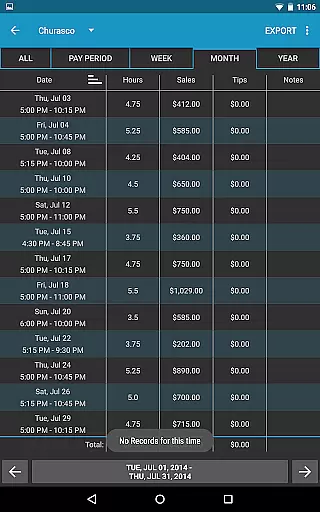
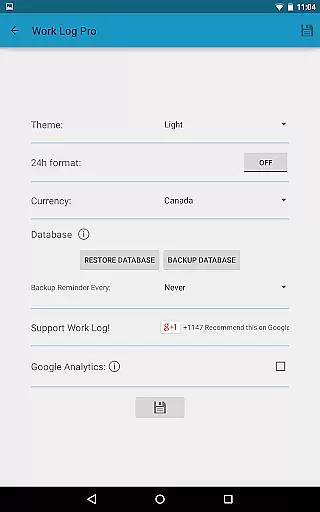
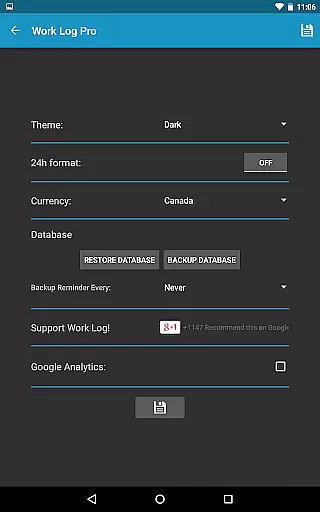
One of the standout capabilities of Work Log Pro is its robust customization options. Users can choose between light and dark themes, set specific pay periods, and configure automatic rounding of shifts. Additionally, the app supports exporting data as spreadsheets or PDFs, making it easy to share detailed reports with employers or for personal record-keeping. This functionality is particularly beneficial for freelancers, contractors, and employees who need precise documentation of their working hours.
The app's ability to handle multiple jobs with unique settings adds significant value for users juggling different roles. Whether you're a server tracking tips or a salesperson monitoring commissions, Work Log Pro provides tools to keep all your earnings organized. By offering an ad-free experience and advanced features such as backup reminders and widget shortcuts, it enhances productivity while ensuring data safety and accessibility.
Work Log Pro stands out due to its extensive feature set tailored for efficient time management. One of the primary functionalities includes the ability to punch in and out using widgets, which streamlines the process of tracking work hours. Users can also manually input shift details, providing flexibility for those with irregular schedules. The inclusion of automatic break deductions based on customizable rules ensures precise calculation of working hours without manual intervention.
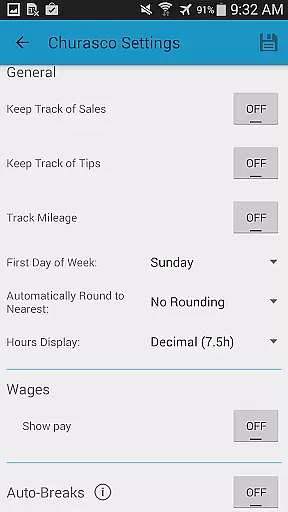
Another notable aspect is the app's customization capabilities. Users can tailor the display format to show times in either 12-hour or 24-hour clocks, select currency symbols from over 100 countries, and configure pay periods according to weeks, months, or half-month cycles. These options allow for personalized usage that fits diverse professional needs. Furthermore, the app supports tracking sales and tips, integrating them into paycheck calculations, which is especially useful for individuals earning commissions or gratuities.
Data security and portability are prioritized through features like backup reminders and export functionalities. Users can create backups via email and restore them on new devices seamlessly. Exporting recorded shifts as CSV files enables easy sharing and analysis outside the app. With no ads and support for multiple jobs, Work Log Pro delivers a streamlined and distraction-free user experience, empowering professionals to focus on maximizing their productivity.
Effective task management is crucial for productivity applications, and Work Log Pro excels in this area by offering a comprehensive suite of features designed to streamline your work tracking process. The app allows users to punch in and out or manually enter shift hours, ensuring accurate time tracking for various jobs with unique settings.
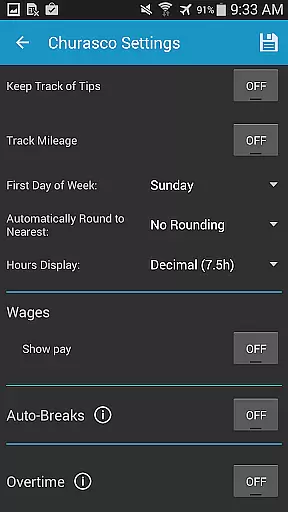
Work Log Pro goes beyond basic time tracking by providing advanced customization options. Users can set automatic break deductions, define pay periods, and configure overtime calculations. These features ensure that the app adapts to different work scenarios while maintaining precise records of worked hours and earned wages.
The true value of Work Log Pro's task management capabilities lies in its ability to save time and reduce errors. With automatic calculations for breaks, wages, and deductions, users can focus on their work rather than manual record-keeping. The app's support for multiple jobs and customizable settings makes it an invaluable tool for freelancers, contractors, and anyone managing diverse work schedules.
In today's mobile workforce, reliable cross-device synchronization is essential for maintaining accurate records. Work Log Pro addresses this need by providing robust backup and restore functionality. Users can easily transfer their data between devices using the built-in backup database feature, which allows exporting and importing through email attachments.
The application supports complete data portability, enabling users to maintain consistent records across multiple devices. This feature is particularly valuable for those who use different devices at work and home or need to transition to new equipment. The backup system ensures that all shift data, custom settings, and job configurations remain intact during device changes.
Work Log Pro's synchronization reliability extends beyond simple backups. The app maintains data integrity through careful management of CSV exports and database transfers. This approach guarantees that users can access their work history, wage calculations, and customized settings regardless of which device they're using, providing peace of mind and business continuity.
User-friendly interface
Customizable settings
Accurate wage calculations
Multiple job support
Ad-free experience
Requires separate free version
No built-in calendar view
Limited offline functionality
Paid upgrade necessary
Complex initial setup

QuickBooks Workforce lets teams view pay info and track time in one place.
 4.70
4.70
The long-awaited modern gallery app for your Nextcloud server
4.70
Wake up & get tasks done! Add alarms & reminders on the Clock Launcher.
4.00
Absolutely the best CNC machinist speed and feed calculator around. fswizard.com
4.60
Remotely view listen control and record cameras.
3.70
PDF scanner & converter for files, photos, lottery, QR codes. One swipe away!
4.50
Calendar 2023 widget for Android. Appointment scheduler, planner, and reminder
4.60
Share files & memories safely. Keep your photos and videos secure.
4.40
Daily processing of PDF documents.
4.40
Best Tool for the professionals Electrician, Electrical contractors, etc.
4.90
Android Wallet Password Manager
4.80
aCalendar+ makes your day, week and month
4.70
App Lock with fingerprint, password: Lock apps & hide photos with lock screens
4.60
Stay on top of your to-dos with Google Tasks, part of Google Workspace.
4.60
Automates browsing any website and notifies you of important changes or events
4.30
Professional calendar app for Google Calendar, MS Outlook & Exchange
4.20
Take control of your clipboard with Clipper!
3.90
Create study competitions, track your hours, and stay consistent with friends
4.5
IP Camera Viewer - Android TV : RTSP Surveillance camera viewer for Android TV
4.1


User Reviews