
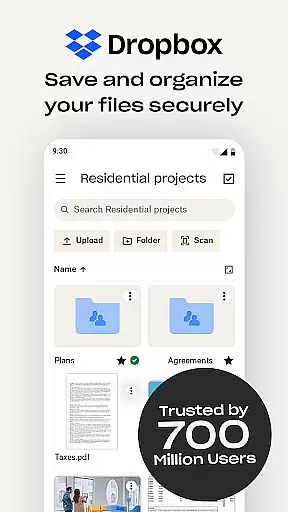
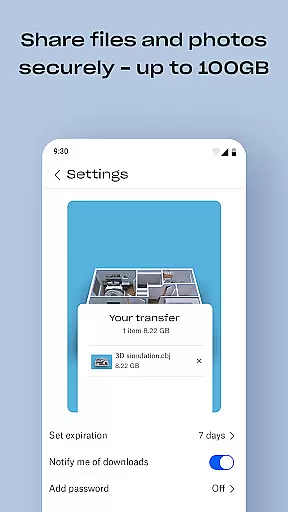
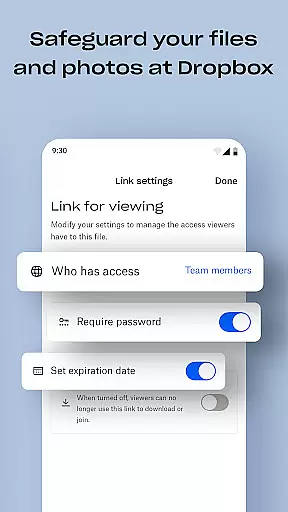
Dropbox is a leading cloud storage solution that allows users to securely backup, access, and manage essential files from any location. Trusted by over 700 million registered users, it offers reliable and private file management for individuals and teams alike.
The app provides automatic photo uploads, offline file access, and easy sharing of large files via links. Dropbox also includes advanced features such as document scanning, version history, and file recovery, making it an indispensable tool for productivity.
Whether you're managing personal files or collaborating with a team, Dropbox ensures your data is secure and accessible across all devices, enhancing both individual and group workflows.
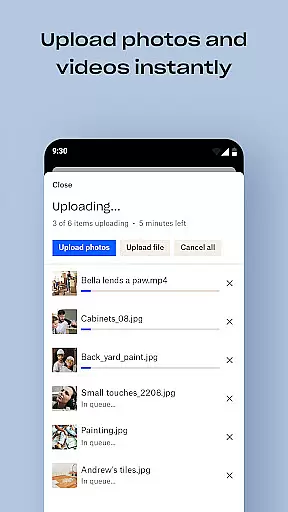
Dropbox stands out with its comprehensive feature set tailored for productivity. The app automatically uploads photos from your camera roll to cloud storage, enabling effortless photo sharing and management.
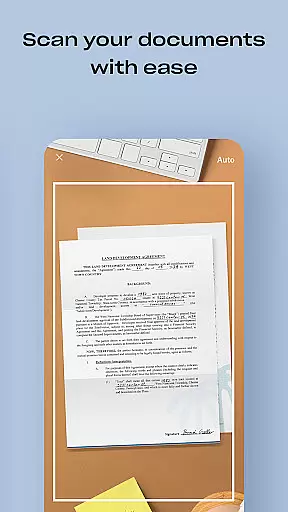
Users can access any file offline, preview multiple file types without additional software, and share large files easily through links. Dropbox's document scanning feature transforms mobile-captured images into high-quality PDFs, streamlining document management.
With sync capabilities for PC or Mac, version history, and file recovery options, Dropbox ensures seamless integration into daily workflows while maintaining top-notch security and privacy standards.
Task management is a cornerstone of productivity applications, and Dropbox excels in this area by providing users with robust tools to organize and oversee their digital content. The app allows for the automatic upload of photos and documents, ensuring that your files are always up-to-date and accessible from any device.
With features like version history and file recovery, Dropbox empowers users to retrieve older versions of their work or restore deleted files effortlessly. This functionality not only aids in maintaining an organized digital workspace but also serves as a safety net against accidental deletions or modifications.
Furthermore, Dropbox enhances collaboration through its easy sharing capabilities. Users can send large files or folders via a simple link, streamlining teamwork and project management without the hassle of email attachments or physical storage devices.
The reliability and ease-of-use offered by Dropbox make it an invaluable asset for both individual and team task management, ensuring that all members have seamless access to necessary resources whenever they need them.
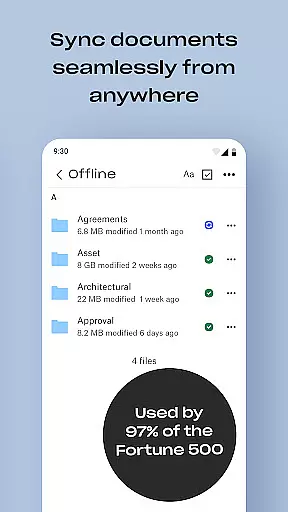
Cross-device synchronization is vital for maintaining workflow continuity, and Dropbox offers exceptional reliability in this domain. By syncing folders on your PC or Mac to the cloud, Dropbox ensures that all your devices reflect the latest changes, providing a consistent experience across platforms.
This synchronization process operates seamlessly in the background, automatically updating files whenever a change is detected. Whether you're working on a document at the office, at home, or on the go, Dropbox keeps your files current and accessible, eliminating the risk of version conflicts or data loss.
In addition to real-time updates, Dropbox supports offline access to files. This means users can continue working on their projects even without an internet connection, with changes being synced once connectivity is restored. Such flexibility is crucial for professionals who require uninterrupted access to their data.
By delivering dependable cross-device synchronization, Dropbox enables users to focus on their tasks without worrying about the technicalities of file management, thus significantly boosting overall productivity.
User-friendly interface
Secure file sharing
Offline file access
Automatic photo backup
Cross-device synchronization
Limited free storage
Paid subscription required
Occasional sync issues
High cost for extra space
No built-in editing tools

Secure, fast, open-source, VNC and SSH Remote Desktop for Windows, Linux and Mac
 4.70
4.70
When you Focus, so will your Bean in this cozy focus timer
4.30
Send files, sync SMS, notifications & clipboard across devices via local network
4.40
Mind Map and brainstorm, note taking and idea collection
4.80
⏰ Finally a timer app which can run multiple timers simultaneously on your watch
3.90
Best Tool for the professionals Electrician, Electrical contractors, etc.
4.90
A simple Whisper AI keyboard for reliable speech transcription and rewording
4.60
This small app MUST BE INSTALLED after purchase, else license won't work
4.40
Browse and view your photos and videos from the phone with photo & video hide.
4.10
Seamlessly integrate data and reports to build your presentation to impress
4.80
App Lock with fingerprint, password: Lock apps & hide photos with lock screens
4.60
Planet Free VPN - The best Fast Unlimited and Secure VPN Without Logs
4.50
Tally and goal counter for Wear OS & mobile
4.50
Enjoy classic gameplay with customizable features and retro-style graphics.
4.30
A customizable calendar for your Wear OS watch
4.20
Pwnagotchi companion app
4.20
Todo reminder
4.10
Make your handwriting beautiful, even more than pen on paper.
3.60
Auto-shutoff Alarm with Sunrise, Sunset & Fixed Options.
3.50


User Reviews