
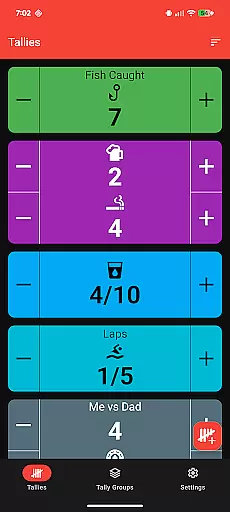
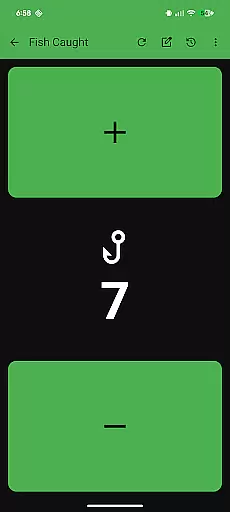
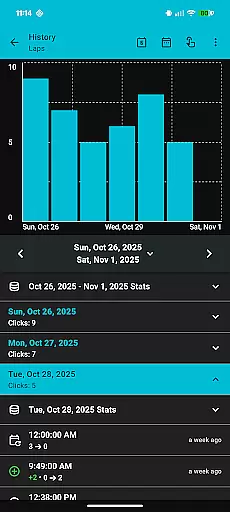
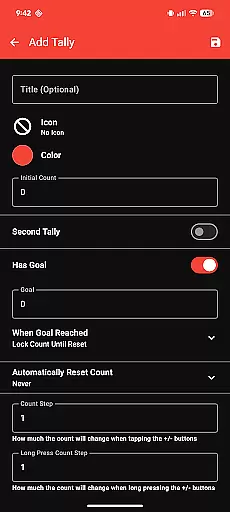
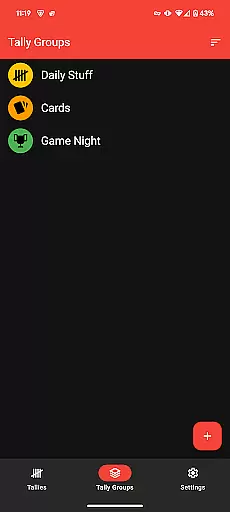
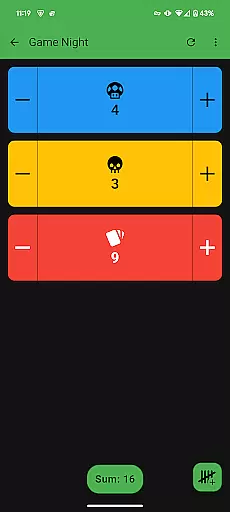
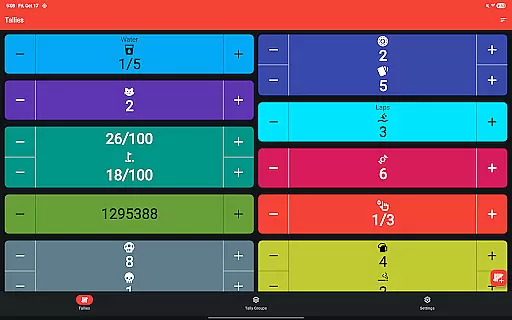
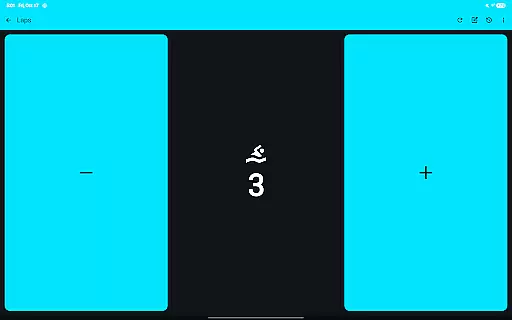
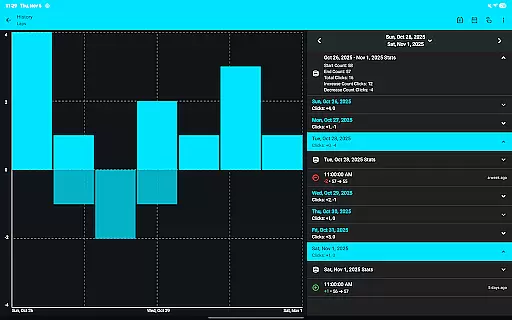
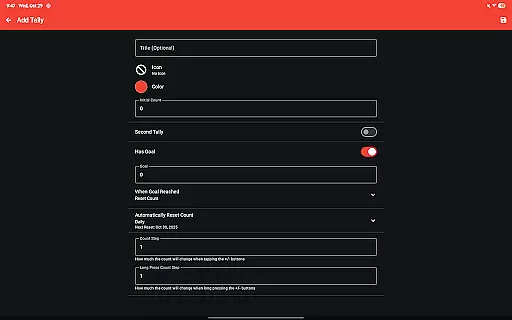
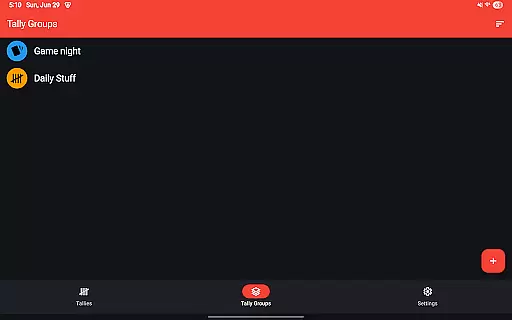
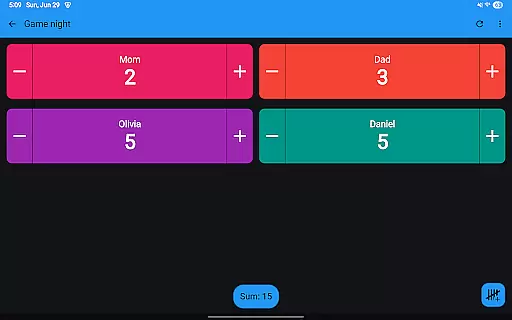
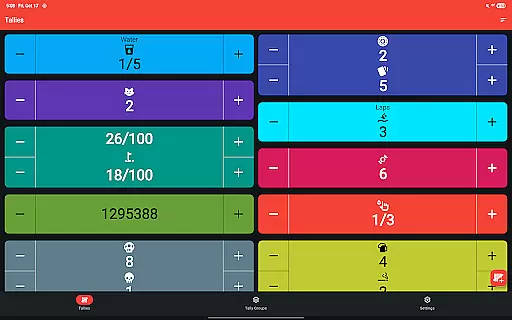
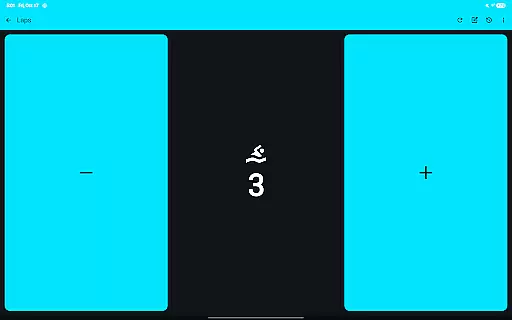
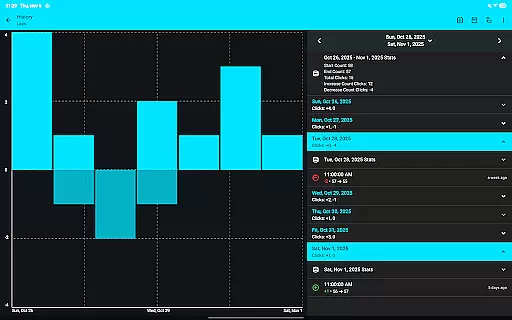
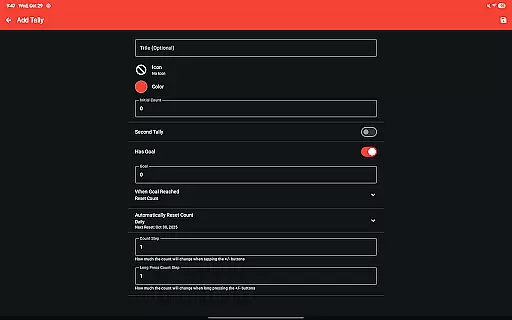
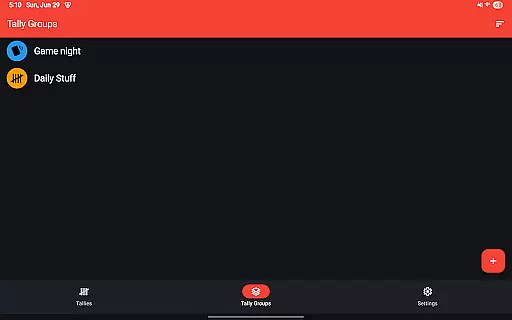
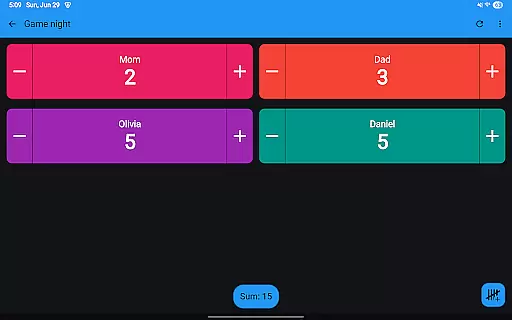
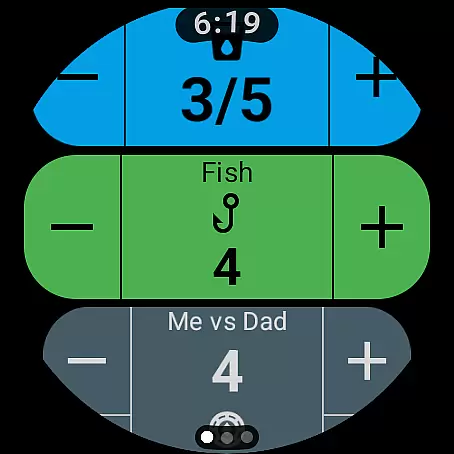
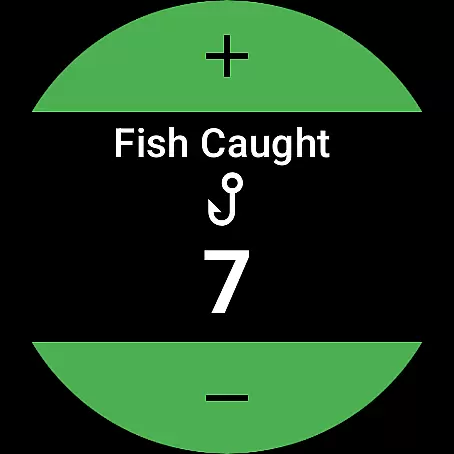
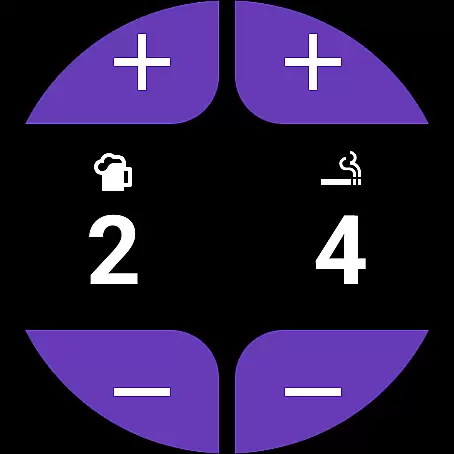
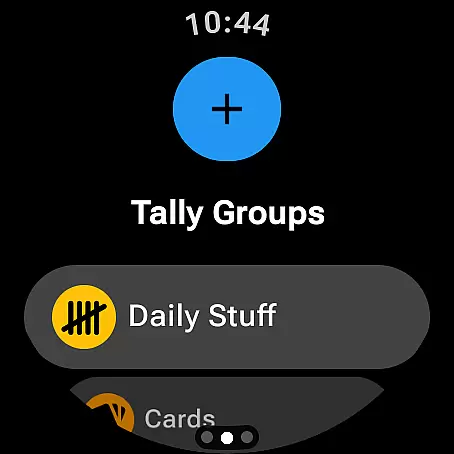
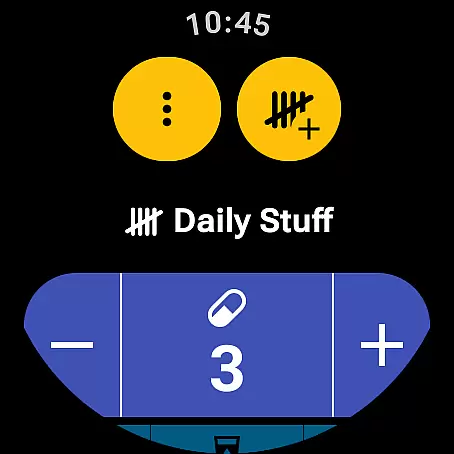
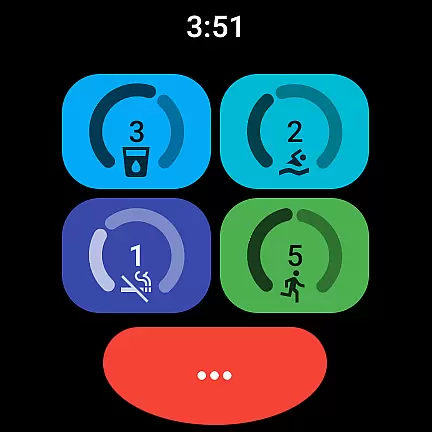
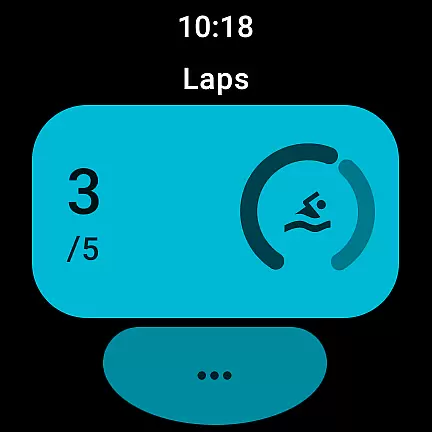
Tallies is a versatile productivity tool designed for both Wear OS and mobile devices, offering users an intuitive way to track counts and achieve goals. The app provides double and single tally counters with ongoing counts, goal tallies that can lock or reset upon completion, and automatic reset options on daily, weekly, monthly, or yearly intervals. Users can create Tally Groups to monitor combined sums and view detailed histories through graphs and stats, all while enjoying seamless sync between phone and watch.
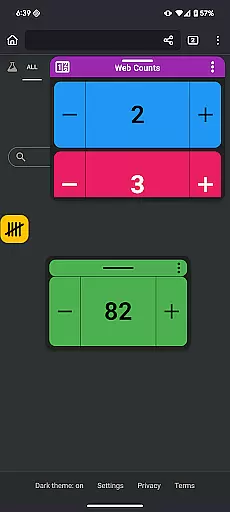
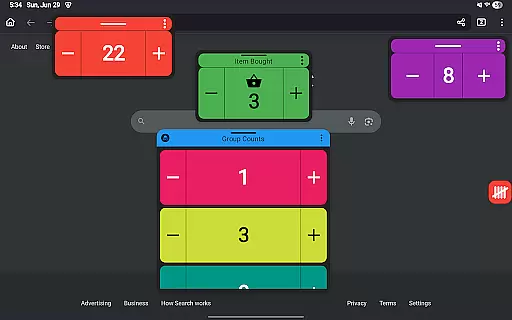
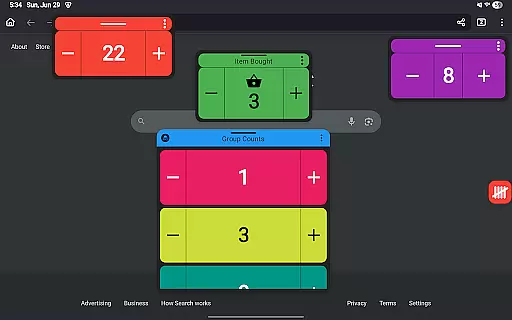
With its rich feature set, Tallies supports exporting history as CSV files, customizing counters with over 200 icons and multiple theme colors, and enhancing user experience with vibration and sound feedback. It also includes full-screen mode, home screen widgets, floating windows for Android 14+, and no subscription model—making it a one-time purchase for unlocking all features. Whether you're counting inventory or tracking personal goals, Tallies offers a comprehensive solution tailored to various needs.
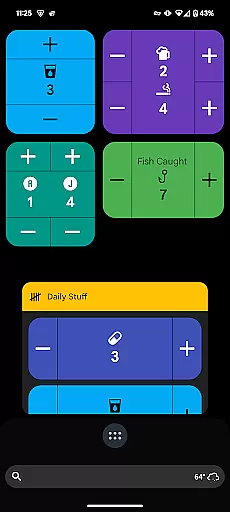
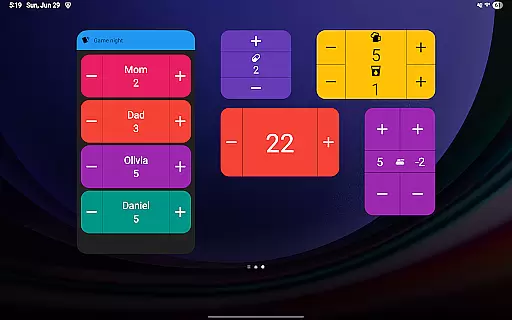
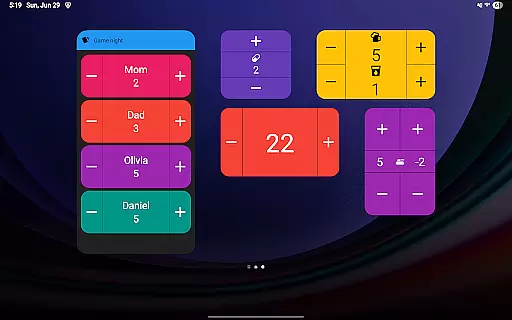
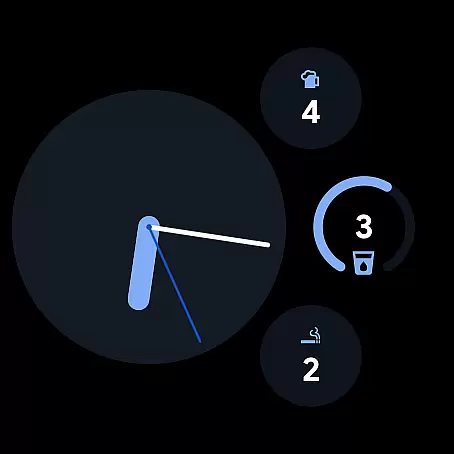
Tallies stands out with its extensive range of features designed to enhance productivity across different platforms. For Wear OS, it offers ongoing tally complications, goal tally complications, quick tally tiles, and shortcut tiles for easy access. On mobile devices, users benefit from vertical and horizontal tally widgets, tally list widgets, and floating tally windows compatible with Android 14+. These features ensure that users can conveniently track their counts wherever they are.
The app's ability to sync data between phone and watch enhances its utility, allowing users to maintain consistency in their tracking efforts. With options like volume button controls in full-screen mode and launcher shortcuts for quick access, Tallies streamlines the process of managing tallies. Its robust functionality, combined with customization options such as themes and icons, makes Tallies a powerful tool for anyone looking to improve their efficiency and organization.
Task management is at the heart of productivity applications, and Tallies excels in this area by offering users a versatile tally and goal counter for both Wear OS and mobile devices. This functionality allows users to keep track of ongoing counts, set goals, and manage tally groups efficiently.
The app provides options to automatically reset tallies on a daily, weekly, monthly, or yearly basis, ensuring that users can customize their counting experience according to their specific needs. Additionally, the ability to lock or reset counts when goals are reached adds another layer of flexibility, making it suitable for various use cases from personal habit tracking to professional project management.
With features like full-screen mode, vibration feedback, sound alerts on count changes, and over 200 icons for customization, Tallies ensures an engaging user experience while maintaining focus on core task management activities. These elements not only enhance usability but also contribute significantly towards improving overall productivity.
Cross-device synchronization is crucial for users who rely on multiple devices throughout their day. Tallies addresses this need by providing reliable sync capabilities between smartphones and Wear OS watches, ensuring that all tally data remains consistent across platforms.
To enable synchronization, users must install the app on both their phone and watch. Once installed, any changes made to tallies are automatically synced, allowing seamless transitions between devices without losing progress or data integrity. This feature is particularly beneficial for individuals who switch frequently between different gadgets during their workday or personal time.
Moreover, with complications and tiles available specifically for watches, as well as home screen widgets designed for phones, Tallies offers a comprehensive solution that enhances accessibility and convenience regardless of which device you're using at any given moment. By prioritizing robust cross-device support, Tallies empowers its users to stay organized and productive wherever they go.
User-friendly interface
Extensive customization options
Seamless cross-device syncing
Comprehensive tracking capabilities
No subscription required
Limited to Android ecosystem
Floating window requires Android 14+
Sync only works with app installed on both devices
Some features may overwhelm new users
Occasional sync delays reported

Take control of your clipboard with Clipper!
 3.90
3.90
Auto-shutoff Alarm with Sunrise, Sunset & Fixed Options.
3.50
Planet Free VPN - The best Fast Unlimited and Secure VPN Without Logs
4.50
The upgraded version of Name Wheel with AI and the power to add your own wheels.
4.1
A lightweight JSON & XML files creator, editor and viewer (Premium Version)
4.40
Protect and view your important info on your phone and tablet with eWallet®
4.80
Make apps & sites with natural language prompts
4.10
A simple Whisper AI keyboard for reliable speech transcription and rewording
4.60
Discover Acode - a sleek, powerful IDE and code editor for Android.
4.30
QuickBooks Workforce lets teams view pay info and track time in one place.
4.70
App Lock with fingerprint, password: Lock apps & hide photos with lock screens
4.60
PDF scanner & converter for files, photos, lottery, QR codes. One swipe away!
4.50
A Pixel Art watchface inspired by other iconic 90s designs for Wear OS devices!
4.40
Total remote control for your Android device, PC and cloud services (IFTTT)!
4.20
Activate Two Factor Authentication (2FA or Multi OTP), Password manager and more
4.10
* block pre-roll ads, pop-up and forced redirect ads * Samsung certification app
4.00
The ultimate file manager for rooted devices. The original and still the best.
4.00
ID.me Authenticator is a simple and free Two Factor Authentication solution
3.50
Create study competitions, track your hours, and stay consistent with friends
4.5


User Reviews