
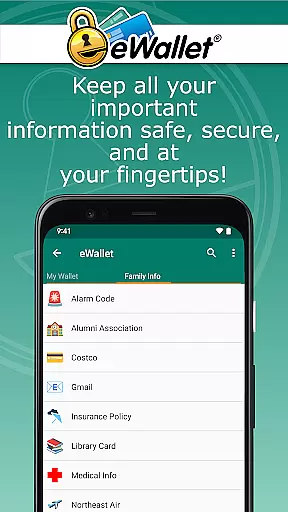
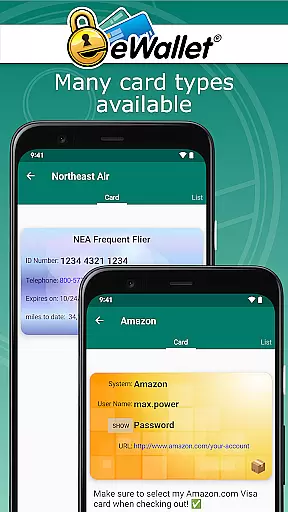
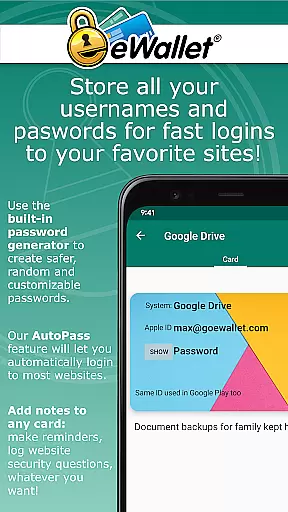
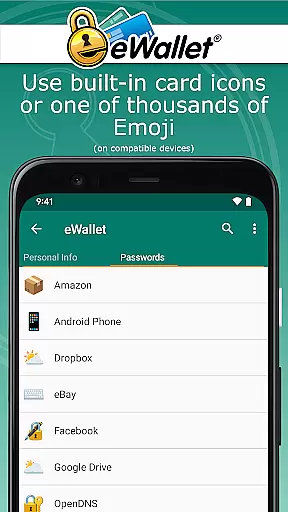
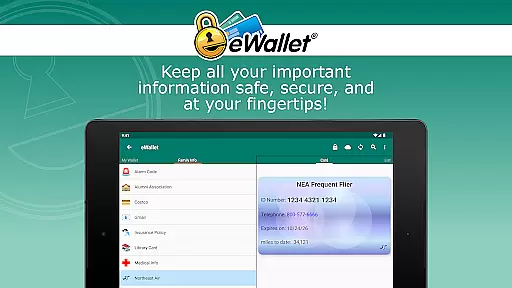
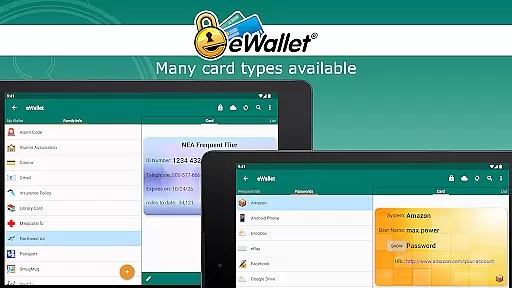
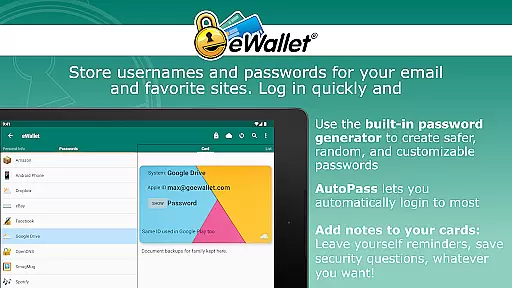
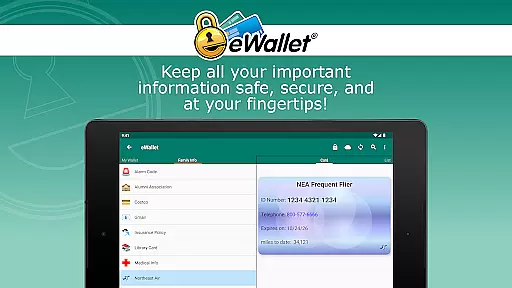
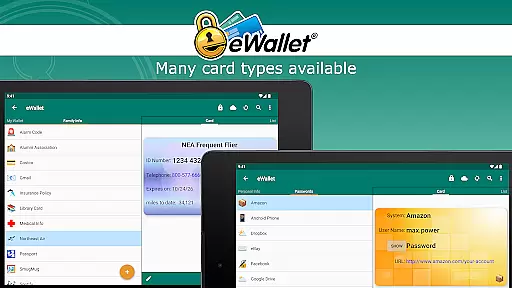
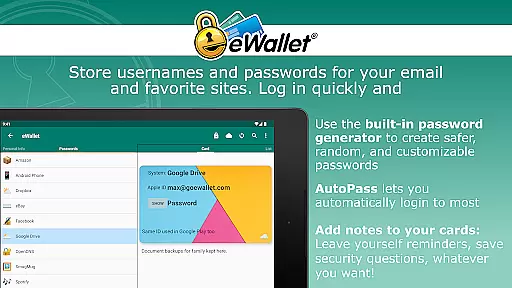
eWallet is a sophisticated password manager app designed for Android smartphones and tablets, offering military-grade encryption to secure sensitive information such as passwords, credit card details, and bank account numbers. The app ensures users can carry their crucial data wherever they go while maintaining top-notch security standards.
One of the standout features of eWallet is its support for updated Biometric authentication methods including fingerprint, iris scan, and facial recognition, allowing users to conveniently unlock their digital wallets. With full cloud or local Wi-Fi synchronization across devices, it combines safety with simplicity, ensuring users have access to their data whenever needed.
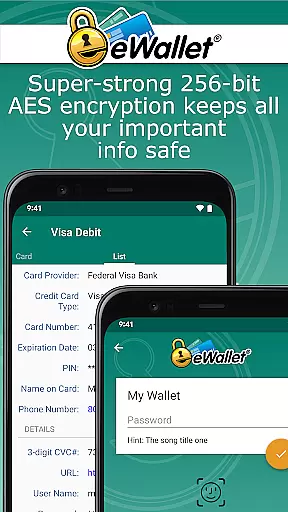
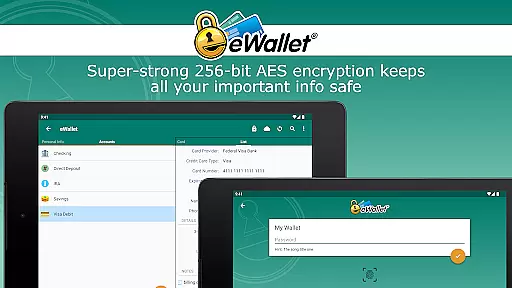
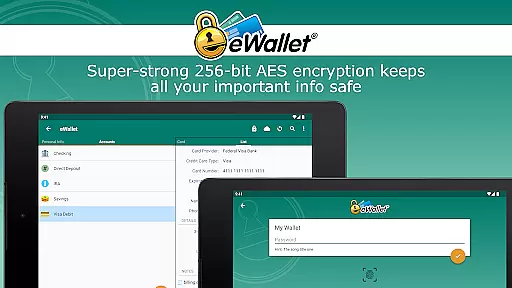
eWallet stands out with its comprehensive approach to password management and data security. It employs 256-bit military-grade AES encryption to protect user information, ensuring that sensitive data remains secure at all times. Additionally, the app supports biometric scanner authentication, providing users with a convenient yet secure way to access their information on compatible devices.
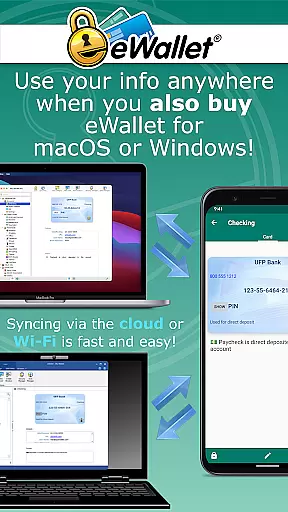
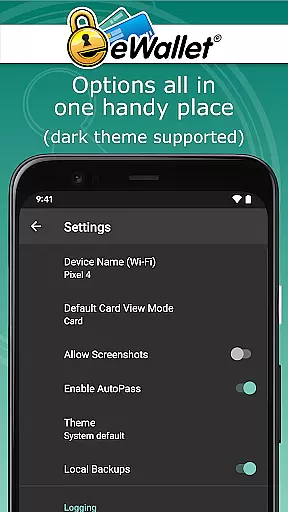
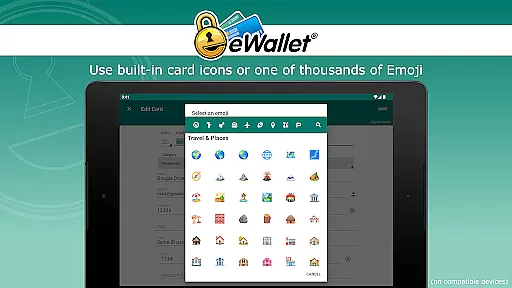
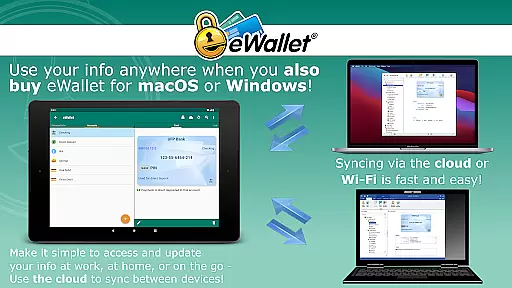
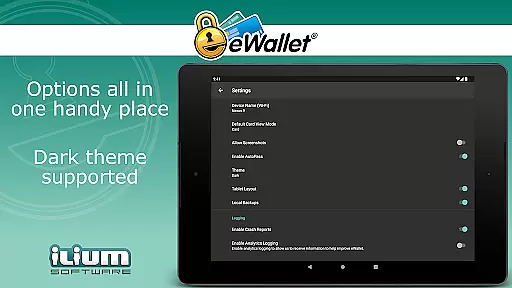
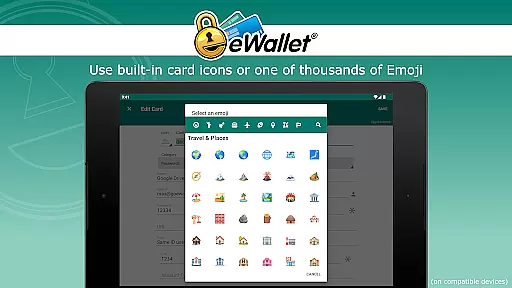
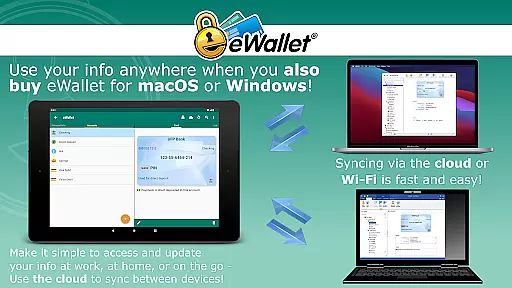
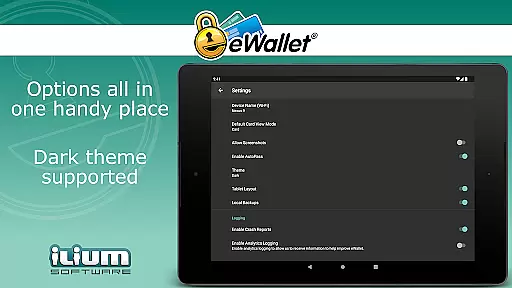
The app offers seamless data synchronization options via cloud services like Dropbox, Google Drive, and Microsoft OneDrive, or through Wi-Fi with its macOS or Windows versions. Users can generate random passwords, store various personal details, and customize their experience with features like Dark Theme and over three thousand possible emoji for card customization. These robust features make eWallet a powerful tool for managing personal data securely and efficiently.
In the realm of productivity, core task management is pivotal for organizing and prioritizing tasks efficiently. eWallet excels in this area by providing a comprehensive solution for managing sensitive information such as passwords, credit card details, and personal data.
The app employs military-grade 256-bit AES encryption to ensure that your digital life remains secure. With features like auto-locking and random password generation, users can maintain robust security practices while enjoying seamless access to their information.
eWallet's ability to sync data across multiple devices via cloud services or Wi-Fi enhances its task management capabilities. This means you can access your 'wallets' from your Android device or desktop with ease, ensuring that all your essential data is synchronized and up-to-date wherever you are.
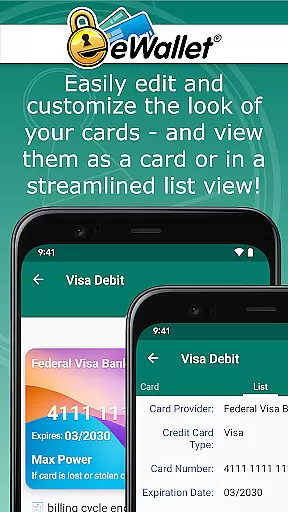
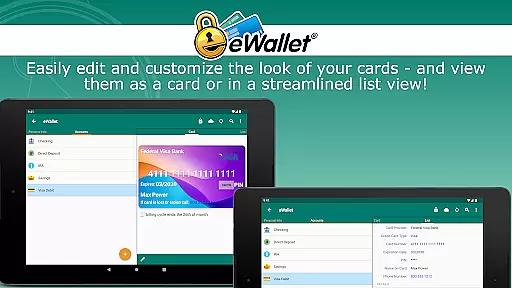
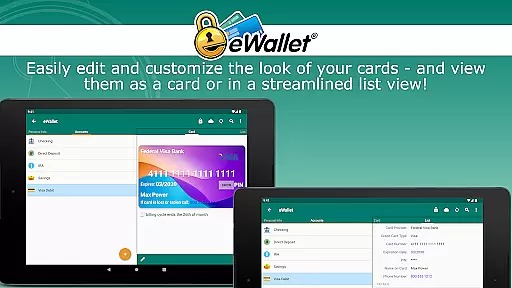
Moreover, the customization options available within eWallet allow users to tailor their experience with personalized cards and categories, making task management not only secure but also visually intuitive and organized.
Cross-device synchronization is crucial for maintaining consistency and reliability across different platforms. eWallet addresses this need by offering full cloud or local Wi-Fi synchronization of your secure wallets between Android devices and desktop computers.
With support for popular cloud services such as Dropbox, Google Drive, and Microsoft OneDrive, eWallet ensures that your data is reliably backed up and accessible from any location. This feature provides peace of mind knowing that your information is safely stored and can be retrieved at any time.
The app's compatibility with macOS or Windows versions (sold separately) further strengthens its cross-device capabilities. Users can create and sync multiple wallets between various devices, streamlining their workflow and enhancing productivity.
By combining top-notch security measures with dependable synchronization, eWallet delivers a user-friendly solution that empowers individuals to manage their personal data confidently and efficiently across all their devices.
Top-notch security
User-friendly interface
Biometric authentication
Cloud synchronization
Random password generator
No iOS compatibility
Separate desktop purchase
Limited free features
Subscription model
Complex setup

Seamlessly integrate data and reports to build your presentation to impress
 4.80
4.80
A simple, portable logger for POTA, SOTA, Field Day, and more
4.4
⏰ Finally a timer app which can run multiple timers simultaneously on your watch
3.90
CalenGoo is a very flexible and feature-rich calendar app
4.40
ID.me Authenticator is a simple and free Two Factor Authentication solution
3.50
All document reader, all in one file viewer read PDF, DOCX, XLS, PPT, TXT files.
4.60
Best Tool for the professionals Electrician, Electrical contractors, etc.
4.90
A Pixel Art watchface inspired by other iconic 90s designs for Wear OS devices!
4.40
The ultimate file manager for rooted devices. The original and still the best.
4.00
Native client for Forgejo and Gitea
5.00
Android Wallet Password Manager
4.80
Understand anything with a personalized AI research assistant
4.80
The long-awaited modern gallery app for your Nextcloud server
4.70
Stay on top of your to-dos with Google Tasks, part of Google Workspace.
4.60
A simple Whisper AI keyboard for reliable speech transcription and rewording
4.60
Planet Free VPN - The best Fast Unlimited and Secure VPN Without Logs
4.50
All in one sketching tool. Technical and General drawing. Online Maps support.
3.70
AI Video AI Image Private LLM AI Browser Llama Gemma Ollama Connect LLM Studio
4.2
Create study competitions, track your hours, and stay consistent with friends
4.2


User Reviews