
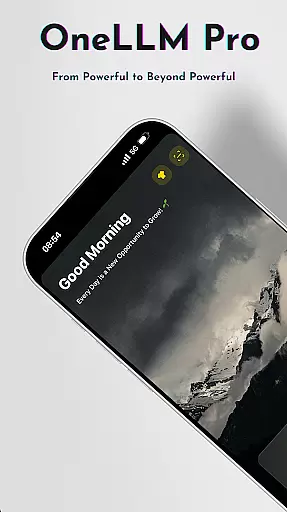
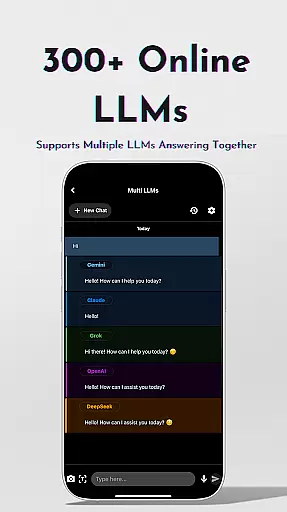
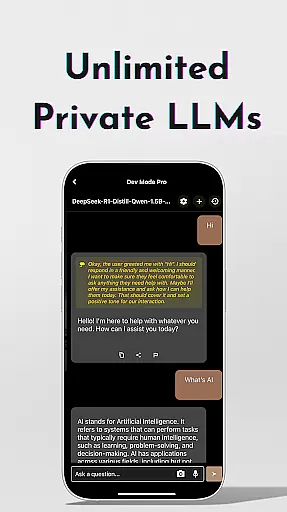
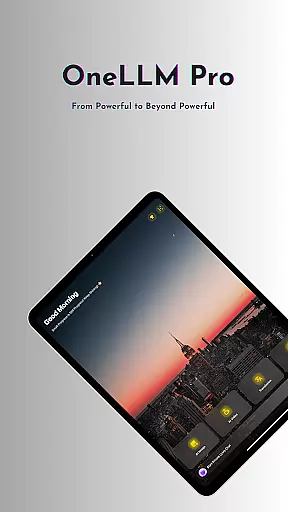
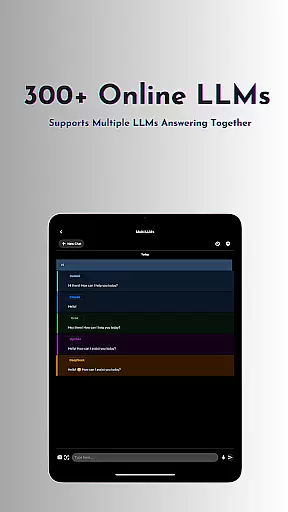
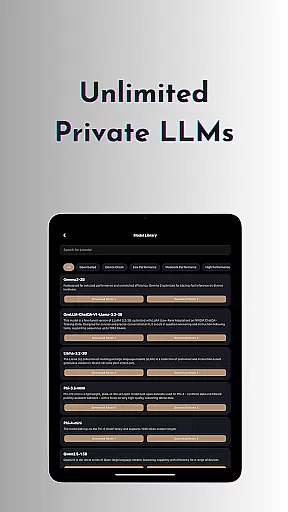
OneLLM Pro is a revolutionary productivity app that brings advanced AI capabilities directly to your device. Whether you're working offline or online, this app seamlessly integrates local and cloud-based AI functions, offering unparalleled speed, security, and privacy. The app supports over 300 leading Large Language Models (LLMs) such as ChatGPT 4o, Claude, and DeepSeek, allowing users to switch between models effortlessly.
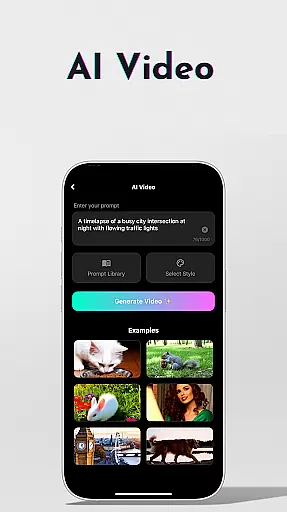
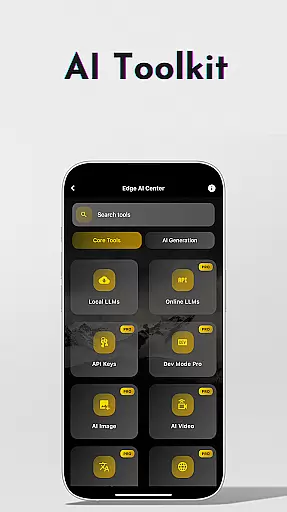
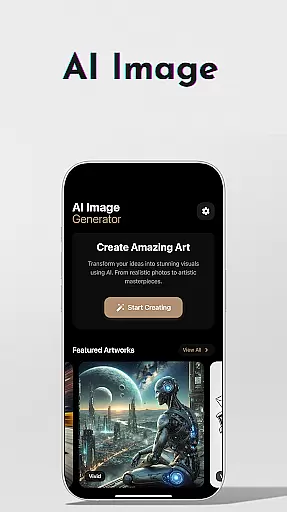
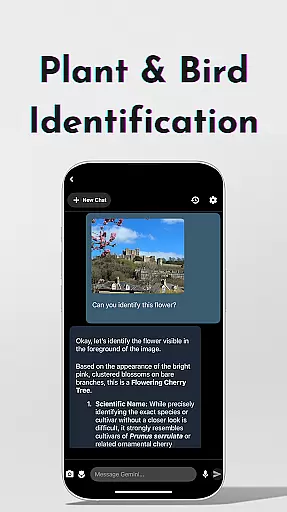
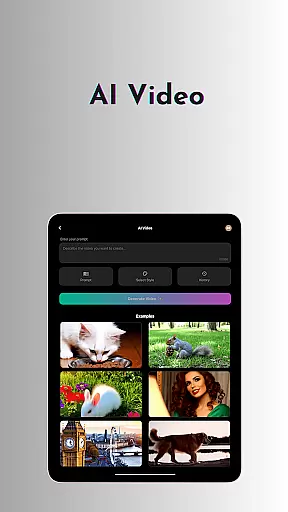
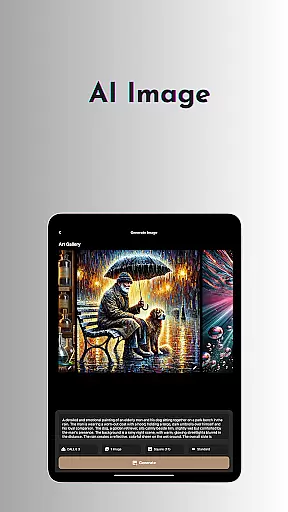
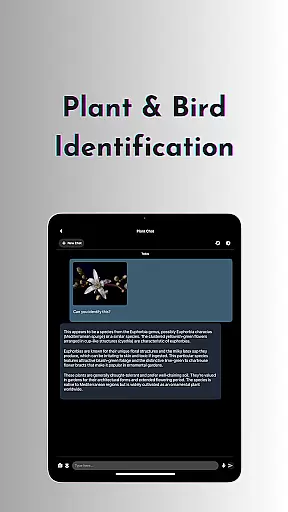
Beyond its core language model capabilities, OneLLM Pro provides a comprehensive suite of AI-powered tools. These include AI video generation, image creation through Stable Diffusion/DALL·E 3, offline OCR document scanning, and speech-to-text transcription. Users can also benefit from specialized features like plant and bird identification, multi-LLM simultaneous response mode, and a dedicated study assistant. With support for both entry-level and flagship devices, OneLLM Pro ensures optimal performance across various hardware specifications.
This versatile app is particularly useful for professionals who need efficient document analysis, quick information retrieval, and seamless integration with existing workflows. By combining powerful AI capabilities with user-friendly features, OneLLM Pro enables users to maximize productivity while maintaining complete control over their data privacy.
OneLLM Pro stands out with its extensive feature set designed to enhance productivity. The app's hallmark is its dual capability to operate both offline and online, providing users with flexibility and reliability. Its local processing ensures maximum privacy, while cloud integration allows handling of resource-intensive tasks. The inclusion of unlimited private and local LLMs means users can work without internet connectivity, customizing AI characters for specific needs.
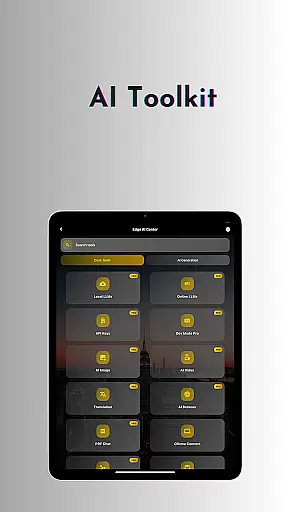
The application offers an impressive array of specialized AI toolkits. These include advanced video generation tools that transform concepts into cinematic experiences, sophisticated image creation capabilities powered by Stable Diffusion and DALL·E 3, and an offline OCR function for document scanning without internet. Additional features like Ollama Connect enable seamless interaction with PC-based LLMs, while the private speech-to-text function proves invaluable for confidential note-taking.
OneLLM Pro further distinguishes itself through innovative features like the LLM Dev Mode for advanced customization, smart LLM matching based on device specifications, and Hugging Face integration for model customization. The app's comprehensive approach extends to practical tools such as password generation, AI-powered browsing assistance, and an ad-free experience across all devices. These features collectively create a robust productivity ecosystem that adapts to various professional requirements while maintaining optimal performance.
Core task management is essential for productivity applications, serving as the backbone for organizing and executing tasks efficiently. OneLLM Pro excels in this area by offering a comprehensive suite of AI tools designed to handle various task management scenarios.
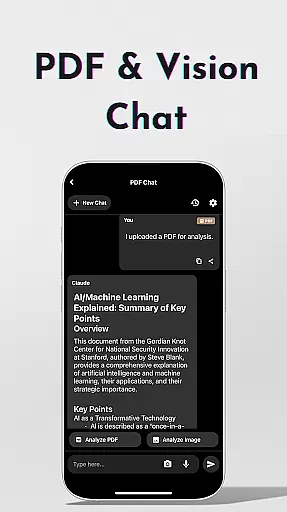
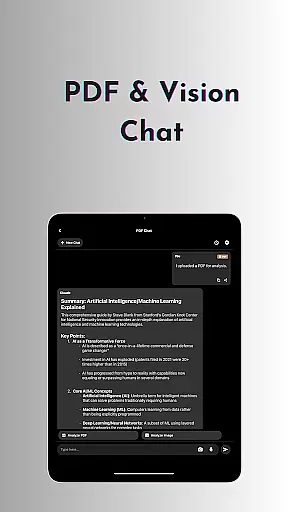
The application provides users with the ability to manage tasks through advanced AI functionalities such as AI Notes for private meetings, Study Assistant for learning support, and Chat with PDF & Image for document analysis. These features ensure that users can maintain productivity without compromising on privacy or efficiency.
OneLLM Pro's task management capabilities are further enhanced by its Multi-LLM Simultaneous Response Mode, which allows users to receive instant answers from multiple leading LLMs. This streamlines workflows and eliminates the need to switch between different applications, thus saving time and increasing productivity.
By integrating both local and cloud AI capabilities, OneLLM Pro delivers a balanced approach to task management. Users can choose between private local processing for sensitive tasks or leverage the power of the cloud for more demanding operations, ensuring optimal performance across all devices.
Cross-device synchronization reliability is crucial for users who rely on consistent access to their data and applications across multiple devices. OneLLM Pro addresses this need by providing seamless integration and synchronization between devices, ensuring that users have up-to-date information at their fingertips.
The app supports real-time synchronization of AI models and user data, allowing for a cohesive experience whether switching from a mobile device to a PC or vice versa. This is particularly beneficial for users who utilize Ollama Connect to link their mobile devices with large LLMs running on more powerful machines.
OneLLM Pro also ensures data integrity and consistency through its robust cloud infrastructure. By leveraging cloud power for demanding tasks while maintaining local processing for privacy-sensitive operations, the app guarantees reliable cross-device functionality without sacrificing security or performance.
With an ad-free experience and optimized performance on both entry-level and flagship devices, OneLLM Pro offers a dependable solution for users seeking efficient and secure cross-device synchronization. This reliability empowers users to focus on their tasks without worrying about data loss or inconsistencies across platforms.
Extensive AI toolkit
Offline functionality
Privacy-focused design
Device optimization
Ad-free experience
Complex setup required
Premium pricing model
High system requirements
Limited beginner support
API key management

Auto-shutoff Alarm with Sunrise, Sunset & Fixed Options.
 3.50
3.50
Todo reminder
4.10
Simple and reliable communication between inmates, friends and family
3.20
Docker, Kubernetes management over Portainer Mobile
4.40
* block pre-roll ads, pop-up and forced redirect ads * Samsung certification app
4.00
A simple Whisper AI keyboard for reliable speech transcription and rewording
4.60
Quickly and easily keep track of your work shifts
4.70
Lightweight PDF, Word, Excel reader.
4.60
Note taking, handwriting, record audio, PDF annotation, planner & journal
4.20
Experience Reading - Night Mode for Documents
4.40
When you Focus, so will your Bean in this cozy focus timer
4.30
Enjoy classic gameplay with customizable features and retro-style graphics.
4.30
Device's storage information in a simple and clear graphical form (infographics)
4.10
Intelligent AI Assistant
4.10
⏰ Finally a timer app which can run multiple timers simultaneously on your watch
3.90
Ultimate Virtual AI Character for immersive Roleplay Chat. Perfect Companion
3.90
Mega cloud explorer plugin for Solid Explorer
3.80
Smart PDF reader & editor to view, organize and manage PDF documents easily.
3.70
Remotely view listen control and record cameras.
3.70


User Reviews