
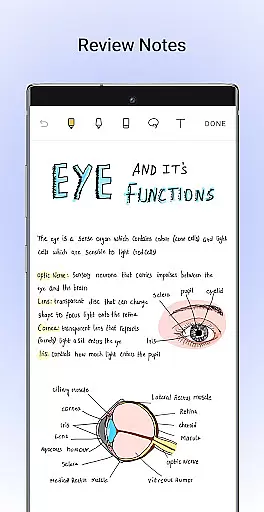
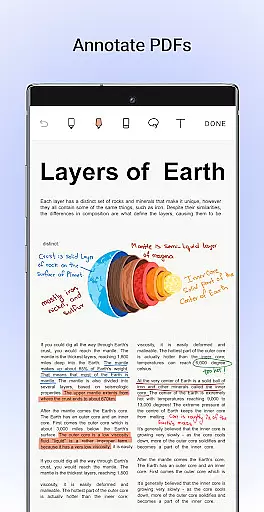
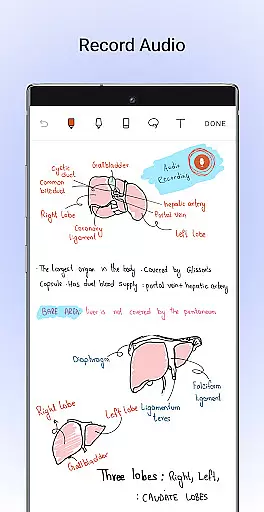
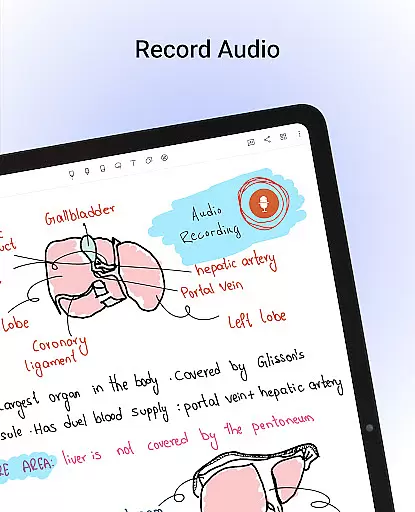
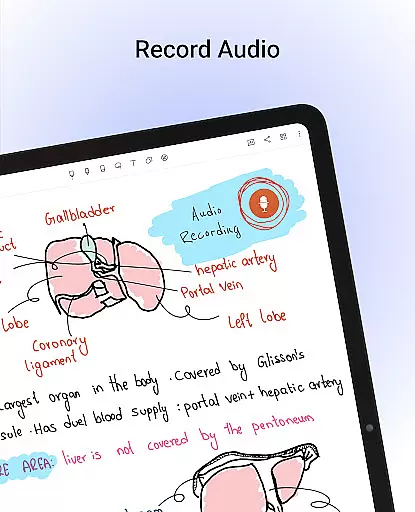
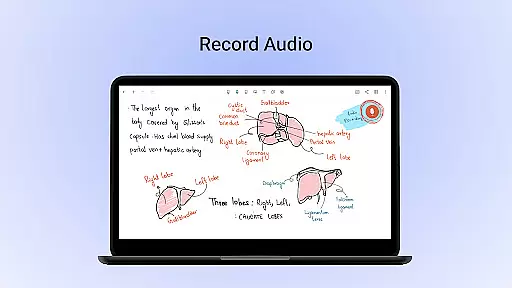
Noteshelf is a comprehensive digital note-taking app designed for students, teachers, and professionals. It allows users to take beautiful handwritten notes, annotate PDFs, record audio notes, and organize their digital content effectively. The app offers realistic pens and highlighters that make handwriting feel natural while supporting various stylus options for an enhanced experience.
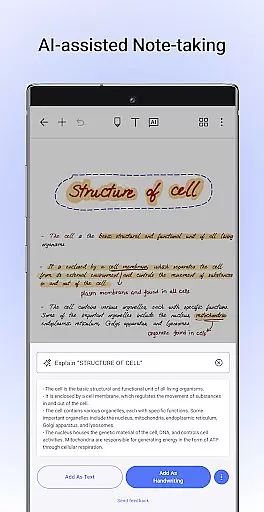
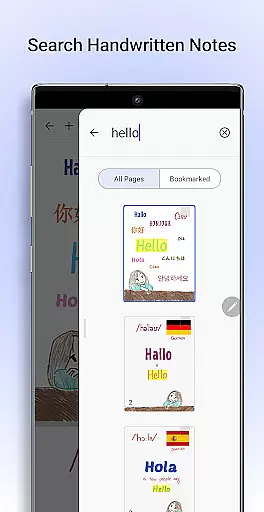
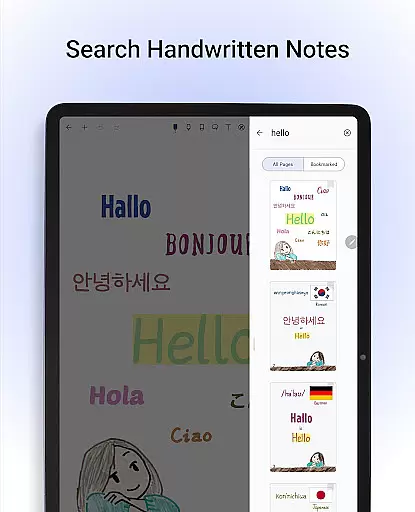
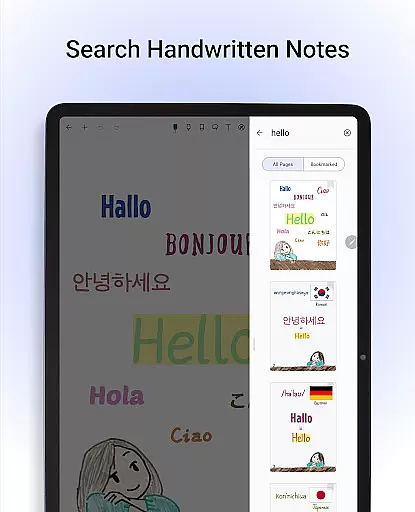
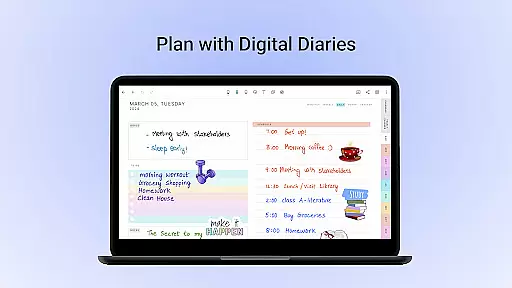
With advanced features like OCR (Optical Character Recognition) technology, Noteshelf enables users to search through handwritten notes in 65 languages and convert them into typed text seamlessly. Its vast template library provides over 200 customizable templates catering to different needs such as lesson plans, to-do lists, health trackers, and more. Additionally, Noteshelf AI serves as an intelligent assistant that can understand handwriting, generate notes on any topic, summarize content, translate text, and explain complex terms.
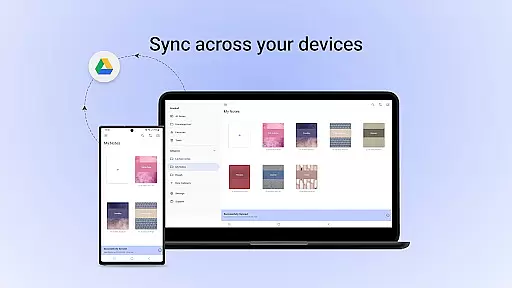
The app ensures secure storage of notes by syncing via Google Drive and auto-backup options to cloud services like OneDrive, Dropbox, or WebDAV. Users can personalize their notebooks with lined, dotted, or grid papers in various colors, add crafted covers, type notes with formatting options, record audio during lectures, create diagrams using shape tools, and stay organized with bookmarking important pages. Noteshelf simplifies productivity by offering a complete suite for all note-taking requirements.
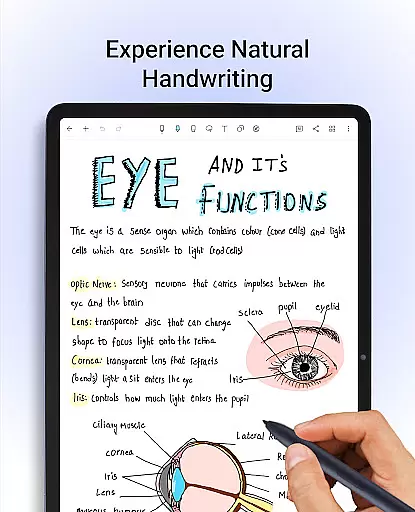
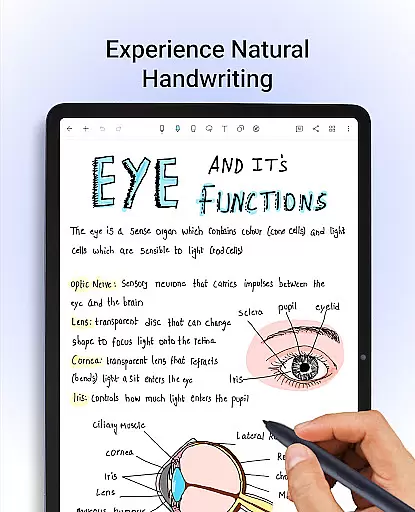
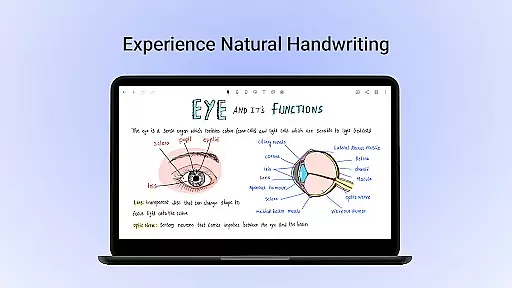
Noteshelf stands out with its rich feature set tailored for efficient note-taking. The app provides a natural handwriting experience using realistic pens and highlighters along with support for multiple stylus devices. This makes it ideal for those who prefer the traditional pen-and-paper method but need the convenience of digital storage.
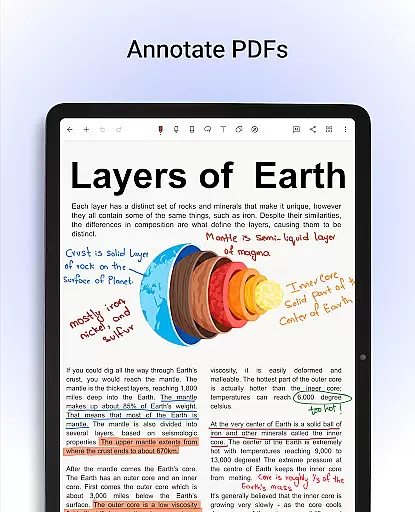
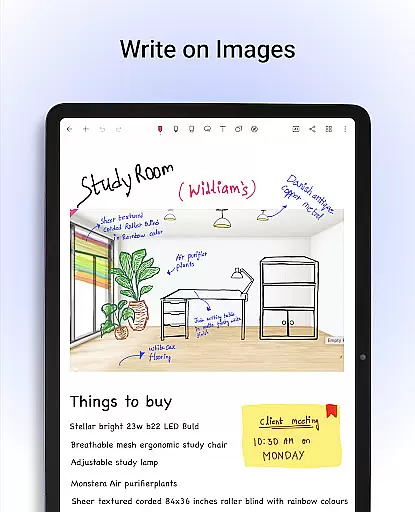
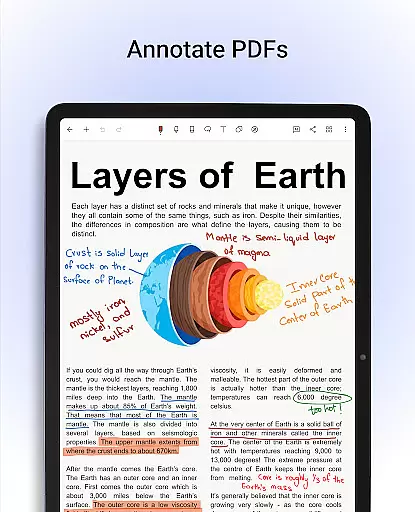
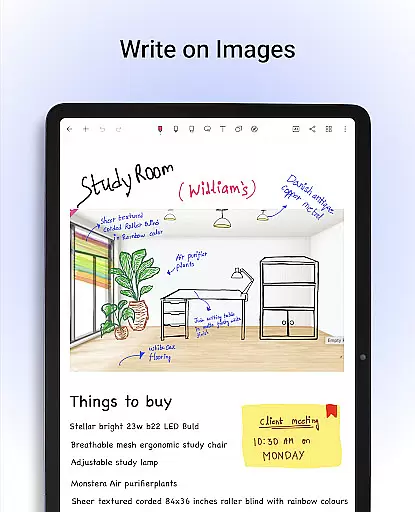
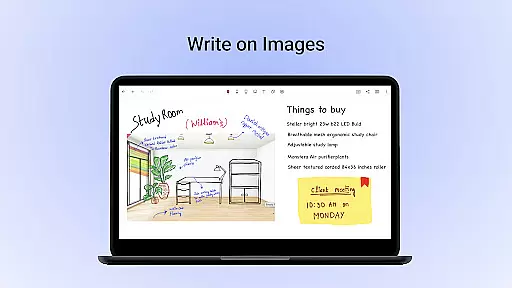
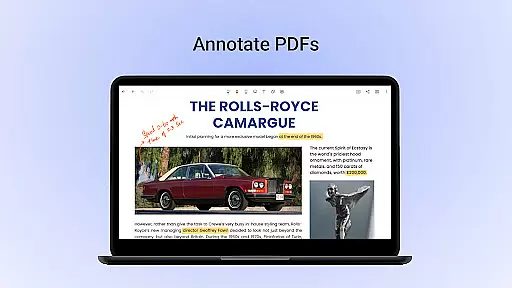
One notable feature is the ability to annotate PDFs and write on images, allowing users to edit school notes, grade papers, fill out forms, and sign documents directly within the app. Furthermore, Noteshelf's OCR technology supports searching through handwritten notes in 65 languages and converting them into typed text effortlessly. With Noteshelf AI, users benefit from an intelligent assistant capable of generating notes, summarizing content, translating text, and explaining complex terms based on their handwriting input.
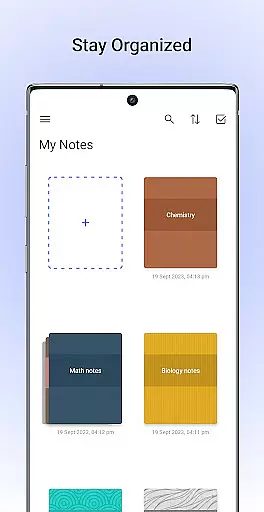
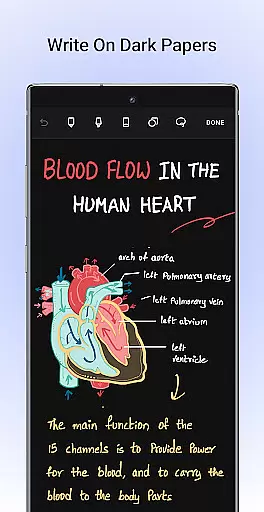
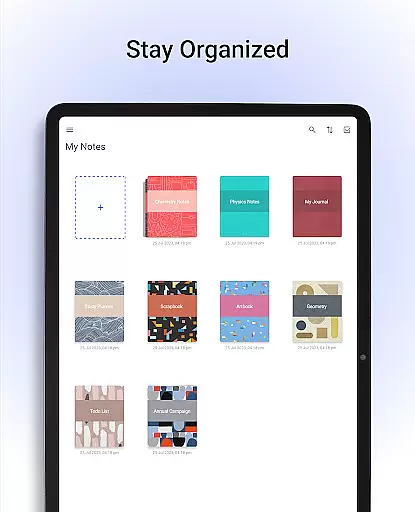
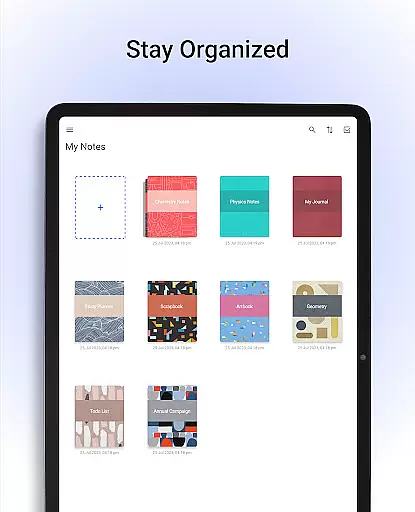
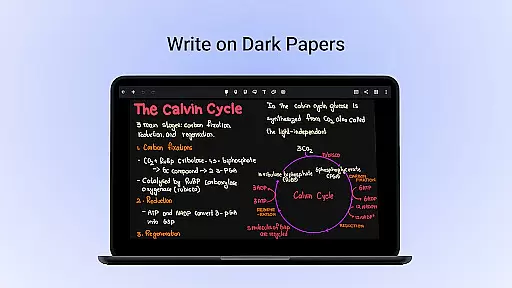
Organization is made easy with customizable templates, drag-and-drop functionality for grouping notebooks, and bookmarking important pages. Personalization options include choosing from lined, dotted, or grid papers in different colors, selecting crafted covers for notebooks, typing formatted notes, recording audio during lectures, creating diagrams with shape tools, and switching to a dark mode for eye comfort. These features collectively enhance user productivity while maintaining ease of use.
Noteshelf excels in core task management by offering a comprehensive suite of tools designed to enhance productivity. The app allows users to take beautiful handwritten notes, annotate PDFs, and record audio notes, catering to the needs of students, teachers, and professionals.
The natural handwriting feature provides an authentic pen-and-paper experience with realistic pens and highlighters. Users can enjoy creative freedom with colors, shapes, and images, making note-taking both colorful and fun. Support for various stylus options ensures that users will not miss their traditional pen and notepad.
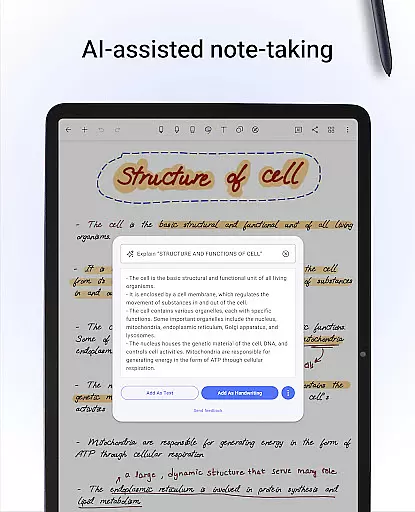
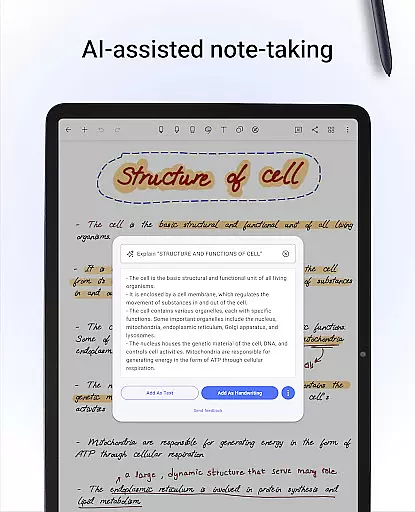
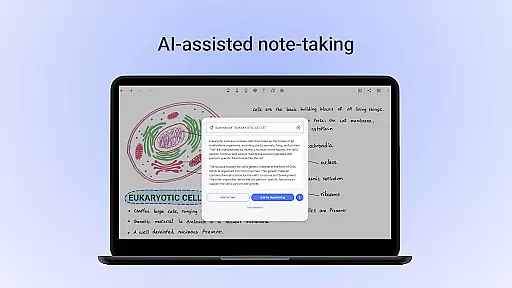
With Noteshelf AI, the app introduces an intelligent assistant capable of understanding handwriting and aiding in task completion. This includes generating notes, summarizing content, translating text, and explaining complex terms, thus streamlining the workflow and enhancing efficiency.
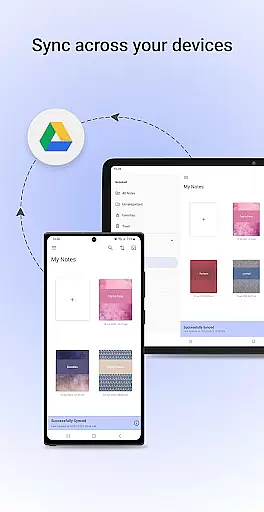
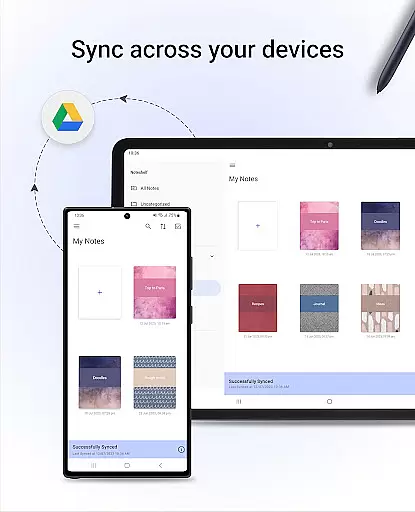
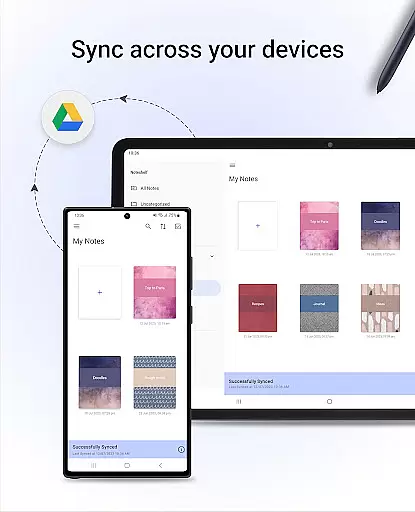
Cross-device synchronization is a pivotal feature of Noteshelf, ensuring that users can access their notes anytime and anywhere. By syncing notes via Google Drive, the app enables effortless access across multiple Android devices, promoting flexibility and continuity in note-taking.
Noteshelf goes beyond basic synchronization by providing auto-backup options to popular cloud services like OneDrive, Dropbox, or WebDAV. This ensures that users' valuable information is securely stored and can be retrieved without hassle, minimizing the risk of data loss.
In addition, the app supports automatic publishing to Evernote, allowing users to retrieve their notes from any location. This seamless integration with third-party services enhances the reliability of cross-device usage, empowering users to stay organized and up-to-date regardless of the device they are using.
User-friendly interface
Realistic handwriting tools
Versatile annotation options
Advanced OCR capabilities
Secure cloud integration
Limited free version
Occasional sync issues
Resource-intensive
Learning curve for new users
Premium subscription required

Take control of your clipboard with Clipper!
 3.90
3.90
Total remote control for your Android device, PC and cloud services (IFTTT)!
4.20
8 custom complications. Custom Time Fonts. Beautiful color schemes. A++ Design.
5.00
All document reader, all in one file viewer read PDF, DOCX, XLS, PPT, TXT files.
4.60
A simple Whisper AI keyboard for reliable speech transcription and rewording
4.60
The ultimate file manager for rooted devices. The original and still the best.
4.00
Share files & memories safely. Keep your photos and videos secure.
4.40
Set up, print, and get support—in one place
4.20
Put a lock on your cloud: Take the security of your data into your own hands
3.70
Best Tool for the professionals Electrician, Electrical contractors, etc.
4.90
Protect and view your important info on your phone and tablet with eWallet®
4.80
Understand anything with a personalized AI research assistant
4.80
Scan paperwork into PDF/JPG, generate your own e-signature and send fax or email
4.70
The AI assistant that thinks with you - write, code, and solve complex tasks
4.60
Translate text/voice/photos in 150+ languages. Offline & fast translator app.
4.50
Subscribe to Webcal & .ics calendars and keep them up-to-date!
4.50
Experience real multitasking on your Android!
4.00
Find and delete junk files & block unwanted notifications & manage files
3.70
A comprehensive suite of tools designed specifically for Lactation Consultants
4.5


User Reviews