
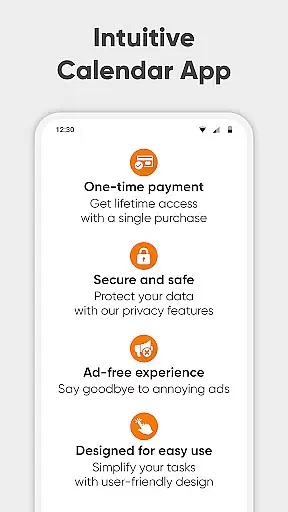
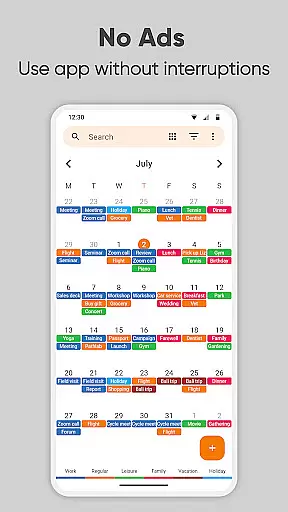
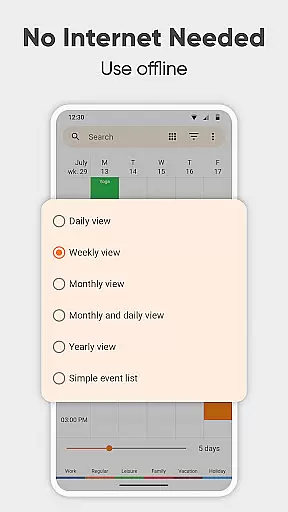
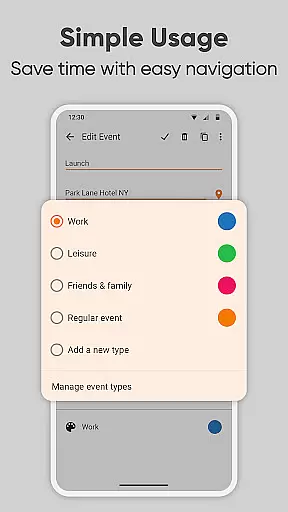
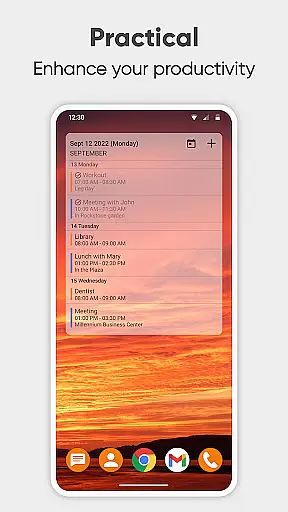
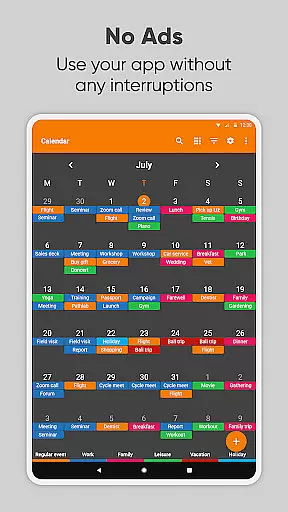
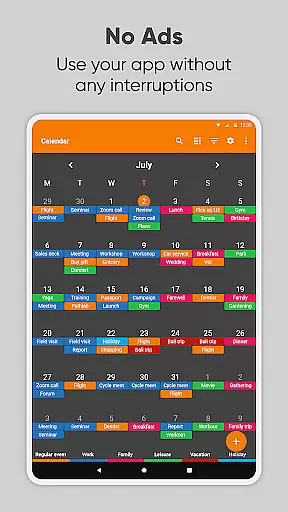
Simple Calendar Pro is a premium productivity application designed for Android users who need an efficient offline calendar solution. This app serves as a personal schedule planner that focuses on simplicity and functionality, making it an ideal choice for managing work calendars, appointments, and recurring events like birthdays or anniversaries without any unnecessary complexities.
What sets Simple Calendar Pro apart is its high level of customization and privacy-conscious design. The app supports CalDAV protocol for syncing with Google Calendar and other services while operating fully offline. With features like event reminders, notification customization, and flexible event creation, users can organize their daily schedules effectively. Its widget offers various appearance settings, allowing users to tailor the interface to their preferences.
The app's value lies in its ability to streamline time management without compromising user privacy. It provides essential planning tools such as day, weekly, and monthly views, alongside practical features like .ics file support and cross-device settings transfer. Whether you're a professional managing business meetings or an individual organizing personal events, Simple Calendar Pro delivers a seamless experience that enhances productivity while maintaining a clean, ad-free environment.
Simple Calendar Pro stands out with its comprehensive feature set tailored for productivity enthusiasts. One of its key characteristics is the robust flexibility it offers through CalDAV support, enabling seamless synchronization with Google Calendar, Microsoft Outlook, and other calendar services. This ensures users can manage their schedules across devices while maintaining complete control over their data.
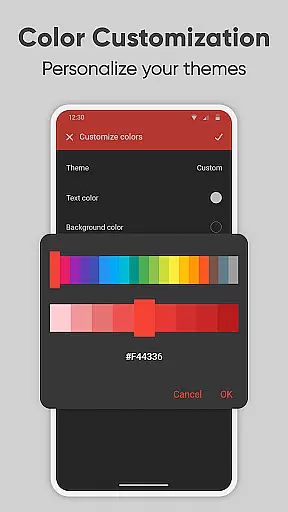
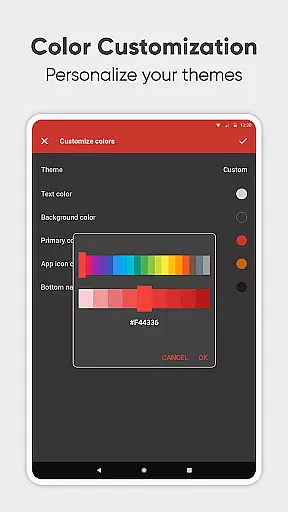
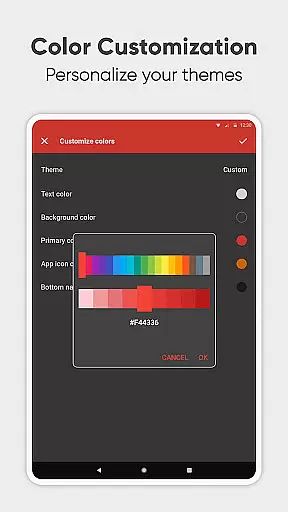
The app also excels in customization options. Users can personalize nearly every aspect of the calendar, from color schemes and themes to notification sounds and vibration patterns. Advanced repetition rules for events, quick switching between different calendar views, and the ability to export settings make this app adaptable to various planning needs. Additionally, its open-source nature allows tech-savvy users to contribute to its development or modify it according to their requirements.
Another significant advantage is its offline functionality combined with modern design principles. Unlike many contemporary apps, Simple Calendar Pro operates without internet access, enhancing both security and reliability. The inclusion of practical tools like map integration for event locations, fast social sharing options, and multi-language support further solidifies its position as a top-tier productivity tool for users seeking efficiency without sacrificing privacy.
At the heart of Simple Calendar Pro lies its robust core task management system, designed to streamline your daily planning. This feature allows users to effortlessly organize their schedules by creating single or recurring events with customizable reminders and powerful repetition rules.
The app supports a variety of event types, from business meetings to personal anniversaries, ensuring that no important date is missed. Its seamless integration with Google Calendar and other CalDAV-supported platforms enables real-time syncing, making it an ideal tool for both personal and professional use.
What sets Simple Calendar Pro apart is its offline functionality, which ensures privacy and stability without compromising on features. Users can export and import events via .ics files, offering flexibility and control over their data. This makes it easy to transfer information between devices or share events with others through social media and email.
Cross-device synchronization is a critical feature for users who need consistent access to their schedules across multiple devices. Simple Calendar Pro excels in this area by providing reliable syncing through Google Calendar and other CalDAV-supported services.
This ensures that whether you're at your desk or on the go, your calendar updates in real time, keeping you informed and prepared. The ability to sync events across platforms like Microsoft Outlook, Nextcloud, and Exchange enhances its versatility, catering to a wide range of professional environments.
Moreover, Simple Calendar Pro's commitment to privacy and security is evident in its offline capabilities. While it offers extensive online features, it also functions perfectly without internet access, giving users peace of mind regarding their data. This dual approach to synchronization ensures that your schedule is always up-to-date, accessible, and secure.
User-friendly interface
Offline functionality
Customizable themes
No ads or popups
Cross-platform sync
Limited advanced features
No built-in email client
Basic widget options
Occasional sync delays
Not ideal for teams

When you Focus, so will your Bean in this cozy focus timer
 4.30
4.30
Wake up & get tasks done! Add alarms & reminders on the Clock Launcher.
4.00
aCalendar+ makes your day, week and month
4.70
Activate Two Factor Authentication (2FA or Multi OTP), Password manager and more
4.10
Functional QR scanner and barcode reader that requires little storage space.
4.60
* block pre-roll ads, pop-up and forced redirect ads * Samsung certification app
4.00
To do list widget with a notebook organizer, checklist, simple shopping list
4.60
Experience and share your SolidWorks designs on your Android® phone and tablet.
2.50
Discover Acode - a sleek, powerful IDE and code editor for Android.
4.30
Great calculator for Android named one of USA TODAY's "25 Essential Apps".
4.90
Simple notepad & memo. Take notes, to-do list, shopping list with reminders.
4.80
A simple Whisper AI keyboard for reliable speech transcription and rewording
4.60
Docker, Kubernetes management over Portainer Mobile
4.40
Access, manage and transfer files on Android, PC, Mac, NAS and cloud storages.
4.30
Todo reminder
4.10
Cloud storage, automatic phone backup, and more.
4.10
Create and edit presentations with Google Slides, part of Google Workspace.
4.00
Remotely view listen control and record cameras.
3.70
A comprehensive suite of tools designed specifically for Lactation Consultants
4.0


User Reviews