
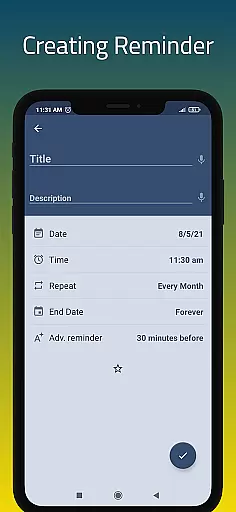
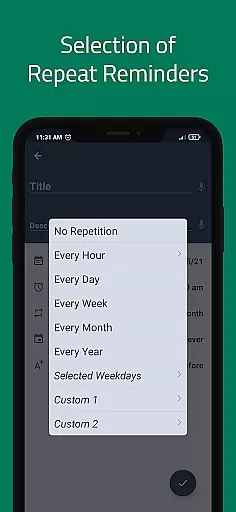
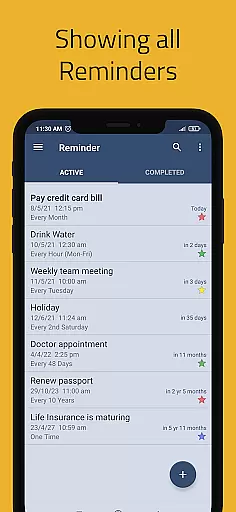
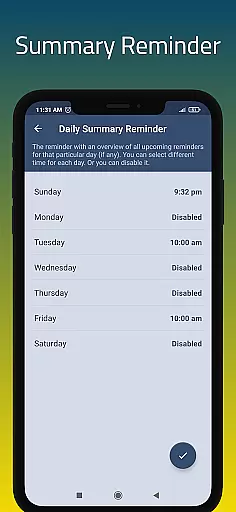
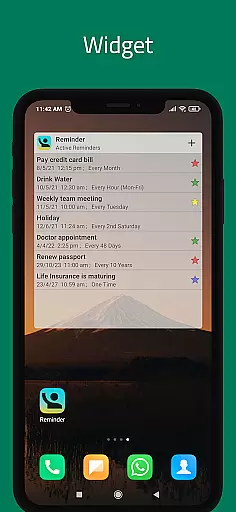
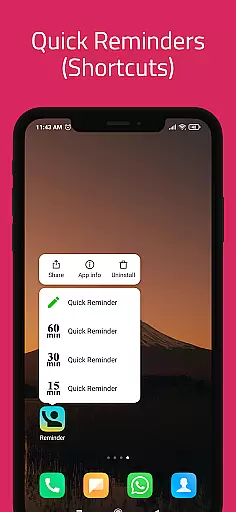
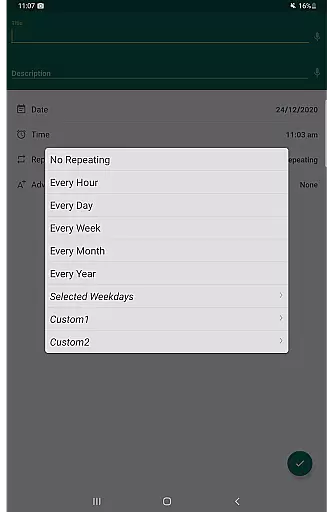
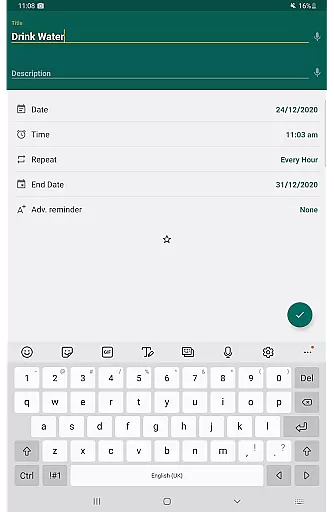
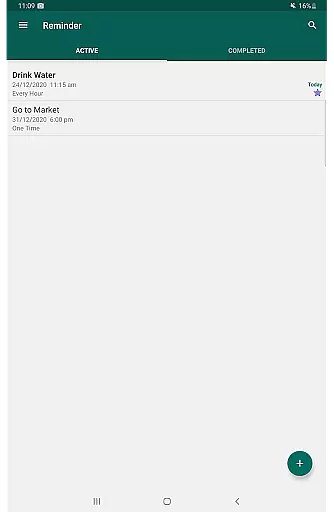
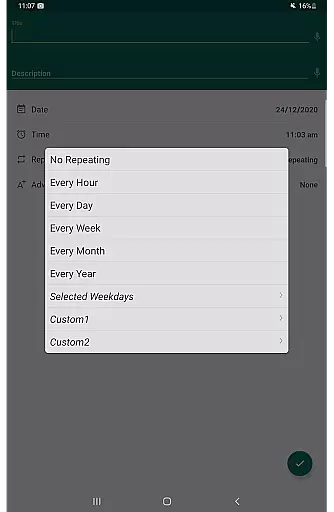
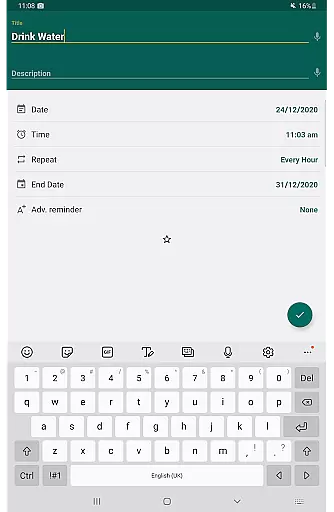
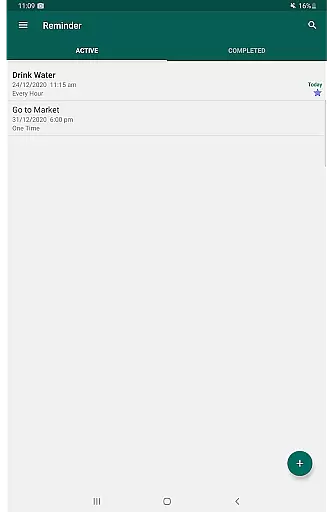
Task management is at the heart of productivity applications, and Reminder Pro excels in this area. The app allows users to create both one-time and recurring reminders for a variety of tasks, ensuring that nothing important slips through the cracks. Whether it's deadlines, meetings, or personal errands, users can easily input and organize their to-do lists.
The application offers versatile features such as custom recurring reminders, quiet hours settings, and multiple view options for task lists. These include standard, compact, and monthly grouping views, which cater to different preferences and needs. With functionalities like auto backup and manual backup, users can rest assured that their data is safe and retrievable, providing peace of mind.
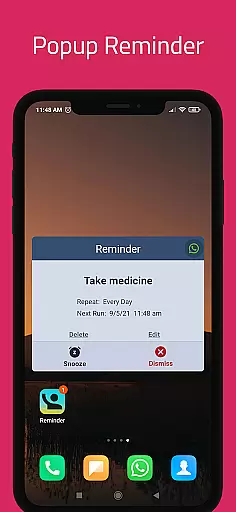
Users benefit from the straightforward and efficient way Reminder Pro handles task management. By setting notifications with precise date and time stamps, the app ensures timely alerts for all critical activities. This empowers users to stay on top of their schedules without unnecessary complexities, making it an indispensable tool for organizing daily life.
Cross-device synchronization is crucial for users who operate across multiple devices. Reminder Pro addresses this need by offering reliable synchronization capabilities. This means that whether you're using your phone, tablet, or computer, your reminders will be consistently updated and accessible wherever you go.
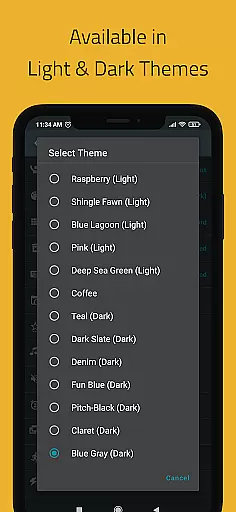
The app employs advanced syncing technology to ensure that all your devices reflect the latest changes in real-time. This includes updates to reminders, categories, and even personalized settings like themes and quiet hours. Such seamless integration enhances the user experience by maintaining uniformity and availability of information.
By leveraging cross-device synchronization, users can enjoy uninterrupted productivity. They can start creating a reminder on one device and continue editing or managing it on another without missing a beat. This reliability not only saves time but also provides flexibility, allowing users to manage their tasks efficiently regardless of the device they are using.

Experience Reading - Night Mode for Documents
 4.40
4.40
Wake up & get tasks done! Add alarms & reminders on the Clock Launcher.
4.00
A lightweight JSON & XML files creator, editor and viewer (Premium Version)
4.40
Secure, fast, open-source, Remote Desktop Client for Windows and Linux with SSH
4.60
Easiest event planning, volunteer signups & parent teacher conference scheduling
2.20
Cloud storage, automatic phone backup, and more.
4.10
Create and edit presentations with Google Slides, part of Google Workspace.
4.00
Put a lock on your cloud: Take the security of your data into your own hands
3.70
Discover Acode - a sleek, powerful IDE and code editor for Android.
4.30
Best Tool for the professionals Electrician, Electrical contractors, etc.
4.90
Great calculator for Android named one of USA TODAY's "25 Essential Apps".
4.90
Understand anything with a personalized AI research assistant
4.80
PDF scanner & converter for files, photos, lottery, QR codes. One swipe away!
4.50
Send files, sync SMS, notifications & clipboard across devices via local network
4.40
Font maker keyboard with your own handwriting
4.10
Secure, open-source, SPICE and SSH Remote Desktop for QEMU KVM virtual machines
4.00
* block pre-roll ads, pop-up and forced redirect ads * Samsung certification app
4.00
Mega cloud explorer plugin for Solid Explorer
3.80
Auto-shutoff Alarm with Sunrise, Sunset & Fixed Options.
3.50


User Reviews