
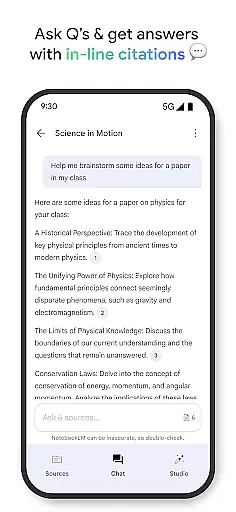
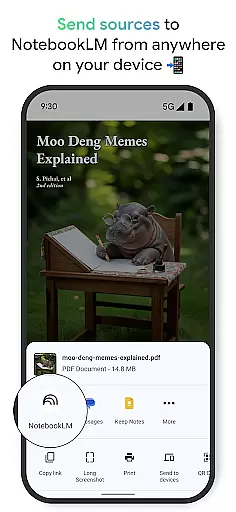
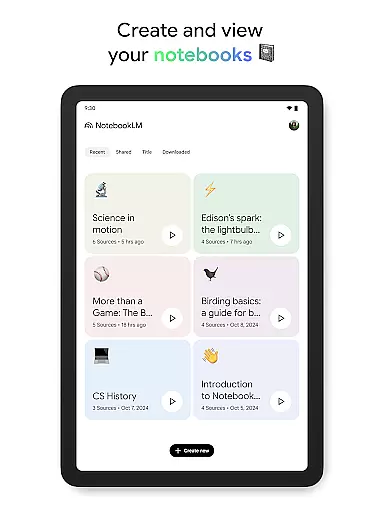
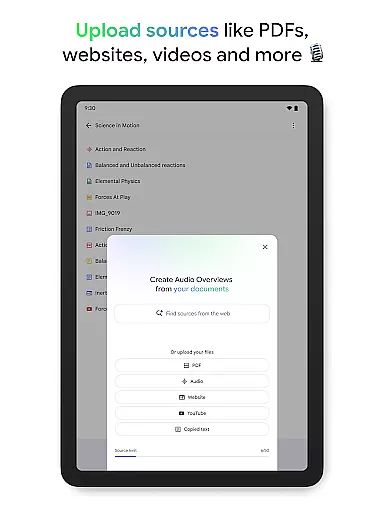
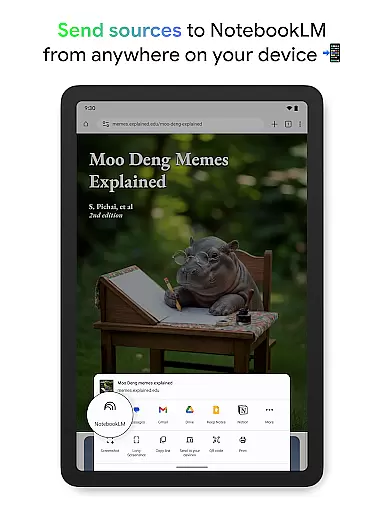
NotebookLM is a productivity app designed to simplify complex information management. It allows users to upload various sources like PDFs, websites, and videos, transforming them into easily digestible formats. The app's AI capabilities provide trusted insights by analyzing uploaded content and making meaningful connections.
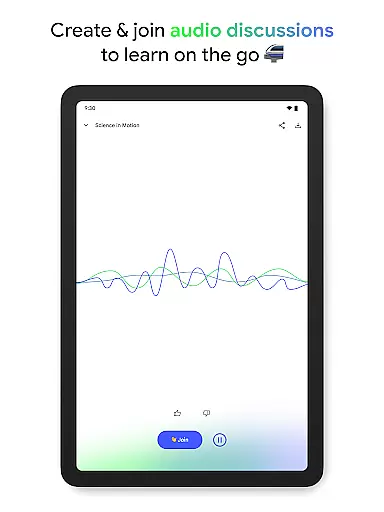
With features like Audio Overviews and offline support, users can learn on-the-go through podcast-style discussions led by AI hosts. This makes it an ideal tool for students, researchers, and professionals seeking efficient ways to process and understand complex information while saving time.
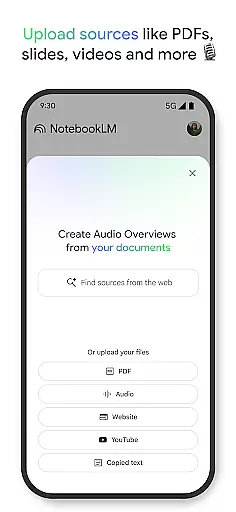
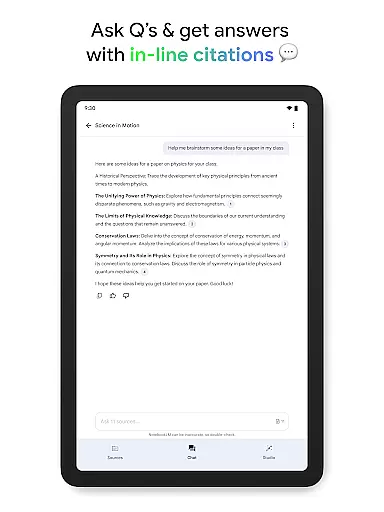
NotebookLM stands out with its ability to handle diverse content types. Users can upload PDF documents, web pages, YouTube videos, or plain text, and the app will create comprehensive summaries with cited references. Its AI-powered analysis ensures reliable insights by connecting related concepts within the uploaded materials.
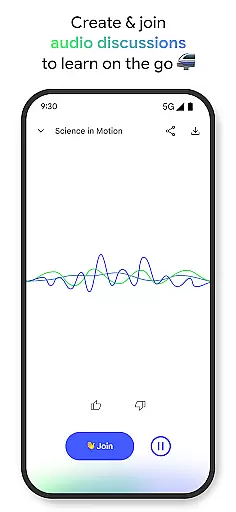
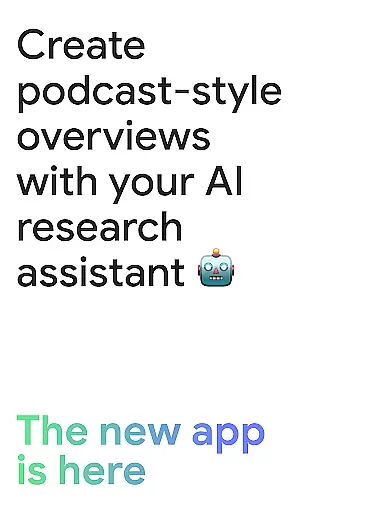
The app's Audio Overview feature enables background playback and offline access, allowing users to consume content as if listening to a podcast. Two interactive AI hosts facilitate engaging discussions about the material, and users can actively participate by asking questions or guiding the conversation, creating a personalized learning experience.
Effective task management is crucial for productivity applications, serving as the backbone for organizing and prioritizing work. Google NotebookLM excels in this area by transforming complex information into manageable insights.
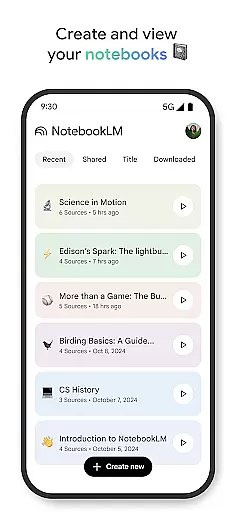
The app allows users to upload various sources such as PDFs, websites, and videos, turning them into structured notebooks. This feature simplifies the process of managing extensive data, making it easily accessible and actionable.
Users benefit from the app's ability to summarize content and draw connections between different pieces of information. This not only saves time but also enhances understanding, allowing users to focus on critical tasks without getting bogged down by details.
By integrating trusted citations directly into the summaries, NotebookLM ensures that users can rely on the accuracy of the information they are working with, thus improving overall task efficiency and reliability.
In today's interconnected world, reliable cross-device synchronization is essential for maintaining workflow continuity. Google NotebookLM addresses this need by offering seamless access to notebooks across multiple devices.
Whether you're at your desk or on the move, the app ensures that all your uploaded sources and created content are synchronized in real-time. This means you can start a task on one device and continue it on another without missing a beat.
The inclusion of features like background playback and offline support for Audio Overviews further enhances the user experience. These functionalities ensure that learning and information review are not interrupted by connectivity issues.
Ultimately, NotebookLM's robust synchronization capabilities empower users to stay productive regardless of their location or the device they are using, providing a consistent and reliable experience across the board.
Trusted source citations
Offline audio support
Interactive AI hosts
Multi-format uploads
Time-saving summaries
Limited free features
Requires internet
Premium subscription
Complex interface
Occasional bugs

AI Video AI Image Private LLM AI Browser Llama Gemma Ollama Connect LLM Studio
 4.3
4.3
Send files, sync SMS, notifications & clipboard across devices via local network
4.40
Automates browsing any website and notifies you of important changes or events
4.30
App lock - lock apps with fingerprint, password, pin or pattern, protect privacy
4.70
PDF scanner & converter for files, photos, lottery, QR codes. One swipe away!
4.50
Cloud storage, automatic phone backup, and more.
4.10
Secure, open-source, SPICE and SSH Remote Desktop for QEMU KVM virtual machines
4.00
Best Tool for the professionals Electrician, Electrical contractors, etc.
4.90
Browse and view your photos and videos from the phone with photo & video hide.
4.10
Quickly and easily keep track of your work shifts
4.70
Scan paperwork into PDF/JPG, generate your own e-signature and send fax or email
4.70
Subscribe to Webcal & .ics calendars and keep them up-to-date!
4.50
Tally and goal counter for Wear OS & mobile
4.50
Total remote control for your Android device, PC and cloud services (IFTTT)!
4.20
Customizable calendar widget for seamless event sync, planning & scheduling.
4.00
The ultimate file manager for rooted devices. The original and still the best.
4.00
Simple and reliable communication between inmates, friends and family
3.20
Code on-the-go with VScode for Android. Edit,debug and collaborate from mobile!!
3.10
Experience and share your SolidWorks designs on your Android® phone and tablet.
2.50


User Reviews