
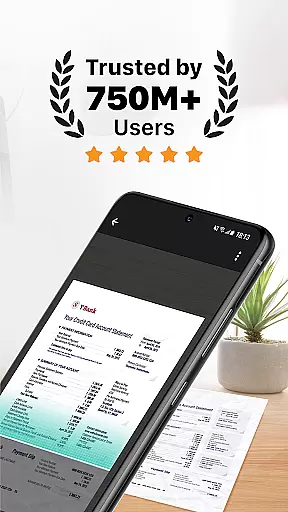
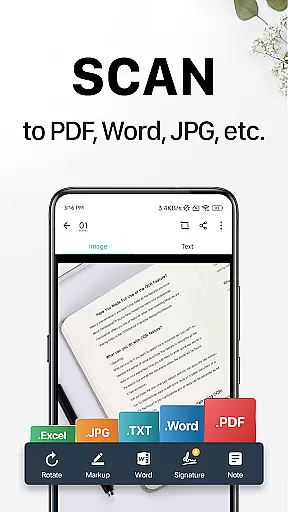
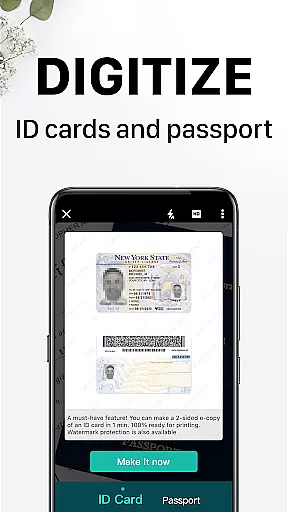
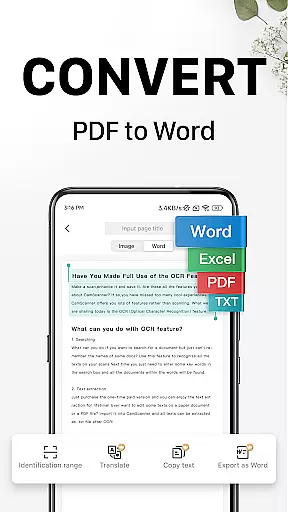
CamScanner is a versatile productivity app that transforms your mobile device into a powerful portable scanner. With advanced OCR technology, it allows users to instantly scan, save, and share documents in various formats including PDF, JPG, Word, or TXT. The app's intelligent optimization ensures premium scan quality with sharp text and clear graphics.
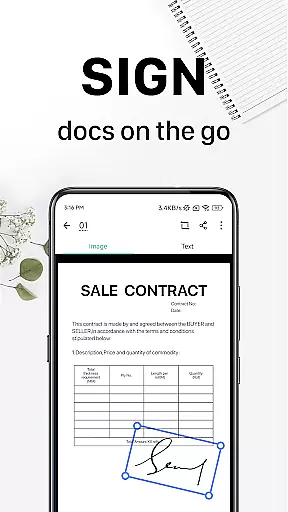
Beyond basic scanning, CamScanner offers features like wireless printing, remote fax capabilities, and advanced document editing tools. Users can annotate documents, add customized watermarks, and extract searchable text from images. The app also provides robust security options for protecting confidential documents and supports cross-platform syncing, making it an essential tool for both personal and professional use.
CamScanner stands out with its comprehensive feature set tailored for productivity enthusiasts. The app's quick document digitization allows users to scan receipts, notes, invoices, and more with ease. Its smart cropping and auto-enhancing capabilities ensure optimal scan quality every time.
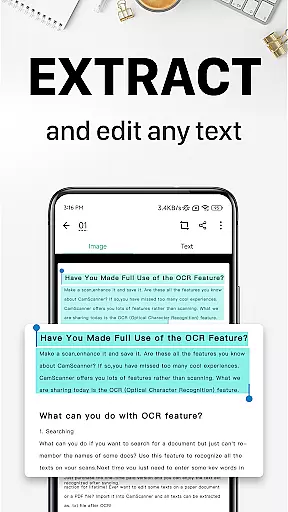
One of the key highlights is the OCR functionality, which enables text extraction from images or PDFs for easy searching and editing. The app also facilitates seamless sharing through multiple channels and supports wireless printing and remote faxing to over 30 countries. Additional features include advanced document editing tools, quick search capabilities based on content, and enhanced document security options, making CamScanner an all-in-one solution for document management.
CamScanner excels in core task management by offering a comprehensive suite of productivity tools that streamline document handling. The app allows users to quickly digitize documents using their mobile device's camera, transforming receipts, notes, and business cards into high-quality scans.
With advanced document editing features, users can annotate and add customized watermarks to their files. This ensures that every document is not only captured but also properly marked and edited according to individual needs, enhancing both personal and professional workflows.
The quick search functionality further augments task management by enabling users to tag documents and find them effortlessly. With OCR technology, searching within images based on content becomes seamless, allowing for efficient retrieval of necessary information whenever required.
Cross-device synchronization is a standout feature of CamScanner, ensuring reliable access to documents across all user devices. By signing up for an account, users can sync their scanned documents between smartphones, tablets, and computers, providing unparalleled flexibility and accessibility.
This synchronization process is seamless and automatic, allowing users to view, edit, and share documents from any device with internet connectivity. Whether at home, in the office, or on the go, CamScanner ensures that important files are always within reach.
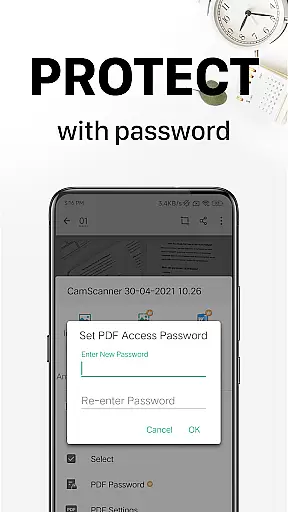
Security is also a priority during synchronization. Users can protect confidential content with passwords, ensuring that sensitive documents remain secure while being accessed across different platforms. This dual focus on convenience and security makes CamScanner a reliable tool for managing digital documents efficiently.
Advanced OCR Technology
Multi-format Document Support
Wireless Printing Capability
Cross-platform Syncing
Robust Security Options
Premium Features Locked
Subscription-based Model
Limited Free Trial Usage
Ads in Free Version
Occasional Glitches

Take control of your clipboard with Clipper!
 3.90
3.90
A lightweight JSON & XML files creator, editor and viewer (Premium Version)
4.40
Absolutely the best CNC machinist speed and feed calculator around. fswizard.com
4.60
App lock - lock apps with fingerprint, password, pin or pattern, protect privacy
4.70
Make apps & sites with natural language prompts
4.10
Activate Two Factor Authentication (2FA or Multi OTP), Password manager and more
4.10
A Pixel Art watchface inspired by other iconic 90s designs for Wear OS devices!
4.40
Understand anything with a personalized AI research assistant
4.80
Simple notepad & memo. Take notes, to-do list, shopping list with reminders.
4.80
Great calculator for Android named one of USA TODAY's "25 Essential Apps".
4.90
Scientific calculator for Android - looks and operates like the real thing!
4.90
Mind Map and brainstorm, note taking and idea collection
4.80
App Lock with fingerprint, password: Lock apps & hide photos with lock screens
4.60
To do list widget with a notebook organizer, checklist, simple shopping list
4.60
When you Focus, so will your Bean in this cozy focus timer
4.30
A customizable calendar for your Wear OS watch
4.20
Experience real multitasking on your Android!
4.00
Simple and reliable communication between inmates, friends and family
3.20
A comprehensive suite of tools designed specifically for Lactation Consultants
4.4


User Reviews