
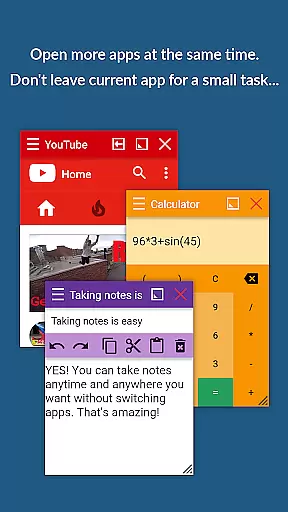
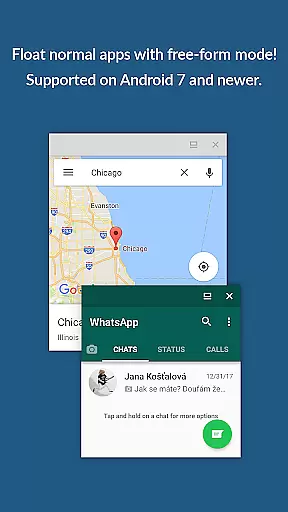
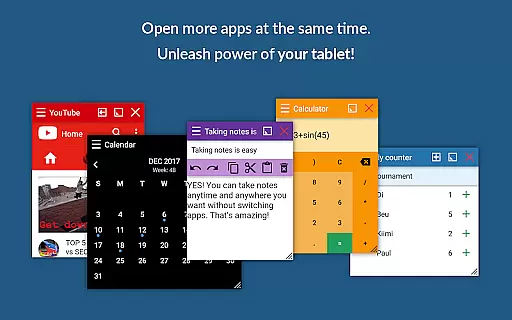
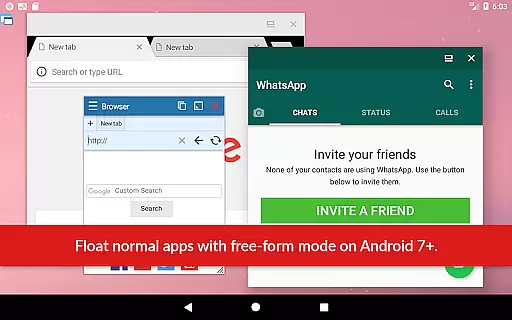
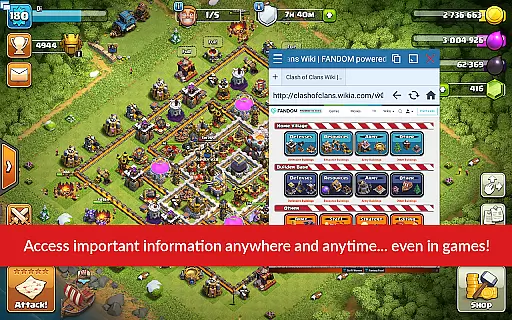
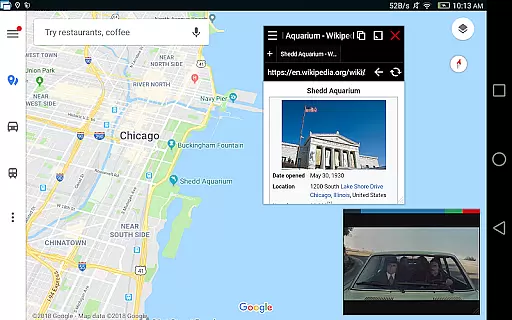
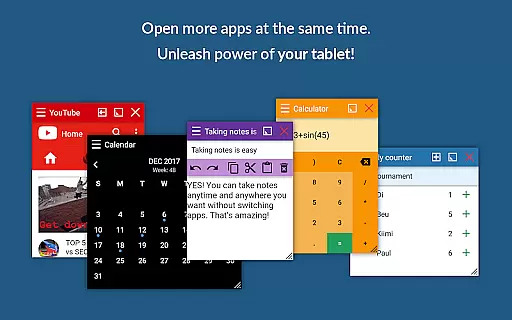
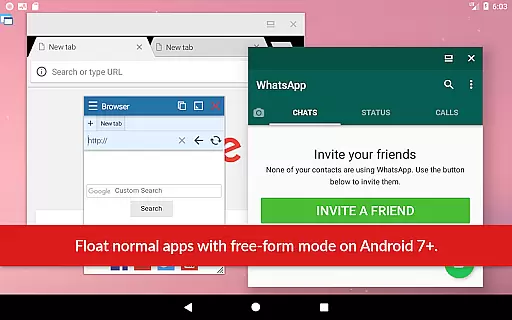
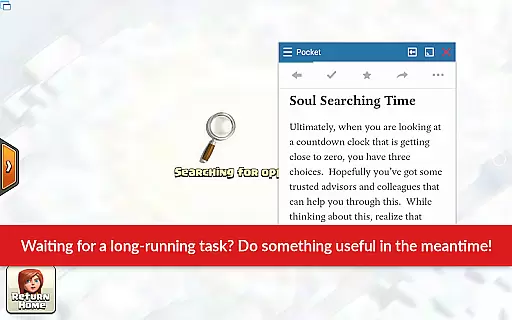
Floating Apps revolutionizes multitasking on Android devices by enabling users to run multiple apps simultaneously in floating windows. This productivity tool allows seamless integration of functions without the need to switch contexts, such as watching videos while working or taking notes during a call.
With over 41 built-in floating apps ranging from browsers and media players to document viewers and social media platforms, it caters to diverse user needs. Its customization options and support for multiple languages make it accessible worldwide, enhancing efficiency and convenience.
The app boasts an extensive array of features designed to maximize productivity. Users can create custom floating apps from home screen widgets and URLs, providing unparalleled flexibility. The movable and resizable quick launch icon ensures one-tap access to frequently used apps.
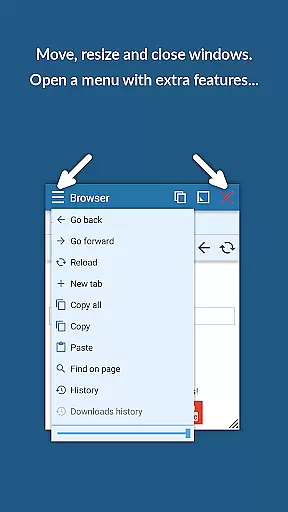
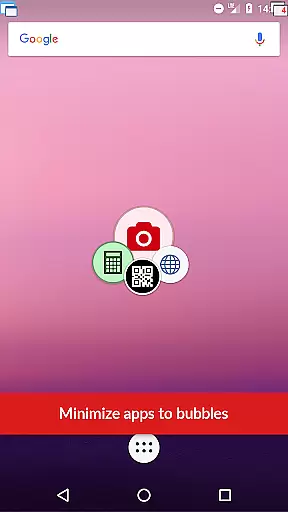
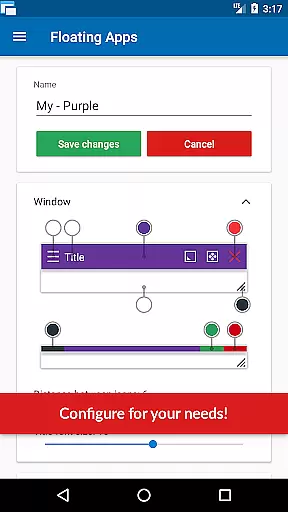
Advanced functionalities include window management through dragging and resizing, maximizing and minimizing windows, and controlling transparency. These features collectively deliver a user experience akin to Samsung's multi-window or split-screen modes but optimized for all Android devices.
Floating Apps revolutionizes the way users handle multiple tasks on their Android devices by offering a robust platform for core task management. This is not just about running apps side by side; it's about creating an ecosystem where multitasking becomes seamless and intuitive.
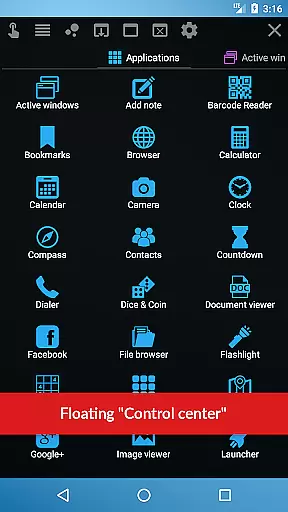
The app provides over 41 floating mini-apps, ranging from browsers to document viewers, all designed to operate in floating windows. This means you can watch YouTube videos while working on other tasks, take notes without switching contexts, or view email attachments without leaving your email client. Each mini-app is crafted to ensure that users can manage their tasks efficiently without losing focus on what's important.
What sets Floating Apps apart is its commitment to user-centric design. With features like movable and resizable quick launch icons, users have one-tap access to their most-used floating apps. The ability to maximize, minimize, or restore windows allows for flexible workspace management tailored to individual workflow preferences.
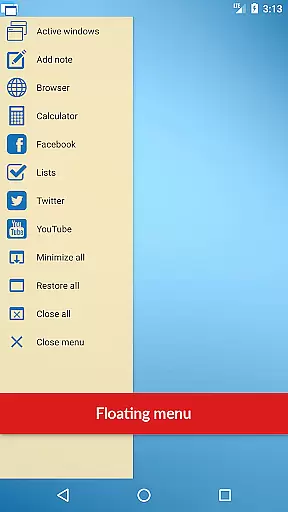
Ultimately, this app empowers users to create their own productivity systems. Whether it's arranging windows to compare documents or using the floating menu to access recent apps, Floating Apps ensures that managing tasks doesn't come at the cost of a steep learning curve or disrupted concentration.
In today's interconnected world, reliable cross-device synchronization is crucial for maintaining productivity. Floating Apps addresses this need by ensuring that your floating apps and their data are synchronized across devices with precision and consistency.
While the primary function of Floating Apps is to enable multitasking through floating windows, its ability to sync settings, app states, and user preferences across multiple devices adds another layer of utility. Imagine starting a note on your phone during your commute and seamlessly continuing on your tablet at home u2013 all within a floating window environment that adapts to your current device.
The synchronization feature is engineered for reliability. It operates in real-time, ensuring that any changes made on one device are immediately reflected on others. This includes window positions, sizes, and even the state of each floating app, providing a uniform experience regardless of which device you're using.
By focusing on synchronization reliability, Floating Apps not only enhances productivity but also offers peace of mind. Users can trust that their work environment will be consistent and up-to-date across all their devices, allowing them to focus on their tasks rather than worrying about data integrity or manual updates.
User-friendly interface
Extensive app collection
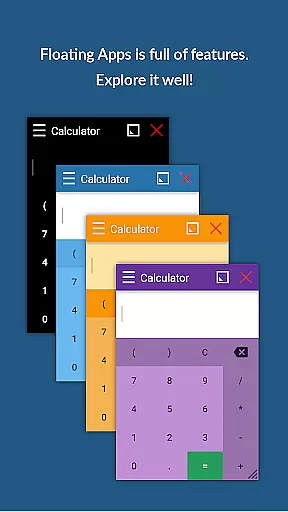
Customizable floating windows
Multilingual support
Powerful multitasking capabilities
May consume significant system resources
Interface could be complex for beginners
Limited iOS compatibility
Potential privacy concerns
Occasional performance lags

A Revolutionary All-in-One Artificial Intelligence Tools
 3.80
3.80
All in one sketching tool. Technical and General drawing. Online Maps support.
3.70
⏰ Finally a timer app which can run multiple timers simultaneously on your watch
3.90
aCalendar+ makes your day, week and month
4.70
Stay on top of your to-dos with Google Tasks, part of Google Workspace.
4.60
Best Tool for the professionals Electrician, Electrical contractors, etc.
4.90
The ultimate file manager for rooted devices. The original and still the best.
4.00
Share files & memories safely. Keep your photos and videos secure.
4.40
Discover Acode - a sleek, powerful IDE and code editor for Android.
4.30
Seamlessly integrate data and reports to build your presentation to impress
4.80
QuickBooks Workforce lets teams view pay info and track time in one place.
4.70
Client for Nextcloud Deck
4.60
The Pro Version of Android's tiniest Notepad app. Just 0.3MB but feature-packed!
4.60
Experience Reading - Night Mode for Documents
4.40
CalenGoo is a very flexible and feature-rich calendar app
4.40
This small app MUST BE INSTALLED after purchase, else license won't work
4.40
Customizable calendar widget for seamless event sync, planning & scheduling.
4.00
Experience and share your SolidWorks designs on your Android® phone and tablet.
2.50
The upgraded version of Name Wheel with AI and the power to add your own wheels.
4.0


User Reviews