
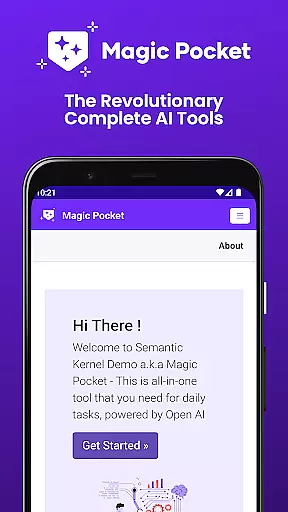
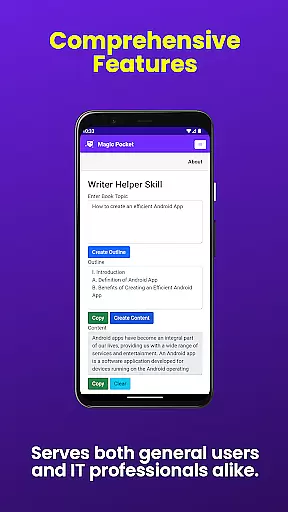
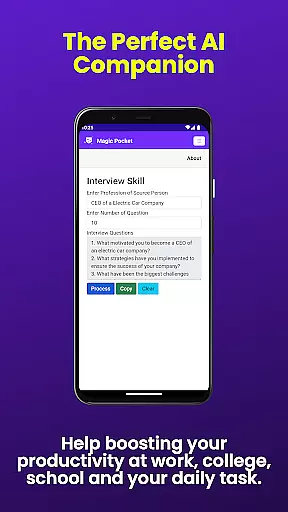
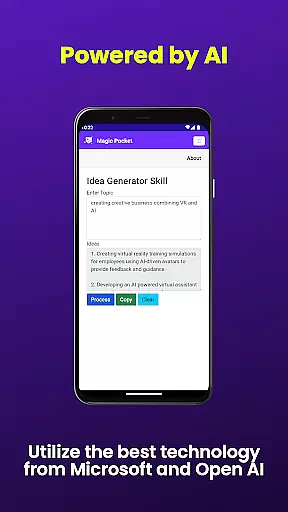
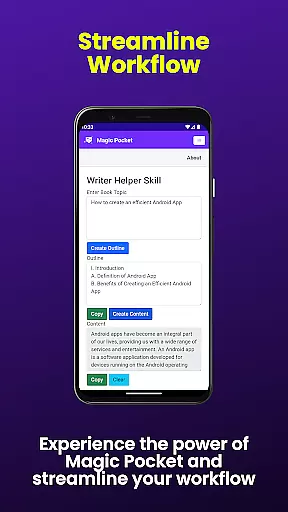
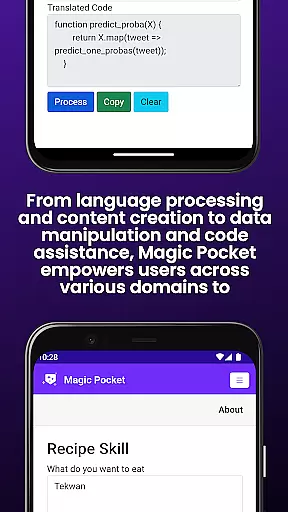
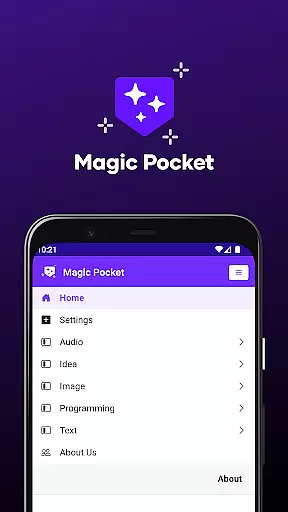
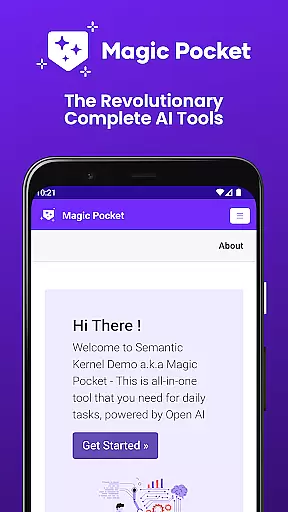
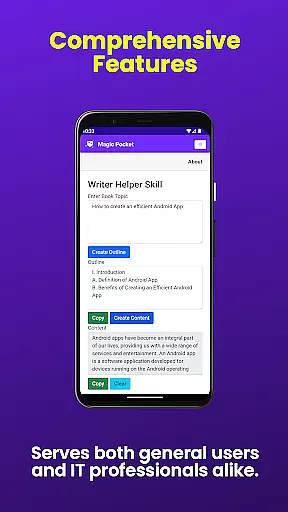
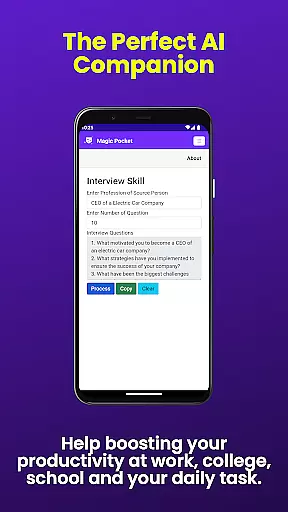
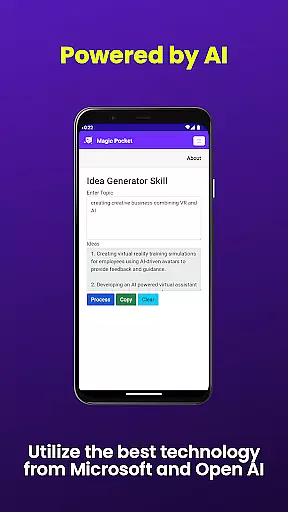
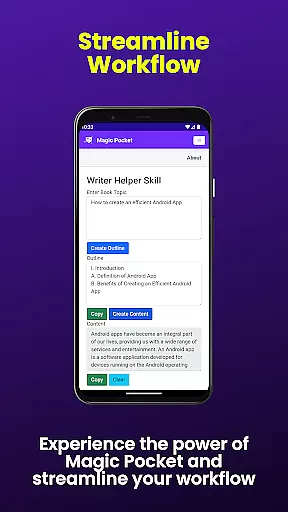
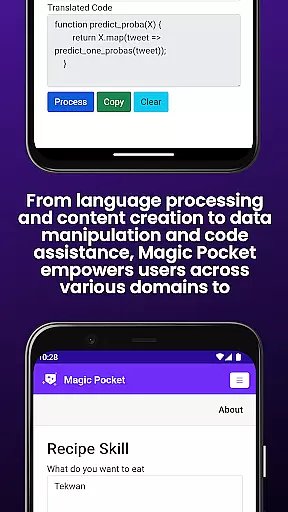
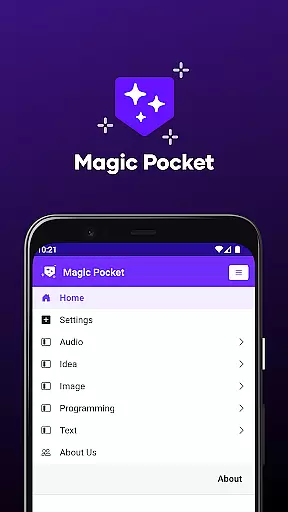
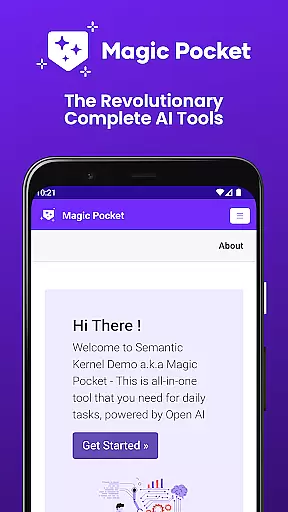
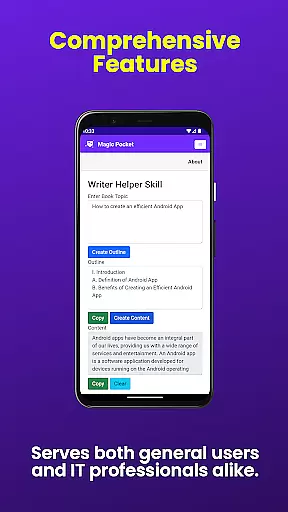
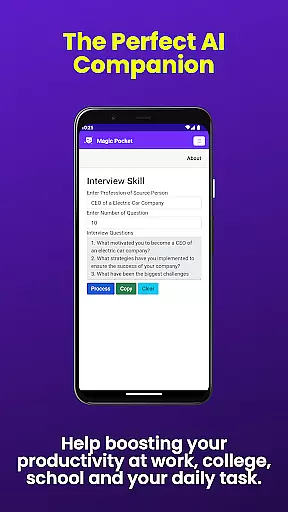
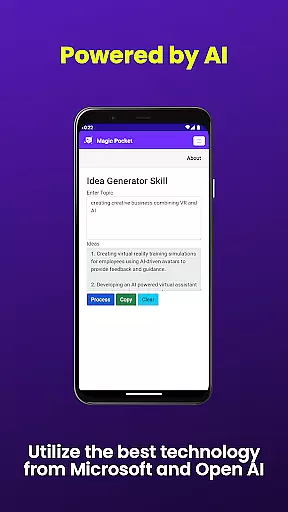
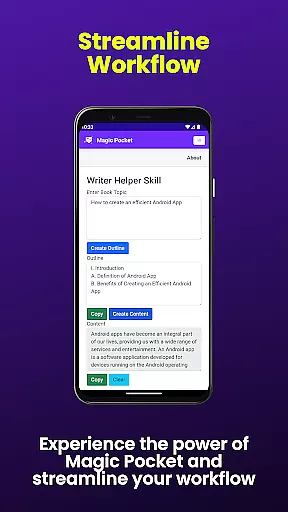
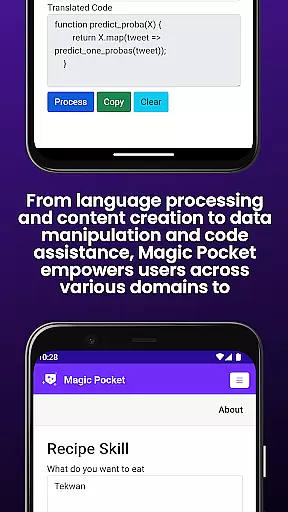
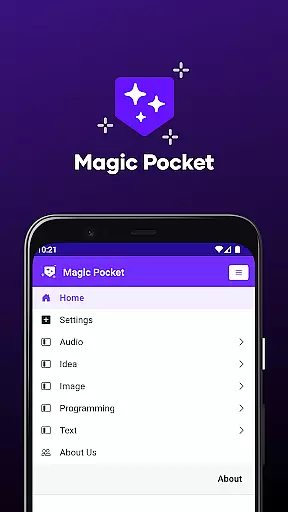
Magic Pocket is a productivity powerhouse, offering users an extensive suite of 100 cutting-edge features designed to enhance creativity and efficiency. Available on Android and Windows platforms, this app provides innovative tools for media management, creative projects, and text transformation.
At its core, Magic Pocket enables seamless video conversations, smooth speech-to-speech translation, and effortless image data extraction. Users can generate high-quality videos, create stunning headshot images, and transform regular photos into expressive emojis or detailed artwork using advanced AI models.
The application's versatility makes it perfect for digital artists, content creators, and professionals who need to manipulate media files with precision. With features like background removal, resolution enhancement, and realistic handwriting generation, Magic Pocket empowers users to produce professional-grade work directly from their devices.
Magic Pocket stands out with its comprehensive feature set that revolutionizes digital content creation. The app's video capabilities include Talk with Video for seamless conversations and Video to Video Generator for transforming existing footage into new content.
Image processing features are equally impressive, with tools like Image Inversion for resolution enhancement, Vector Image Generator for crisp graphics, and Recraft Image Generator for unique visual effects. The app also excels in animation, allowing users to create both 2D animations from images and voice-activated animations.
Productivity-focused features include Html to Markdown conversion, Handwriting Generator for authentic text reproduction, and Trellis 3D Asset creation. These tools, combined with background replacement and foreground extraction capabilities, make Magic Pocket an indispensable tool for modern digital workflows.
Task management is a cornerstone of productivity applications, and Magic Pocket excels in this domain by offering an extensive suite of tools designed to streamline your workflow. With the introduction of 100 features, users can now manage tasks with unprecedented precision and efficiency.
Magic Pocket's task management capabilities are highlighted by innovative functions such as Talk with Video for seamless communication, Extract Image Data for organizing visual information, and Animate Image With Voice to add dynamic elements to projects. These features ensure that every step of your project is accounted for, from initial concept to final presentation.
The app also provides advanced options like Html to Markdown conversion and Speech to Speech translation, which cater to diverse task management needs. Users benefit from these comprehensive tools that not only facilitate task tracking but also enhance creativity and collaboration across different platforms.
Cross-device synchronization is vital for maintaining consistency and accessibility of your work across multiple devices. Magic Pocket ensures reliable synchronization so that you can transition smoothly between your Android and Windows environments without missing a beat.
With its latest update, Magic Pocket has bolstered its sync capabilities, allowing features such as Luma Video Generator and Sana Image Generator to be at your fingertips regardless of the device you're using. This means whether you're generating high-quality videos or detailed images on one platform, they will be instantly available on another with identical quality and formatting intact.
This level of reliability extends to other functionalities including Handwriting Generator, Vector Image Generator, and more, ensuring all generated content remains consistent and up-to-date across devices. By prioritizing robust cross-device support, Magic Pocket empowers users to maintain productivity and creative momentum wherever they go.
Extensive feature set
Cross-platform support
Advanced AI integration
Professional-grade tools
Regular updates
Steep learning curve
High system requirements
Complex interface
Limited mobile functionality
Premium pricing

Take control of your clipboard with Clipper!
 3.90
3.90
Direct Chat without saving contacts & Dual WA Account on Single Device
4.70
Planet Free VPN - The best Fast Unlimited and Secure VPN Without Logs
4.50
Easily read and manage all your PDF files
4.10
Simple and reliable communication between inmates, friends and family
3.20
Tally and goal counter for Wear OS & mobile
4.50
Docker, Kubernetes management over Portainer Mobile
4.40
Scan paperwork into PDF/JPG, generate your own e-signature and send fax or email
4.70
Put a lock on your cloud: Take the security of your data into your own hands
3.70
Native client for Forgejo and Gitea
5.00
Protect and view your important info on your phone and tablet with eWallet®
4.80
We're working to become the best machining app on the market! www.cncdirt.com
4.80
Understand anything with a personalized AI research assistant
4.80
Calendar 2023 widget for Android. Appointment scheduler, planner, and reminder
4.60
To do list widget with a notebook organizer, checklist, simple shopping list
4.60
Send files, sync SMS, notifications & clipboard across devices via local network
4.40
Access, manage and transfer files on Android, PC, Mac, NAS and cloud storages.
4.30
Mega cloud explorer plugin for Solid Explorer
3.80
Smart PDF reader & editor to view, organize and manage PDF documents easily.
3.70


User Reviews