
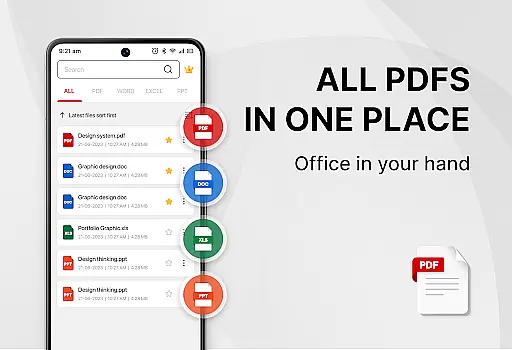
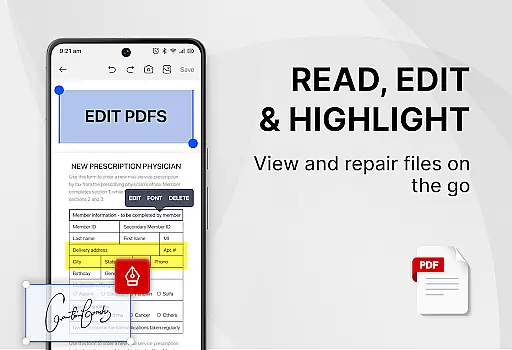
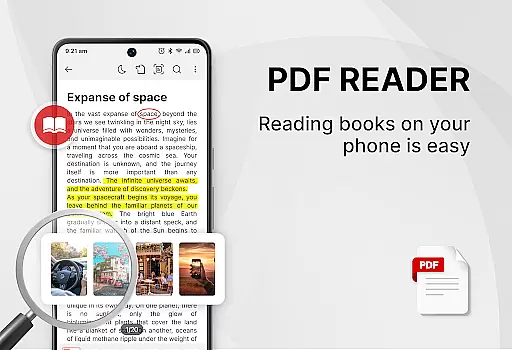
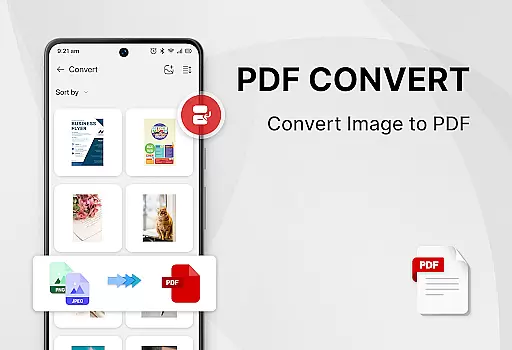
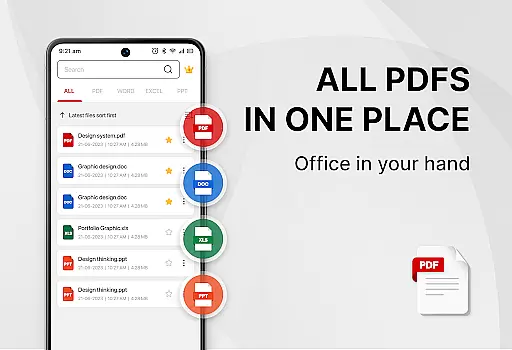
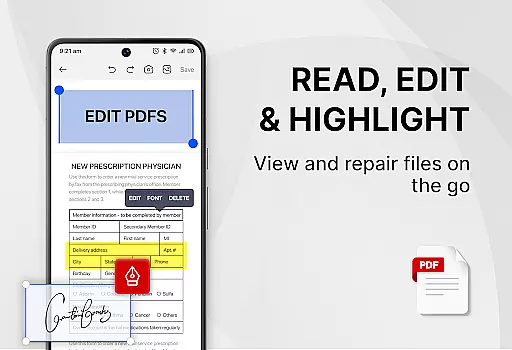
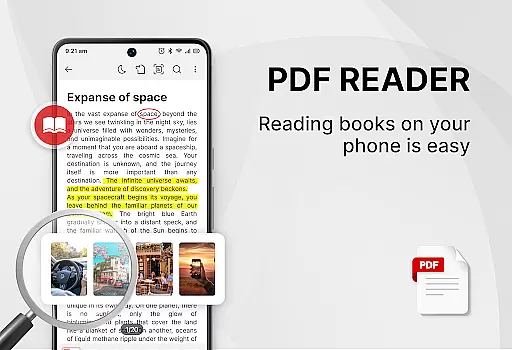
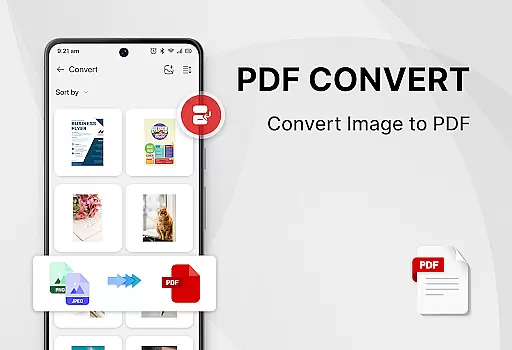
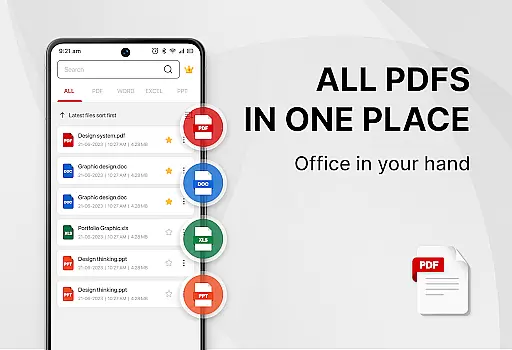
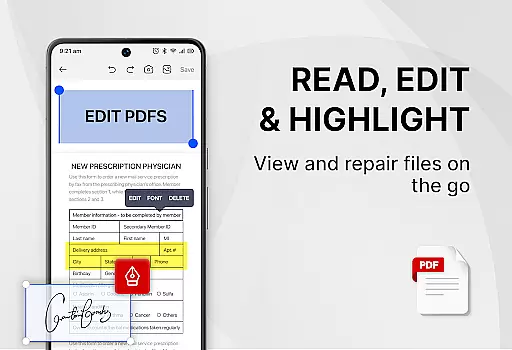
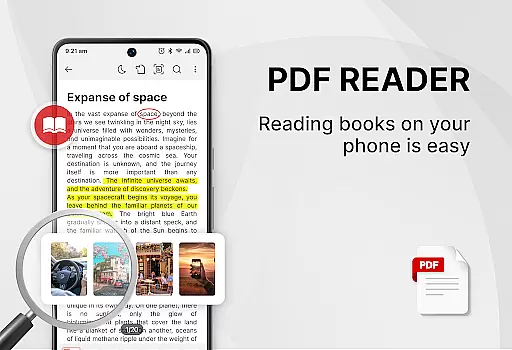
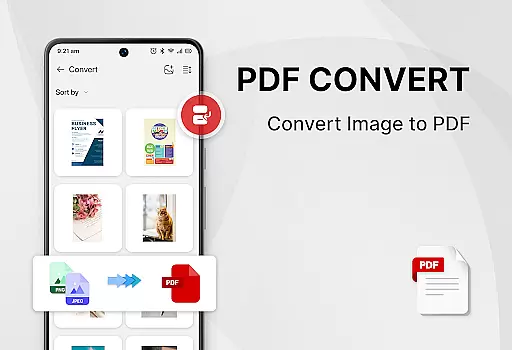
PDF Reader - Smart PDF Viewer is a comprehensive productivity tool designed for managing and reading various document formats on Android devices. This app allows users to handle PDF files with ease, offering features such as e-signature addition, PDF to image conversion, merging and splitting of PDFs, and sharing capabilities.
In addition to its primary function as a PDF reader, the app serves as an ebook viewer and editor, providing users with versatile tools like converting images or scanned files into PDF format. Its all-in-one nature means that users can enjoy functionalities typically found in separate applications, thus streamlining their document management process.
The app's interface supports both light and dark modes, and it lists recently opened files for quick access. With these features, PDF Reader - Smart PDF Viewer becomes an essential tool for improving efficiency in work or study environments where document handling is frequent.
Smart PDF Reader App stands out with its support for multiple document formats including PDFs, Word documents, Excel sheets, and PPTs. The app simplifies searching and managing files while also functioning as a free viewer for these formats.
Among its powerful PDF tools are options to add e-signatures, convert images or scans to PDF, transform Word documents into PDFs, search and copy text within PDFs, merge and split PDF files, and set passwords for document protection. These features ensure that users have extensive control over their documents.
With the MANAGE_EXTERNAL_STORAGE permission, the app can locate, access, and edit document files stored on the device. This permission is crucial for the app's operation, allowing users to fully utilize its capabilities without limitations.
Task management is a cornerstone of productivity applications, especially for tools designed to handle documents. PDF Reader - Smart PDF Viewer excels in this area by offering users an intuitive way to manage their digital documents.
This app provides a comprehensive suite of features that streamline document handling. With capabilities such as smart search functionality and the ability to display various document formats including PDFs, Word, Excel, and PPTs, users can effortlessly locate and organize their files.
Moreover, the app enhances user experience with practical functions like one-click switching between light and dark modes and maintaining a list of recently opened files. These features not only save time but also contribute to a more personalized and comfortable reading environment.
By integrating these robust document management tools, PDF Reader - Smart PDF Viewer ensures that users can maintain an efficient workflow, making it an indispensable companion for both work and study.
In today's interconnected world, reliable cross-device synchronization is vital for any productivity tool. PDF Reader - Smart PDF Viewer addresses this need by ensuring that your documents are accessible and editable across multiple devices without hassle.
The application supports a wide array of powerful PDF tools which include adding e-signatures, converting images or scanned files to PDFs, merging and splitting PDFs, and setting passwords for document protection. Each of these functions is designed to work seamlessly, regardless of the device you're using.
Furthermore, the app requests the MANAGE_EXTERNAL_STORAGE permission to effectively locate, access, and edit document files. This permission is crucial for maintaining consistent performance and accessibility, allowing users to continue their tasks uninterrupted on any device.
With its reliable synchronization features, PDF Reader - Smart PDF Viewer empowers users to work flexibly and securely, enhancing productivity whether they're at home, in the office, or on the go.
User-friendly interface
Comprehensive format support
Free advanced tools
Efficient file management
Customizable viewing modes
Requires storage permission
Limited offline help
No cloud integration
Occasional ads
Basic UI design

QuickBooks Workforce lets teams view pay info and track time in one place.
 4.70
4.70
Easiest event planning, volunteer signups & parent teacher conference scheduling
2.20
All document reader, all in one file viewer read PDF, DOCX, XLS, PPT, TXT files.
4.60
A comprehensive suite of tools designed specifically for Lactation Consultants
4.2
A Pixel Art watchface inspired by other iconic 90s designs for Wear OS devices!
4.40
Understand anything with a personalized AI research assistant
4.80
Set up, print, and get support—in one place
4.20
QuickEdit is a fast, stable and full featured text and code editor.
4.20
2026 USPS Alpha/Color coded calendar Sunday/Rotating day off schedules
4.0
Best Tool for the professionals Electrician, Electrical contractors, etc.
4.90
Seamlessly integrate data and reports to build your presentation to impress
4.80
The long-awaited modern gallery app for your Nextcloud server
4.70
Direct Chat without saving contacts & Dual WA Account on Single Device
4.70
Absolutely the best CNC machinist speed and feed calculator around. fswizard.com
4.60
PDF scanner & converter for files, photos, lottery, QR codes. One swipe away!
4.50
Pwnagotchi companion app
4.20
Unlock AutoNotification
4.00
The ultimate file manager for rooted devices. The original and still the best.
4.00
Take control of your clipboard with Clipper!
3.90


User Reviews