
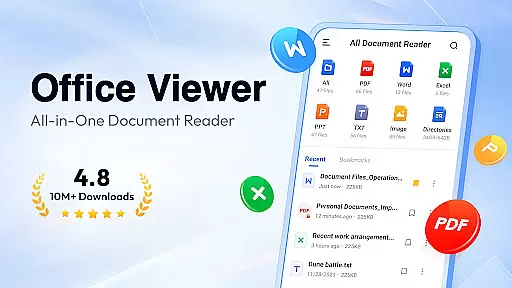
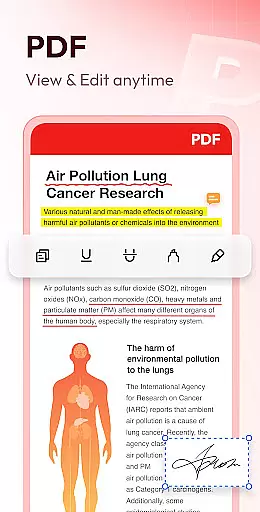
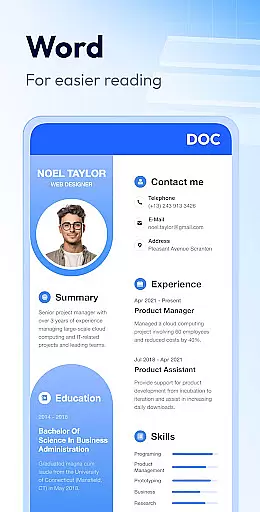
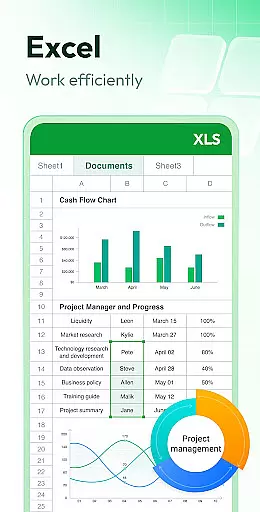
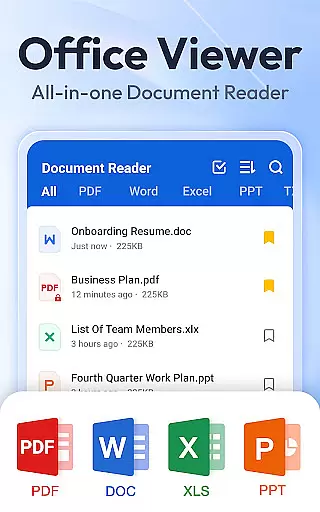
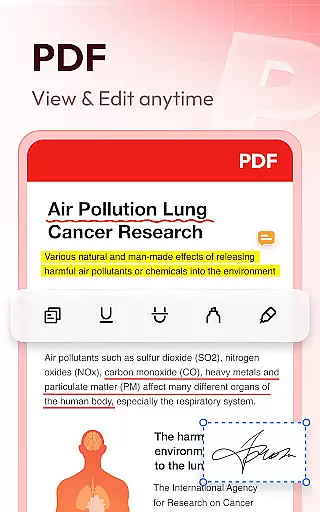
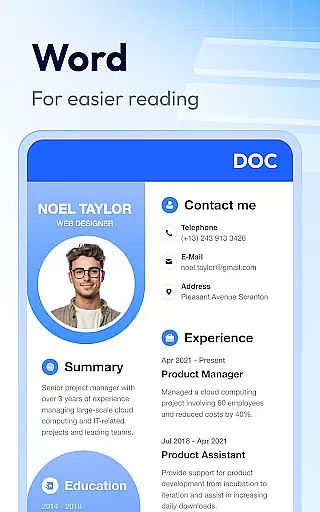
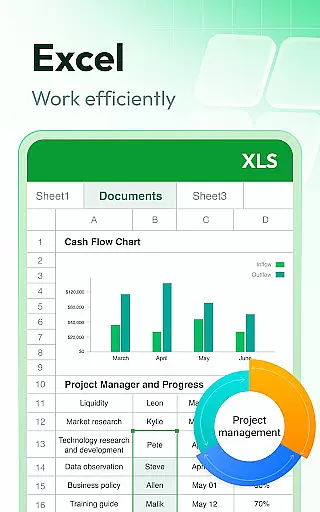
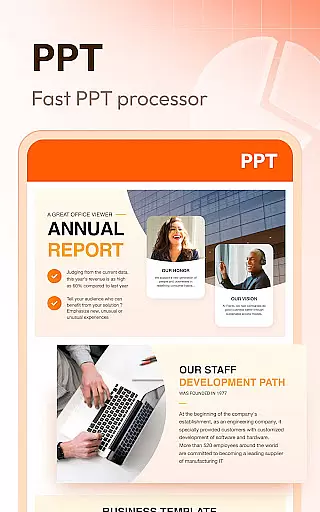

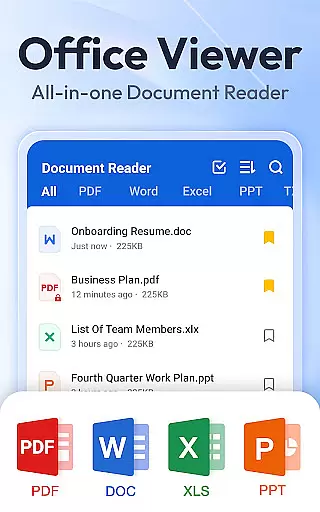

Document Reader & PDF Editor is a versatile productivity tool designed to streamline document management across various formats. This all-in-one solution supports PDF, Word, Excel, PPT, TXT, PNG, JPG, and more, making it an essential app for professionals and students alike.
The app's intuitive interface allows users to organize files in well-structured folders with quick search functionality. Key features include one-click document opening, bookmarking for easy access, and offline reading capabilities. Whether you need to zoom through PDFs, sort Word documents by multiple criteria, or view high-quality PPT presentations, this app delivers a seamless experience.
Particularly useful for mobile workers, Document Reader enables efficient document handling on-the-go. Its comprehensive format support and user-friendly design make it invaluable for managing professional documents from any location, enhancing both productivity and convenience.
Document Reader & PDF Editor distinguishes itself through its extensive feature set tailored for productivity enthusiasts. The app's core strength lies in its universal format compatibility, supporting everything from standard office documents to images and specialized file types.
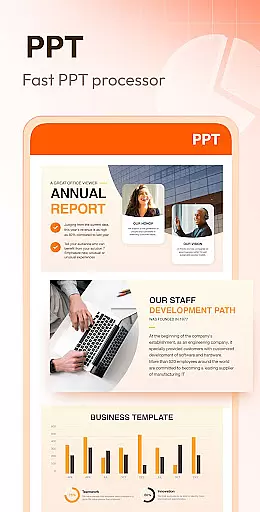
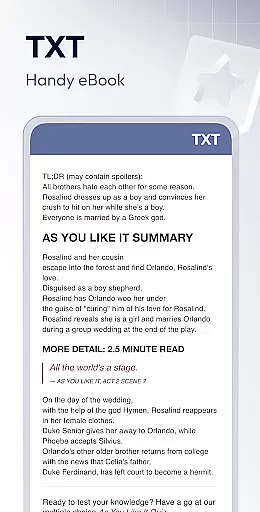
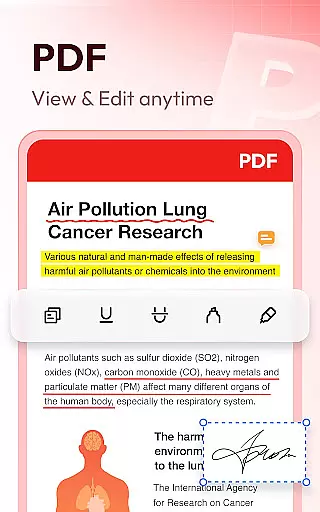
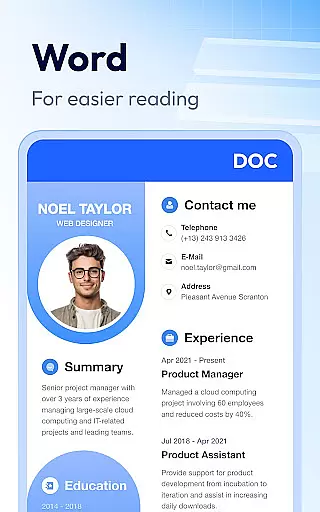
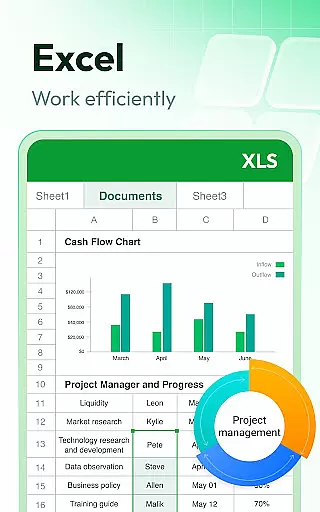
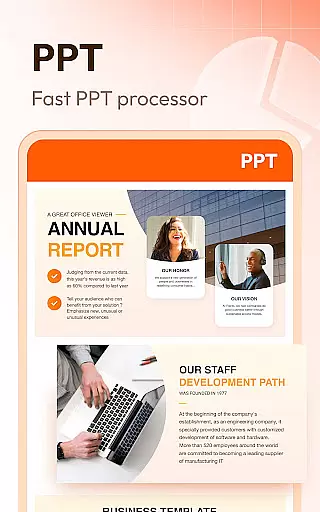
Advanced PDF handling capabilities include page navigation, zoom controls, and landscape/portrait mode switching. The Word viewer offers sophisticated sorting options by file path, size, name, and modification date. Excel and Text viewing features provide quick data retrieval, while the PPT viewer ensures stable performance with HD quality presentation viewing.
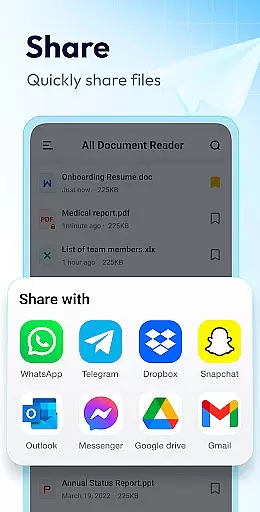
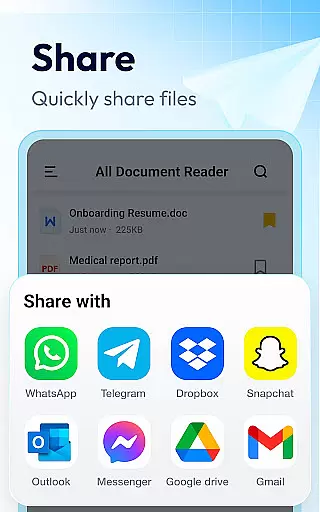
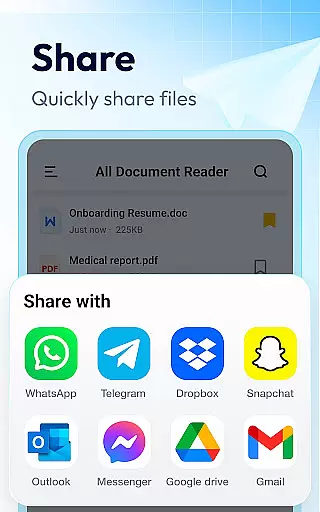
Additional productivity-enhancing features include document bookmarking, printing capabilities, and file sharing options. The developers have also committed to expanding functionality with upcoming features like image-to-PDF conversion, advanced editing tools, and support for compressed file formats, ensuring the app remains at the forefront of document management solutions.
Document Reader & PDF Editor excels in core task management by offering an all-in-one solution for handling various document formats. This app supports PDF, DOC, DOCX, XLS, XLXS, PPT, TXT, and more, making it a versatile tool for productivity.
The application allows users to organize files in a clear and manageable way, providing quick search functionality and easy access to documents. With features like bookmarking, users can swiftly return to important sections, enhancing their efficiency in managing tasks.
Moreover, the offline capability ensures that users can read and manage documents without an internet connection, which is crucial for those who work in environments where connectivity might be an issue. This feature underscores the app's commitment to accessibility and convenience.
While Document Reader & PDF Editor focuses primarily on standalone document management, its reliability in cross-device synchronization is noteworthy. Users can seamlessly transition between devices, accessing their documents with just one click.
The app ensures that all your files are up-to-date across devices, thanks to its efficient syncing mechanism. Whether you're switching from a phone to a tablet or a computer, your documents remain consistent and accessible, maintaining continuity in your workflow.
Furthermore, the app's lightweight design and fast performance guarantee that synchronization does not compromise speed or user experience. This harmonious blend of functionality ensures that users can rely on Document Reader & PDF Editor for their productivity needs across different platforms.
User-friendly interface
Wide format support
Offline functionality
Quick search feature
Regular updates
Basic editing tools
Occasional lag
Ads in free version
Limited cloud integration
Large app size

Ads Free App! Editor, Hide File, Copy, Move, Delete and Rename.. all facility av
 1.70
1.70
Unlock AutoNotification
4.00
We're working to become the best machining app on the market! www.cncdirt.com
4.80
CalenGoo is a very flexible and feature-rich calendar app
4.40
Create and edit presentations with Google Slides, part of Google Workspace.
4.00
Subscribe to Webcal & .ics calendars and keep them up-to-date!
4.50
Lightweight PDF, Word, Excel reader.
4.60
QuickEdit is a fast, stable and full featured text and code editor.
4.20
2026 USPS Alpha/Color coded calendar Sunday/Rotating day off schedules
4.5
Multilingual translator for text, voice, and image translation!
4.90
Simple notepad & memo. Take notes, to-do list, shopping list with reminders.
4.80
The long-awaited modern gallery app for your Nextcloud server
4.70
Scan paperwork into PDF/JPG, generate your own e-signature and send fax or email
4.70
Translate text/voice/photos in 150+ languages. Offline & fast translator app.
4.50
Automates browsing any website and notifies you of important changes or events
4.30
Cloud storage, automatic phone backup, and more.
4.10
Ultimate Virtual AI Character for immersive Roleplay Chat. Perfect Companion
3.90
Find and delete junk files & block unwanted notifications & manage files
3.70
The upgraded version of Name Wheel with AI and the power to add your own wheels.
4.5


User Reviews