
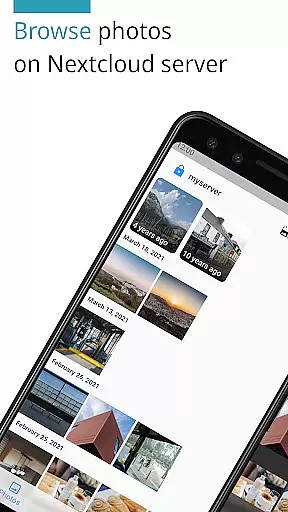
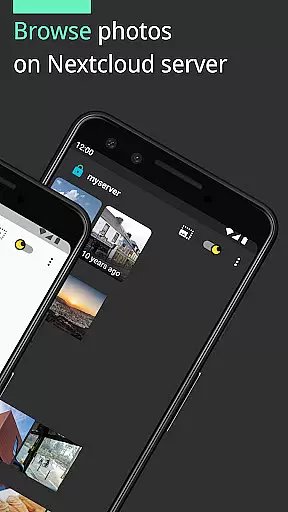
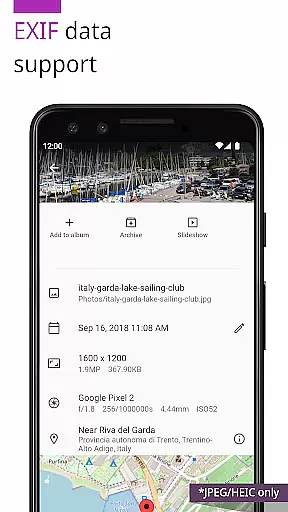
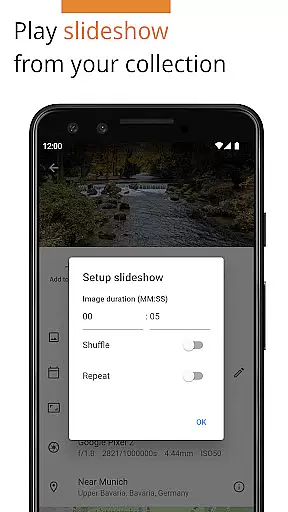
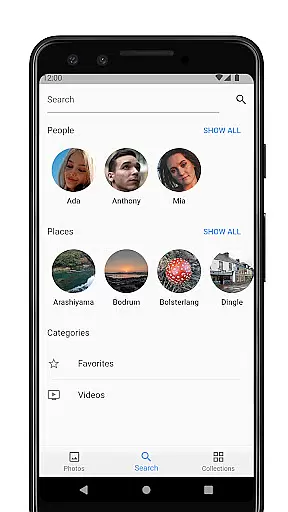

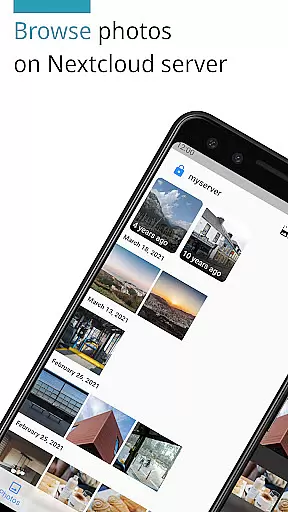
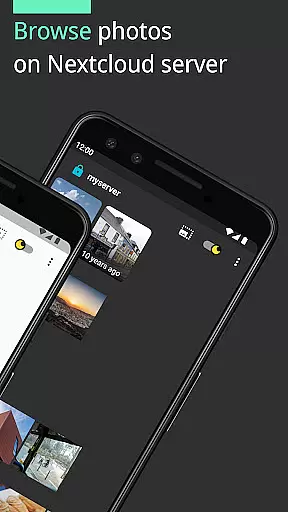
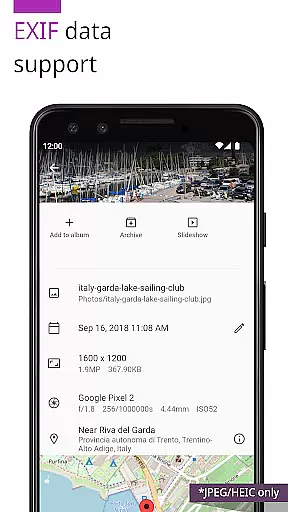
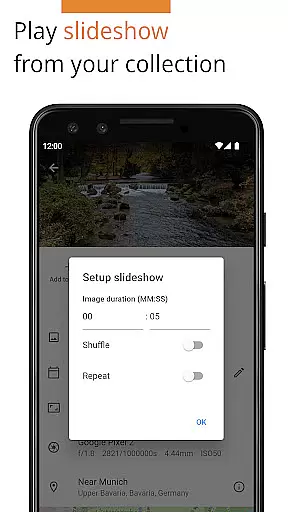
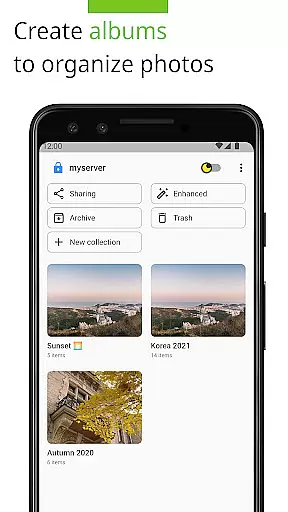
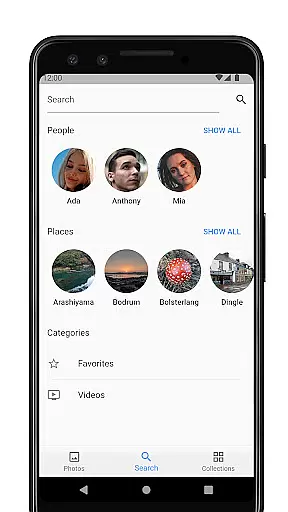
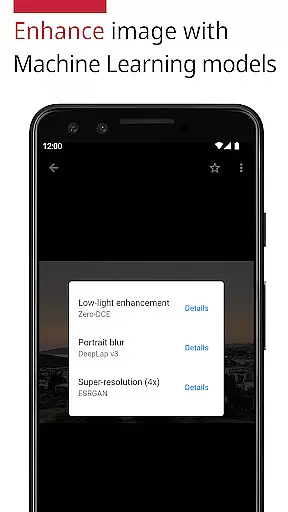
Photos for Nextcloud is a powerful productivity app designed to enhance photo management within the Nextcloud ecosystem. This application supports an extensive range of formats including JPEG, PNG, WebP, HEIC, GIF, JPEG XL, MP4, and WebM, ensuring compatibility across various devices. The app offers advanced functionalities such as client-side EXIF extraction, flexible album creation, reverse geocoding, and machine learning-based photo enhancement.
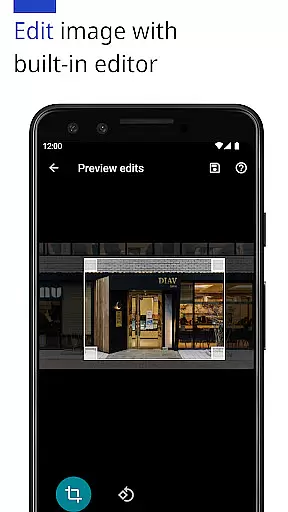
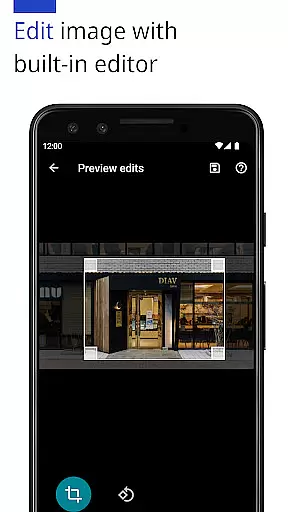
One of its standout features is the ability to edit photos with a built-in editor and create shared albums with users on the same server, albeit this feature is still experimental. Additionally, users can sign in to multiple servers, providing flexibility for those managing different Nextcloud instances. As an open-source application, it promotes transparency and community-driven improvements, making it a reliable choice for enhancing productivity in photo management.
Photos for Nextcloud boasts a rich set of features tailored to improve user experience and productivity. Notably, the app provides support for cutting-edge formats like JPEG XL and utilizes machine learning models to enhance photo quality. Its client-side EXIF extraction ensures that metadata is preserved even for formats not natively supported by the server, offering a seamless experience for professional photographers and enthusiasts alike.
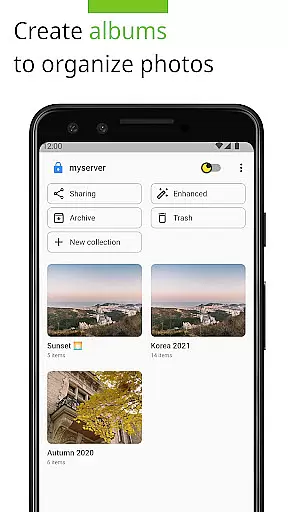
The app's more flexible album management allows users to organize their collections efficiently, while reverse geocoding adds geographical context to images. Furthermore, the built-in photo editor empowers users to make quick adjustments without leaving the app. With the capability to sign in to multiple servers and create shared albums, collaboration becomes effortless. These robust features collectively ensure that Photos for Nextcloud stands out as a comprehensive tool for managing digital assets within the Nextcloud environment.
Task management is a cornerstone of productivity applications, and Photos for Nextcloud excels in this area by offering users the ability to efficiently organize their digital assets. The app supports a variety of formats including JPEG, PNG, WebP, HEIC, GIF, JPEG XL, MP4, and WebM, ensuring that all your photos and videos can be managed seamlessly.
The app's functionality extends beyond mere file support; it includes client-side EXIF extraction, which allows users to maintain important metadata even for formats not natively supported by the server. This feature ensures that critical information such as geotags and timestamps are preserved, enhancing the overall organization and searchability of your media library.
Additionally, Photos for Nextcloud provides more flexible album creation and management options. Users can create shared albums with others on the same server, an experimental feature that fosters collaboration and easy sharing among teams or family members. These capabilities make it easier than ever to keep your digital life organized and accessible.
Cross-device synchronization is vital for maintaining consistency and accessibility across multiple platforms, and Photos for Nextcloud delivers reliable performance in this aspect. By allowing users to sign in to multiple servers, the app ensures that your photos and videos are always up-to-date and available wherever you need them.
The synchronization process is further enhanced by reverse geocoding and machine learning models that enhance photos, providing richer context and improved quality. This means that not only are your files synchronized, but they are also enriched with additional data that makes them more valuable and easier to manage.
Moreover, the app's open-source nature and active community contribute to its robustness and reliability. With contributions from developers worldwide, Photos for Nextcloud continuously improves, ensuring that users benefit from the latest advancements in technology while maintaining control over their personal data.
User-friendly interface
Extensive format support
Advanced photo editing tools
Open-source flexibility
Multi-server compatibility
Limited server-side features
Experimental sharing options
No offline mode
Requires Nextcloud setup
Resource-intensive

Pwnagotchi companion app
 4.20
4.20
Multilingual translator for text, voice, and image translation!
4.90
Enjoy classic gameplay with customizable features and retro-style graphics.
4.30
Subscribe to Webcal & .ics calendars and keep them up-to-date!
4.50
Experience and share your SolidWorks designs on your Android® phone and tablet.
2.50
Share files & memories safely. Keep your photos and videos secure.
4.40
Intelligent AI Assistant
4.10
Seamlessly read, manage, and organize all your PDF files solution in one place
4.40
QuickEdit is a fast, stable and full featured text and code editor.
4.20
Native client for Forgejo and Gitea
5.00
Mind Map and brainstorm, note taking and idea collection
4.80
aCalendar+ makes your day, week and month
4.70
Planet Free VPN - The best Fast Unlimited and Secure VPN Without Logs
4.50
PDF scanner & converter for files, photos, lottery, QR codes. One swipe away!
4.50
Automates browsing any website and notifies you of important changes or events
4.30
Experience real multitasking on your Android!
4.00
Take control of your clipboard with Clipper!
3.90
Ultimate Virtual AI Character for immersive Roleplay Chat. Perfect Companion
3.90
ID.me Authenticator is a simple and free Two Factor Authentication solution
3.50


User Reviews