


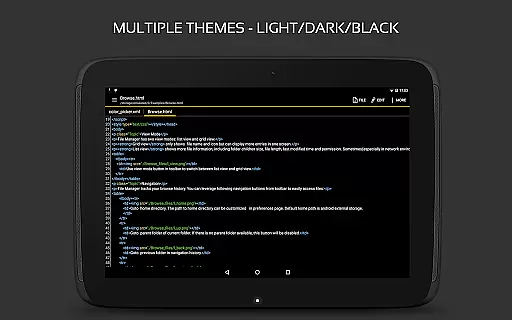
QuickEdit Text Editor Pro is a premium text editing solution tailored for both casual and professional users. This app combines the functionalities of a standard notepad with advanced programming tools, making it suitable for editing plain text files as well as coding in over 170 languages. Its standout feature is the built-in online compiler that supports more than 30 programming languages, allowing developers to compile and run code directly within the app.
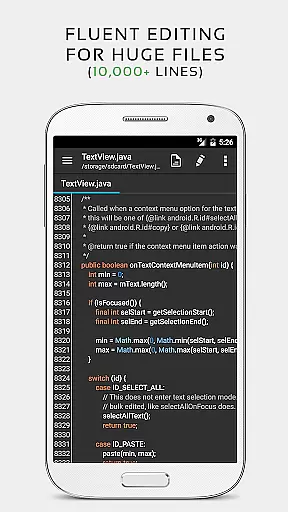
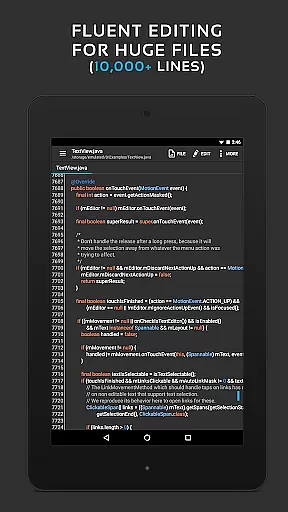
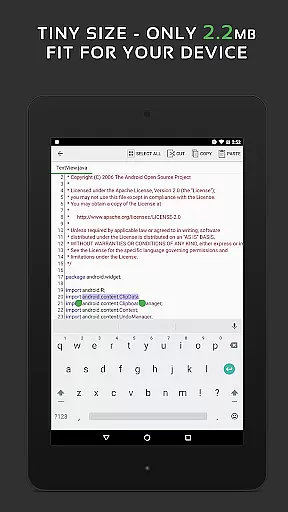
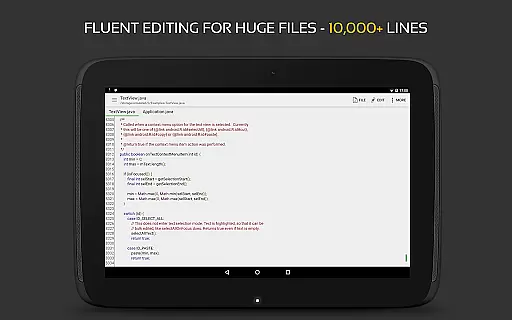
The app is optimized for performance, ensuring smooth operation even with large files containing over 10,000 lines. QuickEdit also offers an intuitive interface with features like syntax highlighting, line numbering, unlimited undo/redo, and customizable themes. Whether you're working on HTML, CSS, Markdown, or AsciiDoc files, this editor provides real-time previews and seamless navigation between multiple open tabs. Additionally, its cloud integration allows access to files from Google Drive, Dropbox, and OneDrive, while rooted devices can edit system files.
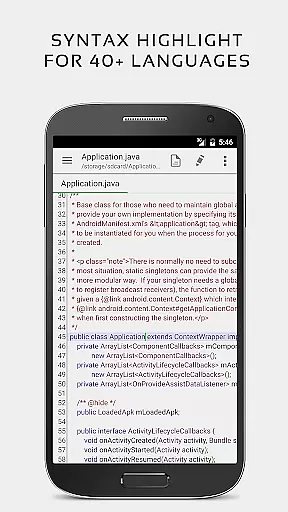
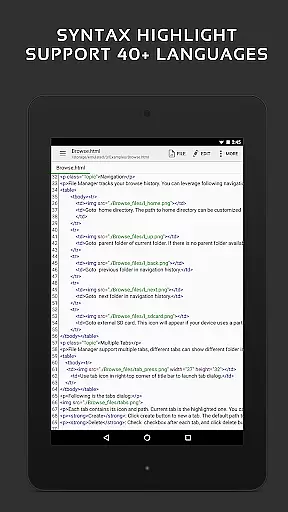
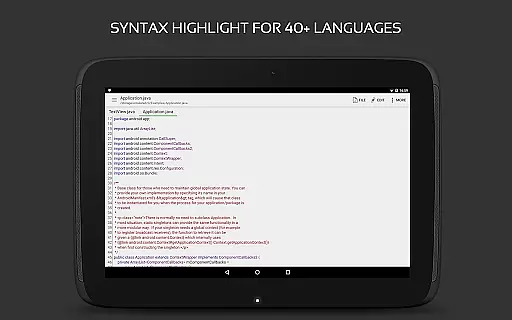
QuickEdit Text Editor Pro stands out with its extensive feature set designed to enhance productivity. The app includes syntax highlighting for 170+ programming languages such as C++, Java, Python, and Ruby, along with an integrated online compiler for over 30 languages. This makes it an invaluable tool for developers who need to write, test, and debug code efficiently. The editor's performance is exceptional, offering lag-free operation even with large documents, thanks to its advanced optimization techniques.
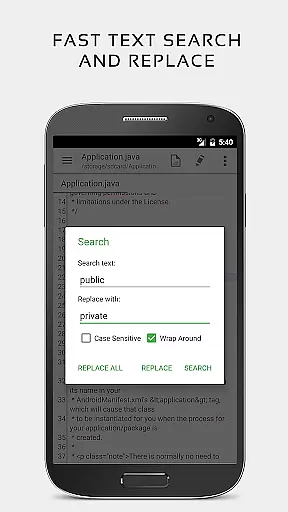
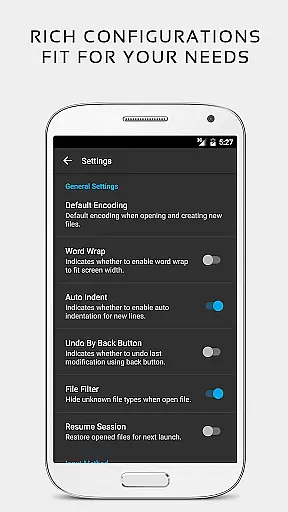
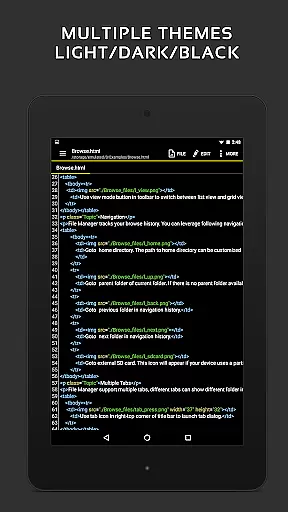
Usability enhancements include customizable fonts and sizes, light and dark themes, and smooth scrolling in both vertical and horizontal directions. Users can easily navigate through files using features like line number targeting, quick search and replace, and indentation adjustments. The app also supports physical keyboards with key combinations, making it versatile for different workflows. With capabilities to preview HTML, CSS, Markdown, and AsciiDoc files, QuickEdit ensures that users can work on various file types without switching applications.
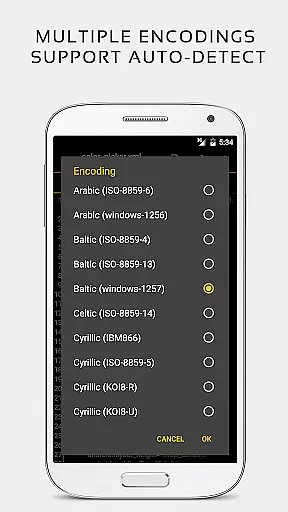
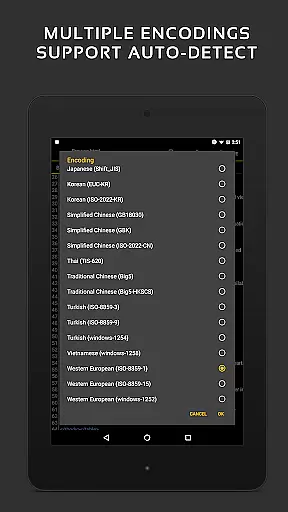
Cloud integration is another key feature, enabling users to access files from FTP, Google Drive, Dropbox, and OneDrive. Rooted device users benefit from the ability to modify system files directly. Additional tools include hex color input, automatic charset detection, and support for editing INI, LOG, and TXT files. These comprehensive features make QuickEdit Text Editor Pro a complete solution for all text editing needs.
Task management is a critical aspect of productivity applications, and QuickEdit Text Editor Pro excels in this area. The app offers enhanced notepad functionalities with numerous improvements that cater to both general and professional users.
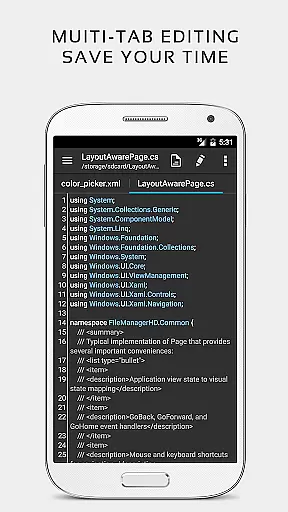
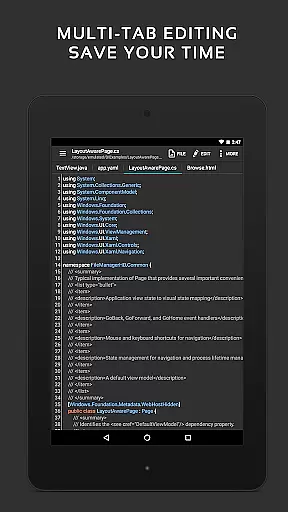
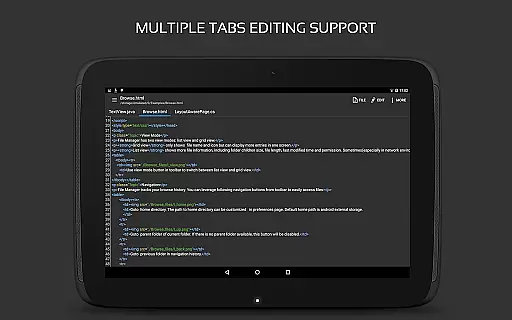
QuickEdit allows users to easily navigate between multiple open tabs, making it simple to manage different tasks or files simultaneously. The ability to undo and redo changes without limit provides flexibility when working on complex projects, ensuring that users can experiment with their work without the fear of making irreversible mistakes.
The text editor also includes features like showing or hiding line numbers and displaying, increasing, or decreasing line indentations. These options help users organize their tasks better and maintain a clear overview of their work, especially when dealing with large text files that contain more than 10,000 lines.
Overall, QuickEdit's task management capabilities ensure a seamless experience for users who need to handle multiple tasks efficiently, providing them with the tools necessary to keep their work organized and accessible.
Cross-device synchronization is essential for users who work across multiple devices, and QuickEdit Text Editor Pro ensures reliable performance in this domain. With support for accessing files from various cloud services such as FTP, Google Drive, Dropbox, and OneDrive, the app enables users to sync their work effortlessly.
This feature allows professionals and casual users alike to start editing on one device and continue on another without missing a beat. Whether at home, in the office, or on the go, QuickEdit ensures that all your documents are up-to-date and accessible wherever you are.
In addition to cloud service integration, QuickEdit also supports opening files from recently opened or added file collections, streamlining the workflow further. This means less time searching for files and more time being productive.
By focusing on synchronization reliability, QuickEdit Text Editor Pro provides peace of mind to its users, knowing that their work is safely stored and always available, regardless of which device they choose to use.
Fast and responsive
Extensive language support
Built-in compiler
Customizable interface
Cloud integration
Paid version only
No collaboration tools
Complex for beginners
Limited offline help
Root required for system edits

Mega cloud explorer plugin for Solid Explorer
 3.80
3.80
Easily read and manage all your PDF files
4.10
Send files, sync SMS, notifications & clipboard across devices via local network
4.40
We're working to become the best machining app on the market! www.cncdirt.com
4.80
Enjoy classic gameplay with customizable features and retro-style graphics.
4.30
Calendar 2023 widget for Android. Appointment scheduler, planner, and reminder
4.60
Code on-the-go with VScode for Android. Edit,debug and collaborate from mobile!!
3.10
A comprehensive suite of tools designed specifically for Lactation Consultants
4.0
Secure your apps with lock screens, use custom themes and different features.
4.40
Understand anything with a personalized AI research assistant
4.80
A beautiful digital clock with autostart and many other functions
4.70
Direct Chat without saving contacts & Dual WA Account on Single Device
4.70
App Lock with fingerprint, password: Lock apps & hide photos with lock screens
4.60
Total remote control for your Android device, PC and cloud services (IFTTT)!
4.20
Todo reminder
4.10
Activate Two Factor Authentication (2FA or Multi OTP), Password manager and more
4.10
Create and edit presentations with Google Slides, part of Google Workspace.
4.00
Make your handwriting beautiful, even more than pen on paper.
3.60
ID.me Authenticator is a simple and free Two Factor Authentication solution
3.50


User Reviews