
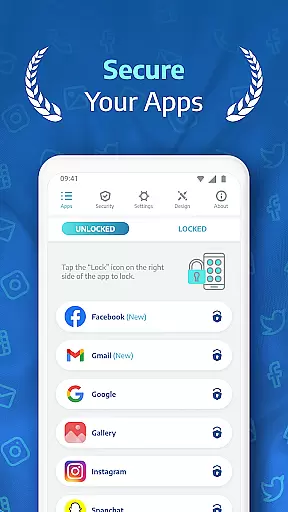
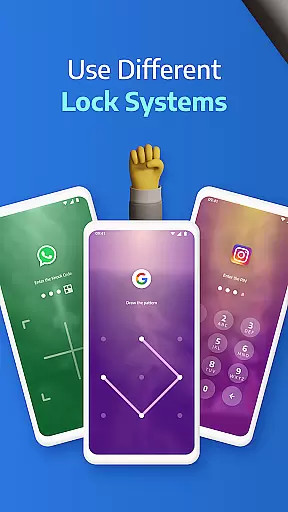
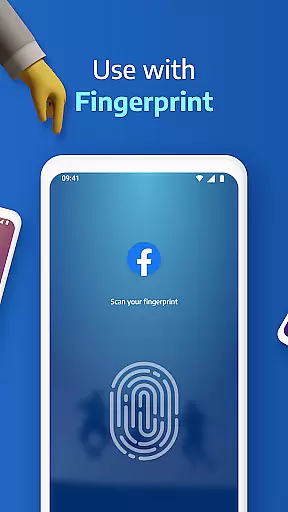
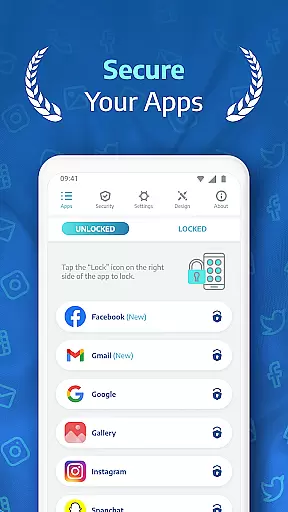
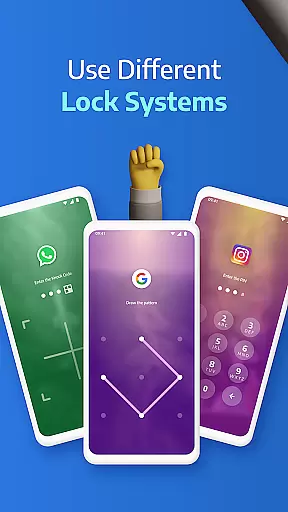
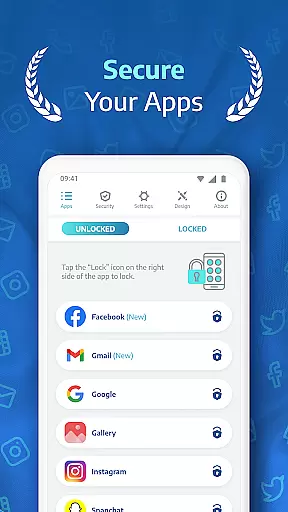
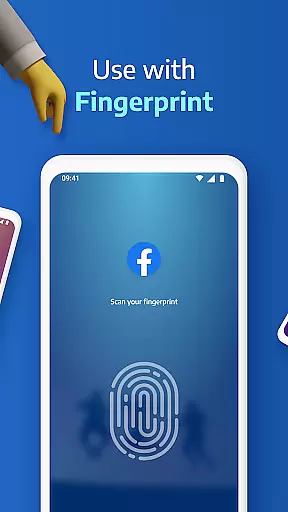
AppLock Pro is a premier productivity app designed to safeguard your personal data by locking access to apps and sensitive content. This powerful tool allows users to secure messaging apps, social media platforms, photo galleries, and system settings using multiple lock methods including PIN, pattern, fingerprint authentication, and KnockCode.
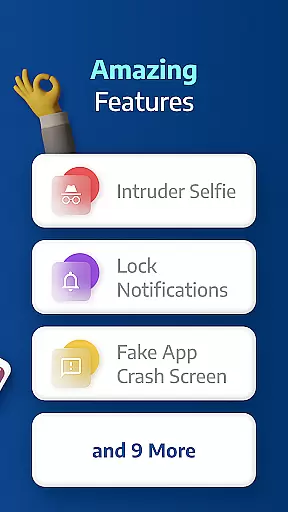
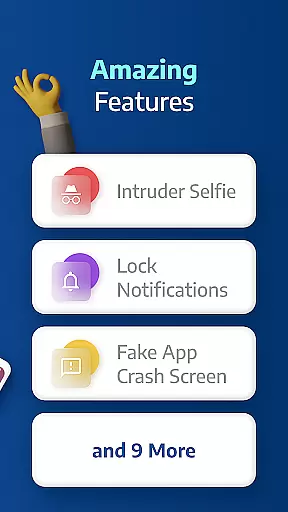
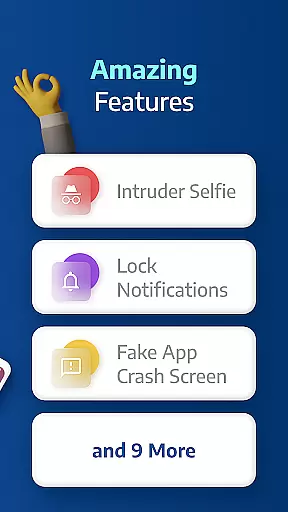
Beyond basic locking features, AppLock Pro offers advanced security measures such as spy camera functionality that captures intruders attempting unauthorized access. The app also includes customizable lock screens, fake error messages, and privacy controls for notifications. These features make it an essential utility for anyone looking to protect their digital privacy on mobile devices.
With its intuitive interface and robust feature set, AppLock Pro is particularly useful in shared device environments or for those wanting to prevent accidental changes to important settings. The app's lightweight design ensures minimal impact on device performance while delivering maximum security benefits.
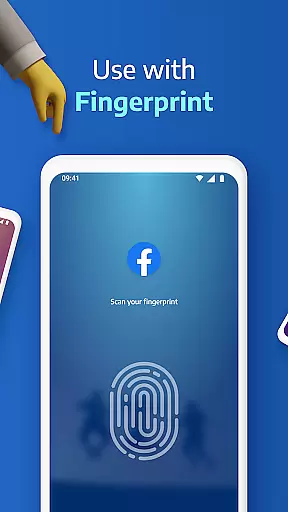
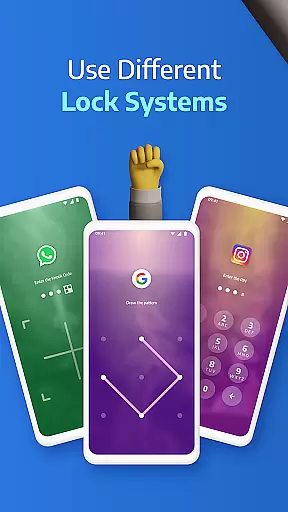
AppLock Pro stands out with its comprehensive suite of security features tailored for privacy-conscious users. The app supports multiple lock types including fingerprint recognition (device-dependent), KnockCode for unique access patterns, traditional pattern locks, and PIN protection ranging from 4 to 8 digits.
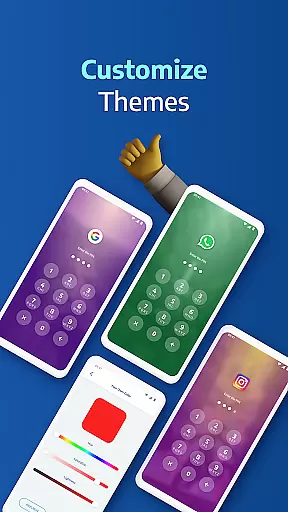
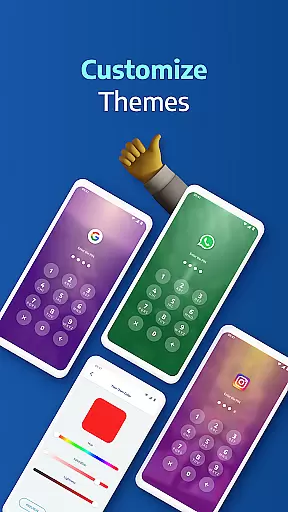
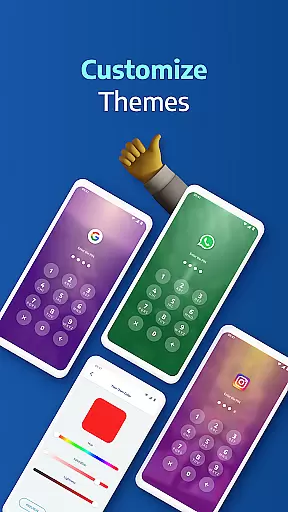
One of the app's most innovative features is its spy camera functionality, which discreetly captures photos of anyone attempting to gain unauthorized access after multiple failed password attempts. This is complemented by customizable lock screen themes, allowing users to personalize their security experience with gallery photos as backgrounds.
The app goes beyond simple locking capabilities by offering smart settings such as automatic re-lock timers, vibration feedback, and new app alerts. These features are designed to enhance user convenience while maintaining top-level security. Additionally, the ability to hide sensitive notifications and display fake error messages adds extra layers of protection against potential intrusions.
Applock Pro excels in core task management by providing users with a comprehensive suite of security features designed to protect sensitive apps and data. The app allows you to lock any application using various methods such as PIN, pattern, fingerprint, or KnockCode, ensuring that only authorized access is permitted.
The functionality extends to managing different lock timers and auto-re-lock settings, giving users control over when their apps should be locked or temporarily accessible. This granular level of task management ensures that your privacy settings adapt to your daily routine without constant manual intervention.
Additionally, Applock Pro includes smart settings like vibration feedback, new app alerts, and the ability to lock recent apps. These features contribute to an optimized experience that respects battery life and device performance while maintaining top-notch security protocols.
Cross-device synchronization is a critical aspect of modern productivity tools, and Applock Pro addresses this by offering reliable and seamless syncing across multiple devices. Once you set up your preferred lock methods and security settings on one device, these configurations can be effortlessly mirrored on other devices where Applock Pro is installed.
This synchronization ensures consistency in your security measures regardless of the device you are using. Whether it's locking social media apps, galleries, or system settings, you can trust that your chosen protections will be uniformly applied everywhere.
Moreover, Applock Pro enhances synchronization reliability with features like spy camera protection and fake error messages. These innovative solutions not only deter intruders but also provide peace of mind knowing that unauthorized access attempts are logged and exposed. With consistent updates and optimizations for battery and RAM usage, Applock Pro guarantees dependable cross-device functionality.
Advanced security features
User-friendly interface
Customizable lock options
Lightweight performance
Comprehensive protection
Premium version required
Permissions extensive
Occasional false alarms
Limited free features
Device compatibility issues

Client for Nextcloud Deck
 4.60
4.60
Seamlessly integrate data and reports to build your presentation to impress
4.80
When you Focus, so will your Bean in this cozy focus timer
4.30
Create study competitions, track your hours, and stay consistent with friends
4.0
Direct Chat without saving contacts & Dual WA Account on Single Device
4.70
Automates browsing any website and notifies you of important changes or events
4.30
Smart PDF reader & editor to view, organize and manage PDF documents easily.
3.70
Remotely view listen control and record cameras.
3.70
This small app MUST BE INSTALLED after purchase, else license won't work
4.40
Understand anything with a personalized AI research assistant
4.80
Quickly and easily keep track of your work shifts
4.70
QuickBooks Workforce lets teams view pay info and track time in one place.
4.70
Scan paperwork into PDF/JPG, generate your own e-signature and send fax or email
4.70
Planet Free VPN - The best Fast Unlimited and Secure VPN Without Logs
4.50
Easily read and manage all your PDF files
4.10
Intelligent AI Assistant
4.10
Mega cloud explorer plugin for Solid Explorer
3.80
ID.me Authenticator is a simple and free Two Factor Authentication solution
3.50
The upgraded version of Name Wheel with AI and the power to add your own wheels.
4.4


User Reviews