
Web Alert (Pro) is a powerful productivity tool designed for professionals in web development and automation. This premium version offers advanced monitoring capabilities, allowing users to track web page changes with precision. With features like parallel checks, custom frequency settings, and text filtering, it ensures comprehensive change detection.
The app excels in specific use cases such as price monitoring, keyword-based notifications, and website status tracking. Its ability to export website versions and integrate with automation tools like Tasker makes it an indispensable solution for power users who need reliable web monitoring.
Web Alert (Pro) stands out with its extensive feature set tailored for professional use. The app supports complex monitoring requirements through regular expressions (RegEx), CSS selectors, and jQuery selectors. Users can precisely define monitoring parameters, including specific text ranges and minimum change percentages.
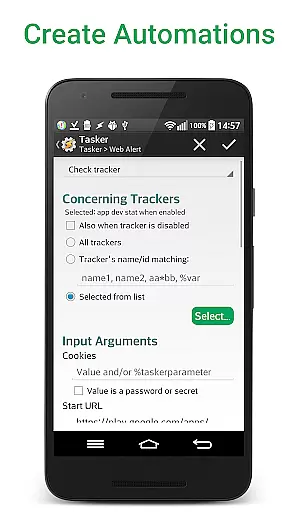
Advanced functionality includes programmable automation through the Tasker plugin, SSL certificate handling, and HTML source code monitoring. These features, combined with alert management options like duplication, modification, and restoration, provide users with complete control over their monitoring tasks.
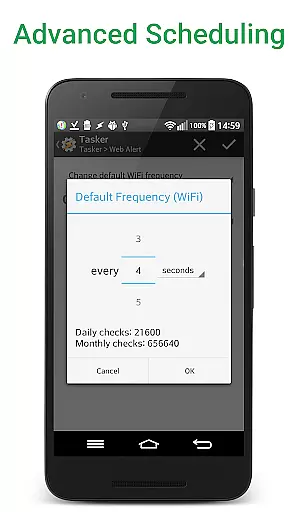
Web Alert (Pro) excels in core task management by providing users with advanced monitoring capabilities for web pages. This includes setting custom frequencies for checks, allowing precise control over how often the app monitors changes.
The app supports parallel checks, meaning multiple web pages can be monitored simultaneously without delays. This ensures that professionals in web development or automation can efficiently manage numerous tasks at once.
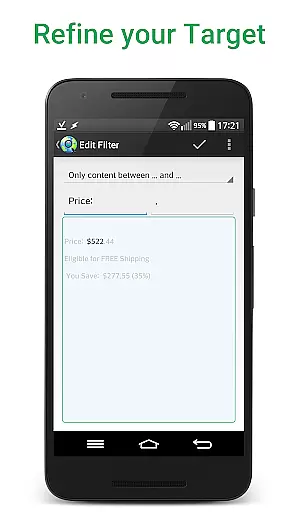
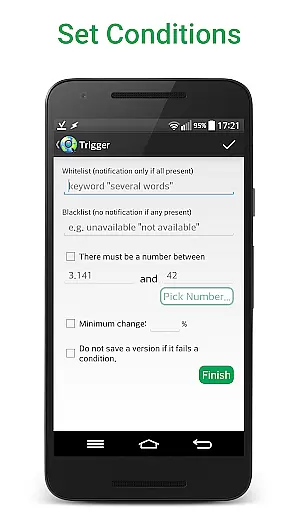
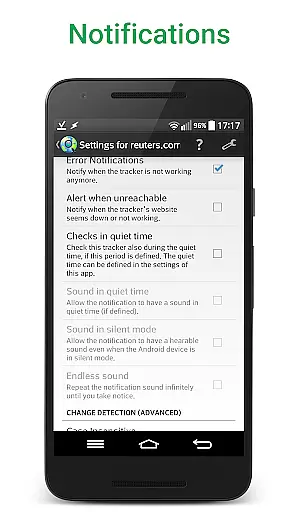
Additionally, Web Alert (Pro) offers sophisticated filtering options. Users can focus on specific text changes, monitor numerical values like product prices, and even define time ranges to pause notifications. These features ensure that users receive only the most relevant alerts.
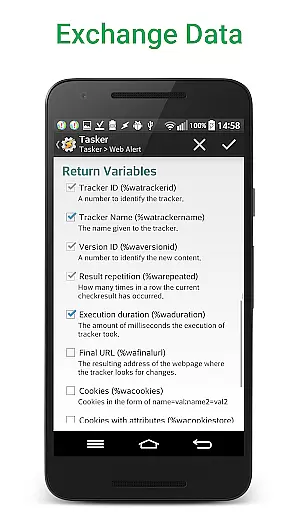
With functionalities such as exporting website versions and integrating with Tasker, Automate, and Automagic, Web Alert (Pro) provides a comprehensive solution for managing web monitoring tasks effectively.
Cross-device synchronization is a critical feature of Web Alert (Pro), ensuring that all your alerts and settings are reliably synced across multiple devices. This means you can start monitoring a webpage on one device and continue seamlessly on another.
The app allows exporting and importing of alerts, which enhances synchronization reliability. Whether you're switching devices or sharing configurations with colleagues, this feature guarantees consistency and continuity in your monitoring tasks.
Moreover, Web Alert (Pro) maintains website links within the changes, making it easier to track where each modification occurred. This level of detail helps users quickly identify and respond to important updates regardless of the device they are using.
By offering robust synchronization features, Web Alert (Pro) ensures that professionals can rely on consistent performance and data integrity across all their devices, enhancing productivity and efficiency.
Highly customizable
Advanced monitoring options
Professional-grade features
Tasker integration
Comprehensive alert system
Requires free app
Complex for beginners
Premium price point
Limited basic support
Technical knowledge needed

A customizable calendar for your Wear OS watch
 4.20
4.20
When you Focus, so will your Bean in this cozy focus timer
4.30
All in one sketching tool. Technical and General drawing. Online Maps support.
3.70
Android Wallet Password Manager
4.80
Make your handwriting beautiful, even more than pen on paper.
3.60
Simple and reliable communication between inmates, friends and family
3.20
ID.me Authenticator is a simple and free Two Factor Authentication solution
3.50
All document reader, all in one file viewer read PDF, DOCX, XLS, PPT, TXT files.
4.60
Experience and share your SolidWorks designs on your Android® phone and tablet.
2.50
Simple notepad & memo. Take notes, to-do list, shopping list with reminders.
4.80
QuickBooks Workforce lets teams view pay info and track time in one place.
4.70
Client for Nextcloud Deck
4.60
Translate text/voice/photos in 150+ languages. Offline & fast translator app.
4.50
Experience Reading - Night Mode for Documents
4.40
This small app MUST BE INSTALLED after purchase, else license won't work
4.40
Total remote control for your Android device, PC and cloud services (IFTTT)!
4.20
Font maker keyboard with your own handwriting
4.10
Activate Two Factor Authentication (2FA or Multi OTP), Password manager and more
4.10
Easiest event planning, volunteer signups & parent teacher conference scheduling
2.20


User Reviews