
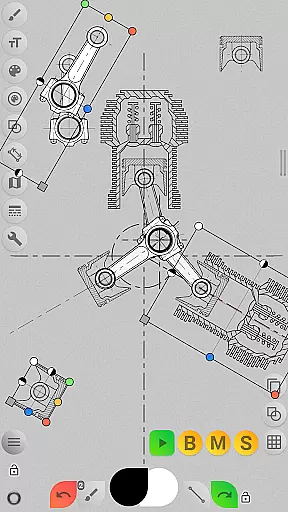
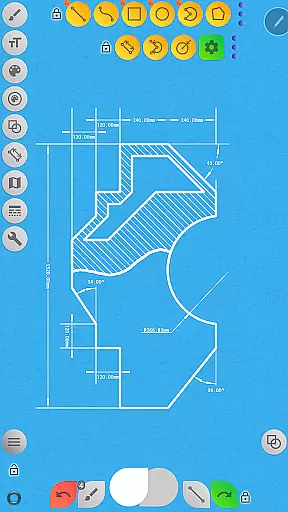
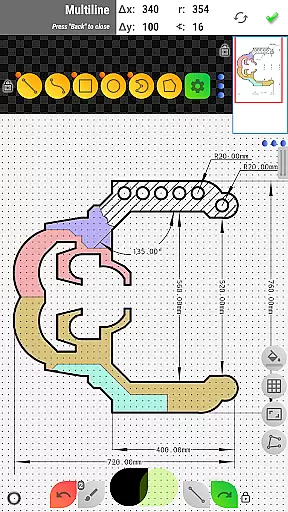
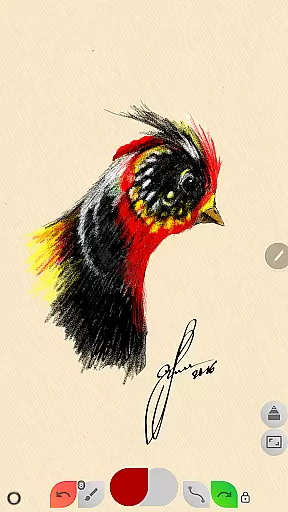
Sketch Box Pro is a versatile sketching and drawing application designed to meet a wide range of requirements, from technical drawings to general sketching. It serves as an alternative to vector CAD systems while maintaining the simplicity of traditional drawing tools. The app uniquely combines the features of CAD systems with the ease of general drawing applications, making it suitable for both creative and technical users.
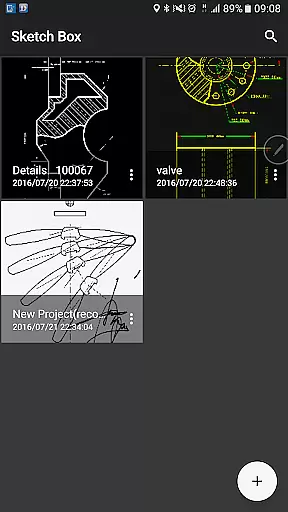
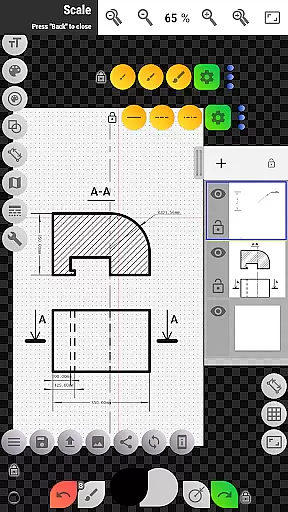
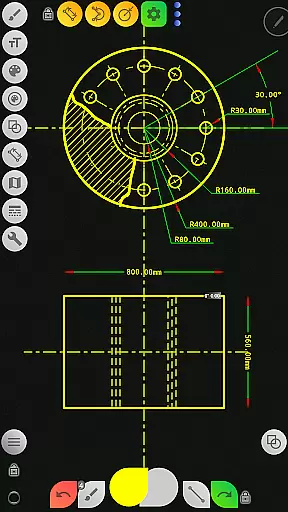
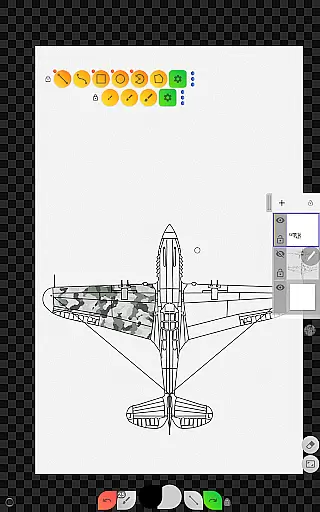
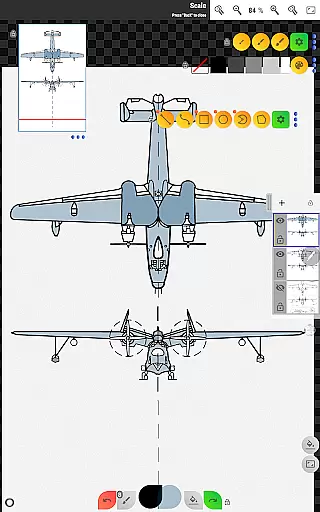
The app supports project-based workflows, allowing users to create projects from scratch, online maps snapshots, or images from the device gallery. With support for up to 6 layers in the Pro version, users can manage their drawings with advanced layer controls such as opacity adjustment, locking, duplication, and merging. Sketch Box Pro also offers a variety of drawing tools including basic shapes, predefined brushes, grid tools, dimension tools, and more, providing a comprehensive toolkit for all types of sketching needs.
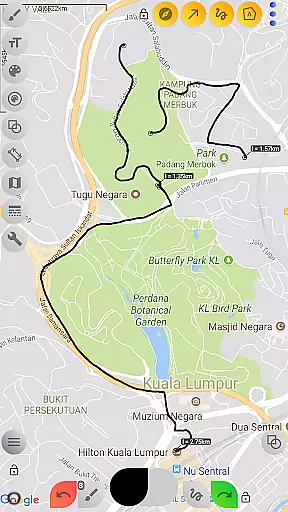
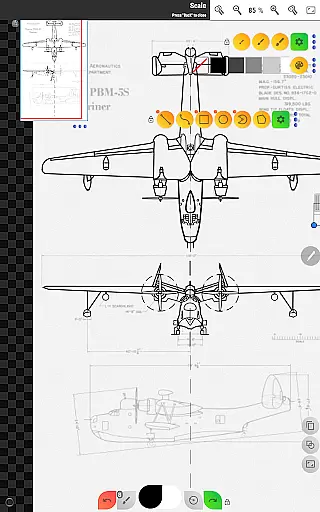
One notable feature is the Online Maps Support, which allows users to use Google Maps as a background for their sketches, share locations with comments, and utilize interactive compass tools. This makes Sketch Box Pro not only a powerful drawing tool but also a practical solution for engineers, designers, and artists who need to capture ideas quickly and efficiently on the go.
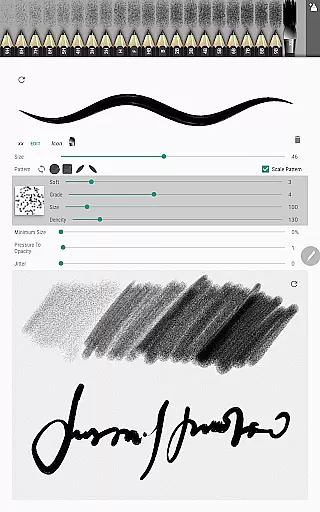
Sketch Box Pro stands out with its innovative combination of traditional drawing tools and advanced CAD system features. One of its key features is the Pencils Set, which allows users to customize each pencil's characteristics using a powerful editor. This flexibility extends to the optimized Multiline tool, enabling continuous line creation with manual point positioning in both scalar and radial coordinates.
The app provides extensive layer support, with up to 6 layers available in the Pro version. Users can lock layers, control opacity, duplicate, clear, delete, and merge layers either individually or collectively. Additionally, Sketch Box Pro includes a wide array of drawing tools such as basic shapes, predefined brushes, grid tools, dimension tools, scale tools, flood filling, hatching, text tools, and color control panels with color history support.
Another remarkable feature is the Online Maps Support, which integrates Google Maps into the drawing canvas. Users can measure distances and areas directly on the map, use an interactive compass tool to align sketches with the North direction, and even display azimuths on the canvas. These features make Sketch Box Pro an indispensable tool for professionals who require precision and versatility in their drawing applications.
Sketch Box Pro excels in core task management by offering a versatile platform for both technical and general sketching needs. The app provides an extensive set of tools that cater to a wide array of drawing requirements, making it akin to a digital Swiss Army knife for artists and engineers alike.
With features such as project creation from scratch, online maps snapshots, or device gallery images, users can initiate and manage various drawing projects efficiently. This flexibility ensures that whether you're drafting detailed technical drawings or capturing spontaneous ideas, Sketch Box Pro adapts to your workflow seamlessly.
The application's layer supportu2014with functions like locking, opacity control, duplication, and mergingu2014enhances the useru2019s ability to organize complex tasks effectively. These capabilities allow for meticulous attention to detail and streamlined editing processes, which are crucial for productive task management within creative and technical projects.
Cross-device synchronization is a pivotal feature of Sketch Box Pro, ensuring that your work is reliably accessible across multiple devices. This functionality supports modern productivity needs by allowing users to start a project on one device and continue working on another without missing a beat.
Projects created with Sketch Box Pro can be duplicated and shared effortlessly, enhancing collaboration and personal productivity. Whether you're using the app on a smartphone or tablet, the consistency in project availability means your creative process is uninterrupted, providing peace of mind and continuity.
Moreover, the app's export options enable users to save their drawings to the gallery or share them directly. This ease of access and sharing underlines the app's commitment to reliable cross-device operations, empowering users to stay productive regardless of their physical location or the specific device in use.
User-friendly interface
Extensive drawing tools
Advanced layer management
Online Maps integration
Customizable pencils set
Pro version requires purchase
Steep learning curve
Limited free features
Occasional bugs
High system requirements

Wake up & get tasks done! Add alarms & reminders on the Clock Launcher.
 4.00
4.00
Simple and reliable communication between inmates, friends and family
3.20
Cloud storage, automatic phone backup, and more.
4.10
Create and edit presentations with Google Slides, part of Google Workspace.
4.00
Access, manage and transfer files on Android, PC, Mac, NAS and cloud storages.
4.30
A Pixel Art watchface inspired by other iconic 90s designs for Wear OS devices!
4.40
Scientific calculator for Android - looks and operates like the real thing!
4.90
Daily processing of PDF documents.
4.40
QuickEdit is a fast, stable and full featured text and code editor.
4.20
8 custom complications. Custom Time Fonts. Beautiful color schemes. A++ Design.
5.00
Understand anything with a personalized AI research assistant
4.80
Scan paperwork into PDF/JPG, generate your own e-signature and send fax or email
4.70
Lightweight PDF, Word, Excel reader.
4.60
Translate text/voice/photos in 150+ languages. Offline & fast translator app.
4.50
Send files, sync SMS, notifications & clipboard across devices via local network
4.40
Secure your apps with lock screens, use custom themes and different features.
4.40
Pwnagotchi companion app
4.20
⏰ Finally a timer app which can run multiple timers simultaneously on your watch
3.90
A Revolutionary All-in-One Artificial Intelligence Tools
3.80


User Reviews