
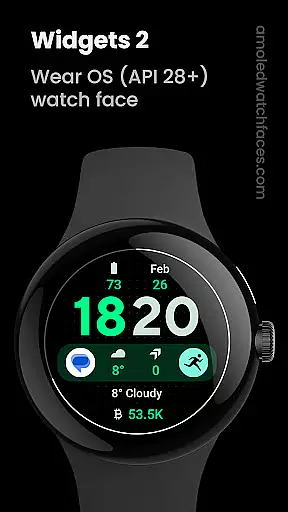
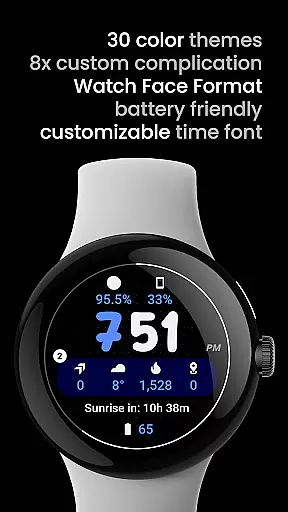
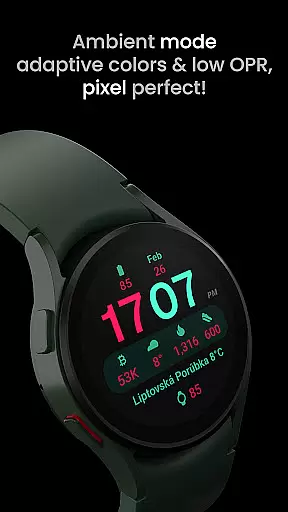
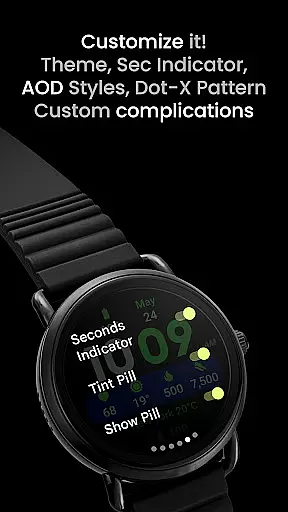
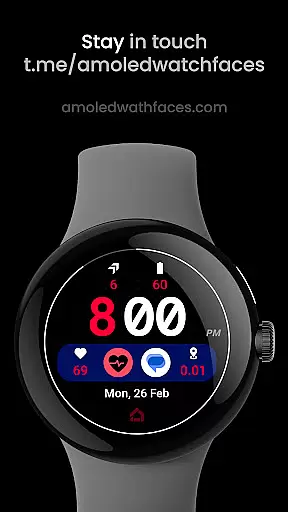
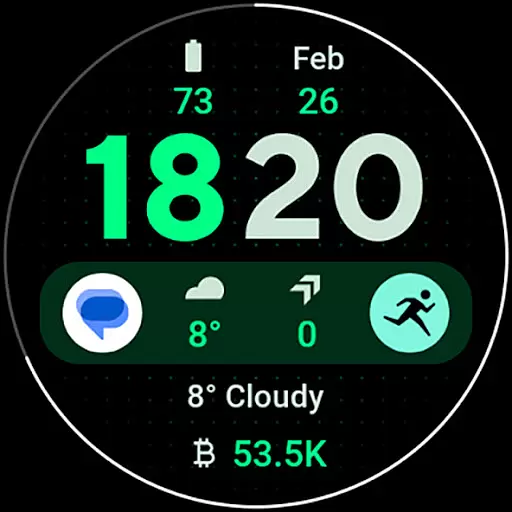
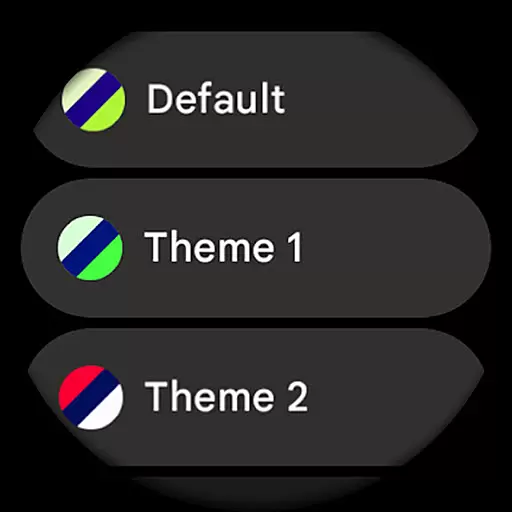
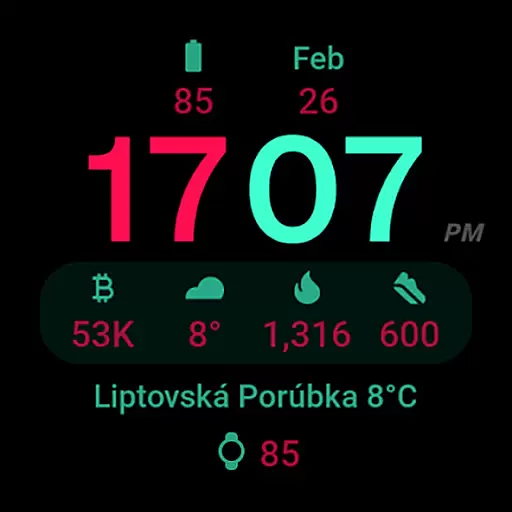
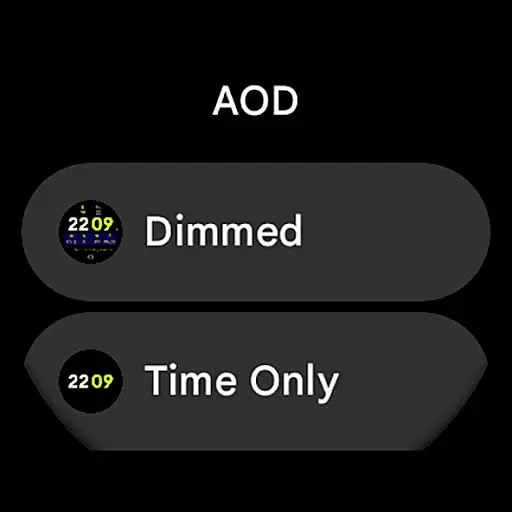
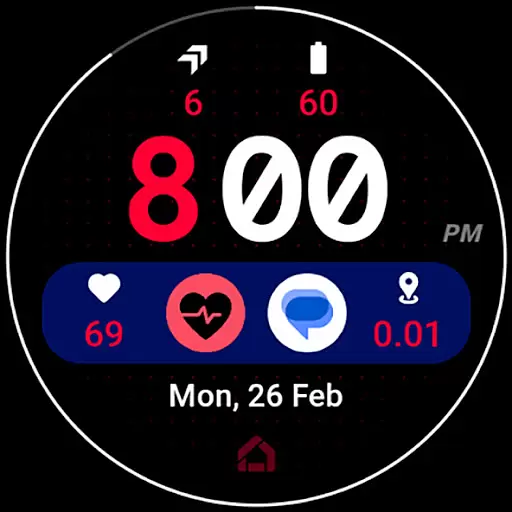
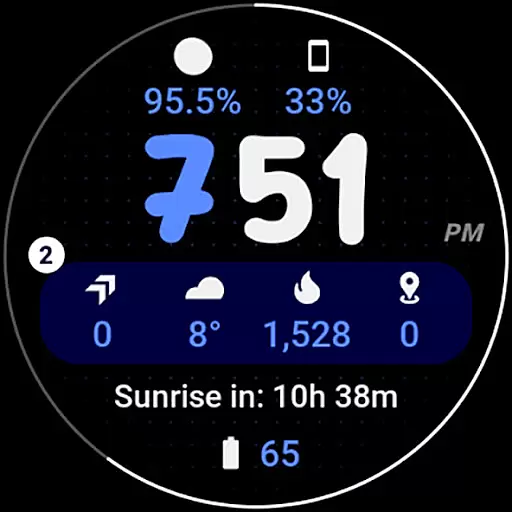
Widgets 2 is a powerful productivity tool designed exclusively for Wear OS 4+ devices, offering users an enhanced smartwatch experience. This app provides a range of sophisticated features including true black backgrounds, high resolution displays, and unique color themes that cater to both aesthetic and functional preferences. With support for up to 8 custom complication slots and an innovative ambient mode with adaptive colors, Widgets 2 ensures optimal usability while minimizing battery consumption.
The application stands out through its deep customization options, allowing users to personalize their watch faces with different time fonts, themes, and display settings. Whether you're looking to optimize your smartwatch for professional use or personal enjoyment, Widgets 2 delivers a seamless blend of style and utility. Its compatibility with the latest Wear OS devices makes it an essential tool for anyone seeking to maximize their smartwatch's potential.
Widgets 2 distinguishes itself through a comprehensive feature set tailored for power users of Wear OS devices. The app supports Watch Face Format 1, ensuring full compatibility with the latest operating systems while delivering stunning visuals through true black backgrounds and high-resolution graphics. One of its most notable capabilities is the inclusion of 8 custom complication slots, each of which can be uniquely configured to display various types of information such as weather updates, fitness stats, or notifications.
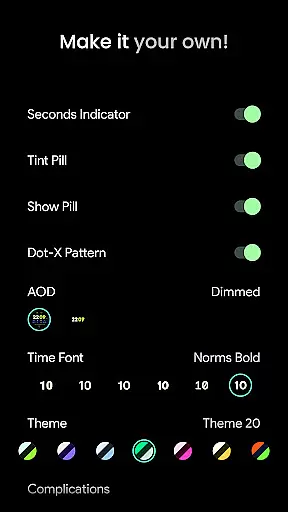
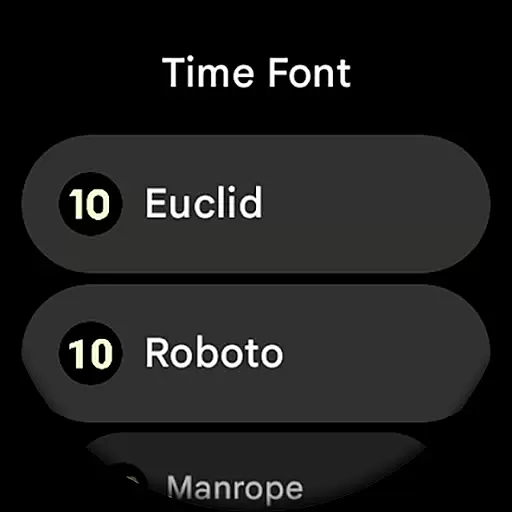
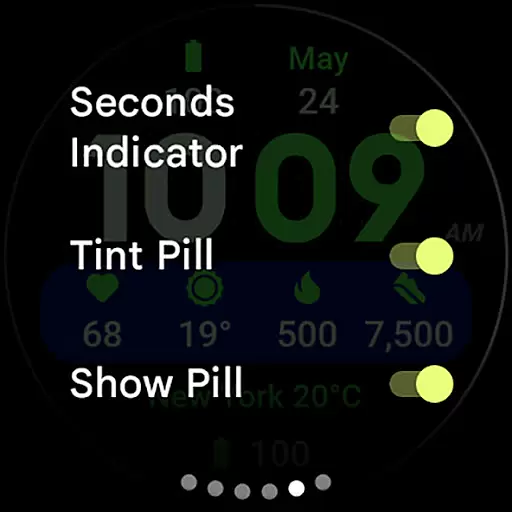
Another standout feature is the unique ambient mode that intelligently adjusts colors to conserve battery life without compromising readability. Users can further customize their experience by adjusting elements like time font styles, enabling progress bar seconds indicators, and toggling specific display components such as dot patterns or tint pills. These extensive customization options empower users to create personalized watch faces that suit their individual needs and preferences, making Widgets 2 an indispensable tool for productivity enthusiasts.
Task management is a cornerstone of productivity applications, enabling users to organize, prioritize, and track their tasks efficiently. Widgets 2 excels in this domain by offering a comprehensive suite of features tailored for Wear OS 4+ devices.
This application provides users with the ability to configure up to eight custom complication slots on their watch face, allowing quick access to vital information and actions. With support for phone notifications complications, users can stay informed about important alerts without needing to reach for their phone.
Widgets 2 enhances user experience through unique ambient modes and burn-in protection, ensuring that the display remains vibrant and undamaged over time. The inclusion of customizable time fonts and various color themes means that users can tailor their watch face to match personal preferences or improve readability.
By integrating advanced features such as progress bar seconds indicators and adaptive colors, Widgets 2 ensures that users have all necessary tools at their fingertips, making daily task management seamless and intuitive.
Cross-device synchronization is essential for maintaining consistency across multiple platforms, and Widgets 2 delivers reliable performance in this area. Designed specifically for Wear OS 4+ devices, it ensures that changes made on one device are accurately reflected on others.
The application supports true black backgrounds and high-resolution displays, which not only enhance visual appeal but also contribute to battery savings on AMOLED screens. This feature is particularly beneficial when synchronizing data between a smartphone and a smartwatch, providing a cohesive user experience.
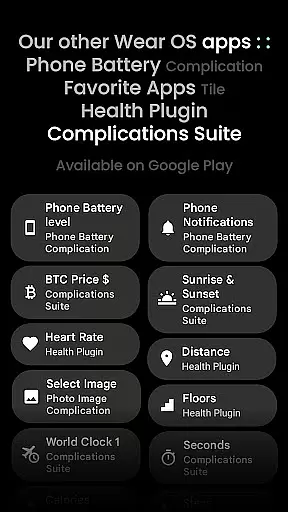
With compatibility for the latest Wear OS devices and integration with Phone Battery Complication app, Widgets 2 guarantees that users receive timely updates and notifications. This seamless connection allows for real-time synchronization of critical information such as battery levels and notifications.
Moreover, Widgets 2 offers extensive customization options including different themes, fonts, and ambient modes. These settings ensure that regardless of the device being used, users enjoy a consistent and personalized interface that adapts to their specific needs and preferences.
User-friendly interface
Highly customizable options
Optimized battery usage
Vibrant color themes
Comprehensive complication support
Limited device compatibility
Rectangular watch exclusion
Premium cost for full features
Requires additional apps
Complex initial setup

A Revolutionary All-in-One Artificial Intelligence Tools
 3.80
3.80
Client for Nextcloud Deck
4.60
The long-awaited modern gallery app for your Nextcloud server
4.70
The Pro Version of Android's tiniest Notepad app. Just 0.3MB but feature-packed!
4.60
Absolutely the best CNC machinist speed and feed calculator around. fswizard.com
4.60
Create and edit presentations with Google Slides, part of Google Workspace.
4.00
* block pre-roll ads, pop-up and forced redirect ads * Samsung certification app
4.00
Share files & memories safely. Keep your photos and videos secure.
4.40
Okta MFA
4.70
Scientific calculator for Android - looks and operates like the real thing!
4.90
App Lock with fingerprint, password: Lock apps & hide photos with lock screens
4.60
PDF scanner & converter for files, photos, lottery, QR codes. One swipe away!
4.50
Access, manage and transfer files on Android, PC, Mac, NAS and cloud storages.
4.30
Activate Two Factor Authentication (2FA or Multi OTP), Password manager and more
4.10
Intelligent AI Assistant
4.10
Unlock AutoNotification
4.00
⏰ Finally a timer app which can run multiple timers simultaneously on your watch
3.90
Create study competitions, track your hours, and stay consistent with friends
4.1
A simple, portable logger for POTA, SOTA, Field Day, and more
4.5


User Reviews