
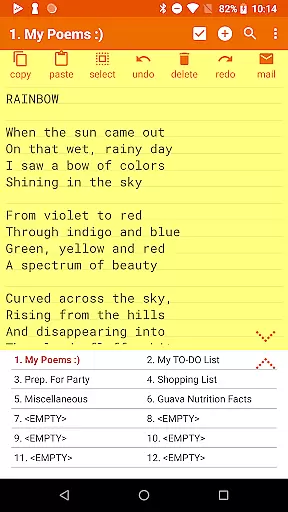
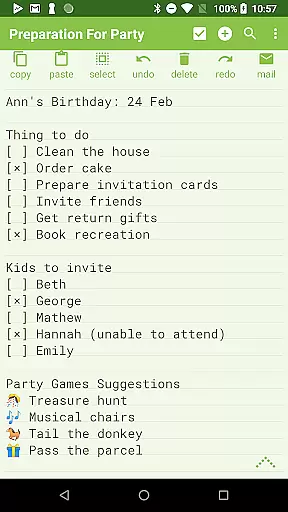
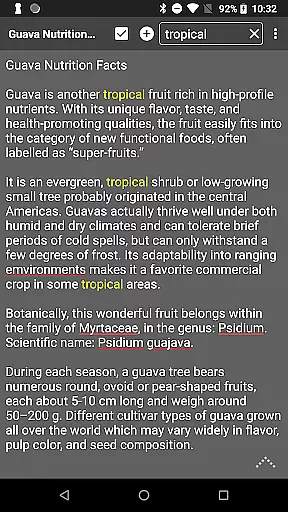
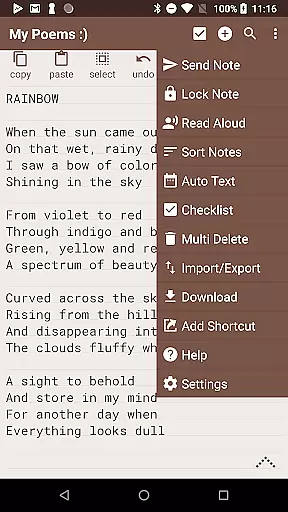
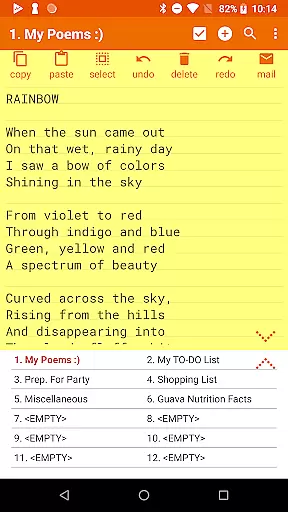
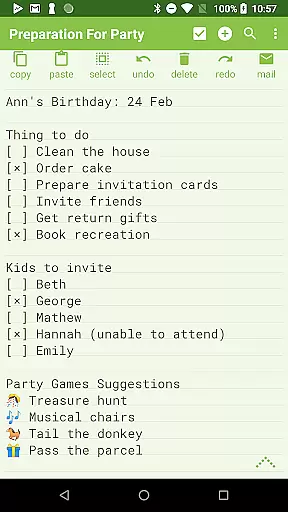
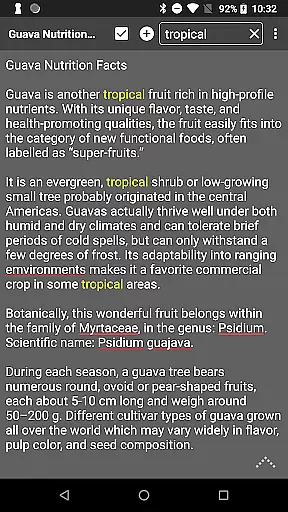
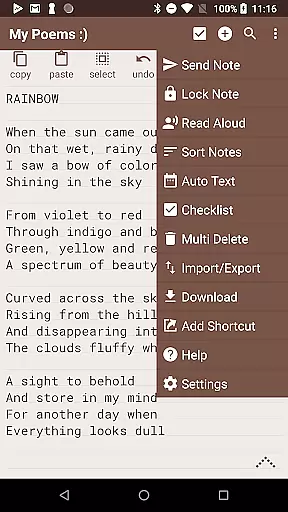
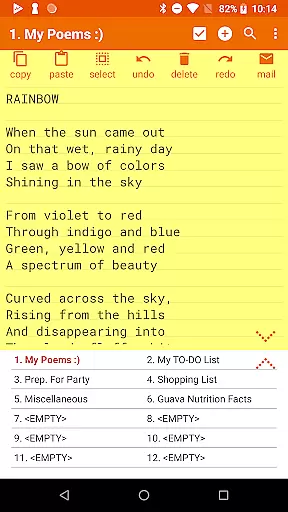
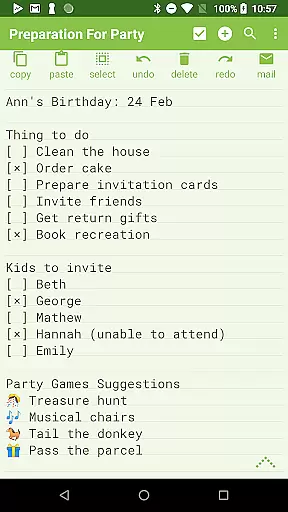
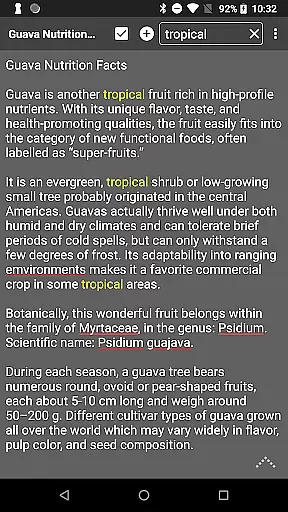
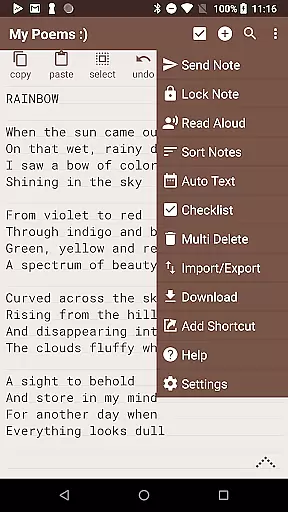
Notepad Pro represents the pinnacle of minimalist productivity tools, offering users an efficient way to manage notes on their Android devices. This versatile notepad application provides essential features for note-taking while maintaining a lightweight footprint of just 0.3 MB.
The app's core functionality revolves around its unlimited notepad slots and advanced organizational capabilities. Users can create, search, and categorize notes with ease, while enjoying additional features like in-line checklists and desktop widget support. Its professional-grade features make it suitable for both personal and business use.
Whether you're a student needing to organize study materials or a professional managing project notes, Notepad Pro delivers a reliable solution. The app's ability to handle backups, read-only modes, and local file management ensures your important information remains secure and accessible.
Notepad Pro distinguishes itself through its comprehensive feature set designed to enhance productivity. The application offers advanced organizational tools including custom sorting, bookmarking capabilities, and full-screen viewing options for optimal note management.
Security and accessibility features are particularly robust. Users can create read-only notes, schedule automatic backups, and selectively import/export notes. The app also supports desktop shortcuts and provides Home/End navigation shortcuts, making note retrieval faster and more efficient.
Sharing capabilities have been thoughtfully implemented, allowing users to open text from external applications, attach notes as files in emails, and even specify preferred email clients. These features, combined with text-to-speech functionality and customizable themes, create a comprehensive productivity solution that adapts to various user needs.
Notepad Pro excels in core task management by providing users with unlimited notepad slots, enabling them to organize their thoughts and tasks without any constraints. This feature is crucial for productivity apps as it allows seamless organization of information.
The app goes beyond basic note-taking by offering in-line checklist capability and the ability to search within and across notes. These functionalities ensure that users can efficiently manage and retrieve their tasks, enhancing overall productivity.
With its tiny size of just 0.3 MB and no unwanted permissions, Notepad Pro ensures a lightweight yet secure task management experience. The desktop widget support further augments accessibility, allowing users to view and add notes directly from their home screen.
Cross-device synchronization is vital for users who work across multiple devices. Notepad Pro addresses this need by enabling users to download notes and backups locally, ensuring their data is accessible wherever they go.
The app provides robust safeguard features such as making notes read-only and specifying backup frequency. These options give users peace of mind knowing their notes are protected against accidental changes and regularly backed up.
Selective import/export functionality adds another layer of flexibility, allowing users to move specific notes between devices effortlessly. This reliable synchronization ensures that users' productivity is never hindered by device limitations.
Lightweight design
Unlimited note storage
Advanced backup options
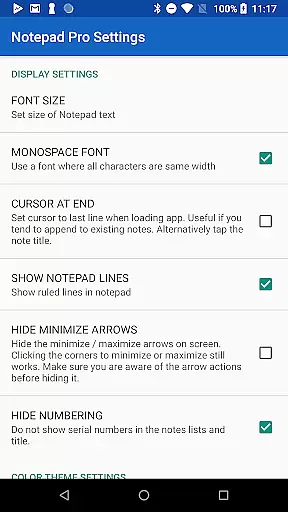
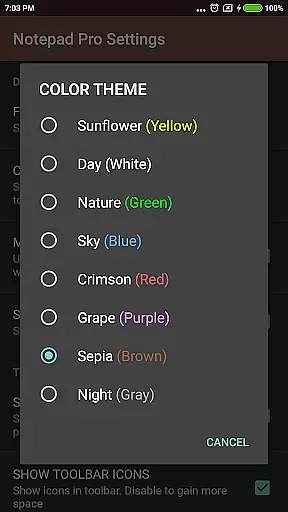
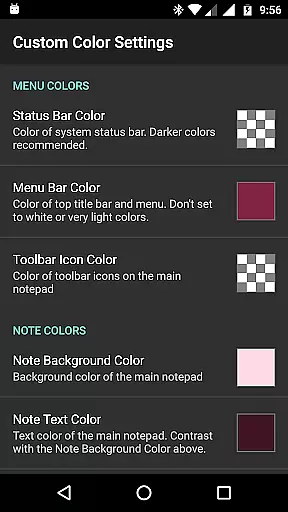
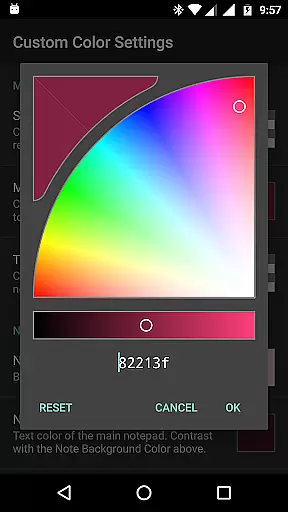
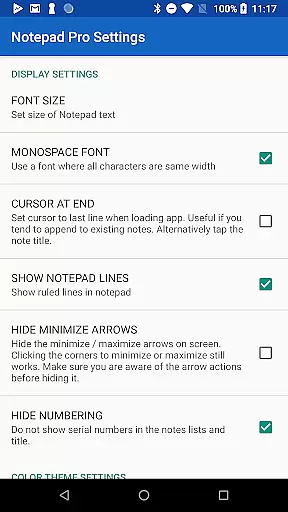
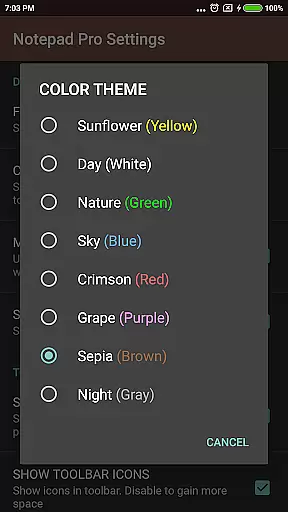
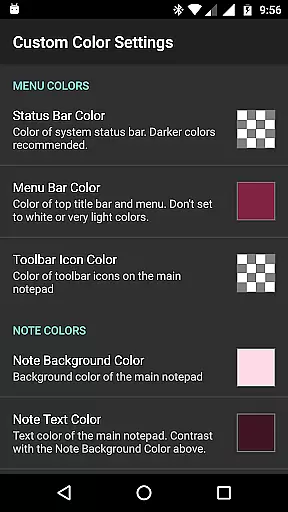
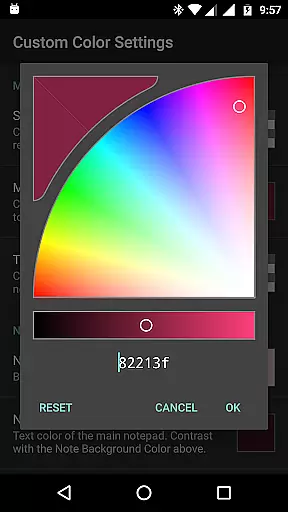
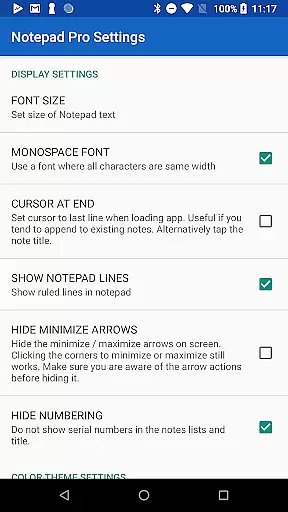
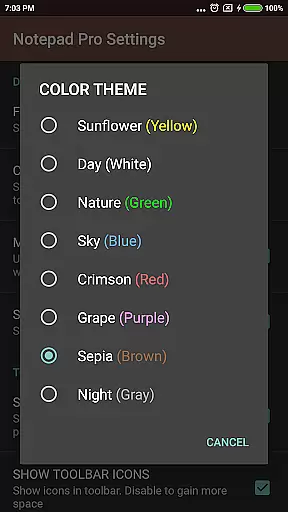
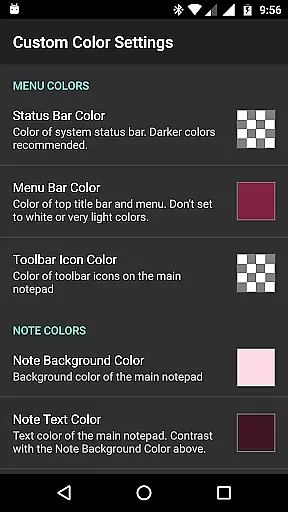
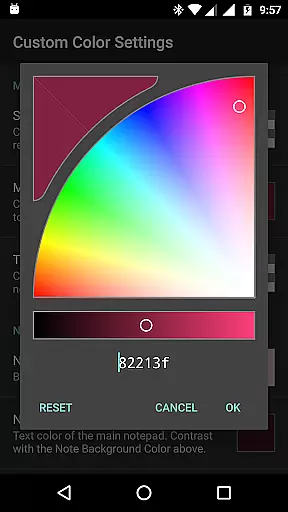
Customizable interface
Comprehensive sharing
Paid version only
No cloud sync
Limited formatting
No collaboration
Android exclusive

Total remote control for your Android device, PC and cloud services (IFTTT)!
 4.20
4.20
Android Wallet Password Manager
4.80
Secure, fast, open-source, Remote Desktop Client for Windows and Linux with SSH
4.60
App lock - lock apps with fingerprint, password, pin or pattern, protect privacy
4.70
Translate text/voice/photos in 150+ languages. Offline & fast translator app.
4.50
Access, manage and transfer files on Android, PC, Mac, NAS and cloud storages.
4.30
This small app MUST BE INSTALLED after purchase, else license won't work
4.40
Lightweight PDF, Word, Excel reader.
4.60
Understand anything with a personalized AI research assistant
4.80
Simple notepad & memo. Take notes, to-do list, shopping list with reminders.
4.80
PDF scanner & converter for files, photos, lottery, QR codes. One swipe away!
4.50
Tally and goal counter for Wear OS & mobile
4.50
Cloud storage, automatic phone backup, and more.
4.10
* block pre-roll ads, pop-up and forced redirect ads * Samsung certification app
4.00
All in one sketching tool. Technical and General drawing. Online Maps support.
3.70
Remotely view listen control and record cameras.
3.70
Auto-shutoff Alarm with Sunrise, Sunset & Fixed Options.
3.50
Easiest event planning, volunteer signups & parent teacher conference scheduling
2.20
AI Video AI Image Private LLM AI Browser Llama Gemma Ollama Connect LLM Studio
4.5


User Reviews