
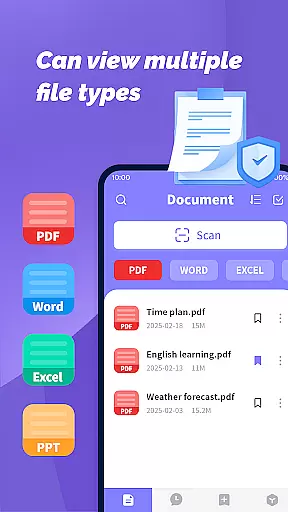
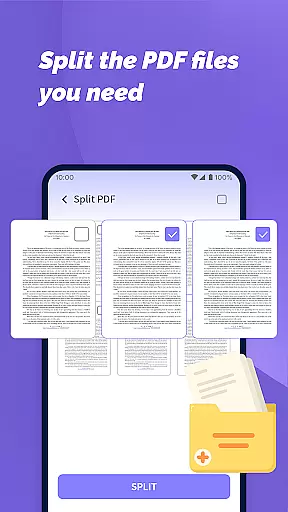
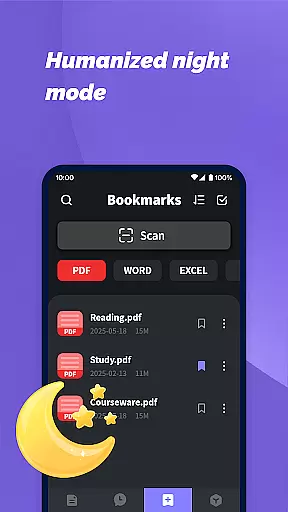
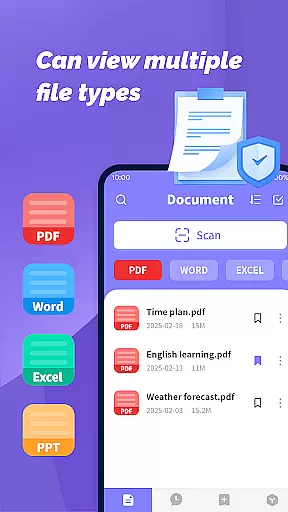
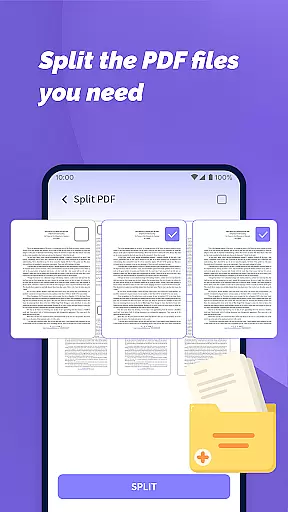
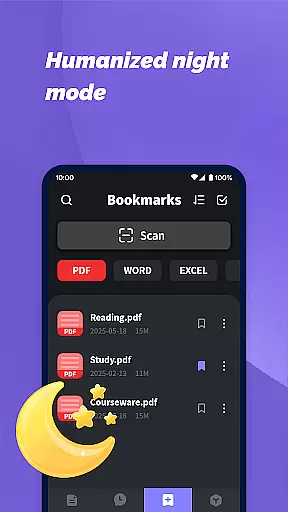
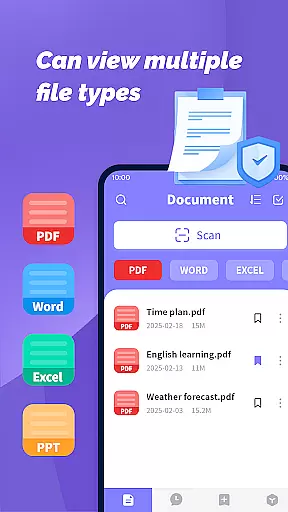
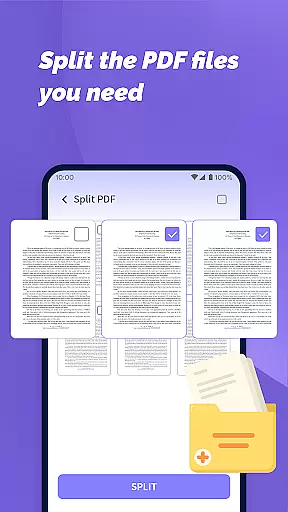
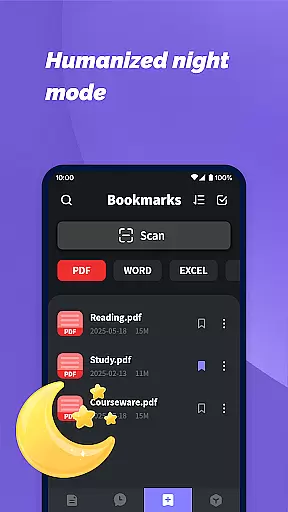
PDF File Plus is a comprehensive productivity tool designed specifically for managing and reading PDF documents on Android devices. The app allows users to not only view PDF files but also annotate them with features like underlining and strikethroughs, making document review more efficient.
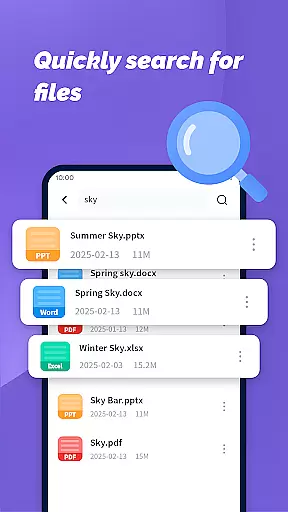
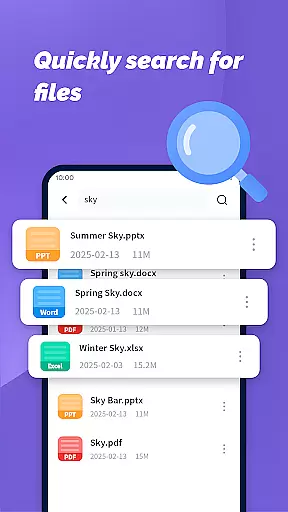
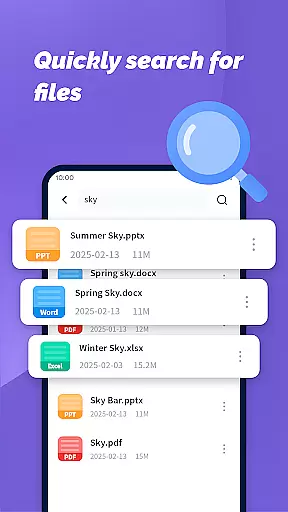
In addition to handling PDFs, the app supports multiple file formats including Word, PPT, and Excel, enabling seamless sharing and collection of various document types directly from your phone. Its powerful search functionality helps users quickly locate specific files based on their daily needs.
Whether you're at home or on the go, PDF File Plus ensures you can manage and access your important documents anytime, anywhere, without needing a computer. This makes it an essential tool for professionals and students who require flexible document management solutions.
PDF File Plus stands out with its rich feature set tailored for productivity enthusiasts. One of its key strengths is the ability to handle multiple document formats beyond just PDFs, including Word, PowerPoint, and Excel files. This versatility allows users to consolidate all their document management tasks within a single app.
The annotation tools are particularly robust, offering options to underline, strikethrough, and highlight text within PDFs. These features are crucial for users who need to review or edit documents on the fly. Additionally, the app's sharing capabilities make collaboration effortless by allowing users to send files directly from their mobile device.
Another notable feature is the app's powerful search function, which enables users to quickly find specific documents among potentially hundreds stored on their device. This saves valuable time and enhances overall productivity, especially for those dealing with large volumes of files regularly.
PDF File Plus offers a comprehensive solution for managing PDF documents efficiently on Android devices. This functionality is crucial for users who need to organize, edit, and share files while on the go.
The app allows you to underline, strikethrough, and annotate PDFs directly, making document processing seamless. With its intuitive interface, users can easily manage their PDF, Word, PPT, and Excel files without needing a computer.
One of the standout features is the ability to search for documents based on your daily needs. This ensures that users can quickly locate specific files among potentially hundreds, saving time and effort.
By providing these robust document management capabilities, PDF File Plus enhances productivity by allowing users to handle important tasks from their mobile devices, ensuring they remain efficient even outside traditional office settings.
Cross-device synchronization is essential for users who work across multiple devices. PDF File Plus ensures that your documents are consistently updated and accessible, no matter which device you use.
With reliable synchronization, any changes made to your documents on one device will reflect instantly on others. This feature is particularly beneficial for those who switch between their phone, tablet, and computer throughout the day.
The app supports easy sharing and collection of various file types including PDF, Word, PPT, and Excel. This versatility ensures that all your necessary documents are synchronized and available wherever you need them.
By prioritizing synchronization reliability, PDF File Plus guarantees that users can manage their files with confidence, knowing that their data remains consistent and up-to-date across all platforms.
User-friendly interface
Multi-format support
Powerful search function
Efficient annotation tools
Seamless sharing options
Limited iOS availability
Occasional performance lags
Premium feature costs
Complex settings for beginners
Ads in free version

AI Video AI Image Private LLM AI Browser Llama Gemma Ollama Connect LLM Studio
 4.0
4.0
Ads Free App! Editor, Hide File, Copy, Move, Delete and Rename.. all facility av
1.70
Total remote control for your Android device, PC and cloud services (IFTTT)!
4.20
Todo reminder
4.10
All in One PDF Reader: Manage, Read and Edit your Documents
4.20
Cloud storage, automatic phone backup, and more.
4.10
AI Chatbot and AI writing assistant powered by ChatGPT.
4.60
Daily processing of PDF documents.
4.40
Put a lock on your cloud: Take the security of your data into your own hands
3.70
Best Tool for the professionals Electrician, Electrical contractors, etc.
4.90
Mind Map and brainstorm, note taking and idea collection
4.80
Secure, fast, open-source, VNC and SSH Remote Desktop for Windows, Linux and Mac
4.70
The long-awaited modern gallery app for your Nextcloud server
4.70
aCalendar+ makes your day, week and month
4.70
App Lock with fingerprint, password: Lock apps & hide photos with lock screens
4.60
A customizable calendar for your Wear OS watch
4.20
Activate Two Factor Authentication (2FA or Multi OTP), Password manager and more
4.10
Access your phone's notifications, calls, apps, photos & texts on your PC
3.90
A simple, portable logger for POTA, SOTA, Field Day, and more
4.1


User Reviews