
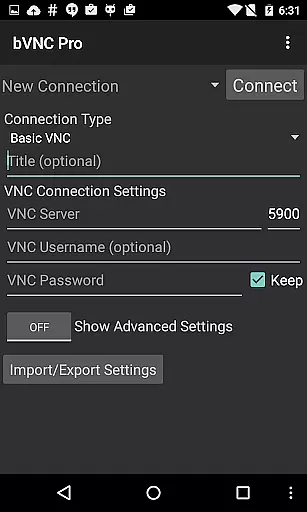
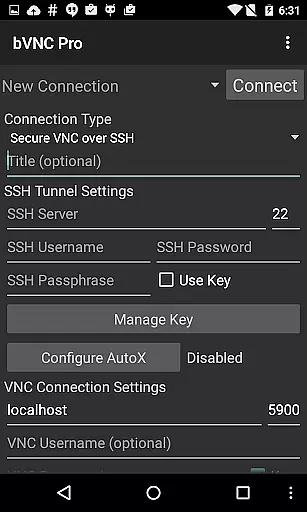
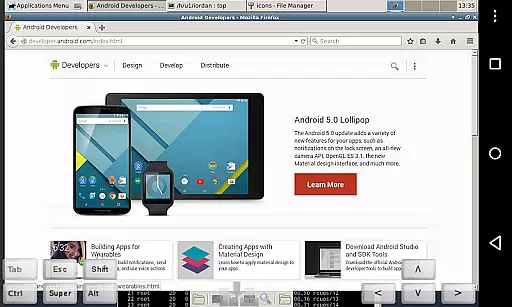
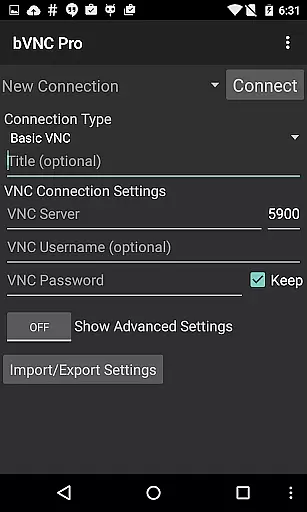
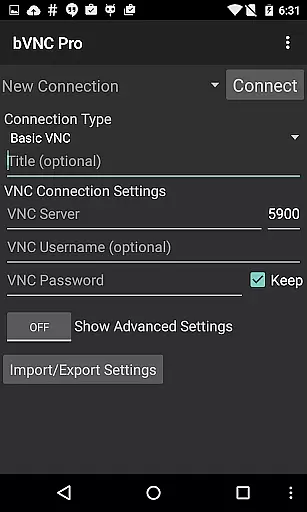
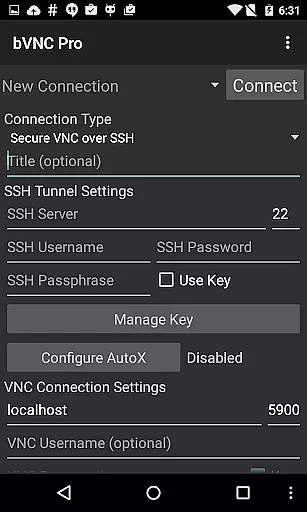
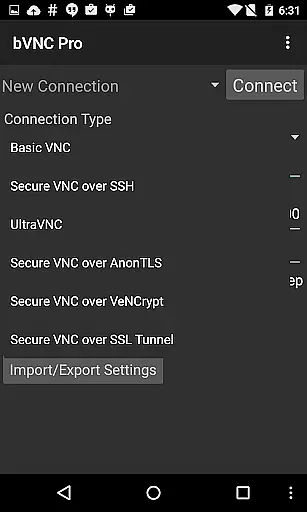
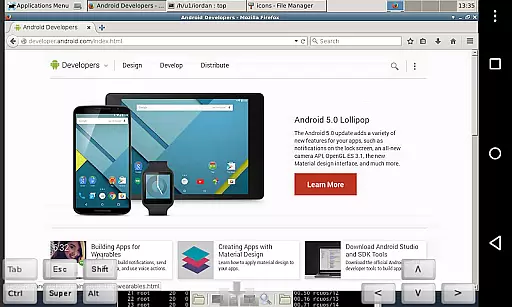
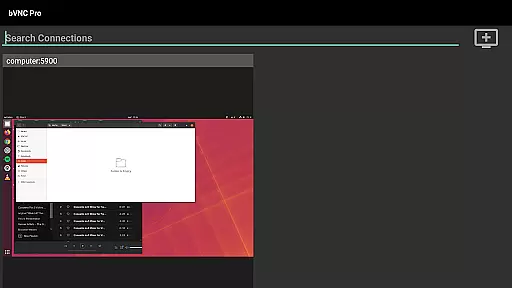
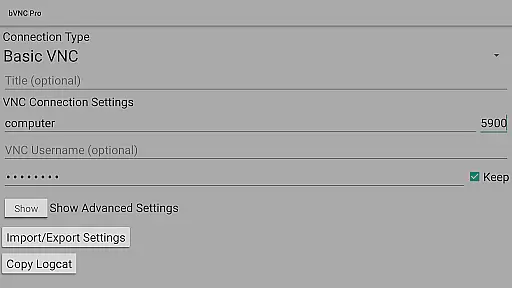
bVNC Pro: Secure VNC Viewer is a top-tier productivity tool designed for secure remote desktop access. This application allows users to connect to various operating systems including Windows, Mac, Linux, and others that have a VNC server installed. The app stands out with its compatibility with PiKVM and advanced security features like master password support and multi-factor SSH authentication available in the Pro version.
With bVNC Pro, users can enjoy multi-touch controls for the remote mouse, making navigation intuitive and efficient. Whether you need to manage servers, provide technical support, or work remotely, this app offers a reliable solution. Its comprehensive feature set ensures that users can maintain full control over their remote systems while benefiting from robust security measures.
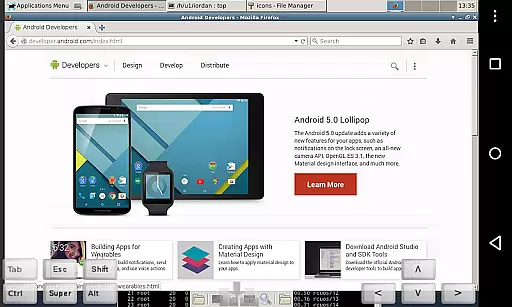
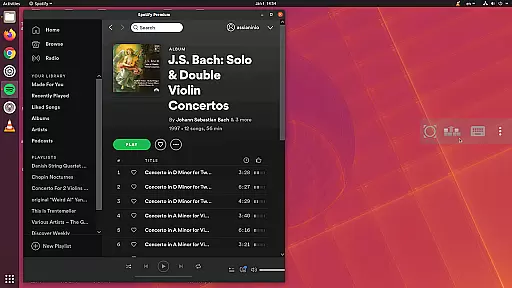
bVNC Pro boasts an array of powerful features tailored for productivity enthusiasts. One of its key strengths is the ability to offer multi-touch control over the remote mouse, enabling users to perform left, right, and middle clicks effortlessly using finger taps. Additionally, it supports scrolling with two-finger drags and pinch-zoom functionality, enhancing user interaction.
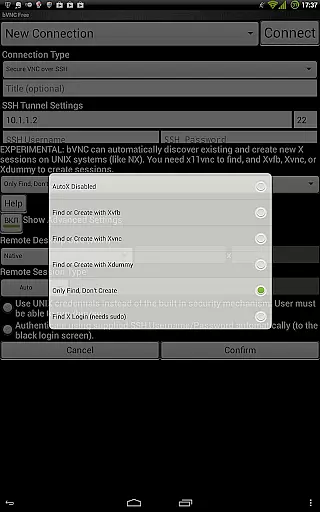
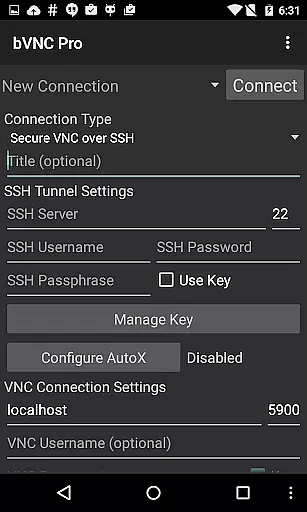
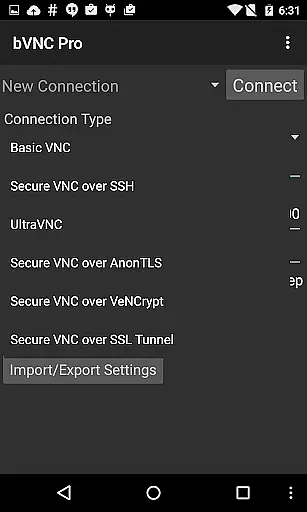
The app also provides dynamic resolution changes, allowing users to reconfigure their desktops on-the-fly while maintaining a connection. With options like Force Landscape mode, Immersive Mode, and Keep Screen Awake, users can customize their experience for optimal performance. Furthermore, bVNC Pro ensures secure connections through SSH tunneling, AnonTLS, and VeNCrypt, offering encryption superior to standard RDP protocols.
bVNC Pro is a secure VNC viewer that excels in core task management by providing users with the tools necessary to efficiently control remote desktops. The app supports multi-touch gestures, enabling intuitive mouse control and scrolling, which simplifies navigation on the remote system.
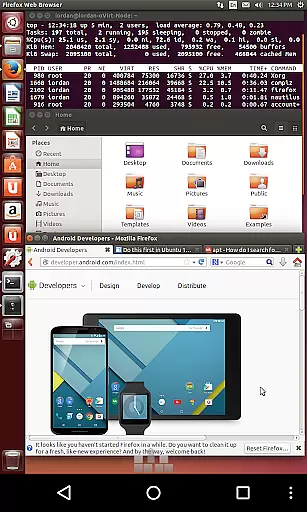
With features like dynamic resolution changes and full rotation, bVNC Pro ensures that users can adjust their view for optimal productivity. Whether reconfiguring a desktop environment or managing virtual machines from BIOS to OS, this app provides the flexibility needed for various tasks.
The inclusion of SSH tunneling, AnonTLS, and VeNCrypt adds a layer of security, making certain that connections remain private and protected from unauthorized access. This focus on secure connections allows users to manage their tasks with peace of mind.
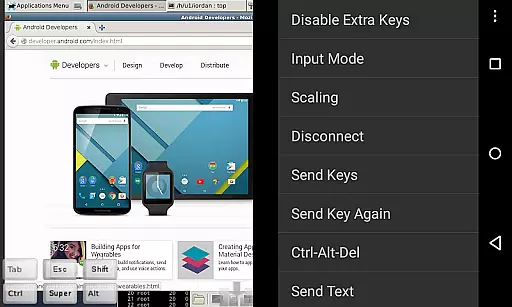
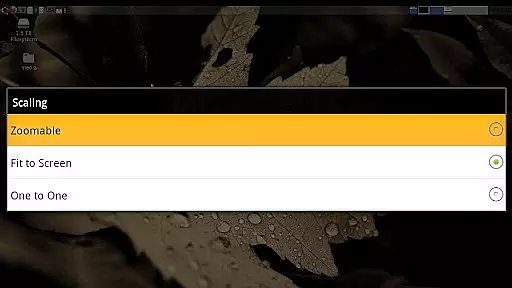
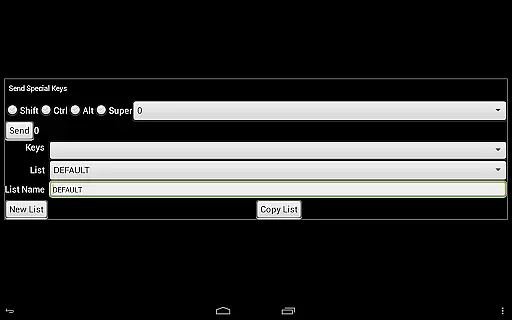
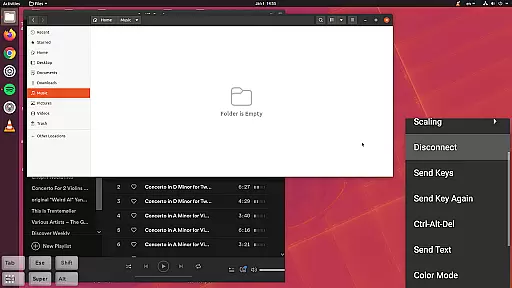
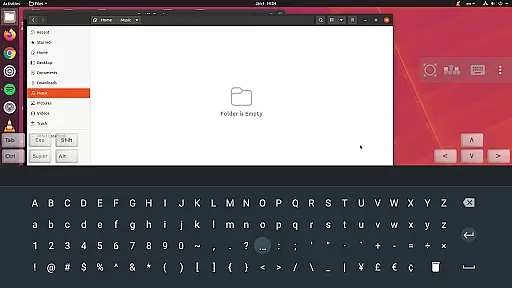
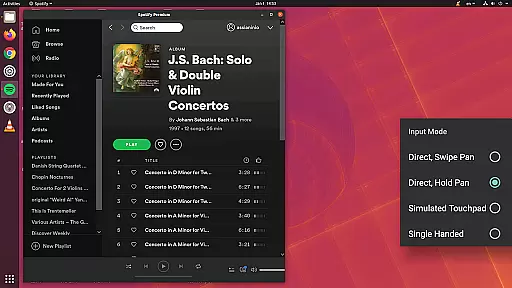
Additionally, bVNC Pro offers different scaling modes and input methods, catering to user preferences and ensuring a personalized experience. These options contribute to efficient task management by allowing users to interact with remote systems in a way that suits them best.
Cross-device synchronization is a critical aspect of bVNC Pro, ensuring reliable access to remote desktops across different devices. Users can seamlessly transition between their iOS, Mac OS X, or Android devices while maintaining a consistent and secure connection to their VNC servers.
The app's support for high-grade encryption using SSH and VeNCrypt prevents man-in-the-middle attacks, securing data as it moves between devices. This robust security framework is essential for users who require dependable cross-device functionality without compromising on safety.
bVNC Pro also facilitates the import of encrypted or unencrypted RSA keys in PEM format, enhancing its compatibility with various systems and ensuring that key-based authentication remains smooth and uninterrupted across devices.
Moreover, the availability of multi-language support and an intuitive interface guarantees that users worldwide can effectively utilize bVNC Prou2019s synchronization capabilities regardless of their location or preferred device, thus maximizing productivity.
Secure remote access
Multi-touch controls
Dynamic resolution changes
Advanced authentication methods
Cross-platform compatibility
No RealVNC encryption support
Complex setup for beginners
Additional cost for Pro features
Limited offline functionality
Requires stable internet connection

When you Focus, so will your Bean in this cozy focus timer
 4.30
4.30
Direct Chat without saving contacts & Dual WA Account on Single Device
4.70
8 custom complications. Custom Time Fonts. Beautiful color schemes. A++ Design.
5.00
The Pro Version of Android's tiniest Notepad app. Just 0.3MB but feature-packed!
4.60
We're working to become the best machining app on the market! www.cncdirt.com
4.80
All in One PDF Reader: Manage, Read and Edit your Documents
4.20
A comprehensive suite of tools designed specifically for Lactation Consultants
4.5
Experience and share your SolidWorks designs on your Android® phone and tablet.
2.50
Note taking, handwriting, record audio, PDF annotation, planner & journal
4.20
Native client for Forgejo and Gitea
5.00
App lock - lock apps with fingerprint, password, pin or pattern, protect privacy
4.70
A beautiful digital clock with autostart and many other functions
4.70
Lightweight PDF, Word, Excel reader.
4.60
AI Chatbot and AI writing assistant powered by ChatGPT.
4.60
PDF scanner & converter for files, photos, lottery, QR codes. One swipe away!
4.50
Subscribe to Webcal & .ics calendars and keep them up-to-date!
4.50
Unlock AutoNotification
4.00
Mega cloud explorer plugin for Solid Explorer
3.80
Simple and reliable communication between inmates, friends and family
3.20


User Reviews