








CNC Machinist Calculator Pro

4.80

Information

Category:

Productivity

Price:

$ 14.99

Rank:

35

Rating:

4.80

Overview

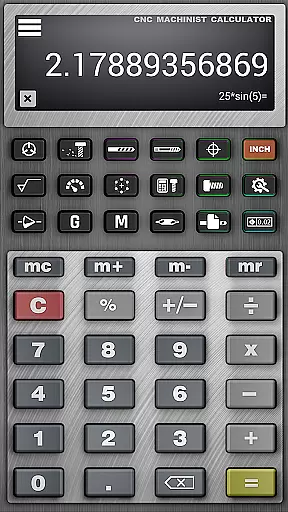
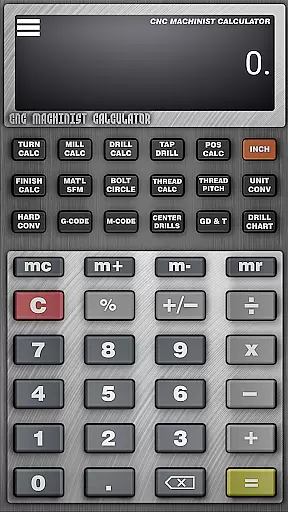
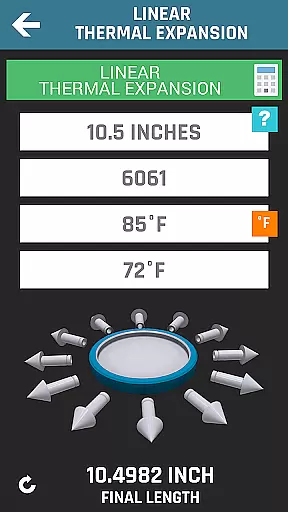
CNC Machinist Calculator Pro is a comprehensive productivity application specifically designed for professionals in the manufacturing industry as well as hobbyists engaged in CNC machining. This powerful tool serves as an essential resource for manufacturing engineers, machinists, CNC operators, and tool and die makers by providing quick and accurate calculations that are crucial during machining operations. The app can be utilized on mobile devices, making it accessible at any time, whether you're on the shop floor or away from your workstation. One of the best things about CNC Machinist Calculator Pro is its extensive range of calculators covering turning, milling, drilling, and other machining processes. This means that users can perform complex machining calculations with ease and precision. And if you're using the app for quoting new work, it streamlines the process by delivering fast and reliable estimates. Overall, CNC Machinist Calculator Pro is an excellent application for anyone involved in CNC programming or machine operation. Whether you're looking for cutting speed calculations, feed rate conversions, or geometric solutions, it's a great option.

Features

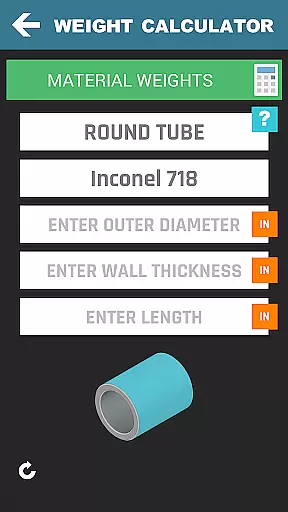
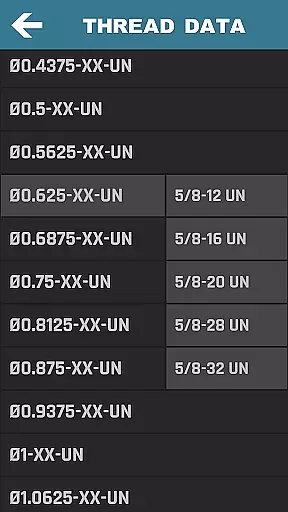
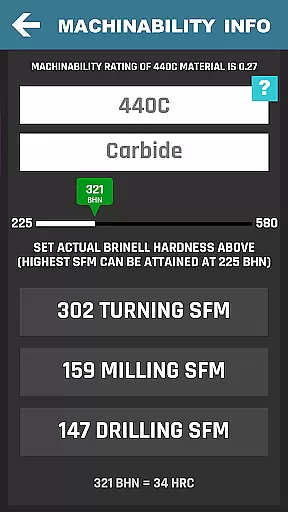
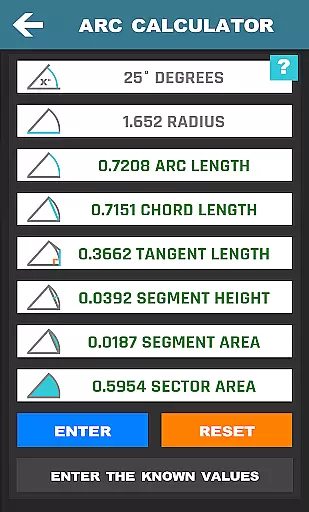
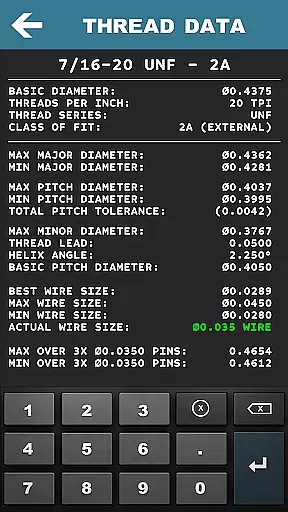
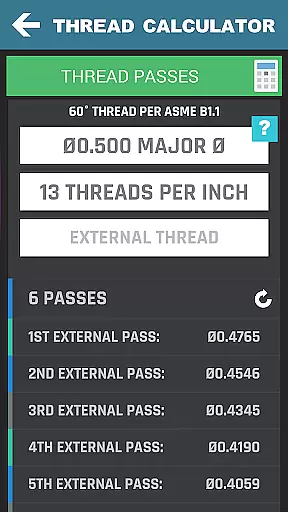
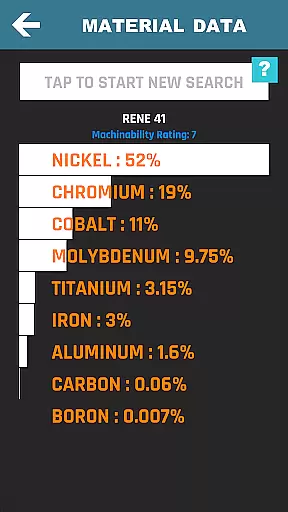
CNC Machinist Calculator Pro stands out as a feature-rich app tailored to meet the needs of CNC professionals. Here are five of our favorites: 1. Extensive Machining Calculators - The app includes specialized calculators for turning, milling, and drilling operations, allowing users to calculate cutting speeds, cycle times, and feed rates among other parameters. 2. Thread Data and Calculations - Users have access to detailed thread data including 60u00b0 threads, NPT, Acme, and STI threads, along with thread over wire measurements which are critical for precision threading jobs. 3. Material Property Search - With machinability information for over 170 materials, this feature helps users select the right material and optimize machining conditions accordingly. 4. Geometric and Scientific Calculators - From solving triangles to performing trigonometric functions, these built-in calculators provide versatile tools for various engineering computations. 5. Machinist Community Forum - A dedicated space where users can engage with fellow machinists, exchange knowledge, and seek advice on challenging machining tasks.

Core task management

CNC Machinist Calculator Pro excels in core task management by providing a comprehensive suite of calculators tailored for manufacturing professionals. The app includes turning, milling, drilling, and gun drilling calculators, each designed to streamline specific machining operations.

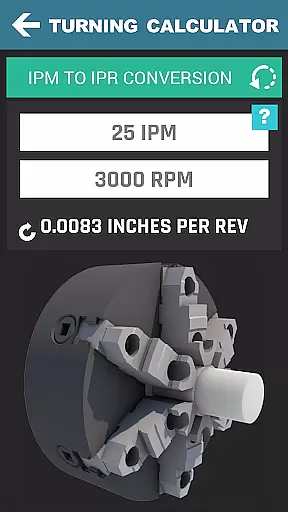
For lathe operators, the turning calculator offers cutting speed calculations based on material, grooving cycle time estimation, rough turn cycle time computation, and essential conversions between cutting speed and RPM. Milling operators benefit from similar functionalities, including radial chip thinning and metal removal rate calculations, ensuring optimal performance during milling operations.

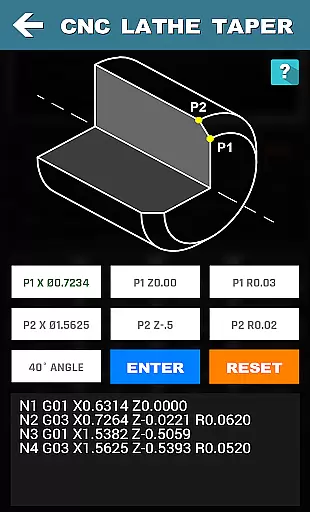
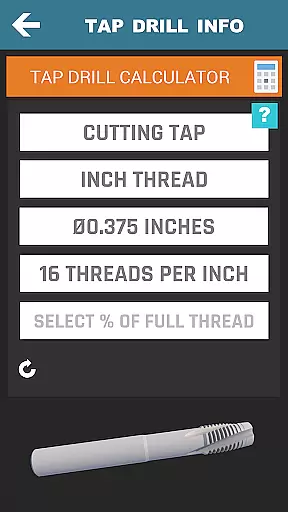
The application goes beyond basic calculations by incorporating thread data for various standards, true position calculators, and bolt pattern analysis tools. These features enable users to manage complex machining tasks with precision while improving overall productivity through accurate planning and execution.

Cross-device synchronization reliability

While CNC Machinist Calculator Pro focuses primarily on machining calculations, its reliability extends to cross-device usage scenarios. Machinists and engineers can depend on consistent performance whether they're using the app on their primary device or switching between multiple devices at the workshop and office.

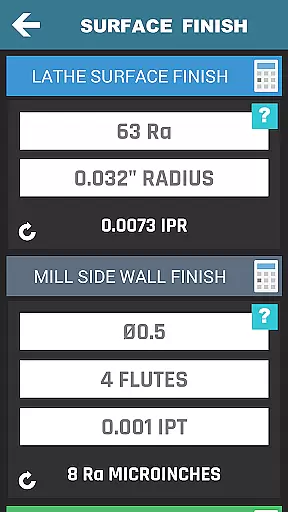
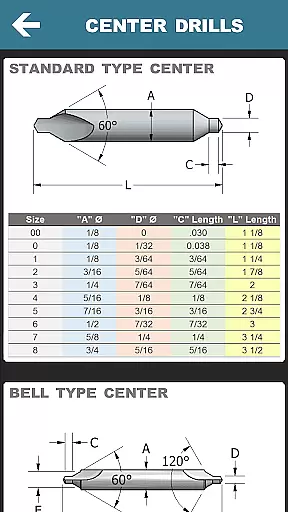
All calculation modules, from surface finish estimations to drill and tap charts, are optimized to maintain accuracy and speed across different hardware configurations. This ensures that users experience uniform responsiveness and functionality regardless of their chosen platform.

The app's robust architecture guarantees that all updates to material properties, tool wear information, or custom macro variables are immediately reflected across devices. This synchronization capability allows professionals to seamlessly transition between work environments without losing access to critical machining data or personalized settings.

FAQs

What is this app and what can I use it for?

CNC Machinist Calculator Pro is a machining calculator app for manufacturing professionals and hobbyists, providing quick calculations for CNC operations.

How do I download and install this app on my device?

Download CNC Machinist Calculator Pro from Google Play or the developer's website, then follow standard installation steps for your device.

How do I get started after opening the app for the first time?

Upon first opening, browse the main menu to familiarize yourself with the app's calculators and tools before starting your machining calculations.

What are the main features and capabilities of this app?

The app offers turning, milling, drilling calculators, thread data, geometric solutions, and a machinist forum for professional interaction.

How can I customize my experience and adjust preferences?

Customize your experience by setting preferred units, selecting frequently used calculators, and adjusting calculation parameters to suit your needs.

How do I save or bookmark my favorite content for later access?

Save favorite calculations by noting them externally or using any in-app bookmarking feature if available for future reference.

How can I share content with friends or on social media?

Share specific calculations or data directly from the app via email or messaging apps to collaborate with colleagues or friends.

How do I access detailed information and explore more content?

Access detailed machining information by exploring specific calculator sections or consulting the integrated material property search function.

What permissions does this app need and how do I manage them?

The app requires standard permissions like storage access; manage these in your device settings under app permissions for privacy control.

How do I check for updates and keep the app running smoothly?

Check for updates through the Google Play Store or the developer's website to ensure smooth operation and access to new features.
Show more

User Reviews

{{ comment.reviewer_name }}
{{ comment.review_date_formatted}}
{{ comment.review_content }}
{{ tab.name }}
{{ comment.reviewer_name }}
{{ comment.review_date_formatted}}
{{ comment.review_content }}
No reviews with this rating


















